Try It OnlineAI Double Chin Remover
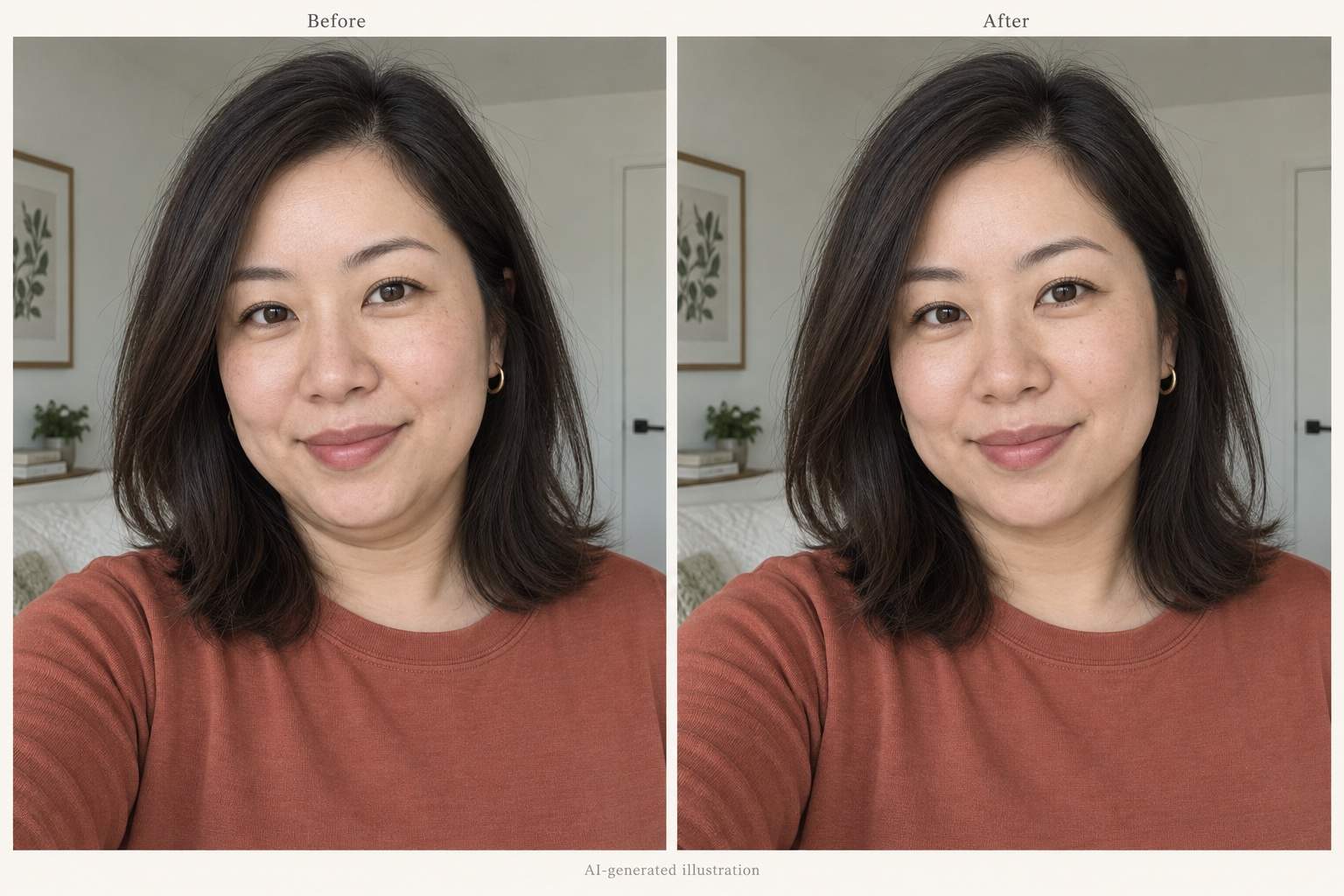
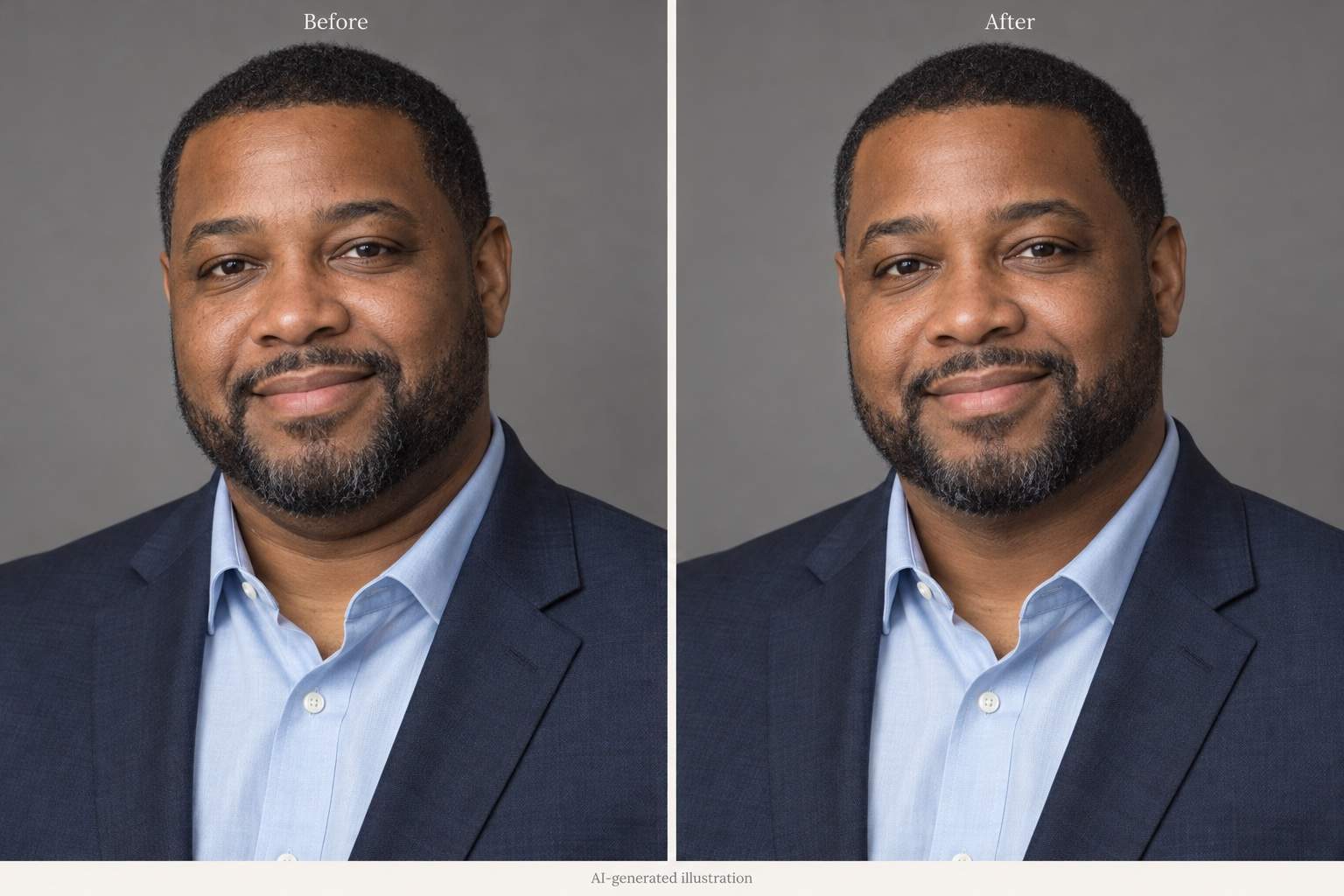
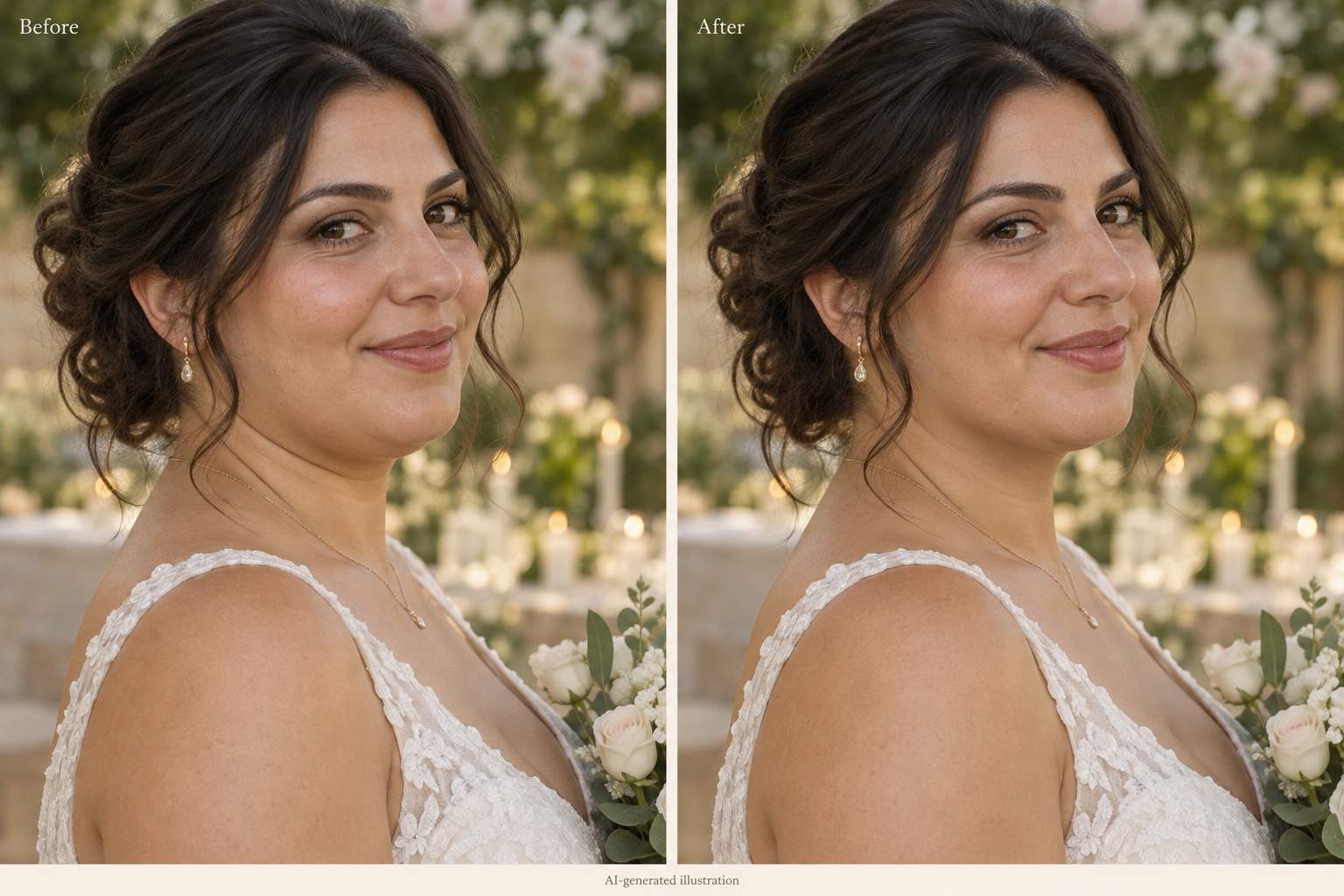
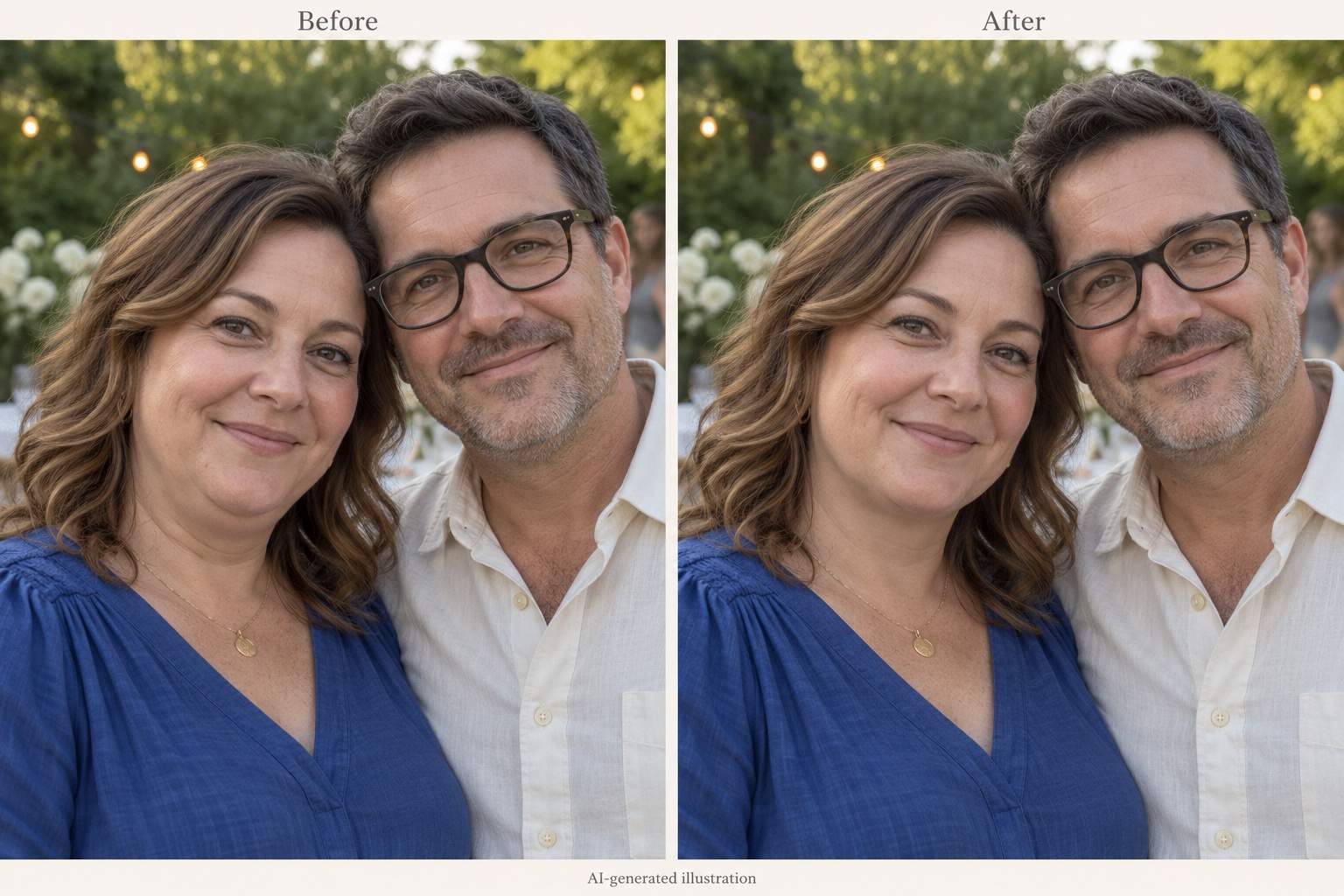
How to Remove a Double Chin from a Photo with AI
Upload Your Photo
Create the First Edit
Compare and Refine
Download Your Portrait

A Focused Chin Edit, with Room to Refine
Start with Your Actual Photo
Use this double chin photo editor on an existing selfie or portrait. Upload the moment you want to keep and describe the change.
Describe the Amount of Retouching
Ask for a slight reduction or a softer shadow. Plain-language instructions let you set the goal without learning face-reshaping tools.
Adjust an Overdone Result
Use Chat Edit to request less reshaping or more skin texture. Review each version against the original before choosing one.
Identify One Person in a Group
To remove a double chin from a group photo, identify the person by position and clothing. Ask to keep everyone else unchanged, then check the result.
Save a Photo You Can Share
Export the edited portrait as PNG or JPG without a watermark for profile pictures, social posts or a personal album.
Try It with Free Credits
Sign up for free AI credits to try double chin removal online. Edits use credits; further use depends on your balance and plan.
How to Keep Double Chin Removal Looking Natural
- Choose a Clear Source: Use the original photo when possible. Blur, heavy filters and a hidden neckline make a focused edit harder.
- Keep Your Face Recognizable: Compare the eyes, mouth, cheeks and head angle. Request a lighter edit if those features have shifted.
- Check Texture and Shadows: Keep natural skin detail and some shadow under the jaw. A completely flat or polished neck can look artificial.
- Inspect Nearby Edges: Look for changes in beard lines, necklaces, collars and background edges. Fix one issue at a time.
Targeted Fixes for Common Retouching Problems
In my uploaded selfie, soften the strong shadow under my chin without narrowing my whole face. Keep the original light direction.
The edited jaw looks too sharp. Reduce the reshaping and bring back the softer jaw contour from my original photo.
Restore natural skin texture under my chin. Keep the subtle double chin reduction, but remove the overly smooth finish.
Retouch the double chin in my uploaded headshot gently. Preserve the beard edge, stubble and shirt collar.
Reduce the double chin in my wedding portrait slightly. Preserve my smile, necklace, neckline and the original pose.
In this group photo, reduce the double chin of the person on the left wearing blue. Keep the other person and the background unchanged.





