Free OnlineAI Doll Generator
How to Make a Doll Image with AI
Add a Photo or Describe Your Doll
Choose the Doll Look
Refine the First Image
Download and Share

Doll Styles You Can Shape Around Your Idea
Your Photo as the Starting Point
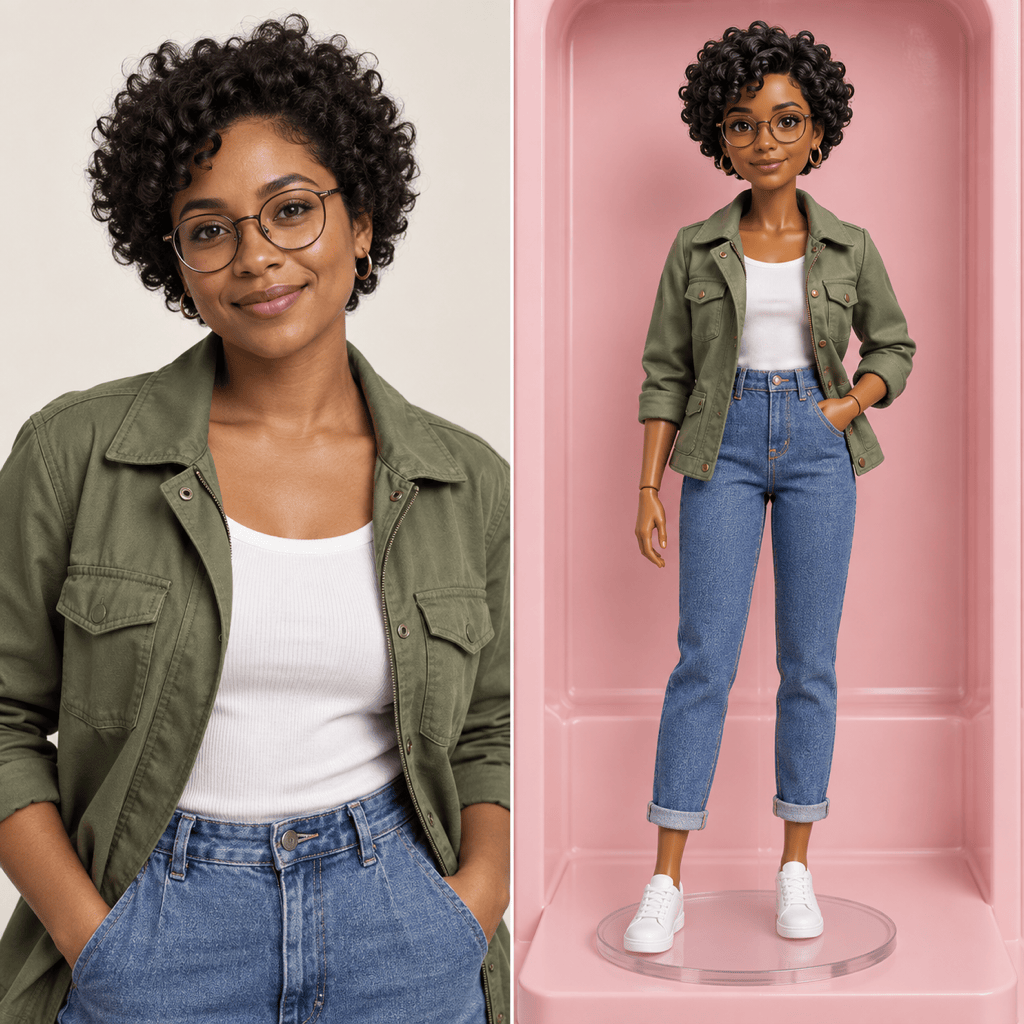
Upload a portrait and tell Mew Design which facial features, hairstyle, and outfit cues to carry into the doll version. A clear image gives the AI doll from photo workflow a better reference.
Original Characters from Text
Skip the selfie and describe a character instead. This online AI doll creator can turn details such as era, personality, clothes, and materials into a fresh visual concept.
Materials That Read Like Toys
Ask for painted resin, porcelain, molded plastic, or stitched fabric. Material cues help distinguish a collectible figure from an ordinary cartoon portrait.
Outfits, Props, and Packaging
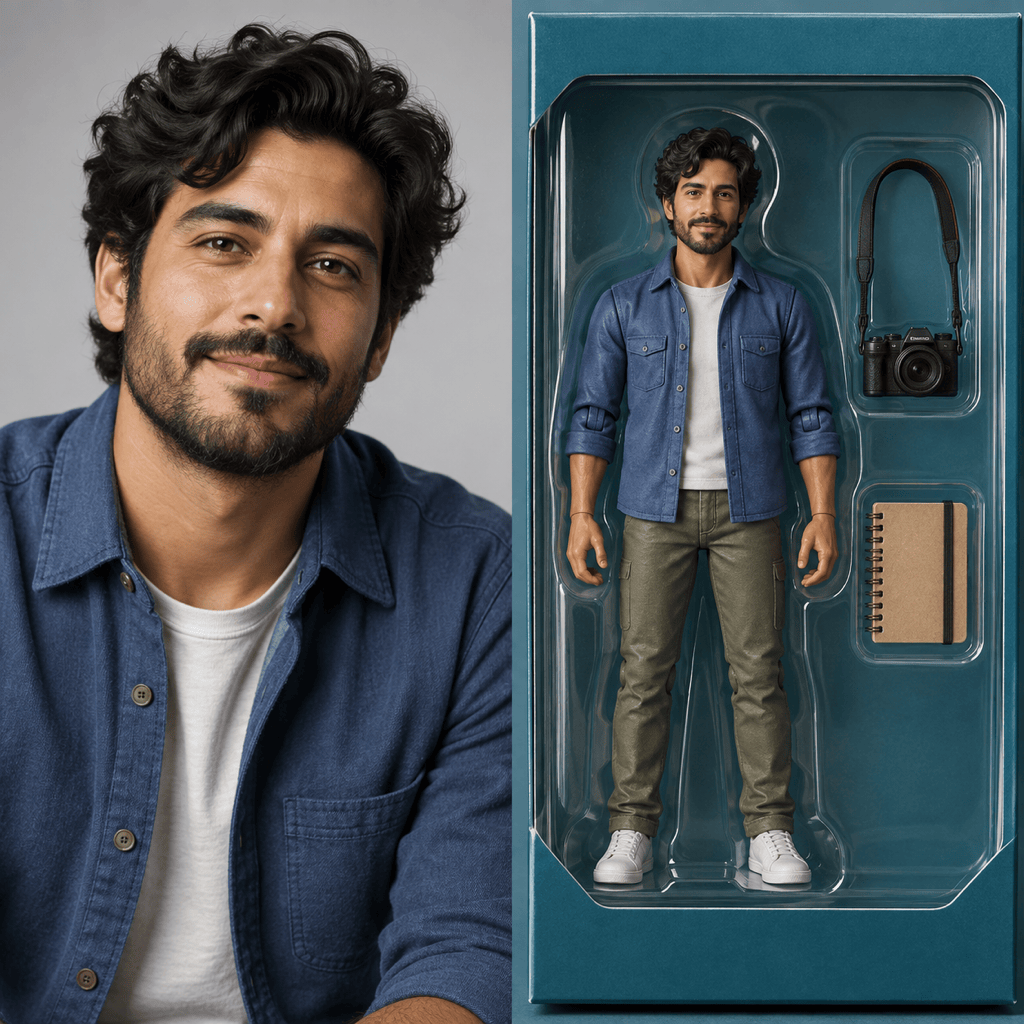
Build a boxed doll image around a theme: specify a pose, clothing, two or three small accessories, and a clear display-window layout. Review any generated label text before using it.
Conversation-Based Fixes
If the first version loses a hairstyle or adds the wrong accessory, use Chat Edit to point out that issue while keeping the parts you like. Explore several looks without restarting the brief.
Free Credits to Try a Look
Try the AI doll maker with free AI credits after signup. The result is a downloadable digital image, so you can test a style before deciding how to use it.
How to Keep Your Doll Recognizable
- Name the defining traits: Call out hair, skin tone, glasses, clothing, or a signature accessory you want the doll to retain.
- Choose a physical style: Specify porcelain, plush, vinyl, resin, or a glossy fashion-doll finish instead of saying only “cute.”
- Set the display: Ask for a portrait, a full-body toy photo, or a boxed action figure with accessories. Mention square framing for a profile image.
- Check small details: Inspect hands, facial features, props, and packaging text; correct a specific issue with Chat Edit before export.
Doll Ideas to Try with AI
Use my uploaded portrait to make a fashion doll version of me. Keep my hairstyle, skin tone, and glasses recognizable. Give the doll a tailored jacket and a clean studio background.
Turn the person in my uploaded photo into a boxed collectible action figure. Keep their key facial features and outfit colors. Add a camera and sketchbook as miniature accessories in separate compartments; avoid logos.
Use my uploaded selfie to create a cheerful chibi doll avatar. Preserve my hair and glasses, simplify the outfit, and frame the face clearly for a square social profile image.
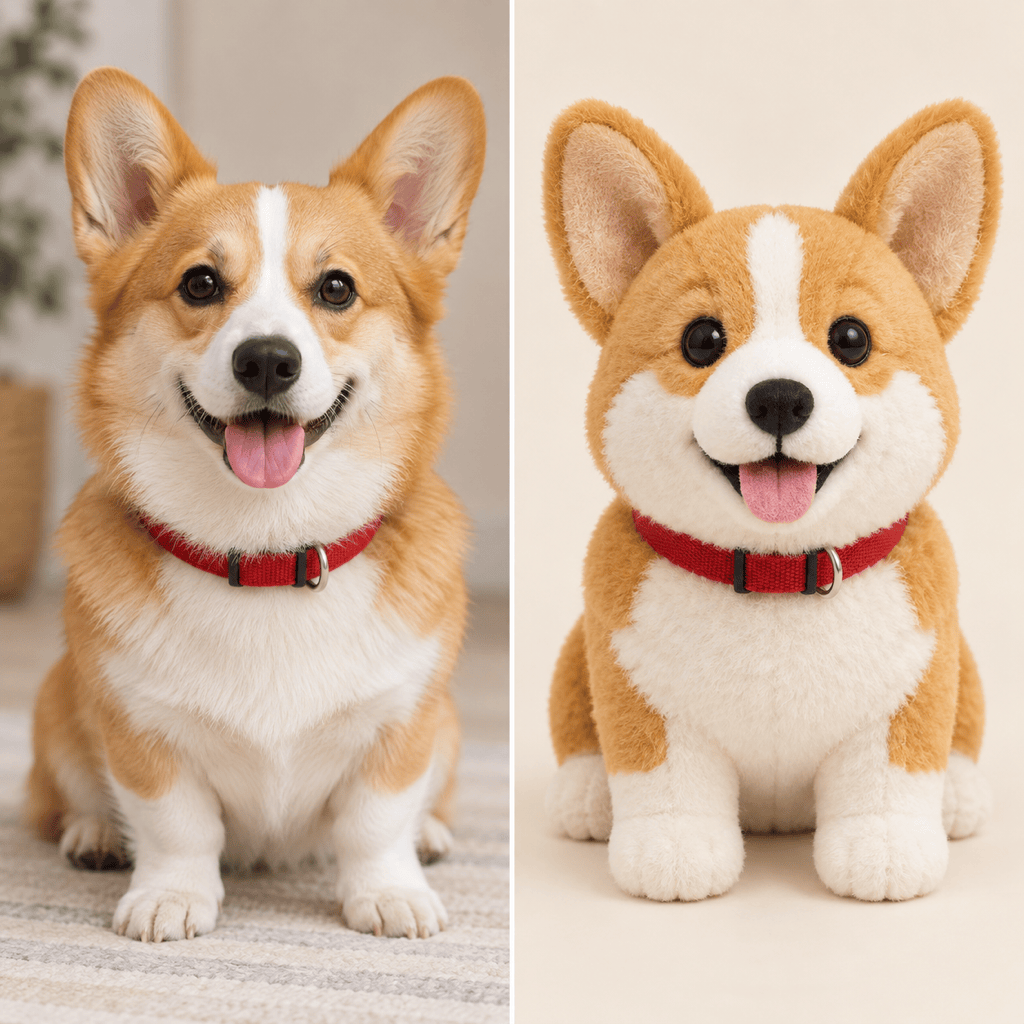
Turn my uploaded pet photo into a soft plush doll concept. Keep the pet’s markings and ear shape, show stitched fabric texture, and place the toy on a simple neutral backdrop.
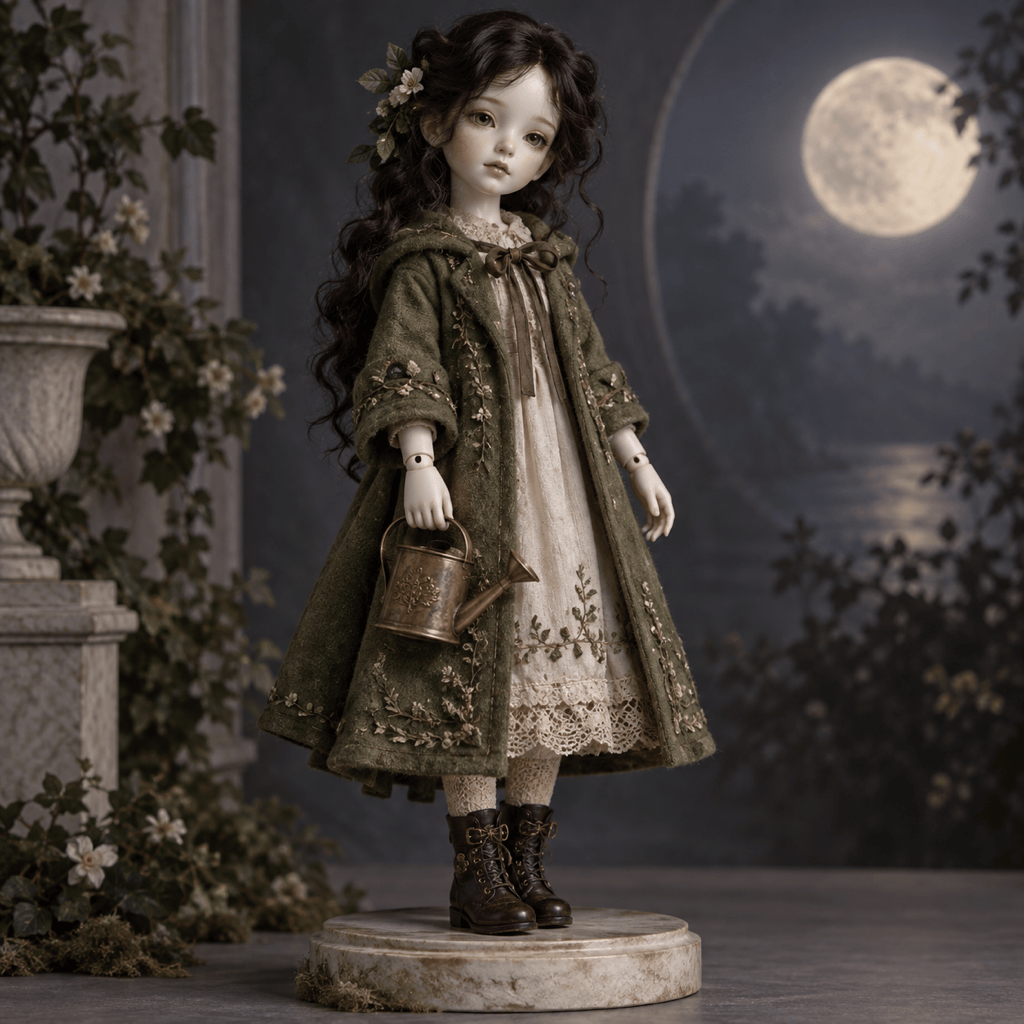
Create an original porcelain doll from text only: a moonlit gardener with dark wavy hair, a moss-green coat, painted porcelain hands, and a tiny brass watering can. Show a full-body product-style portrait; no packaging.
Revise the current doll image only: make the face and hairstyle closer to my uploaded photo, keep the outfit and pose, remove the extra accessory, and leave the background unchanged.





