Free OnlineAI DnD Map Generator
How to Create a D&D Map with AI
Choose the Map Level
Set Scale and Play Rules
Generate, Compare, and Edit
Export for Your Session

Why Choose Mew Design as Your AI DnD Map Maker
Every Map Scale in One Workflow
Move from a continent or region overview to a town, dungeon floor, tavern, or encounter map without changing tools. Name the scale and the handoff so the composition matches the way your party will use it.
D&D-Friendly Prompt Guidance
Describe 5-foot squares, medium and large creature space, difficult terrain, cover, doors, traps, line-of-sight breaks, and encounter objectives. The AI D&D map maker can turn rules context into visual decisions without inventing a full adventure.
Grid, Hex, or Gridless
Request a square-grid battle map, a hex exploration map, or a clean gridless image for a VTT overlay or narrative scene. Keep the floor pattern calm and align the exact grid inside the platform where you play.
One Visual Language for a Campaign
Reference an earlier region, city, dungeon, or handout and keep the palette, terrain symbols, architecture, and parchment treatment consistent. A connected map set helps players recognize where a new location fits.
Player-Safe and GM-Ready Variants
Generate a clean map for sharing, then make a GM version with secret doors, monster areas, traps, travel notes, or hidden routes. Review the image layer before revealing it to the party.
Practical VTT and Print Handoff
Export PNG, JPG, or PDF-ready artwork for campaign notes, a table printer, Roll20, Foundry VTT, Fantasy Grounds, or Owlbear Rodeo. Add destination-specific walls, lights, fog, and metadata after the image is placed.
What Makes a Good D&D Map Prompt
- Set the scale: Choose a world, region, city, dungeon, interior, or battle footprint. For encounters, state grid type, cell distance, party size, token sizes, and how much open movement space the fight needs.
- Describe the route: List entrances, exits, loops, bridges, stairs, doors, cover, difficult terrain, hazards, and line-of-sight breaks. A route list prevents the AI from filling the map with decorative dead ends.
- Choose the player layer: Ask for grid, hex, or gridless art and clearly mark anything that should stay hidden. Request large, calm labels only when a player handout needs them; keep secrets in a separate GM version.
- Plan the handoff: Say whether you need PNG, JPG, or PDF-ready art for print or VTT. After export, set exact grid alignment and add walls, lights, fog, tokens, and Universal VTT data in the target tool.
AI DnD Map Generator Prompt Examples
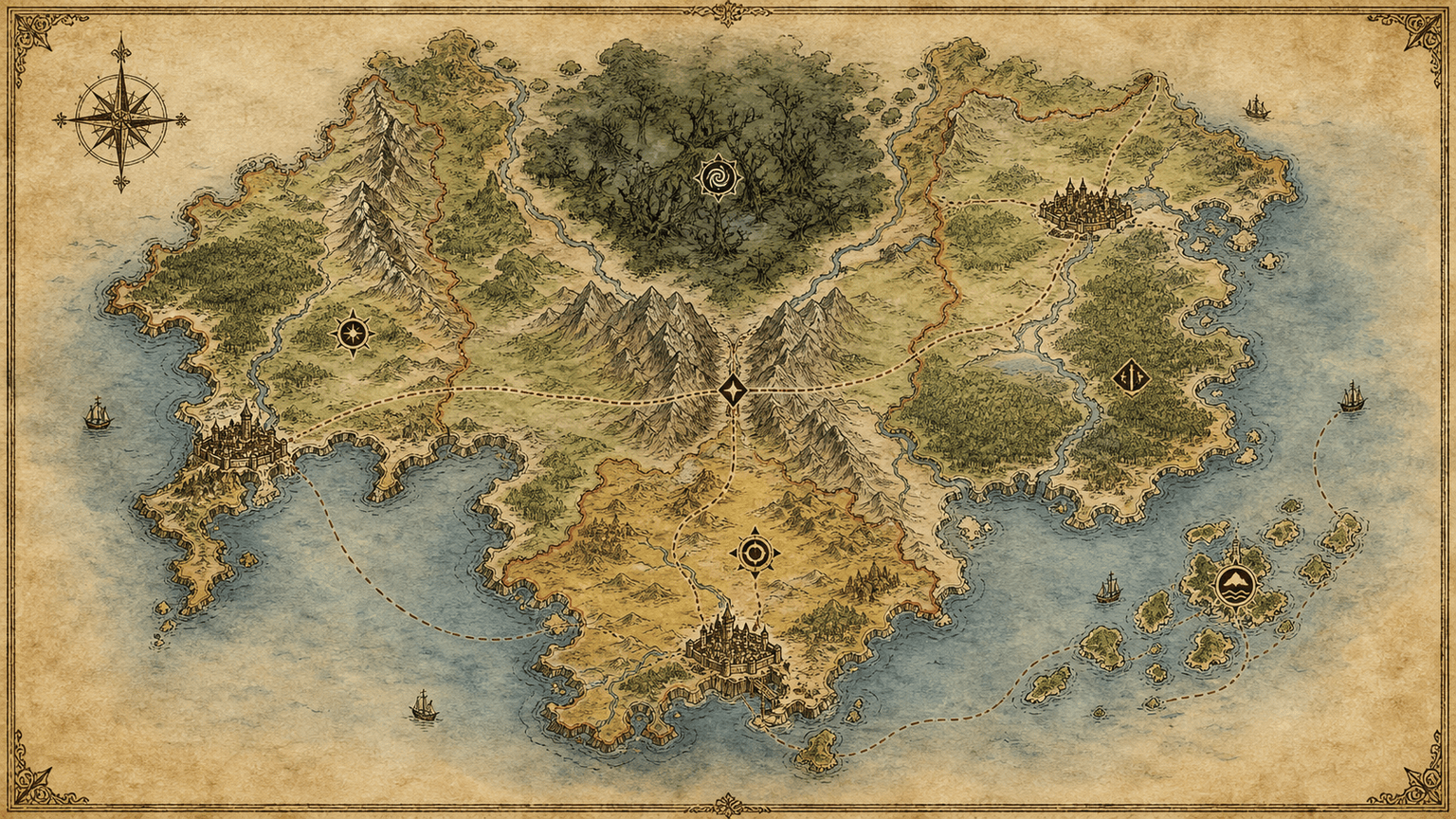
Create a wide parchment D&D world map for an original campaign with three kingdoms, a storm coast, a cursed forest, a mountain pass, an island chain, trade routes, and six clearly distinct points of interest. Keep it system-neutral, readable at overview scale, and free of tiny labels.
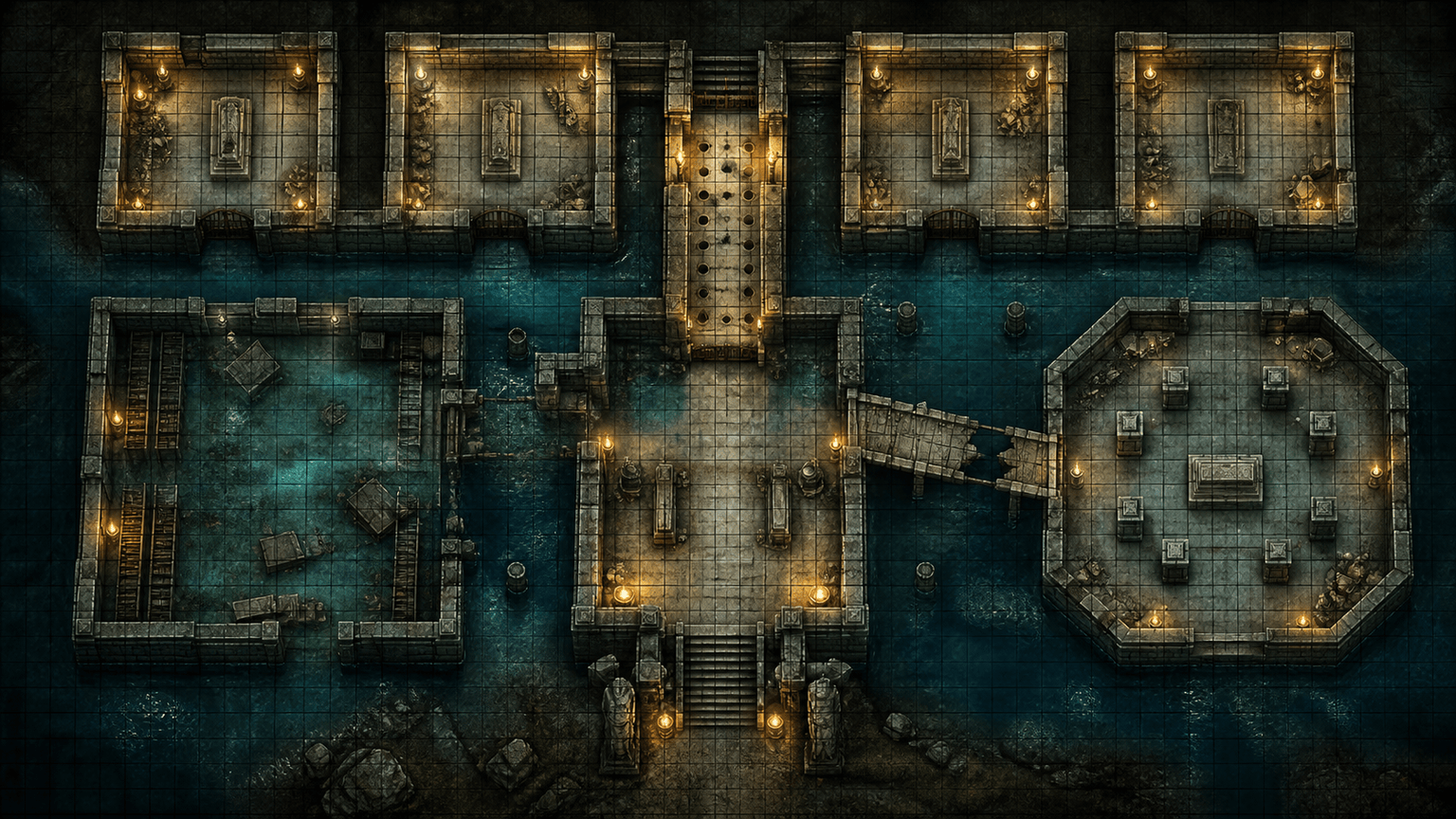
Design a square-grid D&D dungeon map for a flooded crypt: entrance stairs, four tomb rooms, a trapped corridor, a submerged library, a secret vault, a broken bridge, difficult water terrain, and a boss chamber with cover. Make a player-safe version without secret markers.
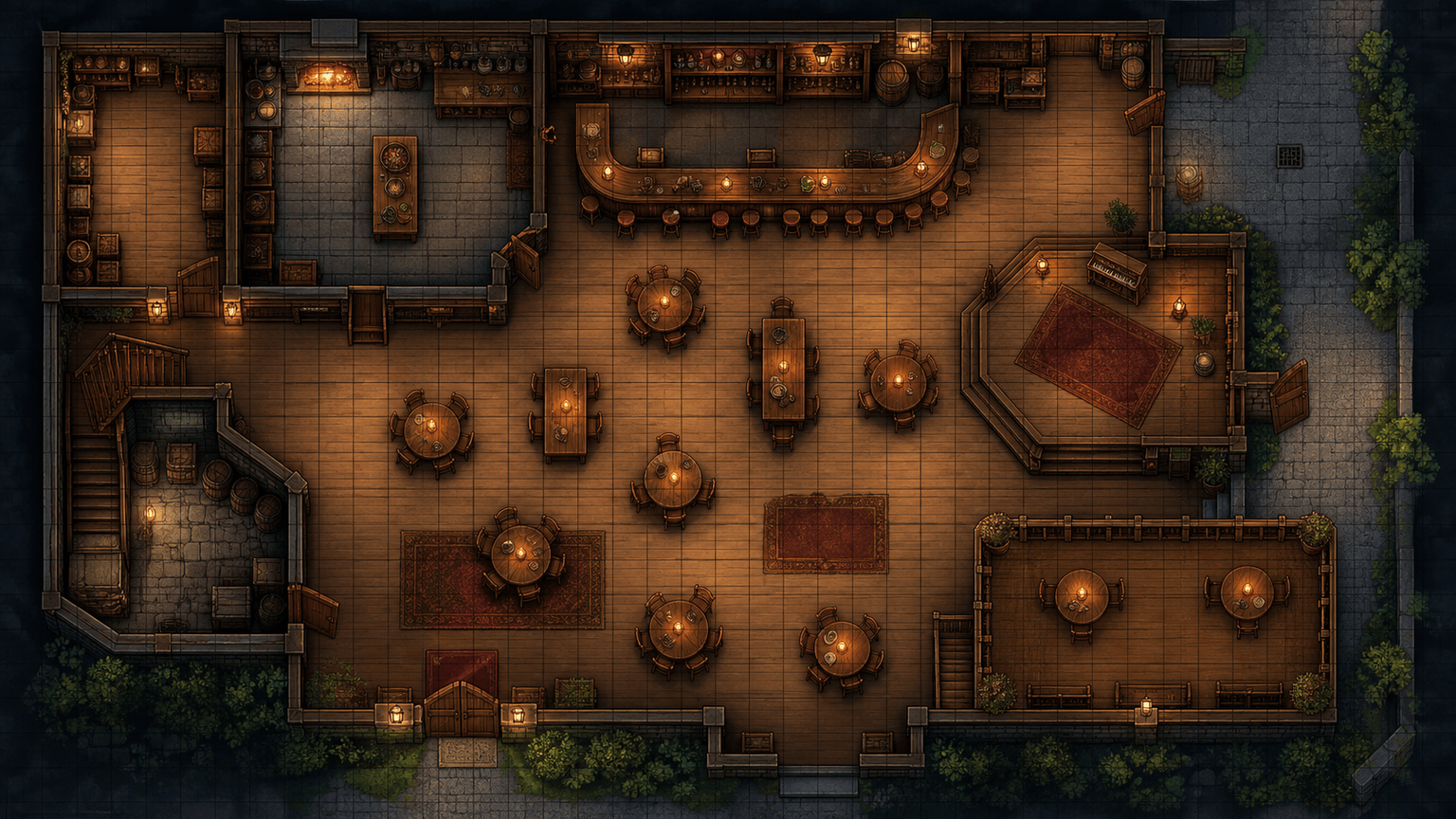
Generate a 16:9 D&D tavern battle map for a chaotic negotiation: common room, bar, kitchen, pantry, back alley, balcony, cellar stairs, movable tables for cover, two exits, and a small stage. Use a warm top-down style, clear movement lanes, and no tokens or labels.
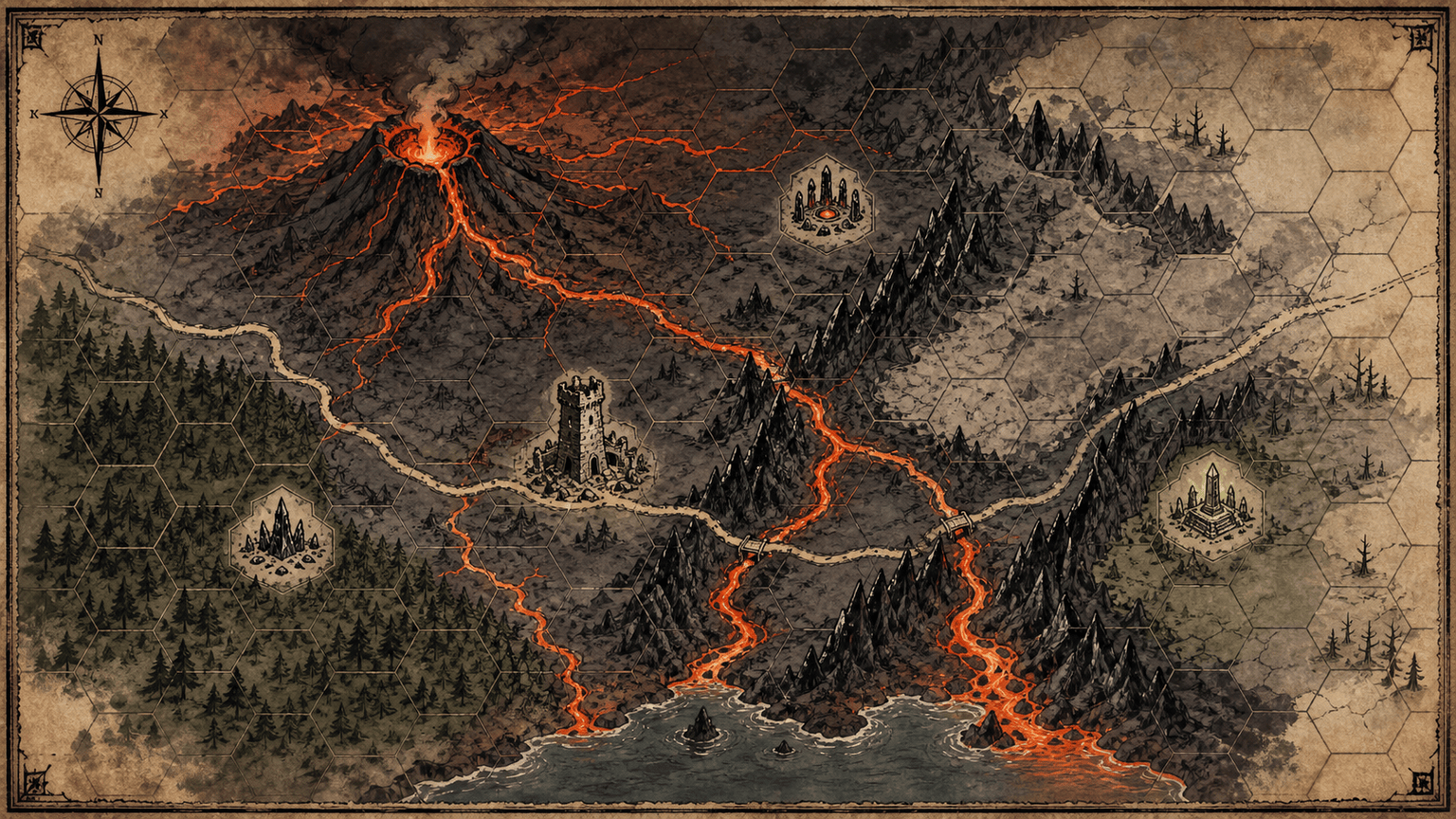
Create a hex-friendly D&D wilderness map of a volcanic valley with lava channels, obsidian ridges, a ruined watchtower, a hidden shrine, ash forest, a caravan route, and three encounter sites. Show travel paths and terrain boundaries clearly for a hexcrawl.
Make a top-down D&D map of a storm-battered sailing ship with upper deck, cargo hold, captain's cabin, mast rigging, broken rail, lifeboats, and a boarding route. Use a clean 4:3 layout, square grid guide, and enough space for medium and large creatures.
Design a gridless planar D&D map of a floating garden gate with suspended bridges, rotating platforms, crystal pools, portal dais, wind hazards, and three approach paths. Use a high-contrast magical style for a VTT background and leave hidden encounter notes out of the player image.





