Free OnlineAI DnD Character Generator
How to Create a DnD Character with AI
Enter class and ancestry
Add gear and backstory details
Generate the character art
Refine for table use

Why Mew Design Works for DnD Character Art
Class details are visible
The AI D&D character maker can make spellbooks, holy symbols, thieves' tools, armor, weapons, and class posture clear in the art.
Backstory mood matters
Add haunted noble, cheerful bard, exiled knight, forest hermit, street orphan, or cursed scholar to give the portrait story.
Portrait or full-body output
Create character portraits for sheets, full-body references for VTT tokens, party lineup art, or NPC concept boards.
Easy campaign revisions
Change a weapon after leveling up, add scars from last session, update armor, or create a post-battle version through chat.
References and party consistency
Upload existing party art, token references, or campaign palette to make new characters fit the table's style.
Great for players and DMs
Generate player characters, villains, shopkeepers, patrons, rival adventurers, or quick NPC portraits.
How to Prompt AI for DnD Characters
- Class and ancestry: Name class, subclass flavor, species or ancestry, party role, and level vibe.
- Gear and spells: Mention weapon, armor, focus, familiar, spell effect, backpack, holy symbol, or tools.
- Backstory mood: Add personality, origin, flaw, oath, patron, guild, homeland, or recent campaign event.
- Table format: Ask for portrait, full-body art, VTT token crop, parchment sheet, or party lineup.
AI DnD Character Prompt Examples
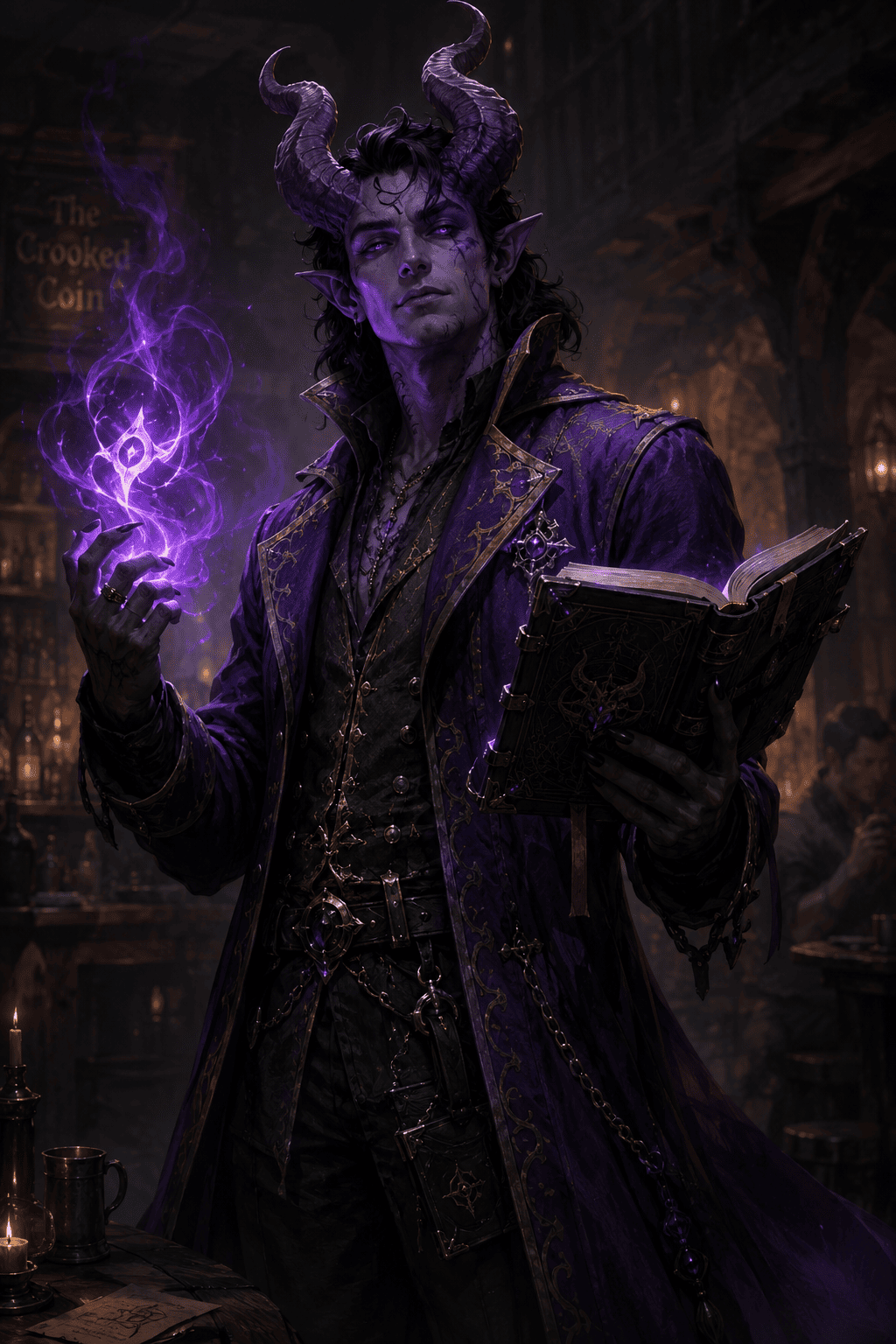
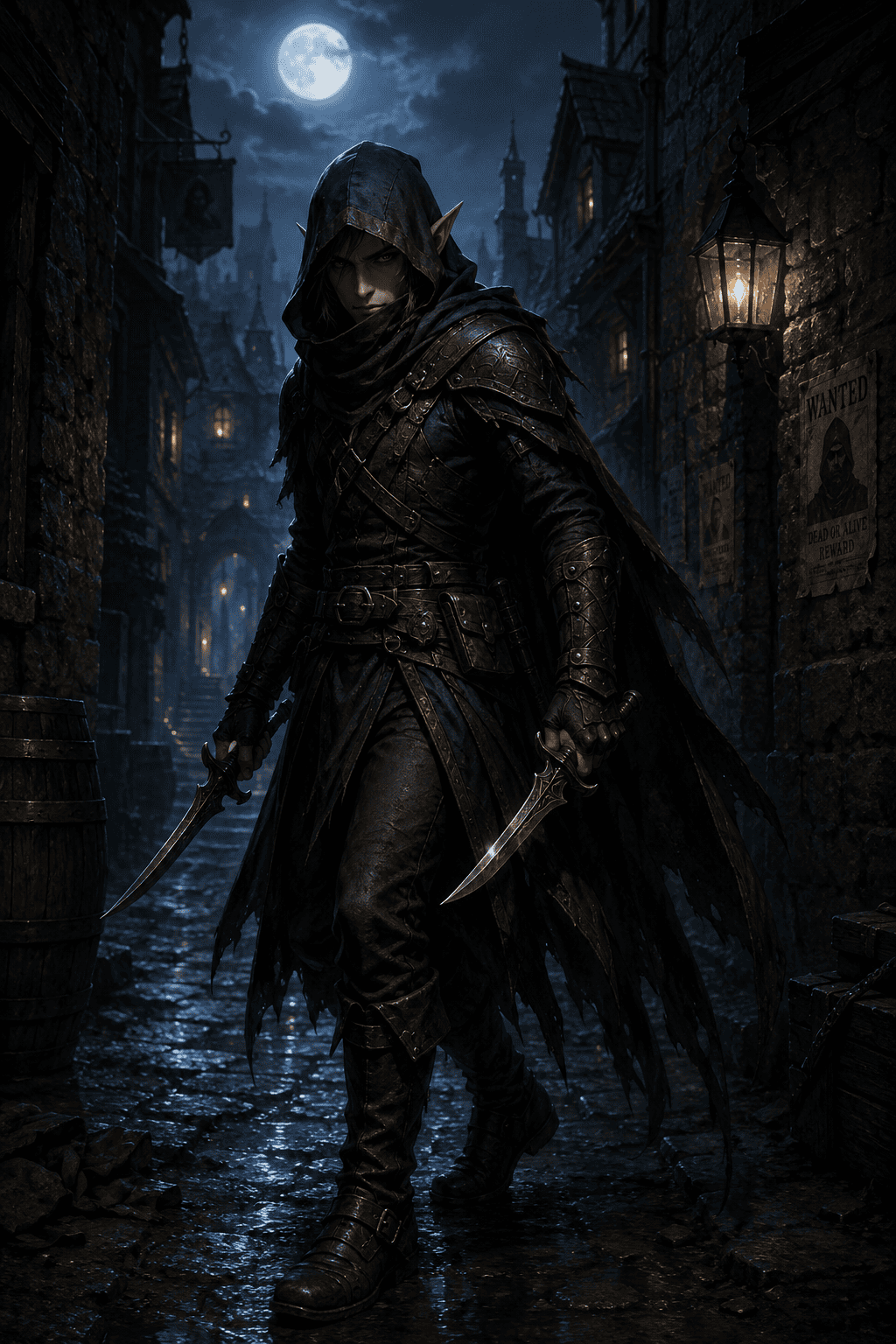
Design a tiefling rogue with burgundy skin, curved horns, black leather armor, silver daggers, sly smile, and moonlit alley background.
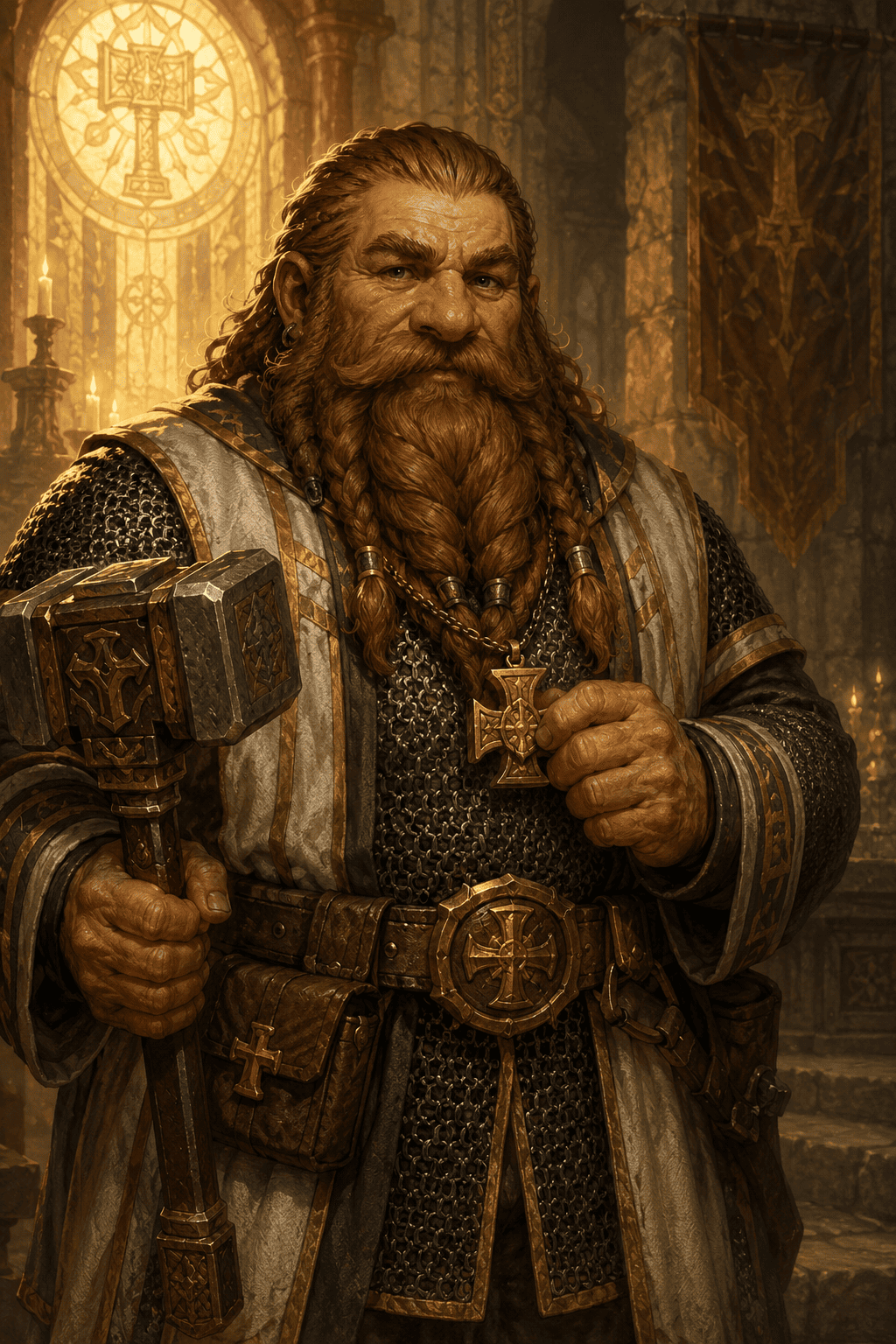
Create a dwarf cleric of the forge with soot-marked armor, glowing hammer, holy anvil symbol, warm firelight, and sturdy full-body pose.
Generate an elven ranger portrait with green cloak, longbow, travel-worn gear, hawk companion, and misty forest background.
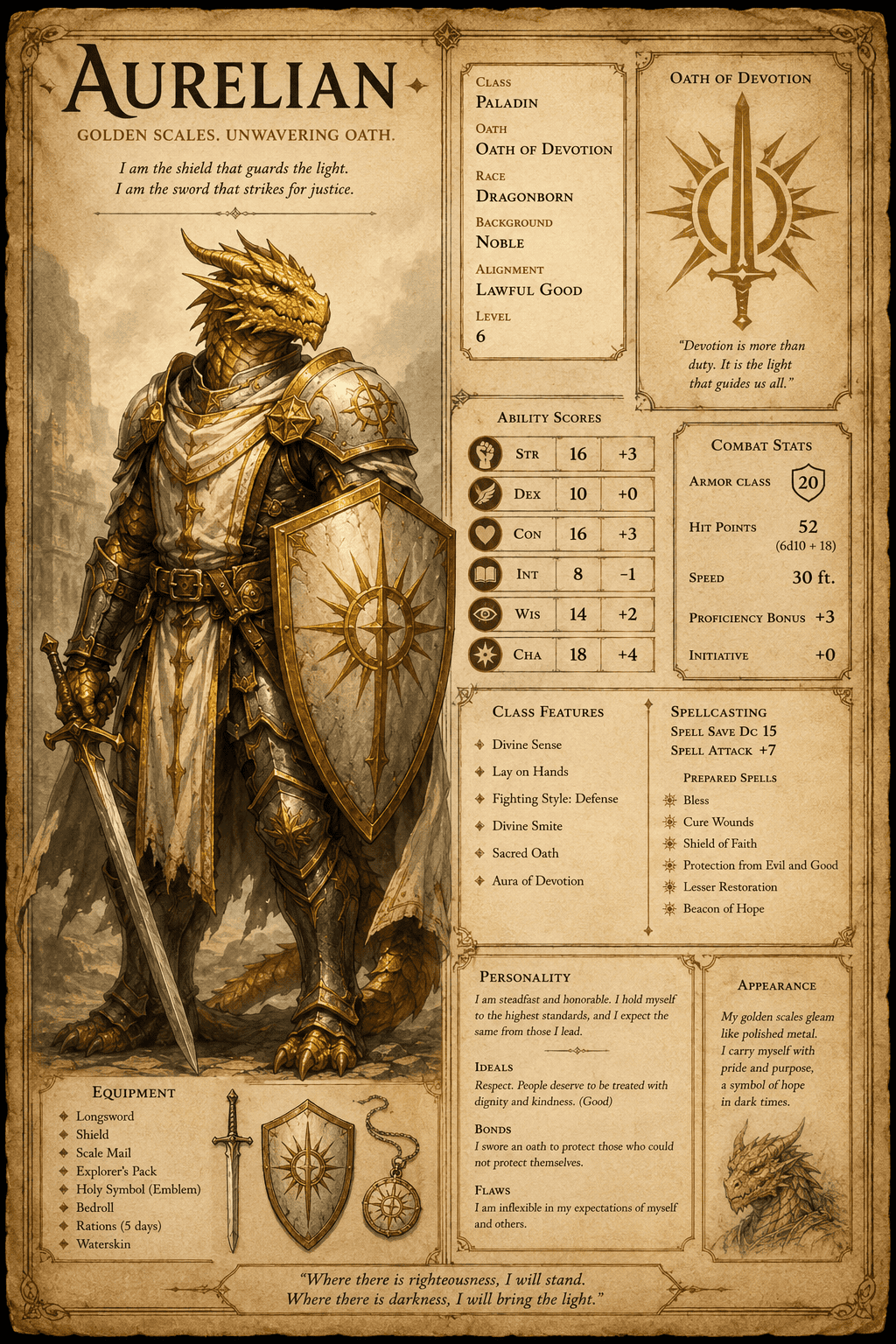
Make a dragonborn paladin character sheet image with polished armor, radiant shield, blue scales, and noble oath-bearing pose.
Create a halfling bard with lute, colorful vest, tavern stage lighting, cheerful grin, and expressive hand gesture.
Design a warlock NPC patron vessel with elegant dark robes, violet spell glow, unsettling calm expression, and occult library setting.





