Free to Try OnlineAI Decoration Generator
How to Create Decoration Ideas with AI
Show the Space or Set the Scene
Generate a Decor Preview
Adjust the Finishing Touches
Save and Check Your Plan

AI Room Decoration and Event Styling in One Place
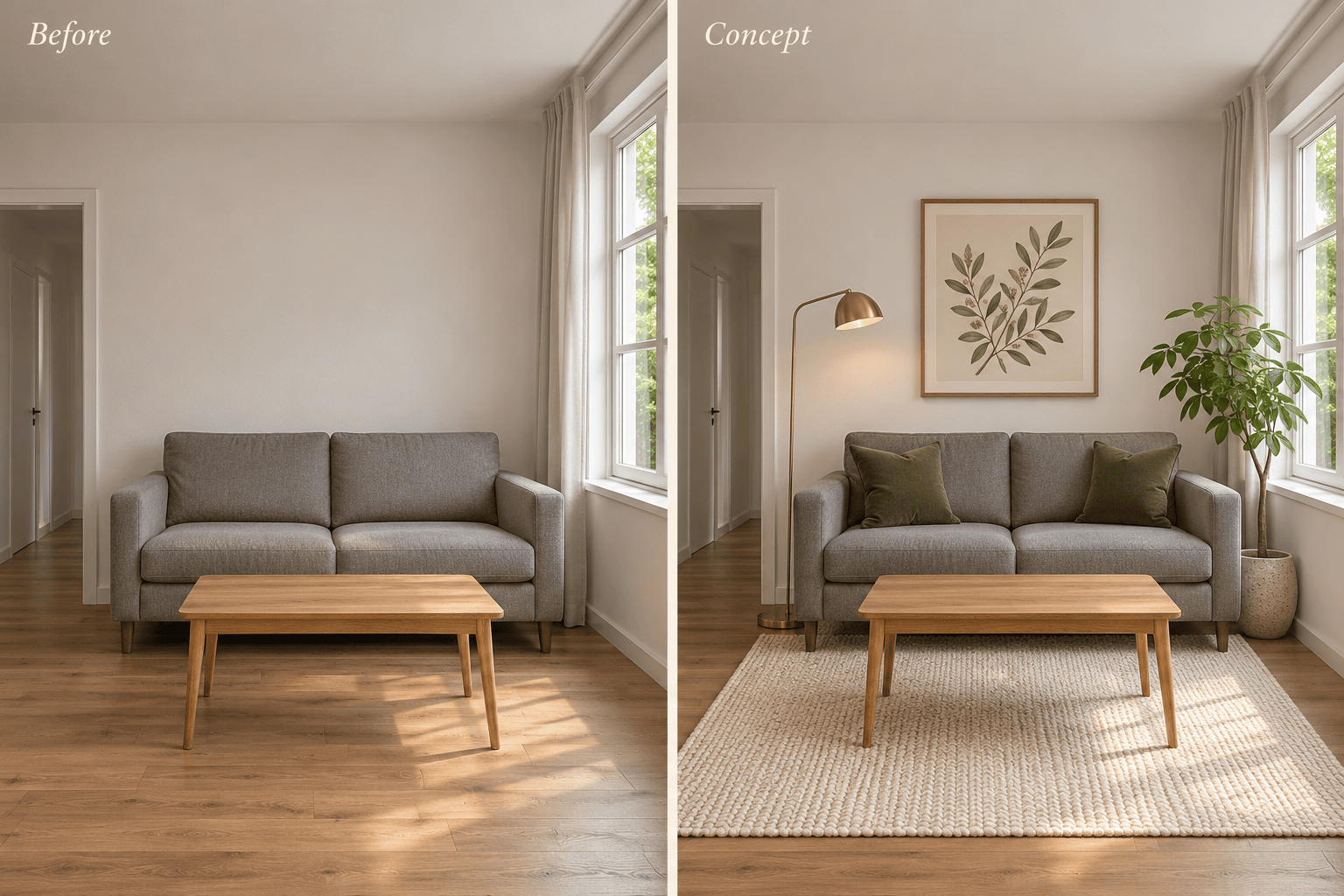
Preview Room Decor from Your Photo
Use this AI room decorator with your own photo and name the sofa, flooring, or windows to retain. Review the result against the original; AI edits can still alter details.
Compare Home Decor Styles
Try warm neutrals, a botanical palette, or a brighter party theme. An AI decor generator makes it easier to compare visual ideas before choosing decorations.
Refine Without a Full Restyle
Ask for fewer accessories, a different table runner, or softer lighting through Chat Edit. Focus your request on the part that needs work.
Generate Wedding and Party Decoration Ideas
Describe a wedding table, birthday backdrop, or seasonal display to generate a new concept. Add reference images when you have a particular mood or material in mind.
Choose an Image Model for Your Decor
Select your preferred image model or use Mew Auto for a suitable choice. Mew Design offers the latest leading image models and adds new releases promptly for reference-led edits and fresh concepts.
Share a Visual Brief
Export your favorite concept as PNG or JPG to discuss colors and decoration placement with family or an event planner. Watermark-free exports keep the idea easy to present.
How to Decorate a Room from a Photo with AI
- Use a Clear View: Photograph the room in good light with the camera level. Include furniture edges, doors, and visible floor space; avoid extreme wide-angle distortion.
- Name the Fixed Elements: List the furniture, wall color, flooring, and structural features you want to retain. Mention rental restrictions, such as no painting or drilling.
- Set the Decoration Scope: Specify accents, colors, and how much decoration you want. A few cushions and a rug call for a different result than a full party setup.
- Compare Before You Commit: Check doors, windows, furniture shapes, and scale against the original. If the room has changed too much, ask for a new edit from the original photo with a narrower scope.
AI Decoration Ideas for Small Rooms, Weddings, and Parties
Refresh my small living room with warm minimalist decor. Keep the sofa and floor from my photo. Add a textured rug, two cushions, and one plant without crowding the walkway.
Restyle my rental bedroom with removable decor only. Keep the bed, wall color, and built-in storage. Use sage bedding, a bedside lamp, and framed art leaning on a shelf; no drilling or painting.
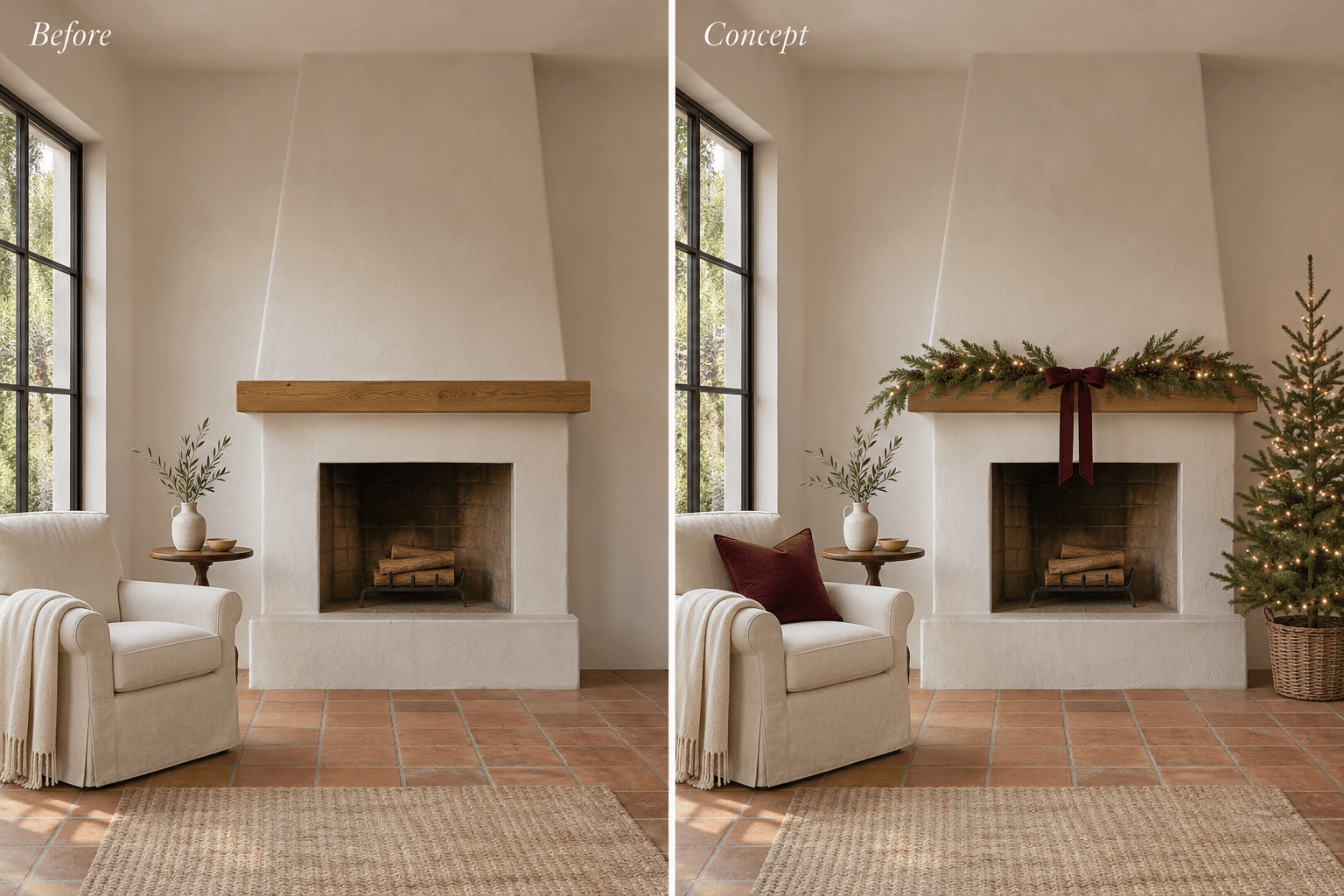
Use my room photo to preview Christmas decorations. Keep the furniture and fireplace. Add a modest tree, warm string lights, and a green garland, leaving doors and walkways clear.
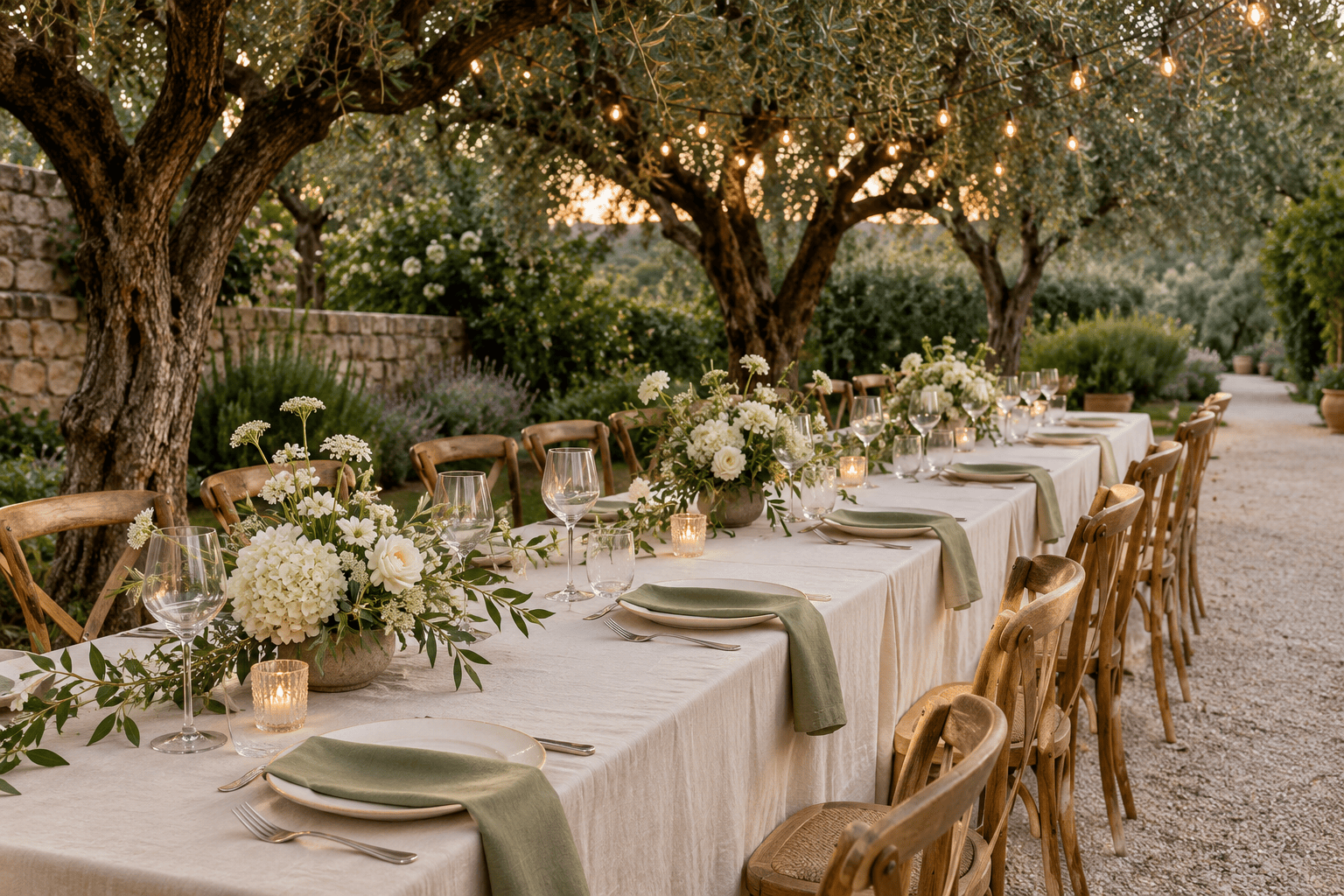
Create a garden wedding table decoration concept with ivory linen, sage napkins, low white flowers, and warm string lights. Leave room for place settings and conversation across the table.
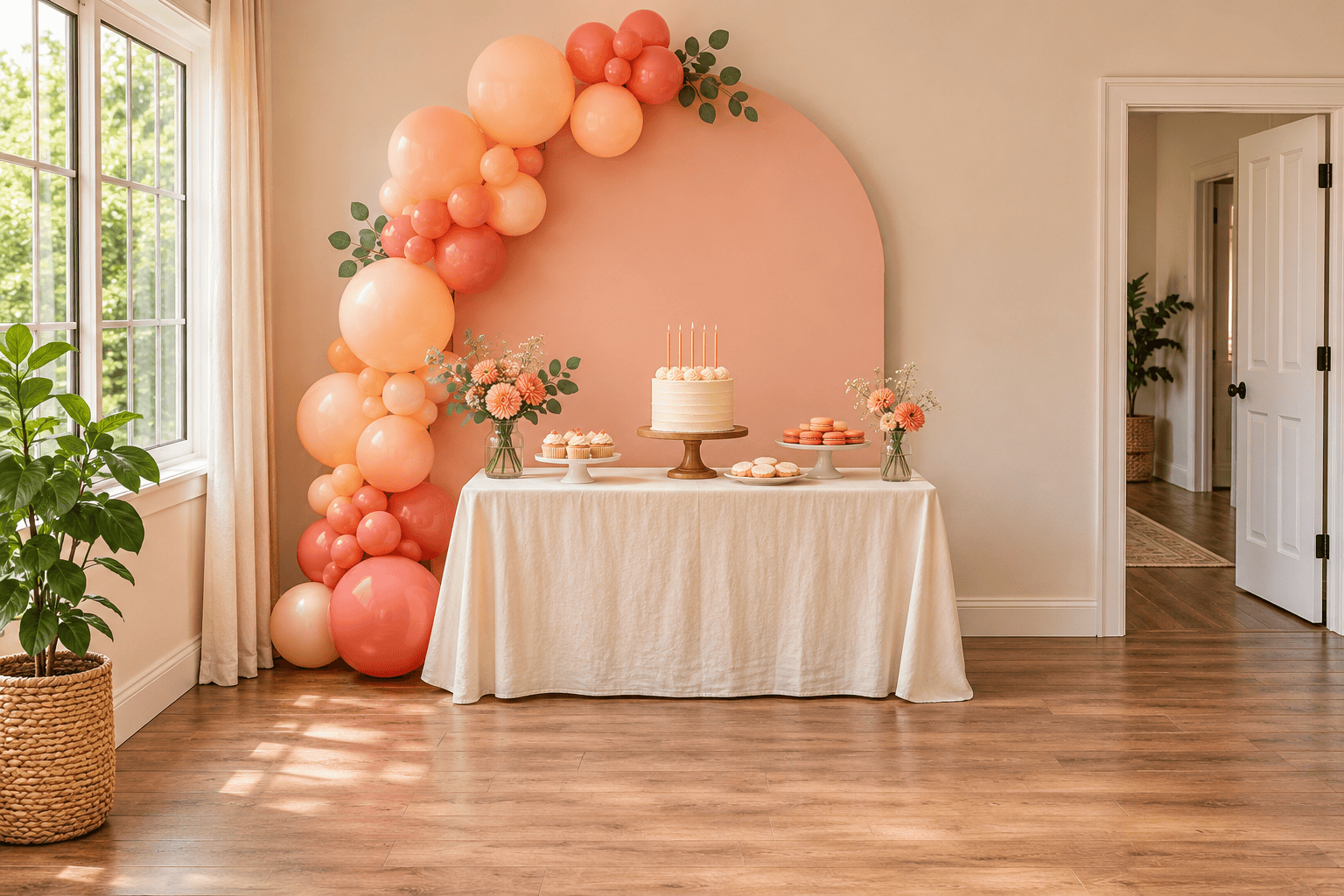
Generate birthday party decoration ideas for a small indoor venue. Use peach and coral balloons around a dessert table, a simple photo backdrop, and clear space for guests to move.
Simplify the decorations in my uploaded concept. Keep the main furniture and color palette, remove half the small accessories, and leave more empty surface space for everyday use.





