Free OnlineAI Decals Generator
How to Create Custom Decals with AI
Describe the Surface and Use
Define the Silhouette and Style
Generate Decal Variations
Refine and Export

Why Use Mew Design for AI Decal Design
From Plain Language to a Clean Silhouette
Describe a symbol, character, badge, or lettering idea and the AI design agent builds a focused decal concept instead of making you draw every contour by hand.
Design Around the Real Surface
Use the page as a custom car decal maker or laptop decal generator by asking for a car window, laptop lid, bottle, helmet, wall, storefront, or packaging mockup. The scale, angle, negative space, and contrast can match where the decal will be seen.
Readable Short Text and Strong Edges
Keep names, initials, numbers, and short slogans legible with high contrast, generous spacing, and an outer border. This online AI decal maker is better suited to concise decal text than dense paragraphs.
Bring Your Logo or Reference Image
Upload a logo, sketch, color palette, or existing mark and ask Mew Design to preserve its visual direction while exploring a new vinyl decal or sticker treatment.
Chat Edit for Production Details
After the first draft, request a simpler contour, thicker strokes, fewer tiny cutouts, a transparent background, or a different border. You can iterate without rebuilding the whole design.
Variations for Print and Digital Mockups
Explore one-color, full-color, matte, glossy, retro, or minimal directions, then export PNG, JPG, or PDF. For a free AI vinyl decal maker workflow, use the image as a design concept and verify final printer specifications separately.
How to Write an Effective Prompt for AI Decal Design
- Define the Surface and Use: Say car window, laptop, water bottle, wall, helmet, storefront, packaging, or sticker sheet. The placement changes the scale, viewing distance, and amount of detail the decal can carry.
- Choose the Cut Language: Ask for a die-cut silhouette, kiss-cut border, transfer-style lettering, one-color vinyl, or a full-color sticker with a white edge. Use a broad outline when the design may be printed small.
- Protect Readability: Put exact names or initials in quotation marks, keep the phrase short, use high contrast, and ask the AI to remove tiny lines or crowded ornament that could disappear after cutting.
- Plan the Printer Handoff: Request a transparent background and clean margin, then export PNG, JPG, or PDF. Confirm the printer’s bleed, cutline, CMYK, DPI, minimum size, and material requirements before production.
AI Decal Prompt Examples for Real Projects
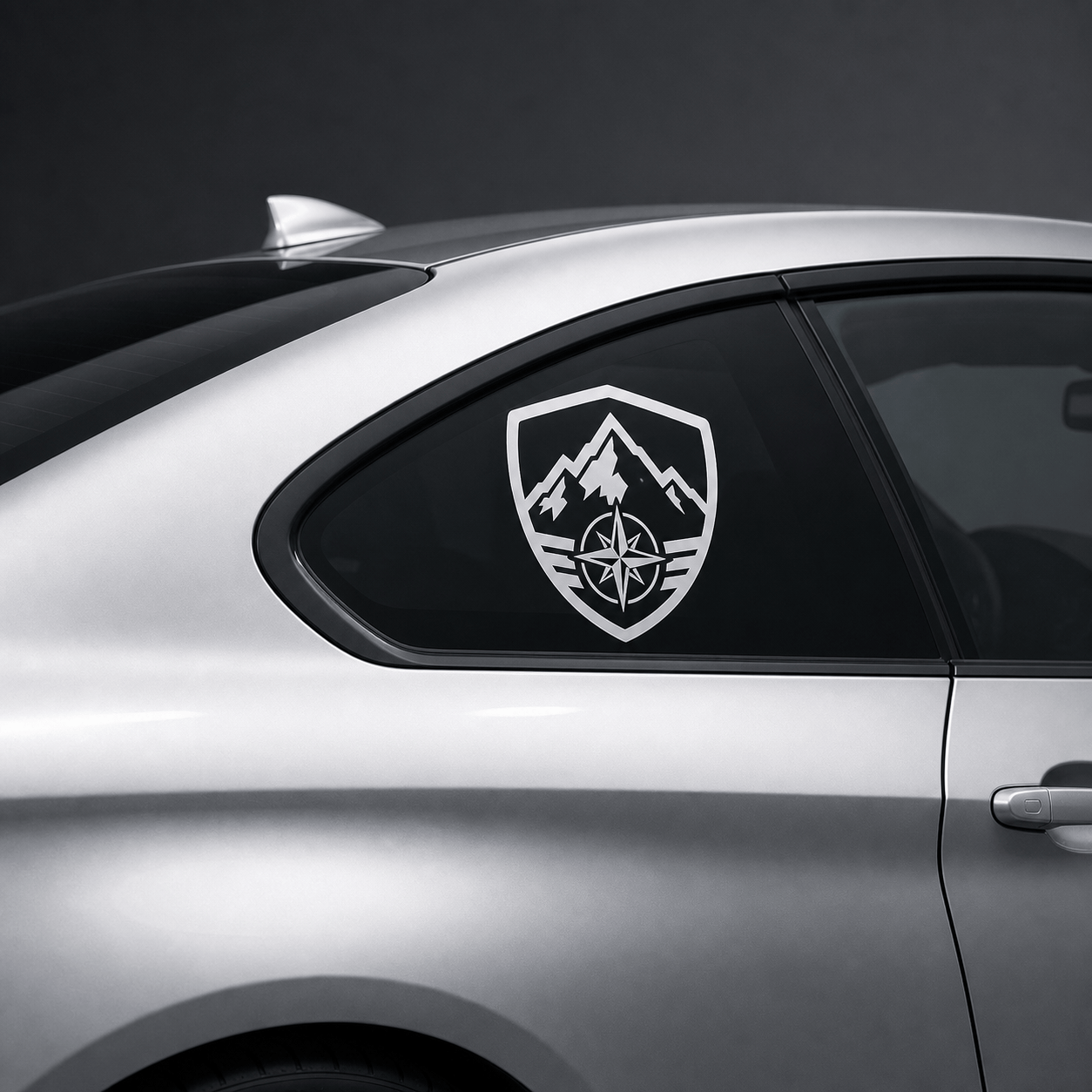
Create a custom car window decal for “NORTHLINE MOTORSPORT”. Use bold retro racing stripes, a compact shield silhouette, black, white, and signal red, thick smooth contours, high contrast on dark glass, and no extra words. Keep the lettering short and readable.
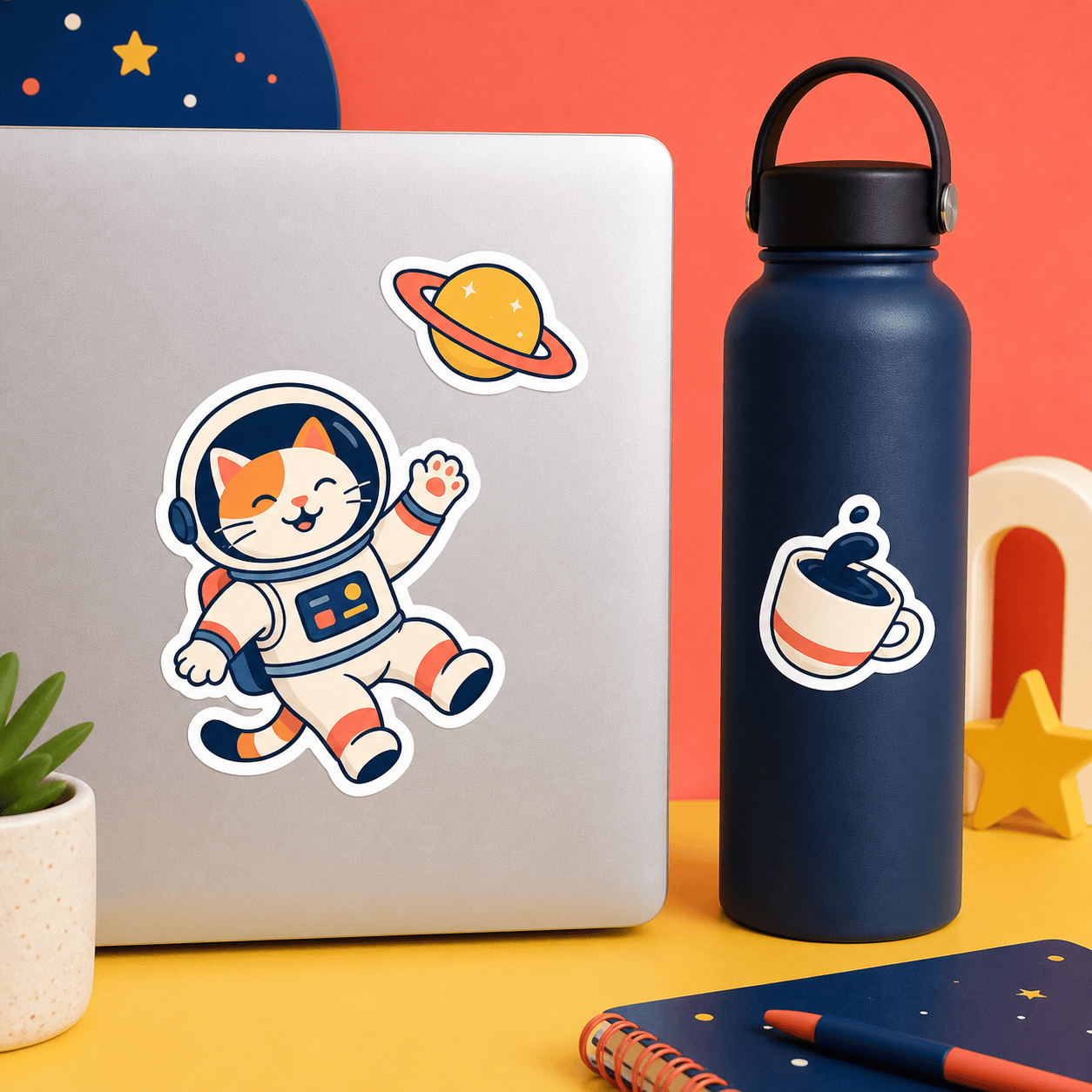
Design a playful laptop and water-bottle sticker pack with three separate die-cut decals: a cheerful astronaut cat, a tiny planet with rings, and a coffee cup floating in space. Use bright coral, navy, cream, and yellow, with consistent white borders and simple shapes that remain clear at small size.
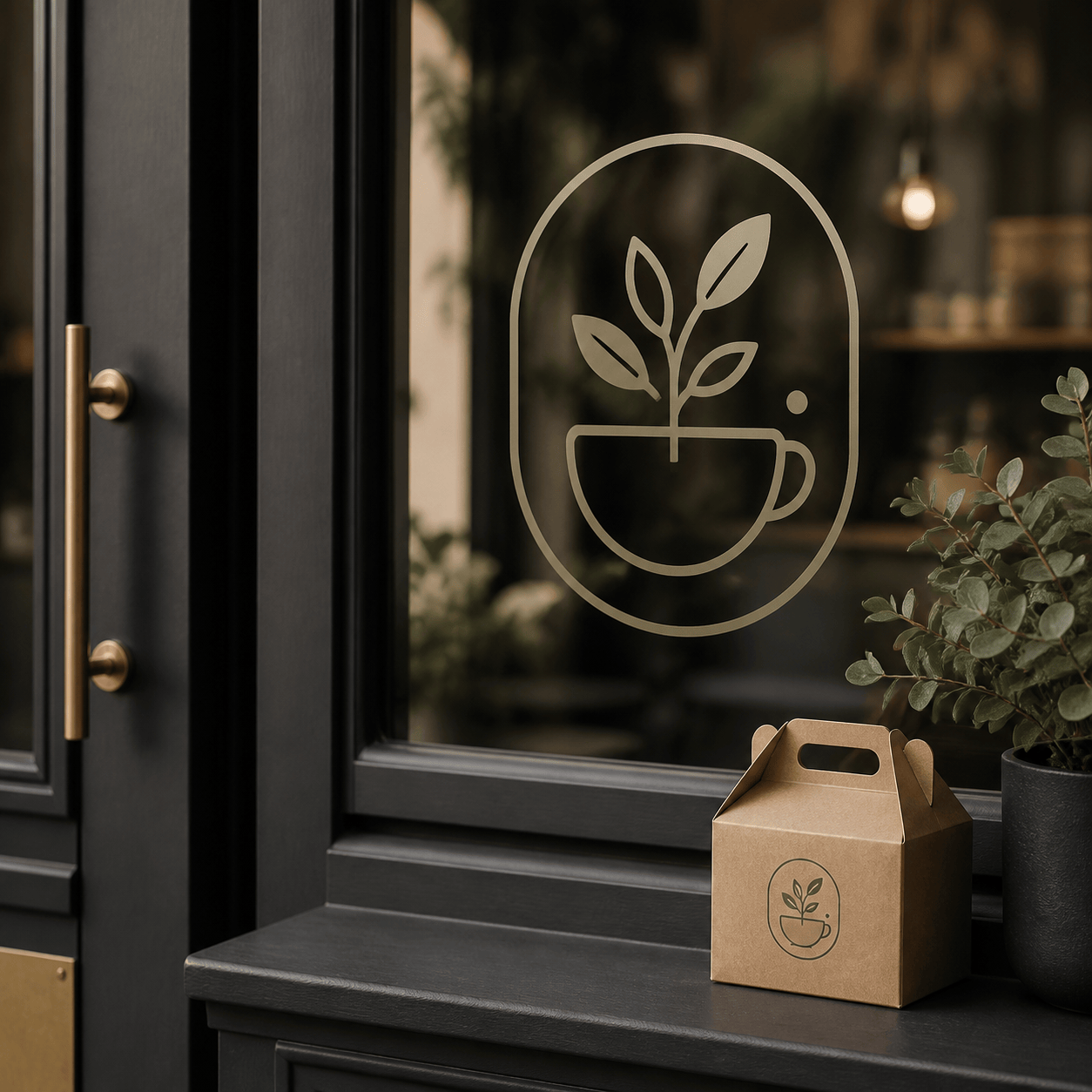
Create a storefront logo decal for “MOSS & MUG”, a small botanical coffee shop. Use a minimal monogram with a leaf and cup, one-color matte black vinyl, balanced negative space, clean rounded lines, and a transparent background. Show it as a subtle window graphic and do not add extra text.
Make a printable vinyl decal for a hiking water bottle: a mountain ridge, rising sun, and small compass mark inside a rugged badge. Use forest green, warm orange, and cream, a thick cream outline, no gradients, no tiny details, and a centered composition that can be cut cleanly.
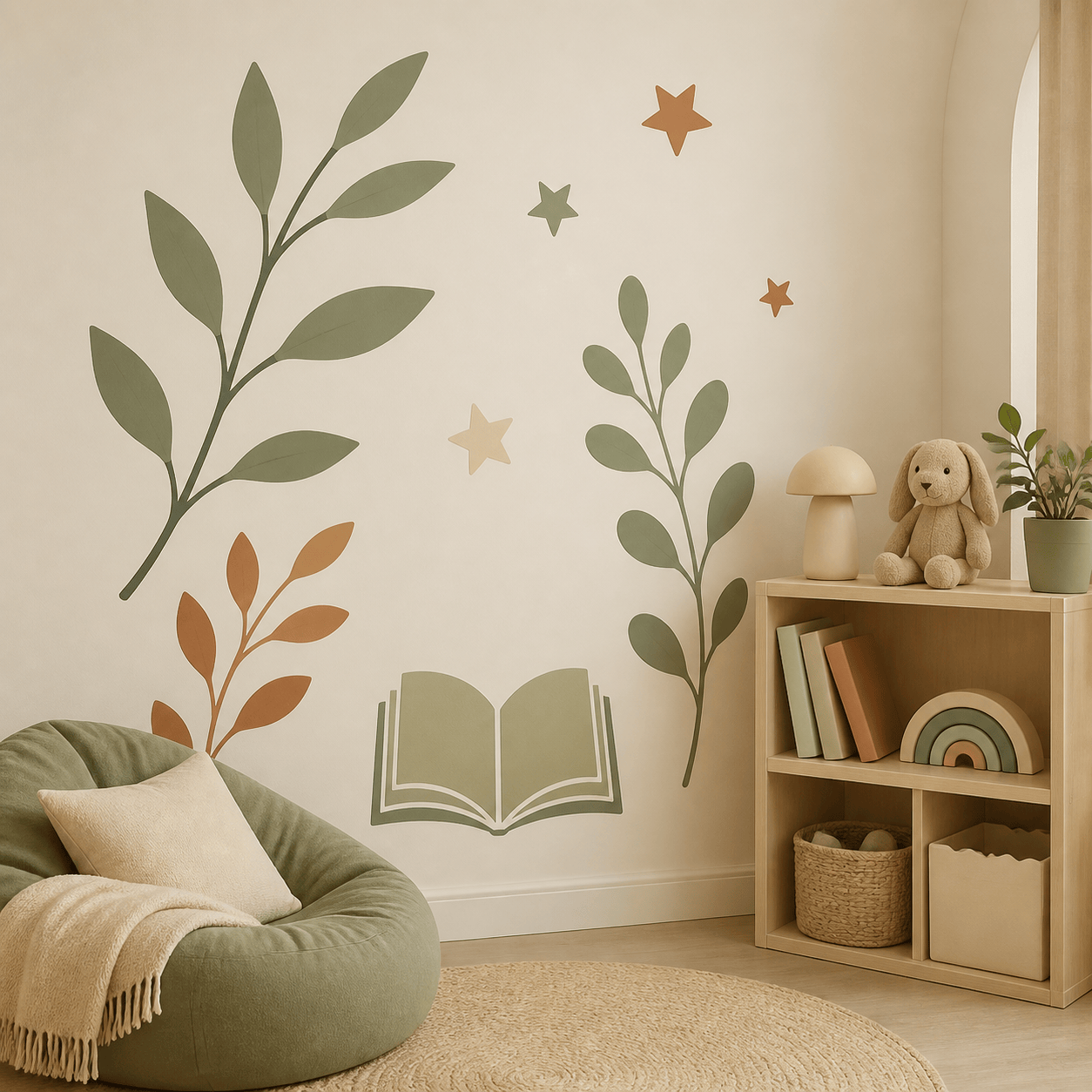
Design a removable wall decal for a child’s reading corner with simple botanical branches, stars, and an open book. Use muted sage, clay, and soft cream, large separated shapes, a calm hand-drawn style, and generous negative space. Avoid small text and avoid a busy background.
Create a packaging decal for a small-batch hot sauce brand called “EMBER & LIME”. Use a bold flame-and-citrus emblem, limited black, lime, and orange colors, a strong outer contour, short readable lettering, and a premium die-cut look suitable for glass bottles and shipping boxes.





