Free OnlineAI Cute Guy Generator

How to Generate a Cute Guy with AI
Brief the Character
Generate the First Look
Refine the Details
Export and Use

Why Choose Mew Design for Cute Guy Generation
Direct the Look in Natural Language
Describe a soft, playful, shy, fashionable, heroic, or bookish adult male character without learning technical controls. Mew Design reads appearance, personality cues, pose, lighting, and final use as one creative brief.
Explore Realistic and Illustrated Styles
This AI guy generator can move from natural portrait photography to anime, webtoon, fantasy art, polished 3D, or editorial fashion. Generate distinct directions before choosing the visual language that fits your character.
Build from Text or a Reference
Start from imagination, or upload a photo or visual reference you have permission to use. The online AI boy portrait generator can redraw the subject, adapt the wardrobe, or follow a related mood while keeping your requested traits in focus.
Correct One Detail Without Starting Over
Keep the parts you like and use Chat Edit to change a hairstyle, expression, pose, outfit, background, or light. Focused instructions make it easier to preserve a successful face while improving the rest of the image.
Create a Coherent Character Set
Generate profile, half-body, and scene variations around one clear brief. When you find a repeatable character workflow, save the visual direction and working rules as a Mew Skill for future images with less repeated setup.
Try Ideas Free and Export Cleanly
Test the free AI cute guy generator with credits after signup, refine the strongest result, and export watermark-free PNG or JPG files for personal creative projects and design mockups.
How to Describe a Cute Male Character
- Clarify Age and Identity: Say “adult man” or give an adult age range, then name memorable details such as freckles, curls, glasses, dimples, or a specific face shape.
- Define the Kind of Cute: Choose a direction such as soft-boy, cheerful neighbor, shy scholar, romantic webtoon lead, playful skater, or gentle fantasy prince.
- Frame the Final Use: Request a square PFP, vertical portrait, half-body character card, or cinematic scene, and state the platform or project when the crop matters.
- Protect the Good Details: When refining, name what must stay unchanged—face, hair, outfit, pose, or background—and ask for one focused correction at a time.
Cute Guy Prompt Ideas for Popular Styles
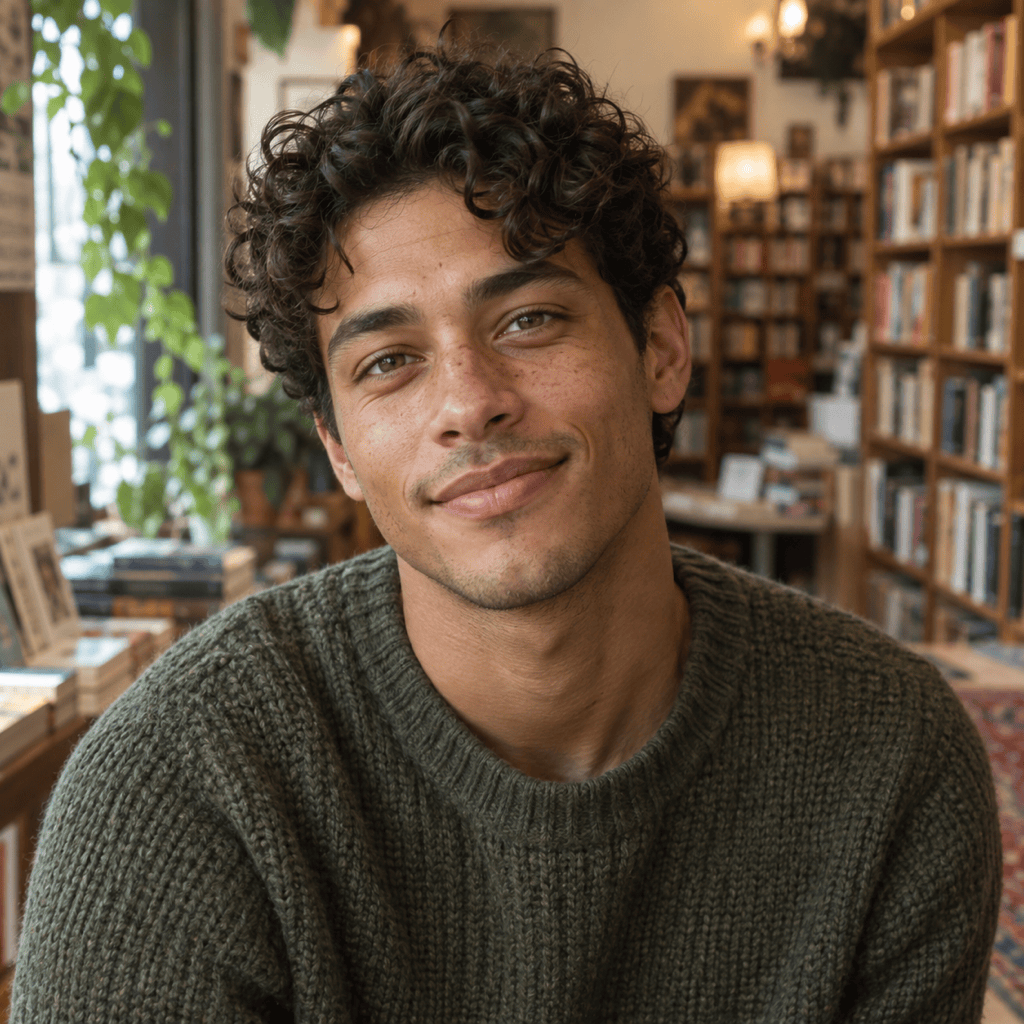
Create a realistic square PFP of an original 25-year-old adult man with wavy black hair, faint freckles, a gentle smile, and a cream cardigan. Place him near a bright apartment window with natural skin texture, soft daylight, shallow depth of field, and an approachable soft-boy aesthetic. No text, logo, or celebrity likeness.
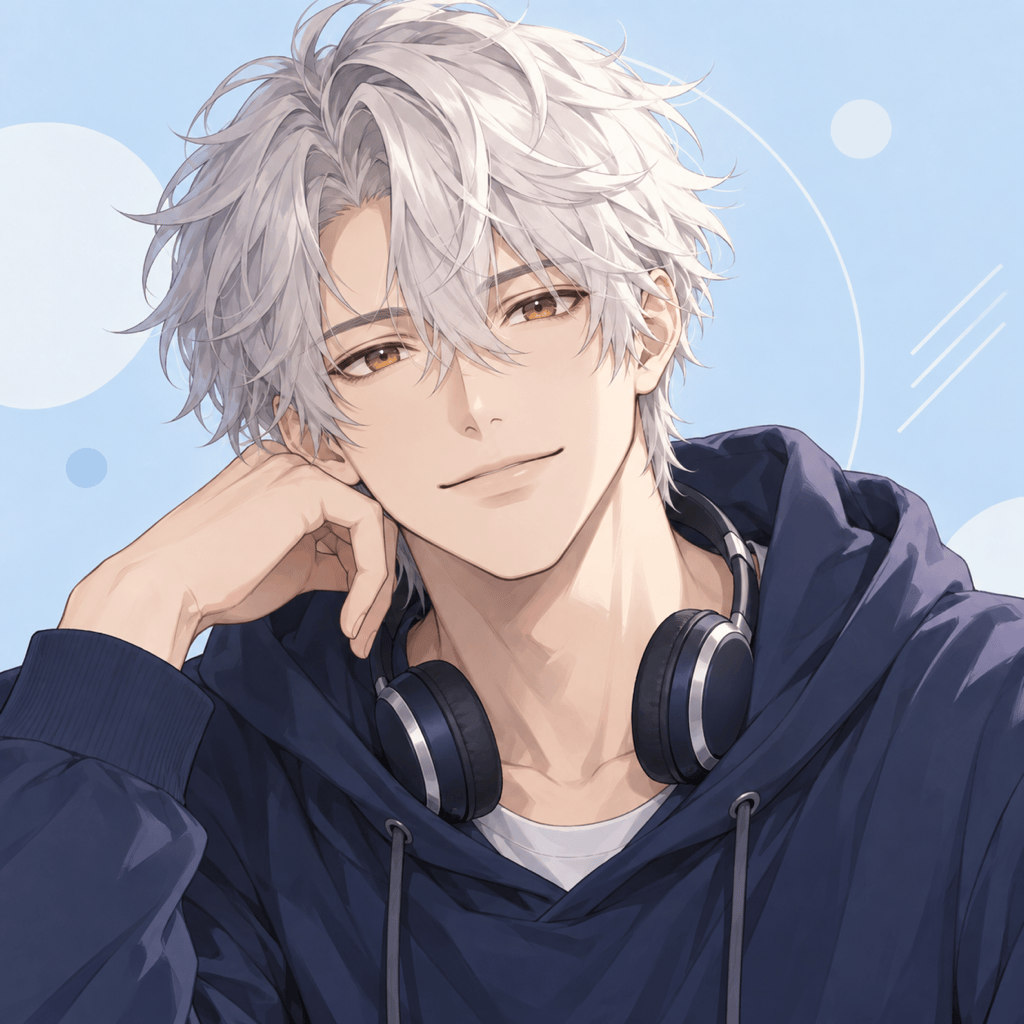
Design an original adult anime guy avatar with fluffy silver hair, expressive amber eyes, a navy hoodie, and headphones. Use clean linework, soft cel shading, a calm smile, and a pastel blue background. Center the face for a square social profile crop; no text or existing franchise character.
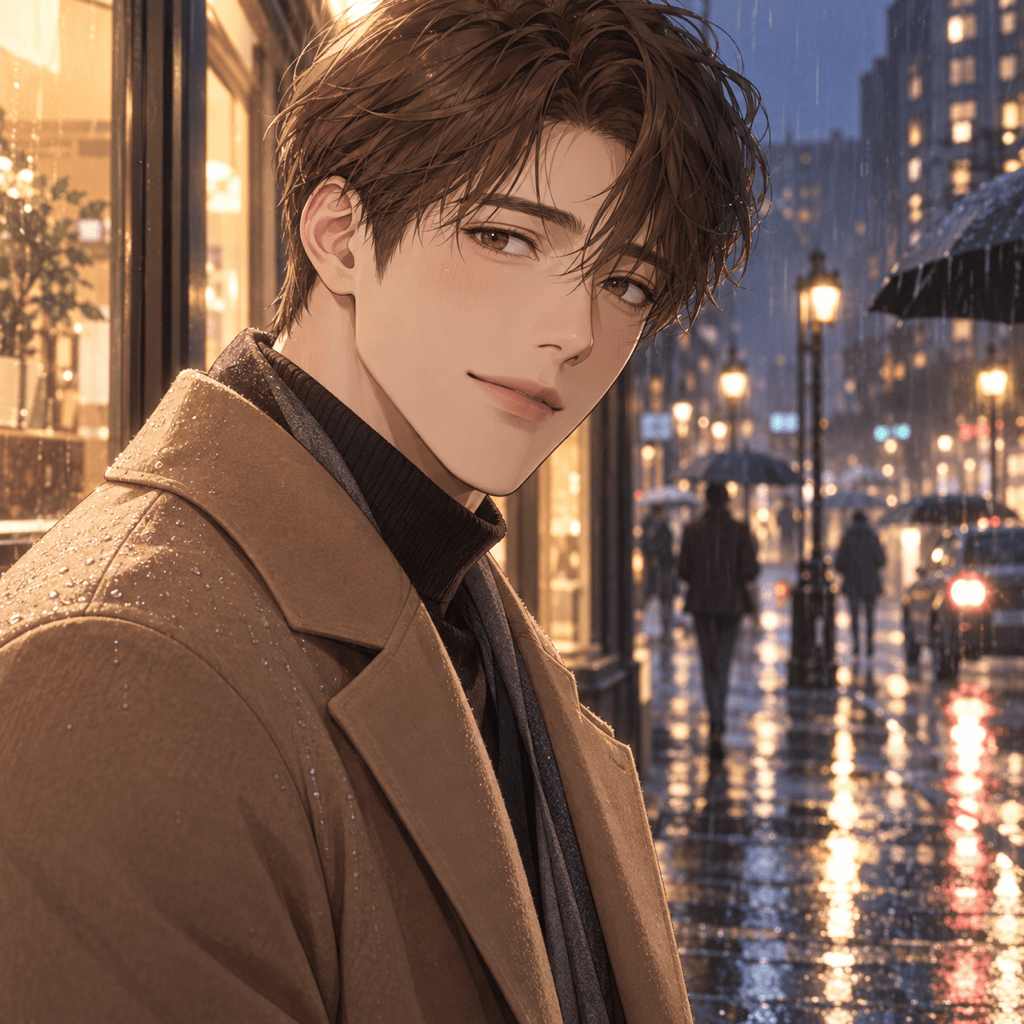
Create a vertical webtoon portrait of an original 27-year-old male lead with neat chestnut hair, warm brown eyes, and a shy half-smile. Dress him in a tailored camel coat on a rainy evening street with soft reflections, romantic lighting, elegant line art, and clear adult features.
Generate a polished 3D stylized portrait of an adult male character with round glasses, curly auburn hair, a teal overshirt, and a cheerful expression. Use appealing simplified proportions, soft studio lighting, tactile fabric detail, and a clean peach background; keep him unmistakably adult.
Illustrate an original adult fantasy prince with long dark curls, kind green eyes, embroidered forest robes, and a subtle crown. Use painterly storybook fantasy art, warm sunset light, a relaxed expression, and a chest-up composition suitable for a character card. No recognizable franchise details.
Create a realistic editorial portrait of a cute adult guy with cropped curls, a silver ear cuff, layered streetwear, and an easy laugh. Set the scene on a city rooftop at golden hour with natural movement, balanced fashion styling, crisp facial detail, and a vertical social-post crop.





