See Yourself With CurlsAI Curly Hair Filter
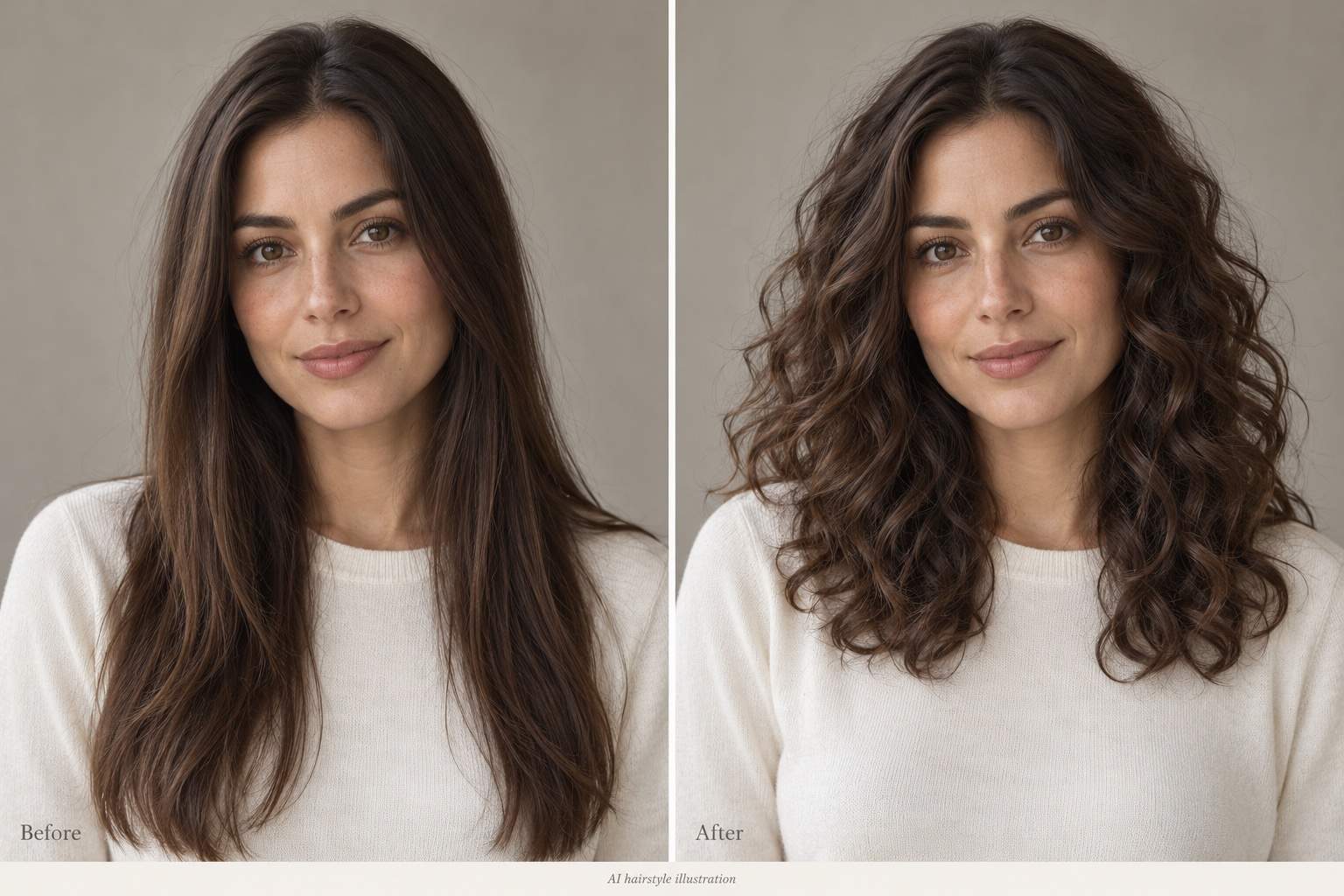
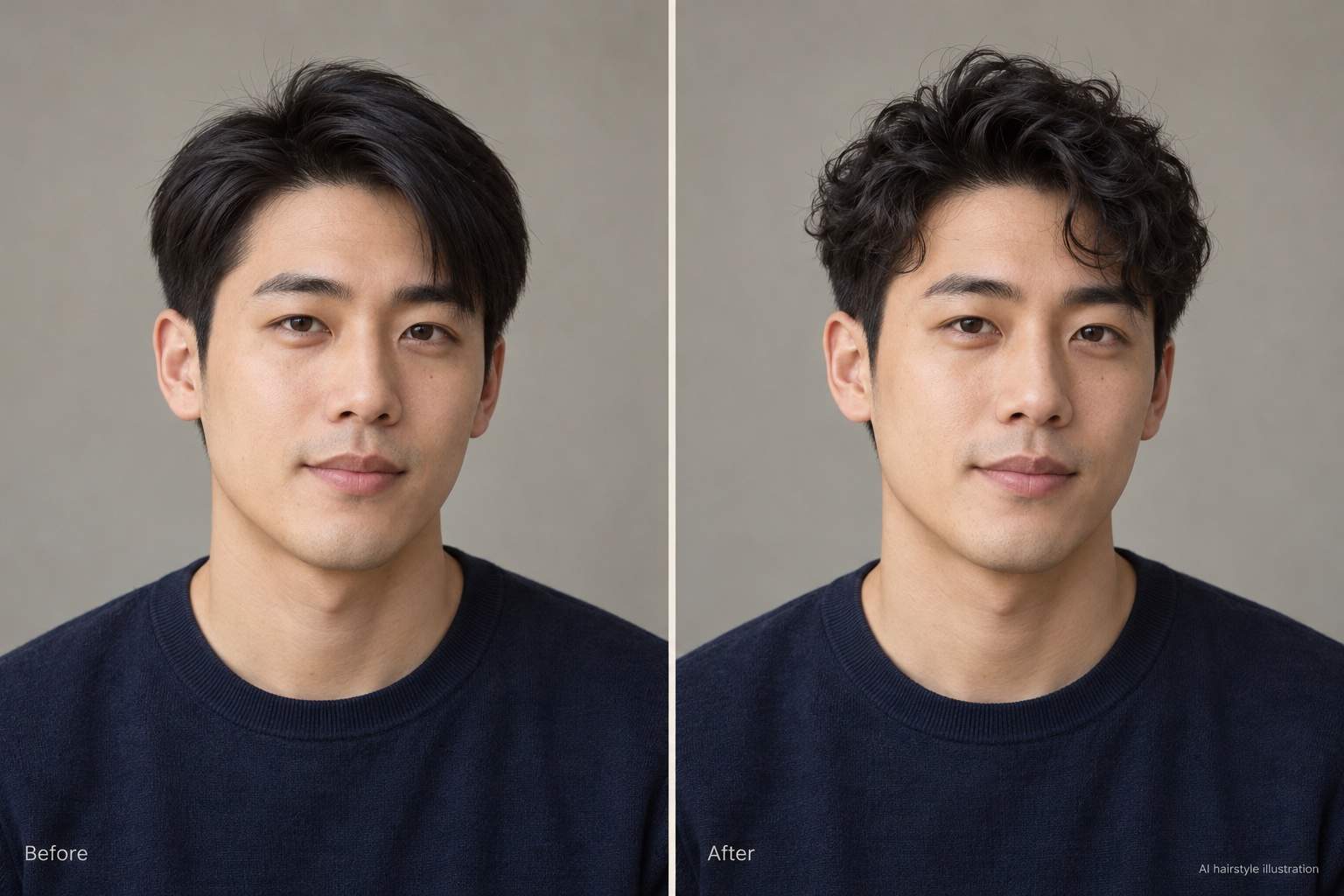
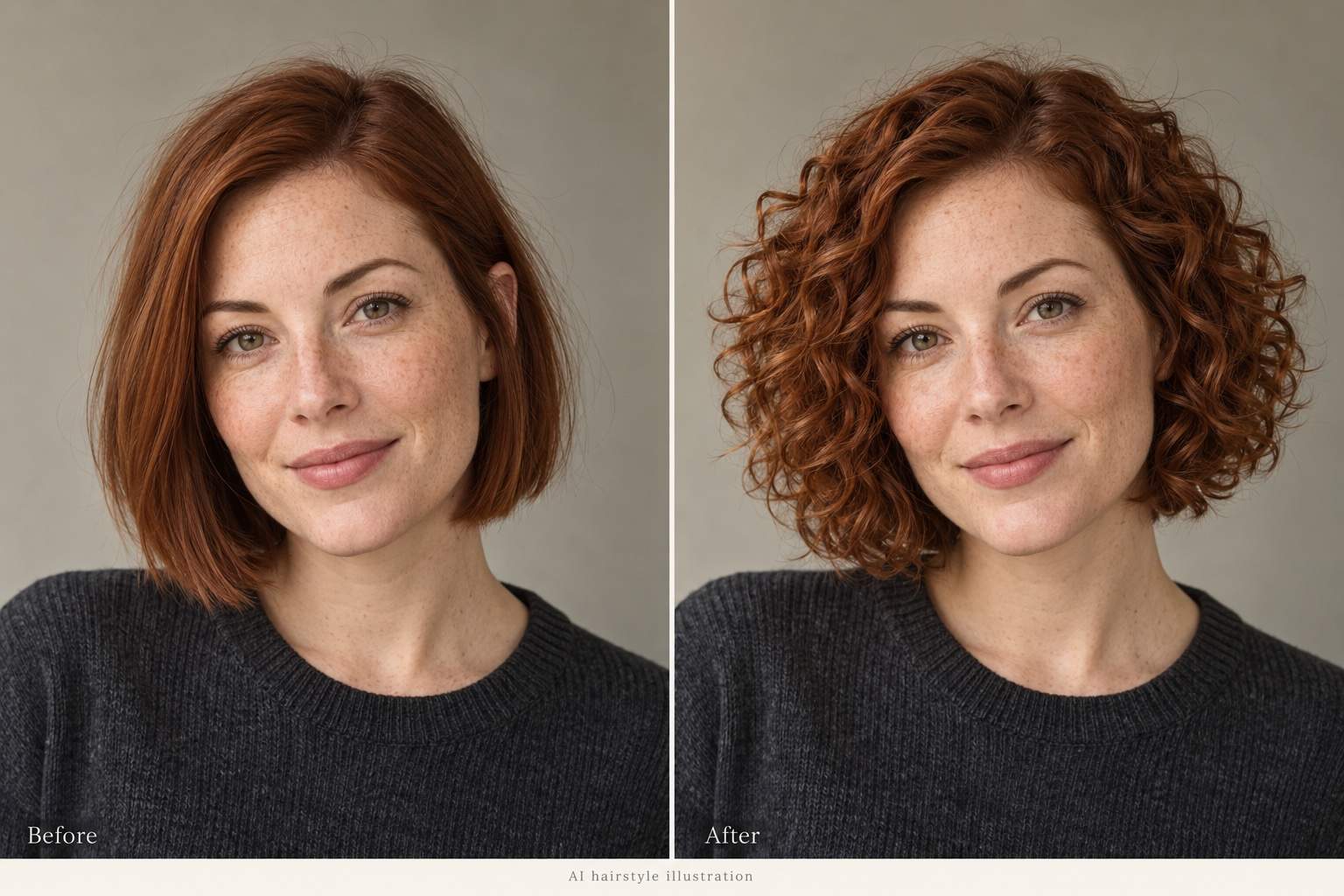
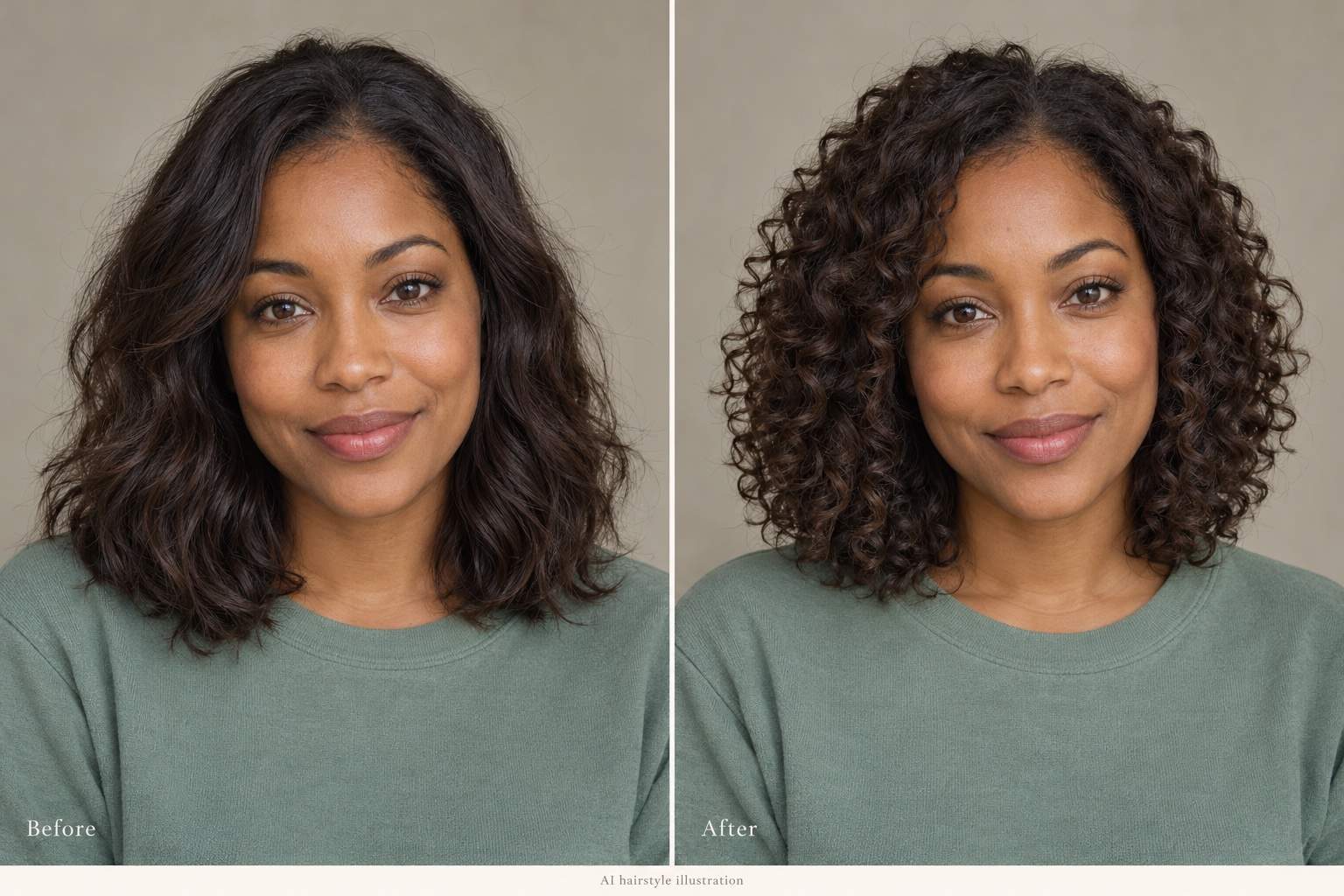
How to Create a Curly Hair Preview with AI
Upload a Clear Portrait
Preview Your Curly Look
Adjust the Curls Through Chat
Compare and Save Your Favorite

Explore Curls Your Way With Mew Design
Try Curls on Your Own Photo
Explore how curls frame your face using an uploaded portrait. This online curly hair filter starts from your photo, so the preview is personal.
Choose the Curl, Not Just the Cut
Describe loose curls, springy ringlets, or a short curly top. Specify the length and volume to explore the look you have in mind.
Compare More Than One Look
Create several versions from the same photo. Compare softer curls with tighter ringlets while asking to keep the color and framing consistent.
Bring a Hairstyle Reference
Upload a curl reference alongside your portrait. Tell Mew Design which image is you and which shows the texture you want to try.
Refine an Overdone Result
Use Chat Edit to soften an artificial hairline or reduce oversized curls. Target the hair and review any unintended changes before saving.
Take Your Preview With You
Download watermark-free PNG or JPG images for sharing or a salon conversation. An AI perm filter offers inspiration, not a prediction of your actual perm.
Get a Clearer Curly Hair Before and After
- Show the Whole Hairstyle: Choose a front-facing or slight-angle portrait with the hairline and ends in frame. Avoid hats, tied-up hair, and hands covering the hair.
- Keep the Starting Photo Simple: Use even lighting and avoid heavy beauty filters or blur. A plain background makes the hair edges easier to inspect.
- Define What Stays the Same: Name the features to preserve, especially your face, hair color, and parting. Ask for a target length if the curls look too short.
- Compare One Change at a Time: Check curl size, volume, and face framing before changing color or length. Treat the preview as a style idea, not a guaranteed salon result.
Find the Curl Shape That Feels Like You
Loose curls: Use my uploaded photo to add large, relaxed curls with gentle movement. Keep my current hair color, parting, and approximate length. Preserve my face and background.
Short curly hair for men: Use my uploaded portrait to add a softly curled top while keeping the sides short. Avoid oversized volume. Preserve my hairline, face, facial hair, and outfit.
Curly bob: Turn the hair in my uploaded photo into a chin-length bob with defined spiral curls. Keep my original color and face. Show the full silhouette without cropping the curls.
Curly bangs: Add a light curly fringe to my uploaded hairstyle. Keep the curls above my eyes and blend them with the rest of my hair. Preserve my eyebrows and facial features.
Less volume: Revise my curly hair preview with less width at the sides and softer lift at the roots. Keep the curl definition, hair color, face, and background.
Restore my likeness: Compare this preview with my original portrait. Restore my original facial features, expression, and skin texture. Keep the requested curls and change nothing else.





