Free OnlineAI Crying Face Generator
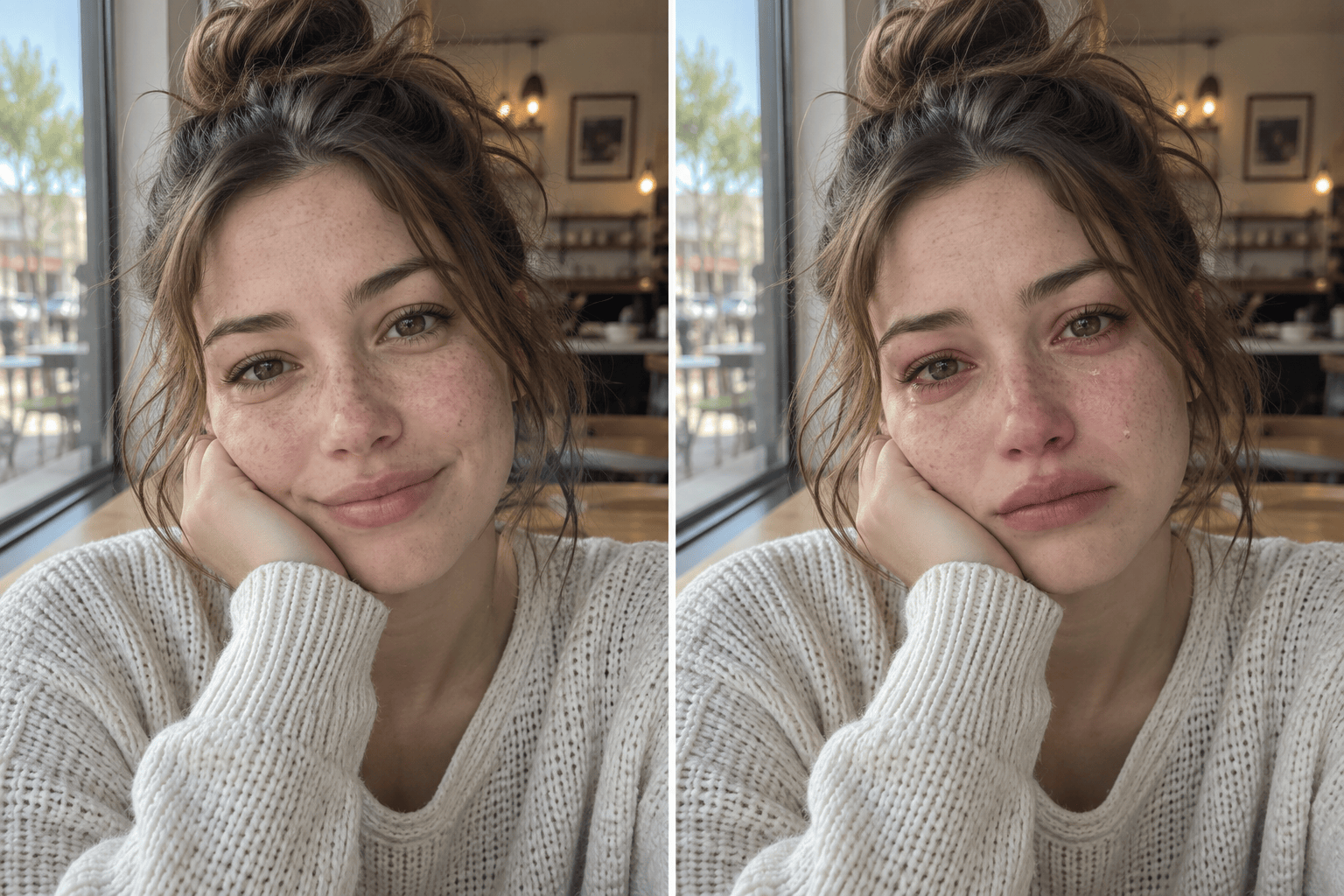
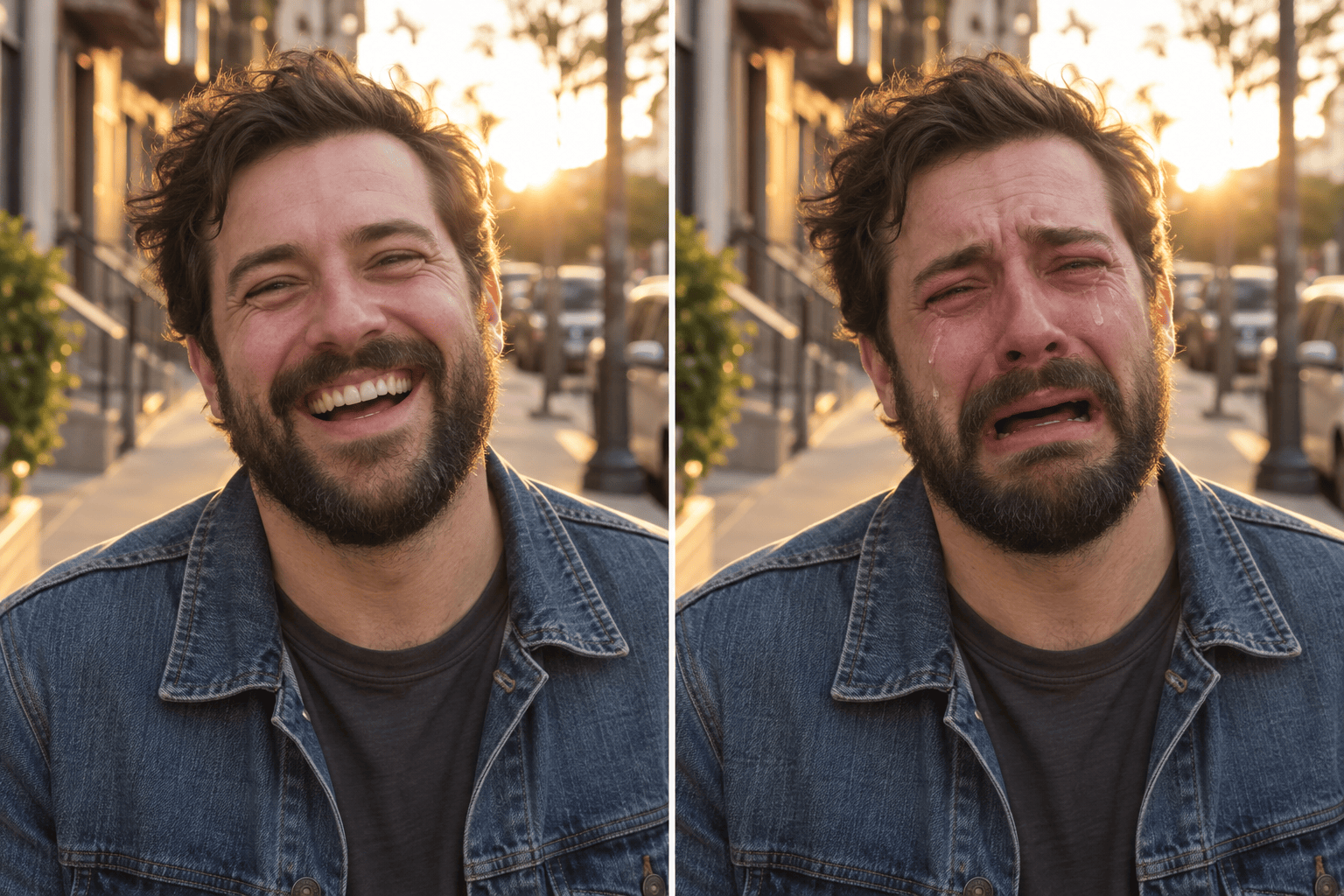
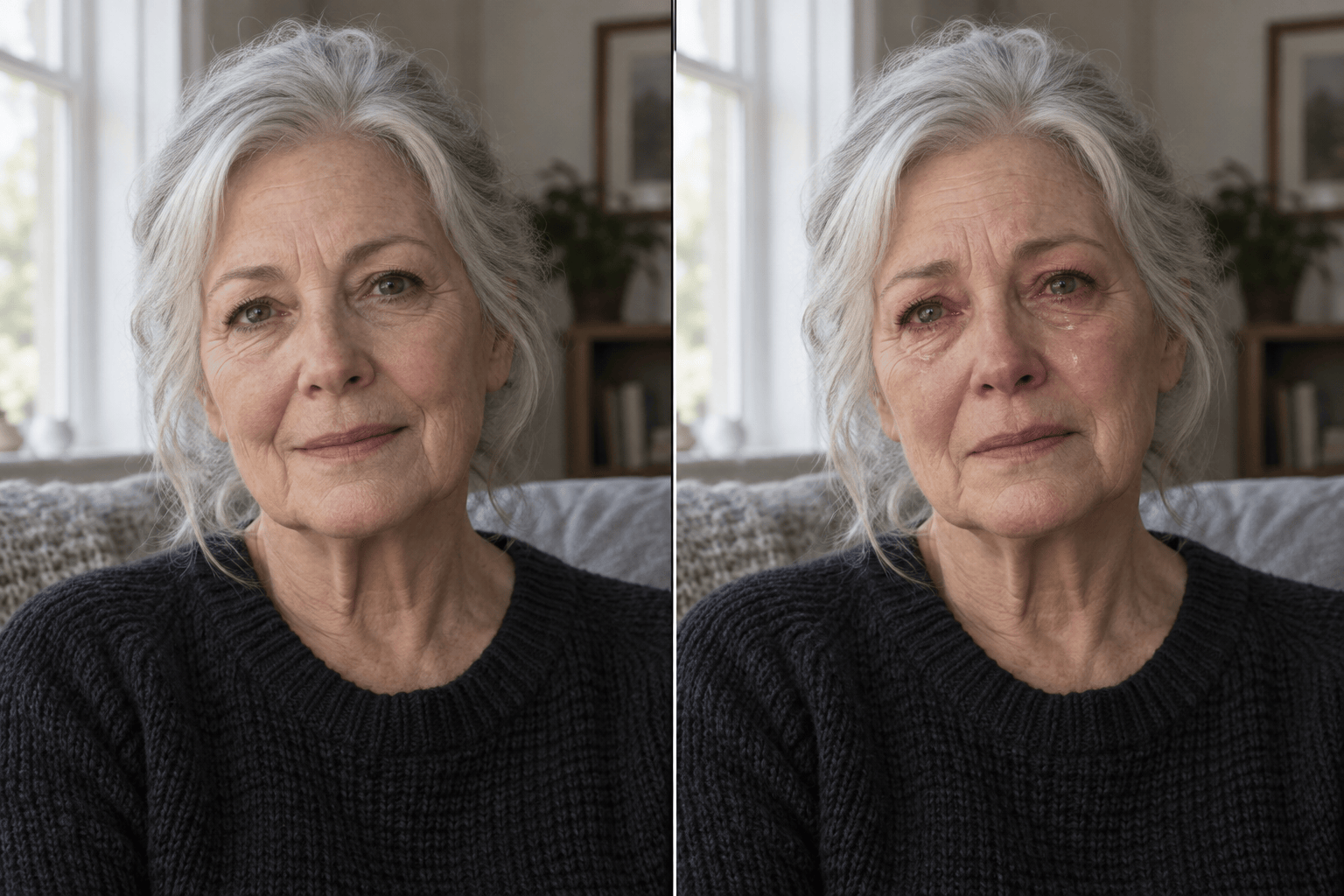
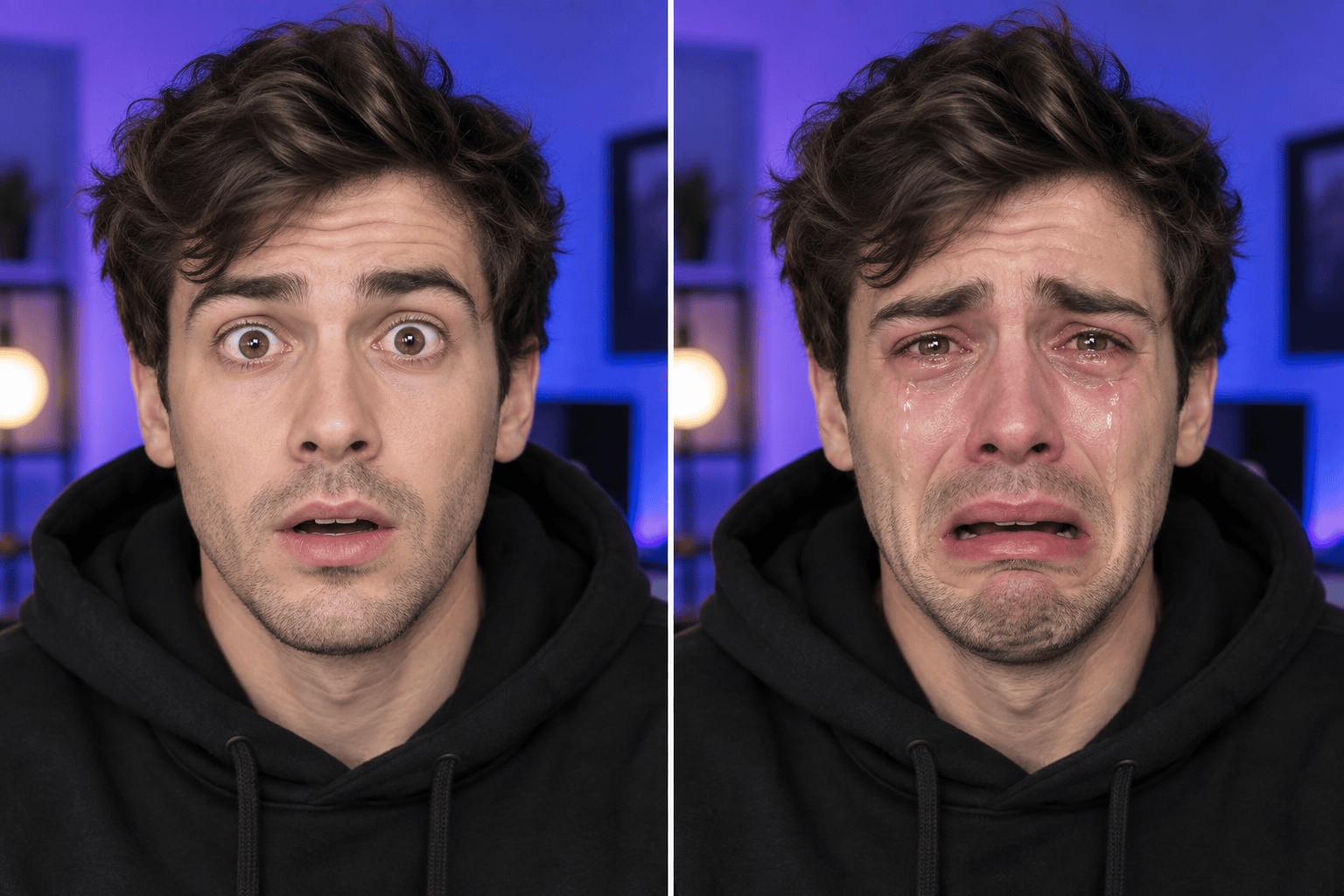
How to Make a Crying Face with AI
Upload a Clear Portrait
Describe the Crying Look
Generate the Tearful Edit
Refine and Share

Why Mew Design Works for Crying-Face Edits
Edit the Expression, Not the Identity
Our AI crying face generator starts from your uploaded portrait. Tell it to preserve face shape, hairstyle, skin tone, clothing, pose, and setting while changing only the visible emotion.
Make Tears Fit the Existing Light
This online AI crying filter can follow instructions about glossy eyes, tear paths, flushed cheeks, and skin texture. Ask it to match the original light so the moisture feels part of the photo, not like a sticker.
Choose How Sad the Face Looks
Create an understated AI sad face for a character portrait or push the expression toward full sobbing for a crying meme. Natural-language control makes it easy to explore more than one emotional intensity.
Correct One Detail Through Chat
If the first result changes too much, use Chat Edit to request one focused fix, such as restoring the original background, reducing the redness, or keeping the mouth closer to the source photo.
Create Variations for Different Channels
Generate related versions for a square avatar, a social reaction image, or a dramatic thumbnail. You can keep the same visual direction while changing the crop, sadness level, or tear detail.
Try It With Free AI Credits
Sign up to receive free AI credits and test a sad-face edit before choosing a plan. Finished images can be exported without a watermark for clean sharing and reuse.
How to Get a Realistic Crying Face From a Photo
- Start With a Clear Face: Use a sharp portrait with open, unobstructed eyes and even lighting. Sunglasses, hands across the face, steep side angles, and heavy blur can make natural tear placement harder.
- Name the Intensity: Distinguish quiet sadness, welling eyes, visible crying, and exaggerated sobbing. Add details such as one tear, wet lashes, puffy eyelids, or a trembling mouth only when they match the intended mood.
- Lock the Original Details: List the features that must stay the same: identity, face proportions, hairstyle, clothing, pose, gaze, background, lighting, and framing. This is especially important for an AI crying filter from a photo.
- Refine One Issue at a Time: If the result feels artificial, ask for a single correction, such as smaller tears, less redness, restored skin texture, or the original smile lines. Focused edits make successful details easier to preserve.
AI Crying Filter Prompts for Different Moods
Subtle tears: Edit @[portrait] so the same person looks quietly sad with glassy eyes, slightly wet lower lashes, one fine tear on the left cheek, and a restrained frown. Preserve identity, skin texture, hair, clothing, pose, lighting, crop, and background.
Full sobbing meme: Turn @[portrait] into an exaggerated but photorealistic crying reaction. Add streaming tears, red puffy eyes, flushed cheeks, and a trembling open mouth. Keep the person fully recognizable and leave the clothing, hands, setting, and camera angle unchanged.
Sad profile picture: Create a believable AI sad face from @[portrait] with lowered brows, moist eyes, a soft downturned mouth, and one subtle tear. Keep the expression readable at a square avatar crop and preserve every identifying feature.
YouTube reaction thumbnail: Make the adult in @[portrait] look dramatically tearful with clear eye highlights and visible tears that remain readable at thumbnail size. Preserve the face, outfit, pose, and background; do not add text, logos, or unrelated objects.
Cinematic character moment: Edit @[portrait] into a restrained heartbreak scene with red-rimmed eyes, tear tracks catching the existing side light, and natural flushed skin. Keep the same person, lens perspective, environment, wardrobe, and realistic skin texture.
Black-and-white emotional portrait: Keep @[portrait] in the same monochrome style and add a quiet crying expression with wet eyes and two fine tear tracks. Preserve identity, grain, contrast, hairstyle, clothing, background, and framing exactly.





