Create Creepy Text Art with AI
How to Create Creepy Text Art with AI
Describe the exact words
Choose the horror direction
Generate the first text design
Refine and export the artwork

Why Use Mew Design for AI Creepy Text Generation
Keep the Title at the Center
Treat the phrase as the main visual, not an afterthought. The AI creepy font generator can create a strong title hierarchy with space for a subtitle, date, venue, or short credit line.
Explore More Than One Horror Style
Move from Gothic blackletter to haunted manuscript, cracked stone, ghostly light, distressed film grain, or controlled VHS glitch without rebuilding the composition from scratch.
Make Text Art for Real Destinations
Create a horror movie title card, Halloween invitation, haunted-house flyer, podcast cover, game promo, or creepy text for social media with the hierarchy and framing each format needs.
Ask for Readability Before Intensity
Creepy effects work best when the key words can still be understood. Use Chat Edit to soften Zalgo-like marks, reduce haze, restore contrast, or keep a small line of event information plain.
Bring References and Brand Details
Upload a moodboard, logo, event colors, a paper texture, or a reference image when the text art needs to fit an existing horror project. Ask for a similar mood without copying a protected title or logo.
Create Variations for Every Screen
Test a 16:9 title card, a square social graphic, or a 9:16 story version from the same concept. Start online with free AI credits after signup and refine the direction before you commit to a final design.
How to Write a Strong Prompt for Creepy Text Art
- Text and hierarchy: List the main title first, then any subtitle, date, venue, episode number, or credit. Say what must remain exact and which line should be visually dominant.
- Effect and mood: Name the visual treatment—Gothic, haunted, cracked, dripping, smoky, ghostly, or analog glitch—along with the palette, material, light, and level of distortion.
- Format and destination: Specify 16:9 for a title card or YouTube thumbnail, square for a cover or social post, or 9:16 for a story. Mention whether you want an integrated scene or text-focused artwork.
- Readability and restraint: Ask for high contrast, short copy, and no invented words. Keep essential information in plain text rather than covering a full paragraph with Zalgo-style distortion.
AI Creepy Text Prompts for Horror, Halloween, and Social Content
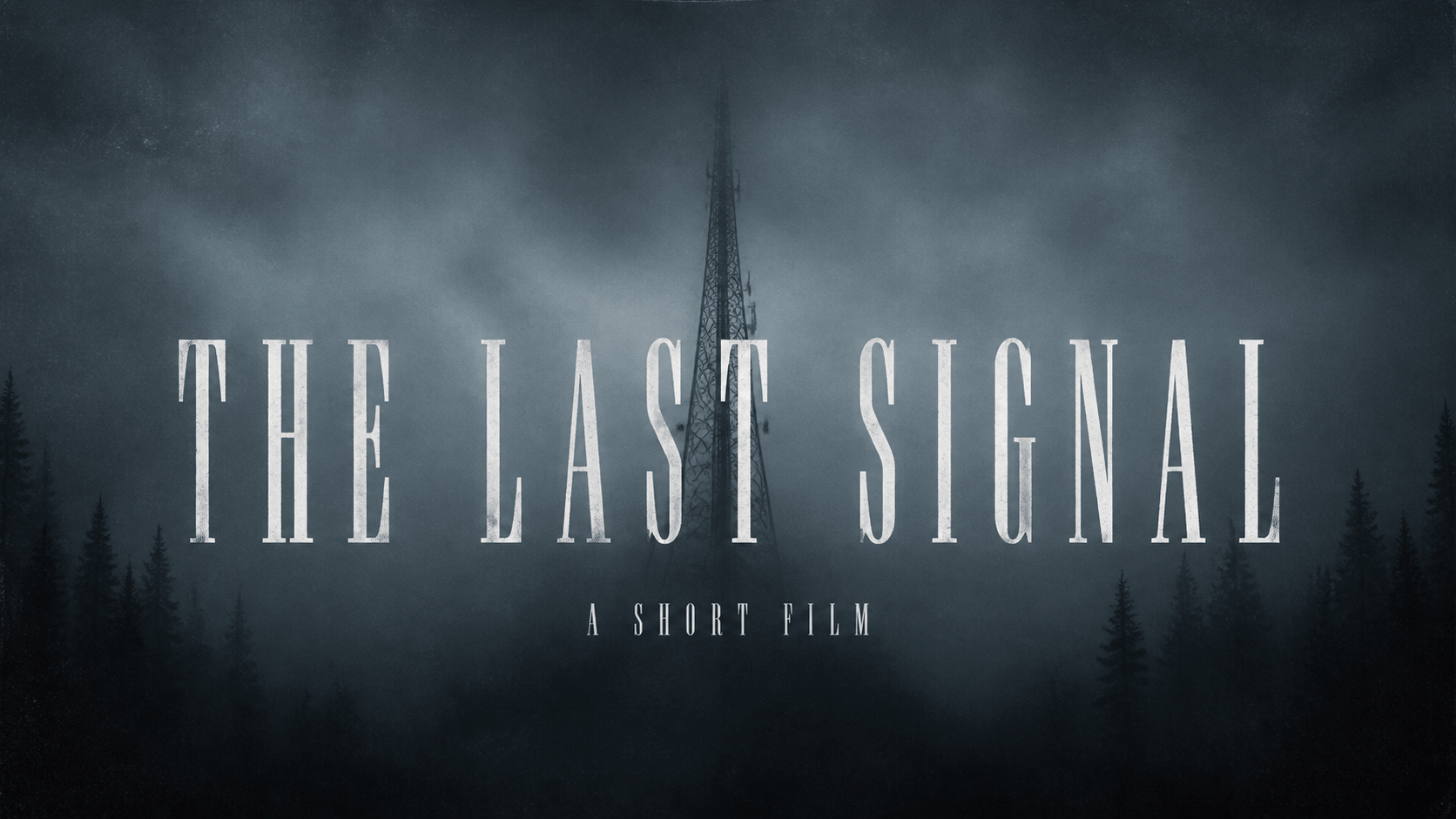
Horror movie title card: Create a 16:9 cinematic title card with the exact words "THE LAST SIGNAL". Use narrow distressed serif lettering, a black radio tower in fog, cold white type, subtle film grain, and a small line reading "A SHORT FILM". Keep every word readable and do not add extra credits.
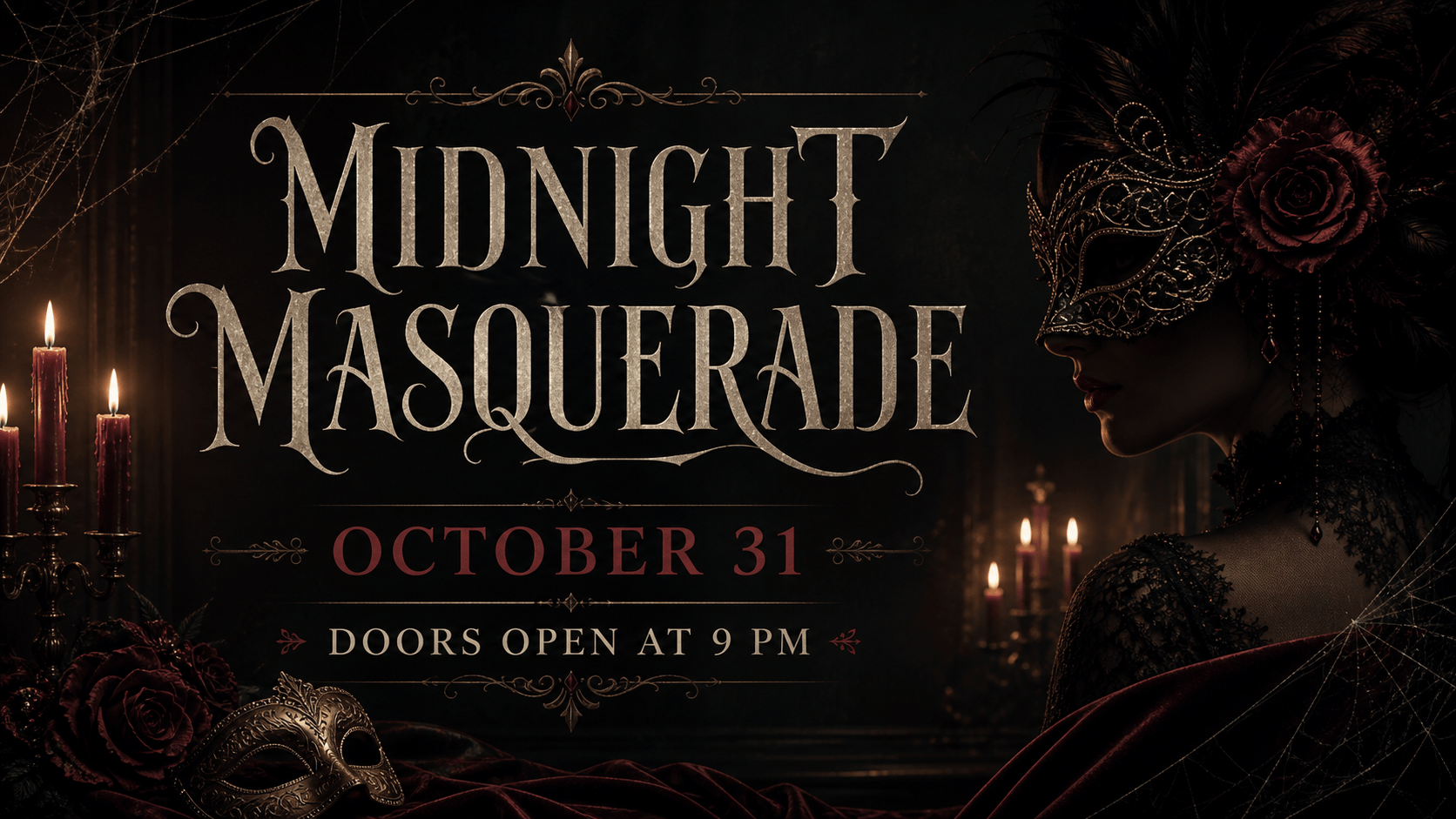
Halloween invitation: Design a square spooky invitation with the exact title "MIDNIGHT MASQUERADE", the date "OCTOBER 31", and the line "DOORS OPEN AT 9 PM". Use elegant Gothic lettering, candlelit burgundy and charcoal colors, thin cobweb details, clear hierarchy, and no graphic violence.
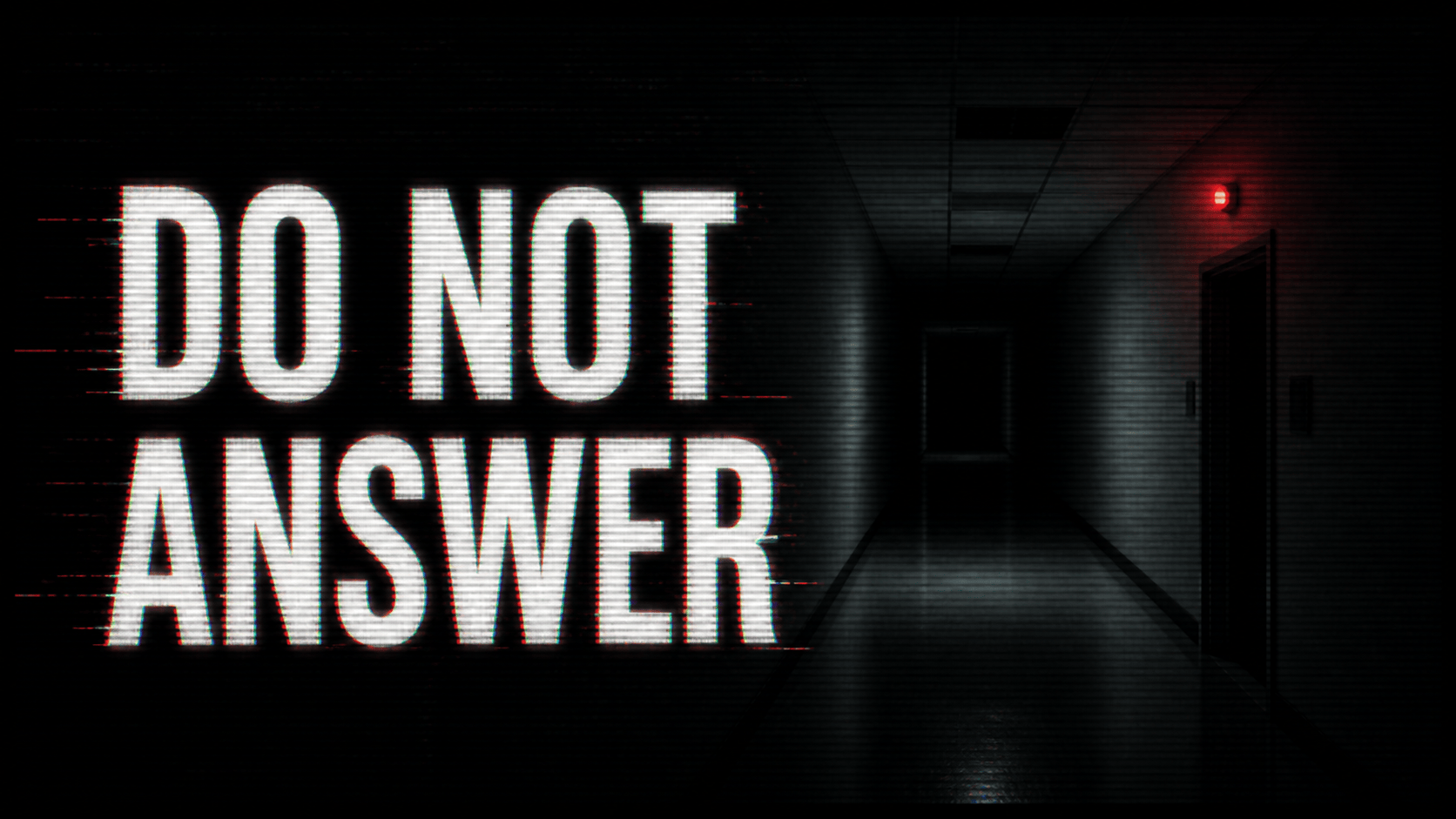
Analog horror YouTube thumbnail: Make a high-contrast 16:9 thumbnail with the exact words "DO NOT ANSWER". Use warped CRT scanlines, a nearly empty hallway, one pale red indicator light, restrained glitch marks around the title, and large readable lettering with no extra text.
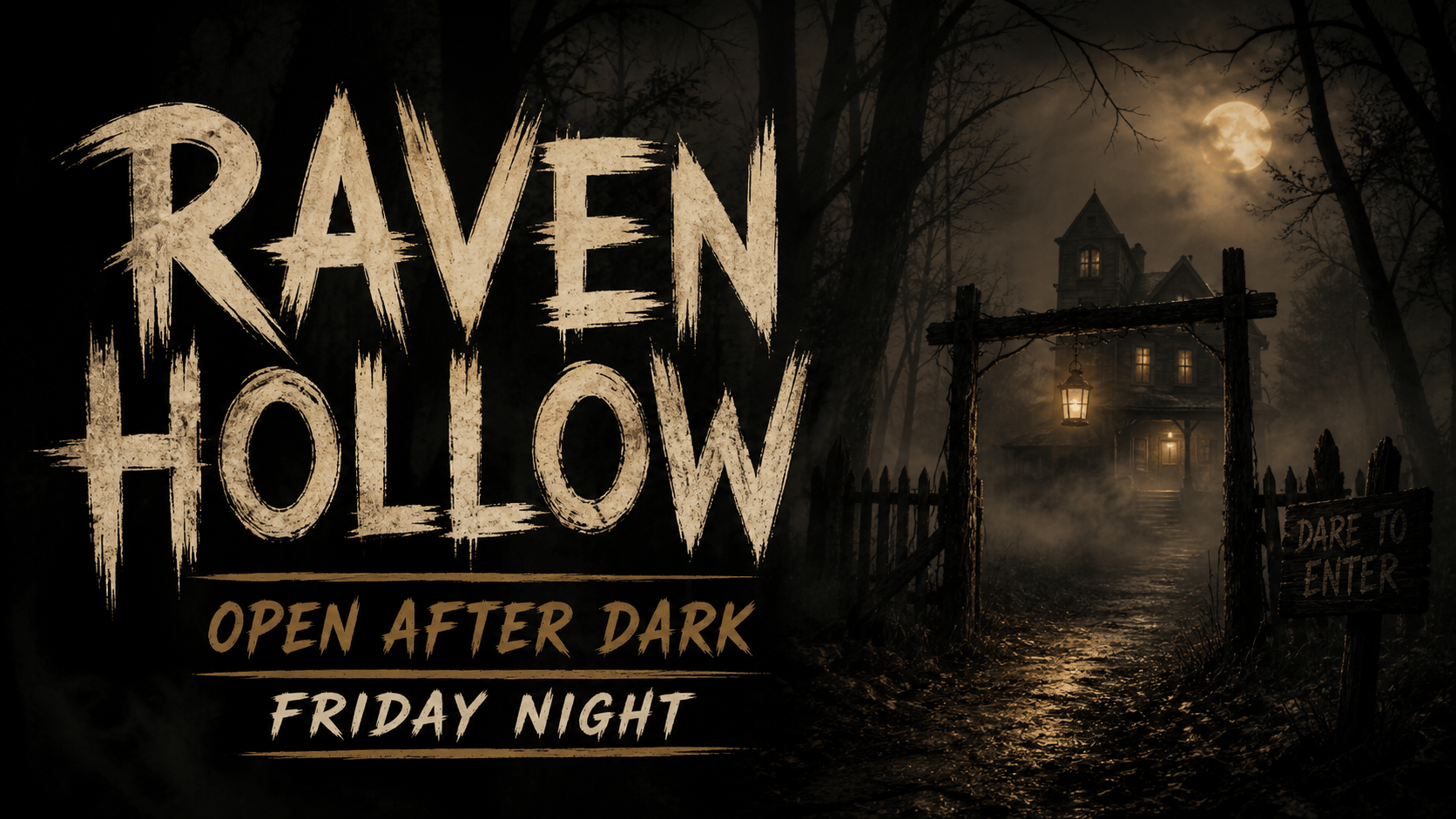
Haunted-house flyer: Create a vertical horror event graphic for a haunted attraction called "RAVEN HOLLOW". Include the exact lines "OPEN AFTER DARK" and "FRIDAY NIGHT". Use distressed painted letters, a dark woodland silhouette, fog, muted amber light, and enough negative space for a QR code.
Gothic podcast cover: Create a square cover with the exact title "THE LAST ROOM" and the subtitle "A STORY IN STATIC". Use ornate blackletter, aged parchment, a small keyhole, deep charcoal and bone-white tones, strong contrast, and a polished editorial composition.
Transparent creepy text artwork: Render the exact words "DON'T LOOK BEHIND YOU" as readable cracked white lettering with a subtle cyan-red glitch edge. Keep the background clean and simple so the text can be placed over a 9:16 horror story image. Do not add symbols, extra words, gore, or a watermark.





