Free OnlineAI Cowboy Generator
How to Create a Cowboy Portrait with AI
Upload a Portrait or Start From Text
Direct the Western Look
Generate and Inspect the Portrait
Correct One Detail and Export

Made for Personal, Believable Western Portraits
Keep the Person Recognizable
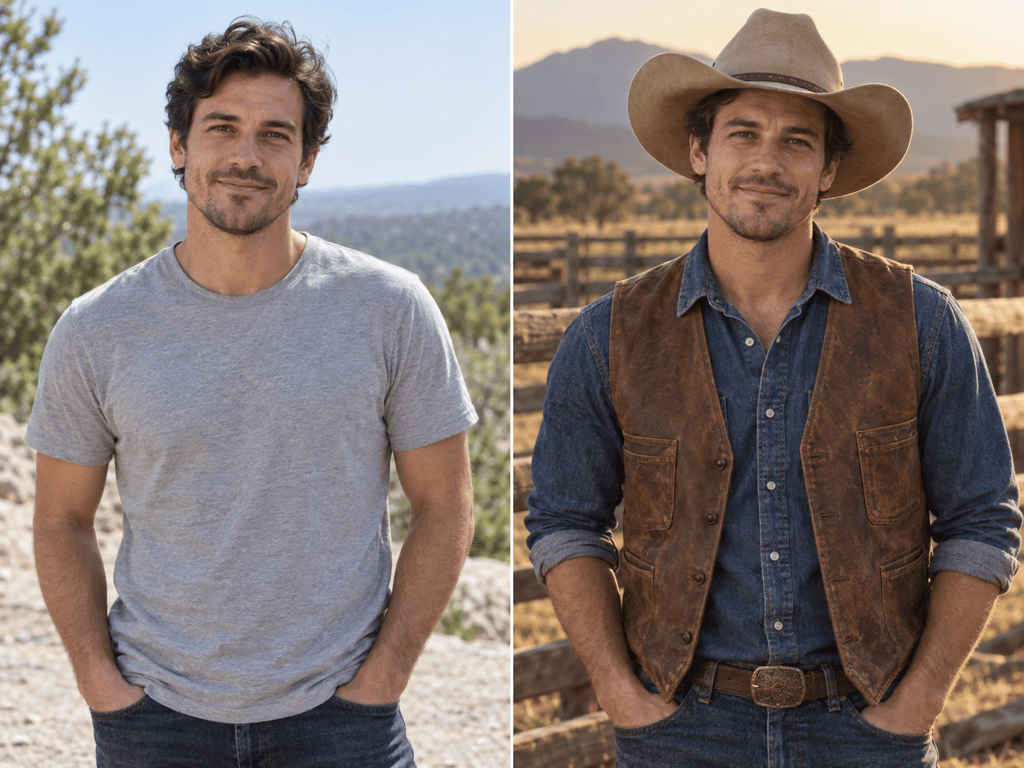
Upload a clear reference and tell Mew Design to preserve face shape, skin tone, age cues, hair, and expression. The AI cowboy filter changes the visual world around the subject without requiring a generic replacement face.
Restyle More Than the Hat
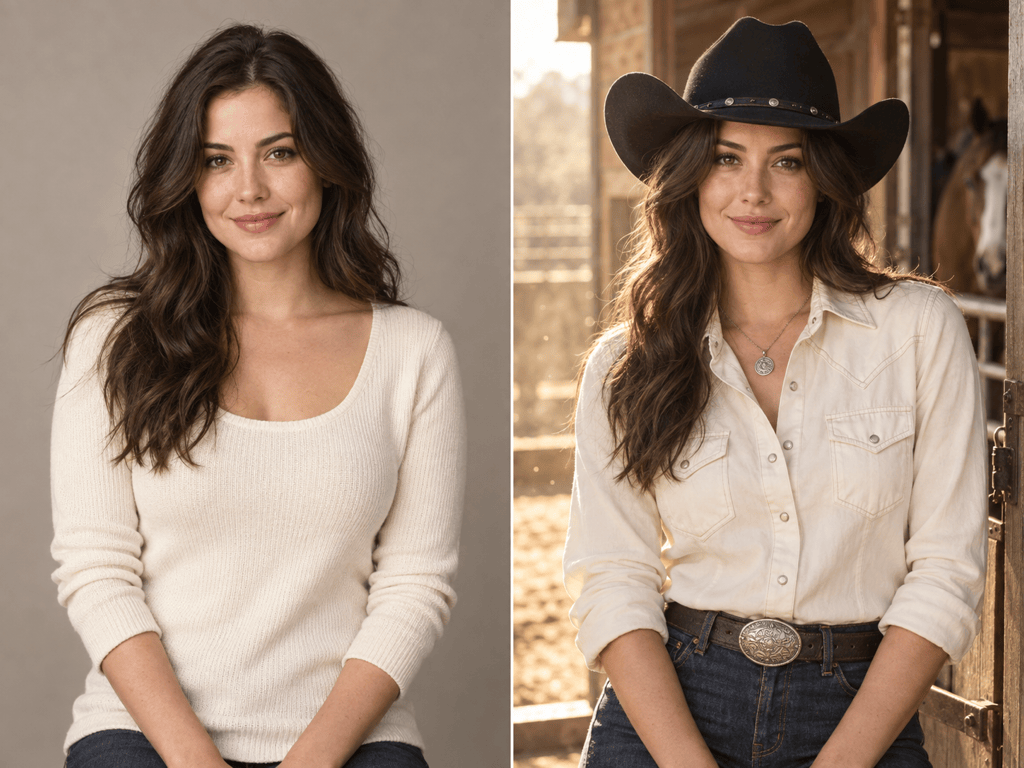
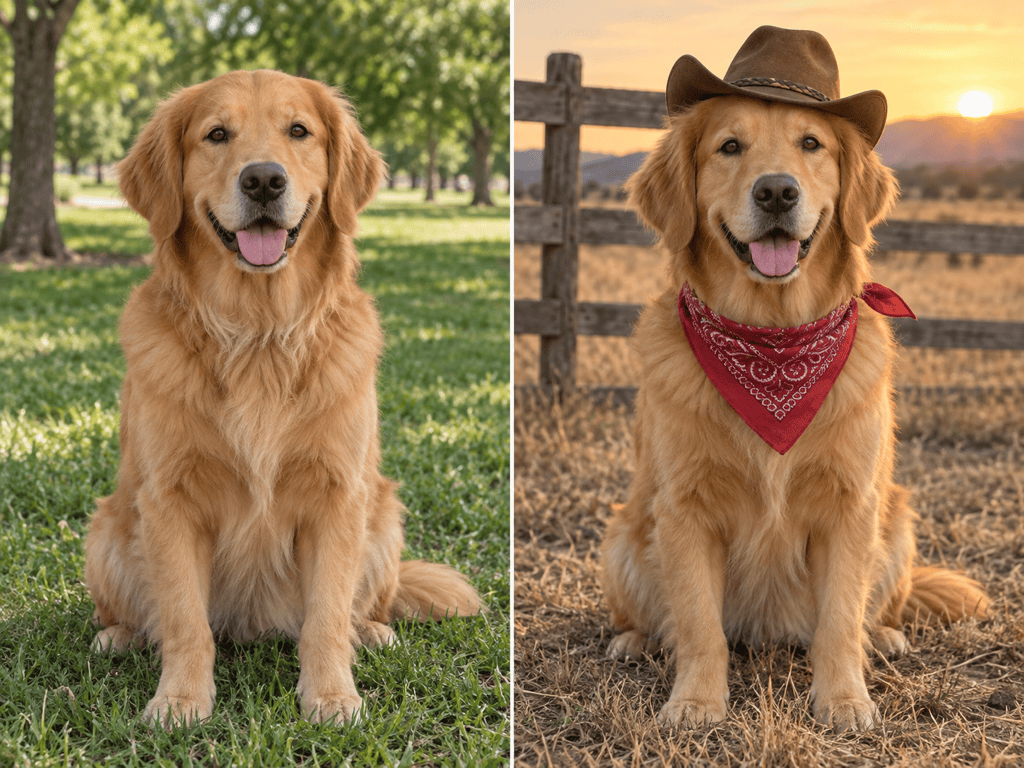
Build a coherent cowboy photo effect with a fitted hat, textured denim or leather, boots, dust, ranch details, and matching light. The goal is a complete Western photoshoot look, not a flat sticker overlay.
Control What Changes
Keep the original pose and background, change only the outfit, or allow the online cowboy portrait generator to rebuild the full scene. Plain-language constraints make the edit as subtle or cinematic as you need.
Repair Weak Details Through Chat
If the hat clips through hair or the face drifts, click Chat Edit and request one focused correction. You can lock the approved identity, framing, clothing, and lighting while changing only the problem area.
Create a Consistent Western Series
Explore ranch daylight, studio Western fashion, vintage sepia, or illustrated character variations from the same direction. Save a successful method as a Mew Skill when you want less repeated setup across a portrait series.
Try It Free and Export Clean Images
New users receive free AI credits after signup. Test the free AI cowboy generator, refine the selected result, and export a watermark-free PNG or JPG for personal or creative projects.
How to Keep Your Face in a Cowboy Transformation
- Use a Clear Source: Choose a sharp front or three-quarter portrait with visible hair, jawline, and shoulders. Heavy blur, deep shadow, or objects across the face make identity harder to preserve.
- Fit the Hat to the Head: Name the hat material and brim shape, then ask for believable scale, hair overlap, crown perspective, and a shadow that follows the original light direction.
- Build One Visual World: Connect wardrobe, setting, and light: dusty denim suits a ranch road, while tailored black leather and controlled studio light create a modern Western editorial.
- Revise One Problem at a Time: If the face, hand, hat, or background needs work, name only that change and explicitly preserve the approved identity, pose, crop, palette, and lighting.
Cowboy AI Prompts for Portraits and Characters
Cinematic Ranch Portrait: Turn my uploaded selfie into a photorealistic cowboy portrait. Keep my face, hair, expression, body shape, and camera angle recognizable. Add a tan felt hat, faded denim shirt, worn leather jacket, ranch fence, distant hills, and warm golden-hour light. Natural skin texture, realistic fabric, no text, logo, weapon, or extra person.
Modern Cowgirl Editorial: Transform my uploaded portrait into a polished modern cowgirl fashion image. Preserve my identity and skin tone. Add a structured black Western hat, cream shirt, dark denim, subtle silver accessories, and a sunlit stable doorway. Keep the styling practical and refined, with realistic hat shadow and no text or brands.
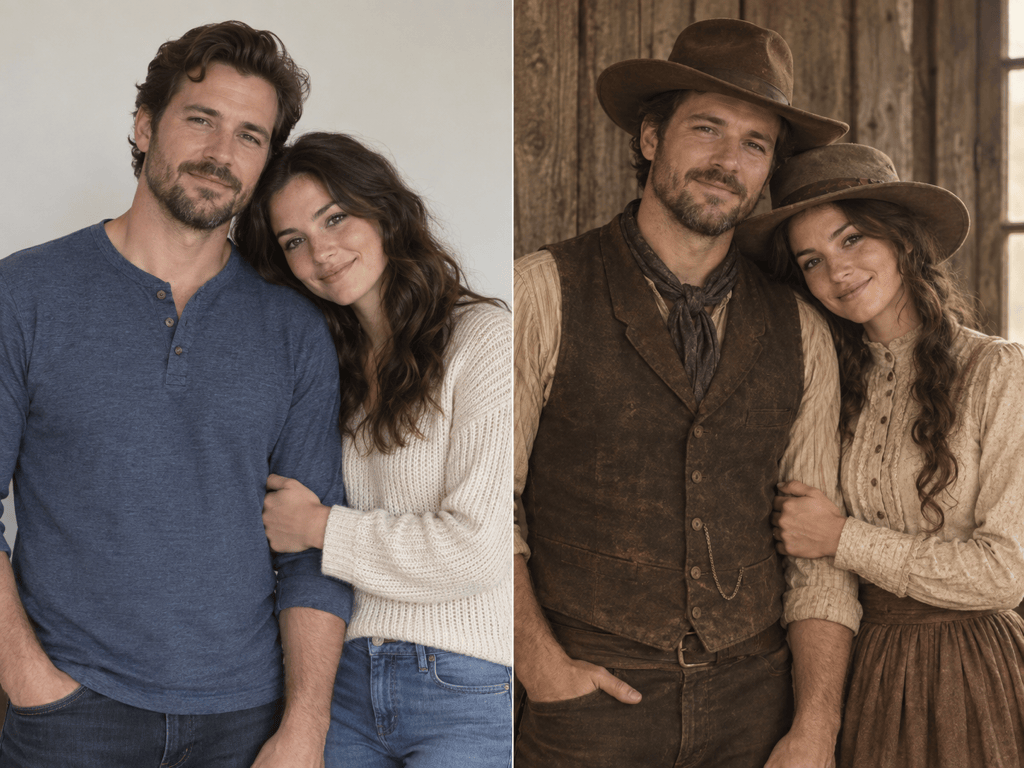
Old West Couple Keepsake: Restyle the two adults in my uploaded photo as a coordinated frontier couple while preserving both faces, relative height, pose, and expressions. Use period-inspired but respectful clothing, weathered wood, soft sepia color, and natural window light. Keep hands believable and do not add other people or text.
Vintage Wanted-Poster Base: Create a waist-up Old West outlaw portrait from my reference photo. Preserve the face and expression, add a dusty coat and worn hat, and use aged sepia studio lighting against a plain weathered backdrop. Leave clean space around the subject for wording I will add later; render no text, logo, weapon, or watermark.
Original Game Character: Create an original Western game character with no photo reference: a calm frontier scout in practical layered clothing, weathered hat, red neckerchief, field journal, and dust-marked boots. Full-body three-quarter pose outside a remote canyon outpost, graphic-novel realism, readable silhouette, no existing franchise, logo, text, or weapon aimed at the viewer.
Focused Hat and Face Fix: Keep the current cowboy image, face, expression, body, pose, clothing, background, crop, and lighting unchanged. Adjust only the hat so it fits the head naturally, sits behind the front hair strands, matches the crown perspective, and casts a soft shadow across the forehead without covering the eyes.





