Free OnlineAI Convert Photo to Coloring Page
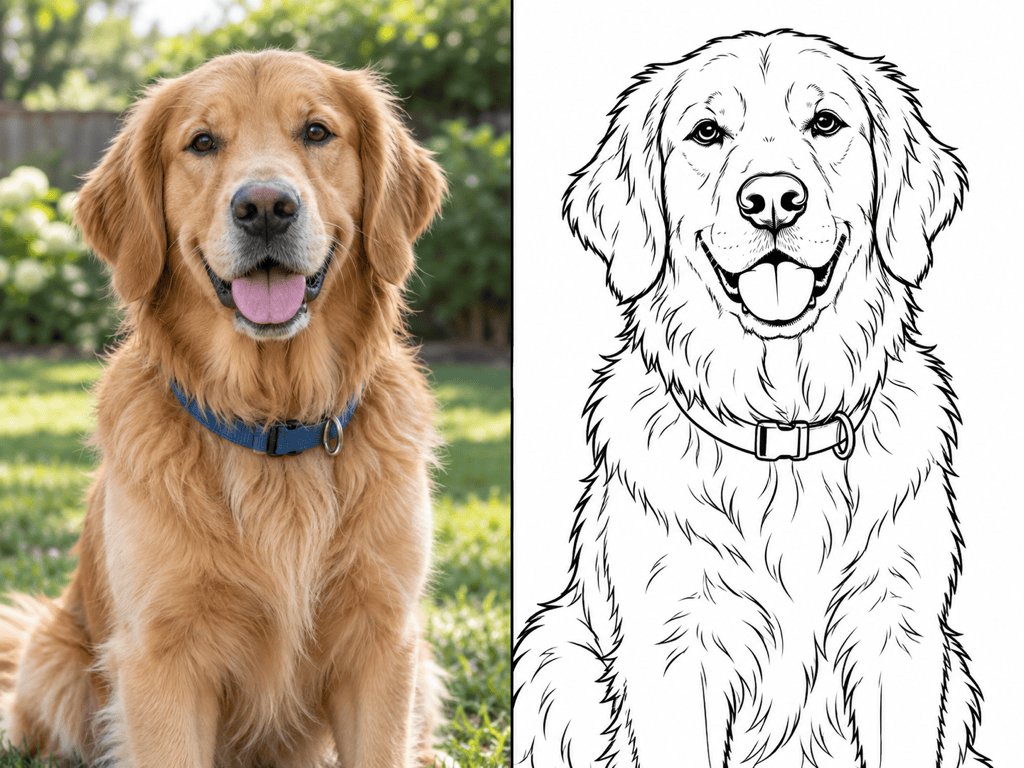
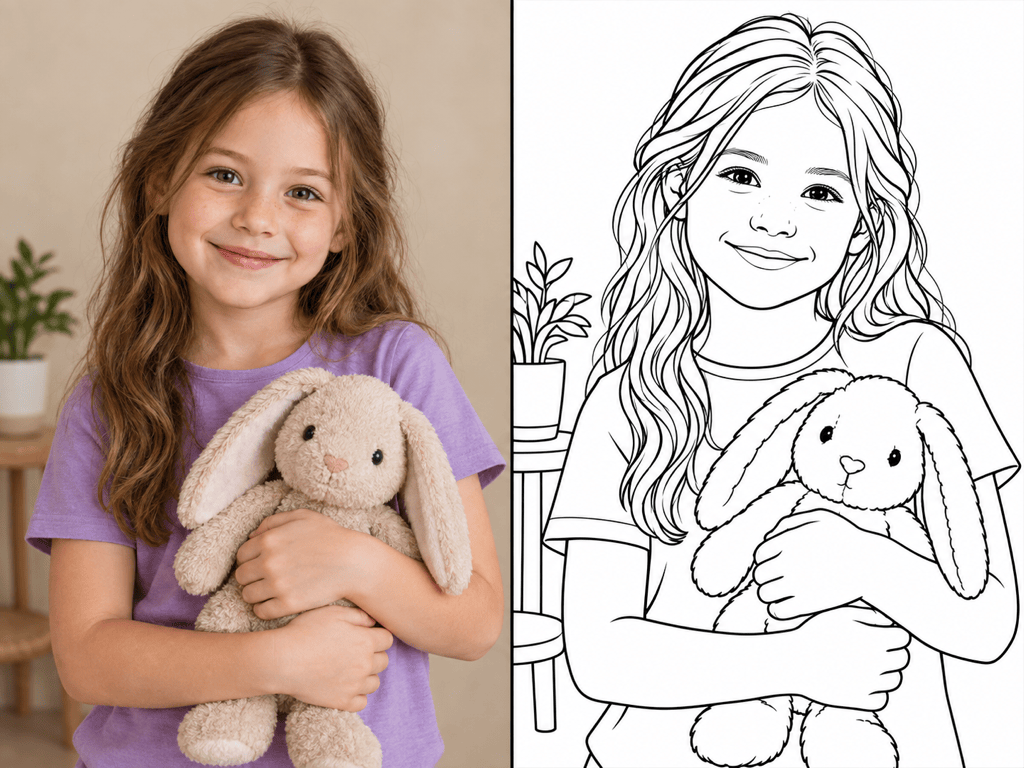
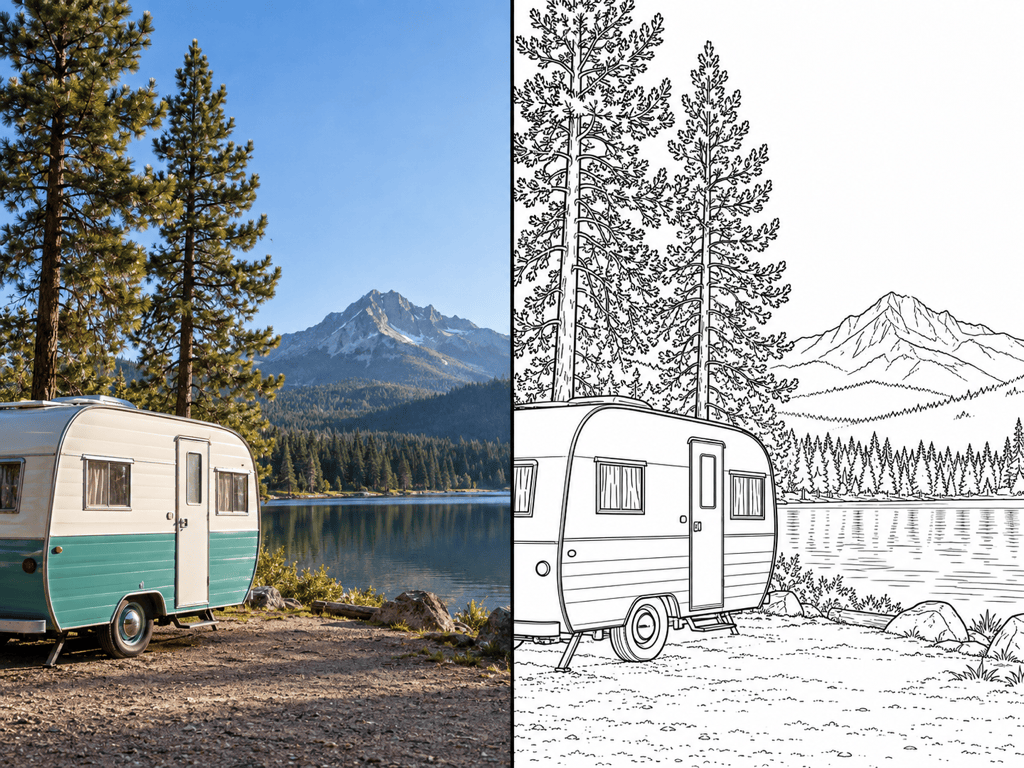
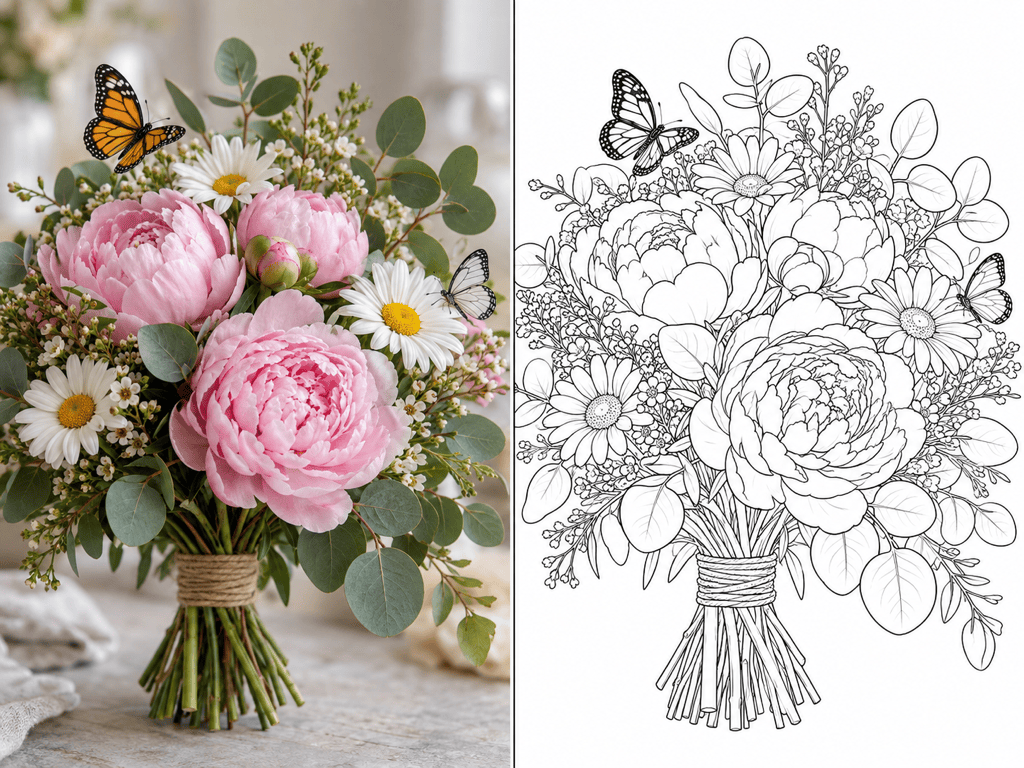
How to Turn a Photo into a Coloring Page with AI
Upload a Clear Photo
Describe the Line Detail
Clean Up the First Draft
Export and Print

Why Choose Mew Design for Photo-to-Coloring Page Conversion
Keep the Subject Recognizable
Upload the source image and tell Mew Design which facial features, pose, pet markings, vehicle shape, or landmark silhouette must remain. The image-to-image workflow keeps your photo at the center of the result.
Set the Right Coloring Difficulty
This online photo to coloring page converter follows natural-language direction. Request thick contours and large open spaces for kids, or preserve more flowers, architecture, and textures for adult colorists.
Turn Busy Photos into Cleaner Pages
Ask the AI to remove a distracting background, reduce small textures, or keep only a few scene-defining objects. Cleaner white space makes a printable coloring page easier to read and color.
Fix One Line-Art Problem at a Time
If the first conversion has gray patches, broken contours, or a crowded area, use Chat Edit to describe the exact correction while preserving the parts that already work.
Export for Print or Digital Coloring
Use the free AI photo to coloring page generator with signup credits, refine your design, and export a watermark-free PNG, JPG, or PDF for the way you plan to color or share it.
Build a Consistent Coloring Book Series
When you find a line style that works, turn the conversion method into a reusable Mew Skill. Reapply the same detail level, background rules, and output conventions to related pages with less repeated setup.
Choose the Right Photo for Clean Coloring-Page Lines
- Favor One Clear Subject: Use a close-up or medium shot where the person, pet, toy, flower, or object is larger than the background.
- Look for Light and Contrast: Sharp edges and even lighting are easier to translate into deliberate outlines than motion blur, deep shadows, or heavy photo filters.
- Match Detail to the Colorist: Ask for thick lines and large spaces for young children, balanced detail for families, or fine clean contours for adult coloring.
- Use Photos Responsibly: Upload images you own or have permission to use. Get appropriate consent before turning a photo of a child or another person into a page you plan to share.
Fix Common Photo-to-Coloring Page Problems
Simplify this busy background. Keep the main subject unchanged, remove small objects and visual noise, and leave clean white space around the subject with bold closed outlines.
Make the portrait more recognizable. Preserve the face shape, expression, eyes, hairstyle, and pose from the uploaded photo; change only the rendering into clean coloring-book line art.
Clean up the pet's fur. Replace scratchy hair-by-hair marks with broad contour groups, but keep the eyes, nose, ears, patches, and distinctive markings recognizable.
Remove every gray fill, shadow, gradient, and pencil texture. Use pure black outlines on a plain white background with closed areas ready for crayons or markers.
Make this easier for a young child to color. Thicken the main outlines, remove tiny interior shapes, enlarge the open spaces, and keep only the most recognizable details.
Create a more detailed adult coloring page from this photo. Preserve the important flowers, architecture, or landscape contours, but keep the lines clean, intentional, and free of photographic noise.





