Free OnlineAI Comic Strip Generator
How to Create a Comic Strip with AI
Write the Story Beat
Set the Character and Panel Plan
Generate and Edit the Strip
Export and Share the Story

Why Use Mew Design as Your AI Comic Maker
Story-to-Panel Structure
Give the online comic strip maker a premise or script and get a sequence with a clear setup, action, turn, and payoff instead of disconnected illustrations.
Recurring Characters Stay Defined
Describe a character once with age, silhouette, hair, outfit, colors, and personality. Reuse that reference while exploring new poses, expressions, and scenes.
Layouts for Different Reading Habits
Create a classic horizontal strip, a 2x2 comic grid, a square social post, or a tall webtoon-style sequence. Ask for gutters and safe margins that keep panels readable.
Dialogue and Bubble-Aware Editing
Ask Chat Edit to shorten a line, move a speech bubble, change a speaker, add a caption, or leave more negative space around important artwork.
Styles from Newspaper to Manga
Explore clean ligne claire, Sunday newspaper cartoon, indie watercolor, superhero ink, manga screentone, chibi comedy, or a restrained educational illustration style.
Useful for Stories and Explanations
The free AI comic creator can turn a classroom concept, onboarding idea, product feature, short joke, or personal memory into a shareable visual sequence.
How to Write a Better AI Comic Prompt
- Define the cast: Give each character a name, age range, silhouette, hair, outfit, palette, personality, and distinguishing prop. Reuse the same descriptors in every scene.
- Control the page: Choose 3-panel, 4-panel, 2x2, square, horizontal, or vertical webtoon format. Mention reading direction, gutters, safe margins, and where the eye should land.
- Write compact dialogue: Keep one short idea per balloon. Identify the speaker, tone, caption placement, and whether you want editable empty bubbles instead of generated lettering.
- Direct the camera: Mix establishing, medium, close-up, and reaction shots. Use a new angle only when it clarifies the action, and ask for a stable art style across panels.
AI Comic Strip Prompts for Real Projects
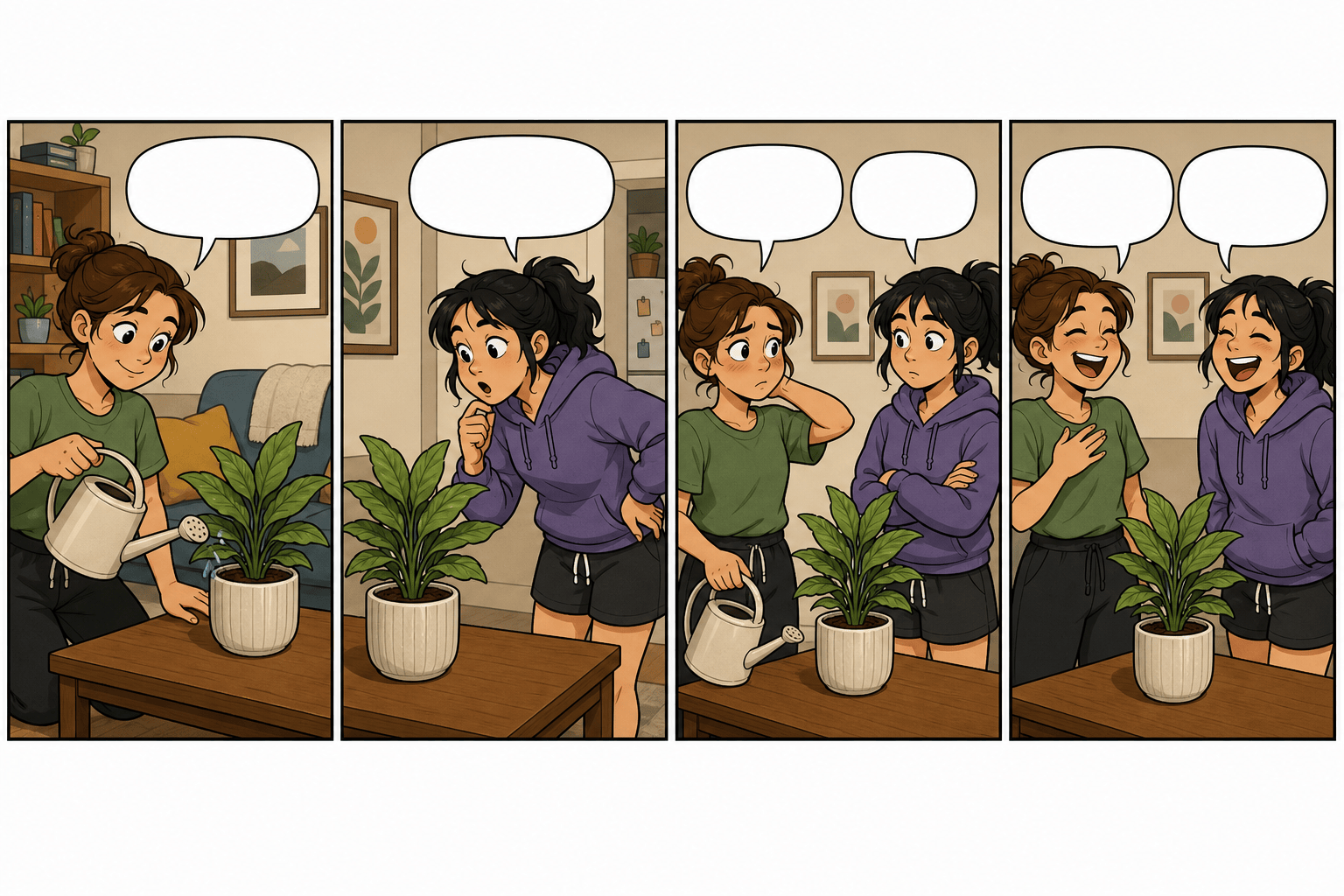
Create a four-panel slice-of-life comic about a roommate who keeps watering a plastic plant. Use two recurring characters, warm flat colors, clear left-to-right pacing, short empty speech bubbles, and a final visual punchline in panel four.
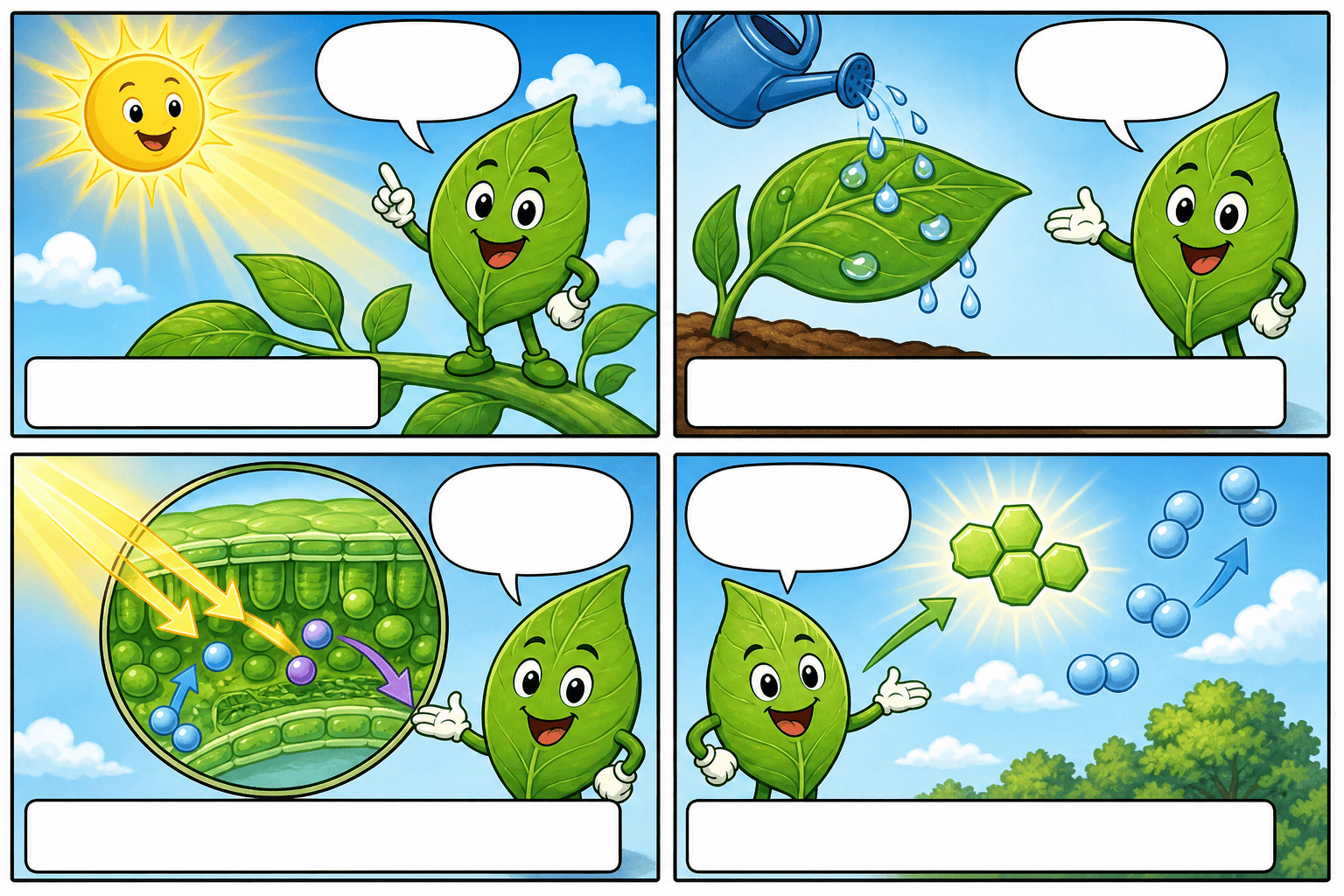
Make a six-panel educational comic explaining how photosynthesis works for middle-school students. Use a friendly leaf character, simple labeled visual metaphors, one idea per panel, high contrast, and captions outside the artwork.
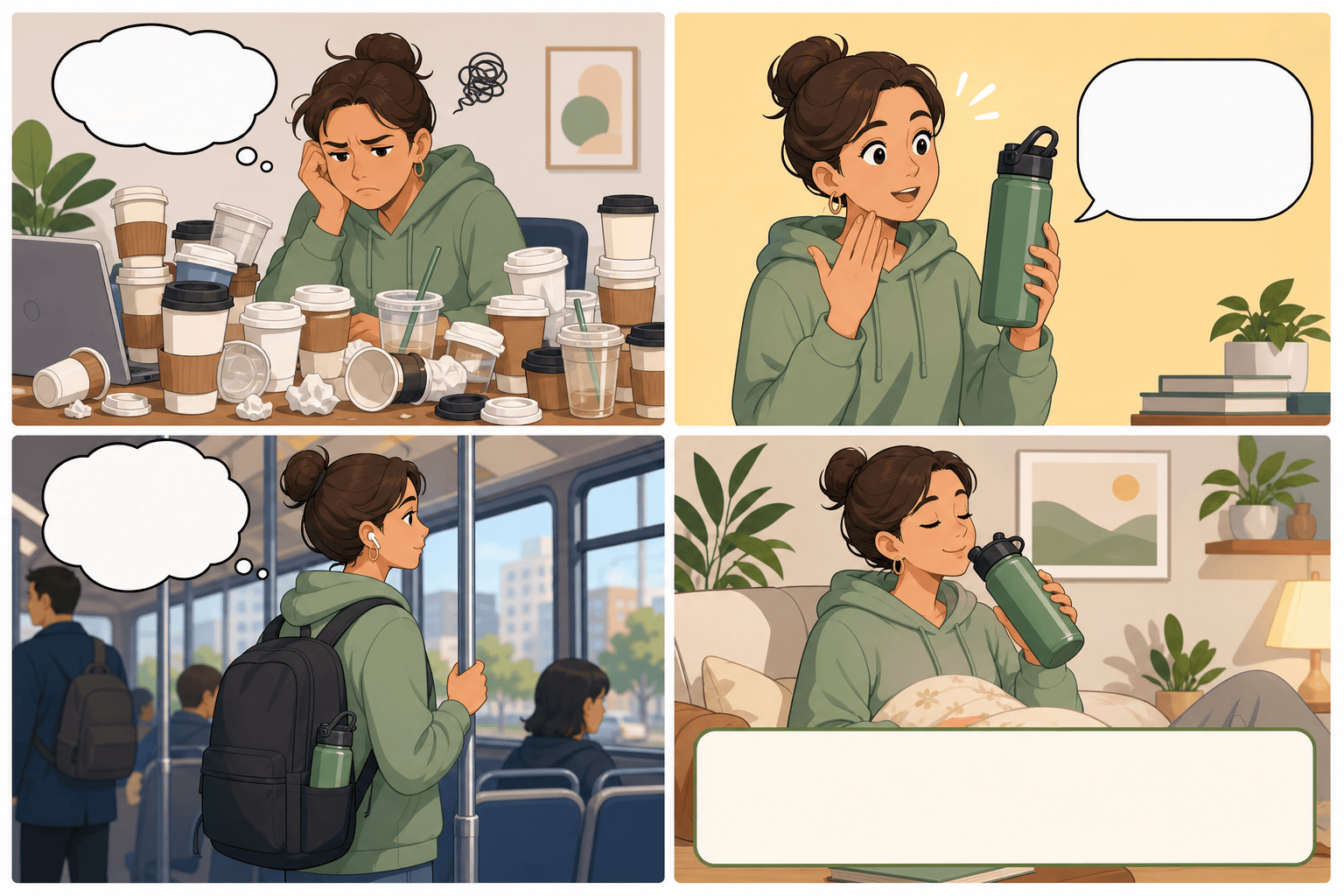
Design a 2x2 product comic for a reusable water bottle. Panel one shows the problem of disposable cups, panel two introduces the bottle, panel three shows it in a backpack, and panel four ends with a clean callout area for a brand message.
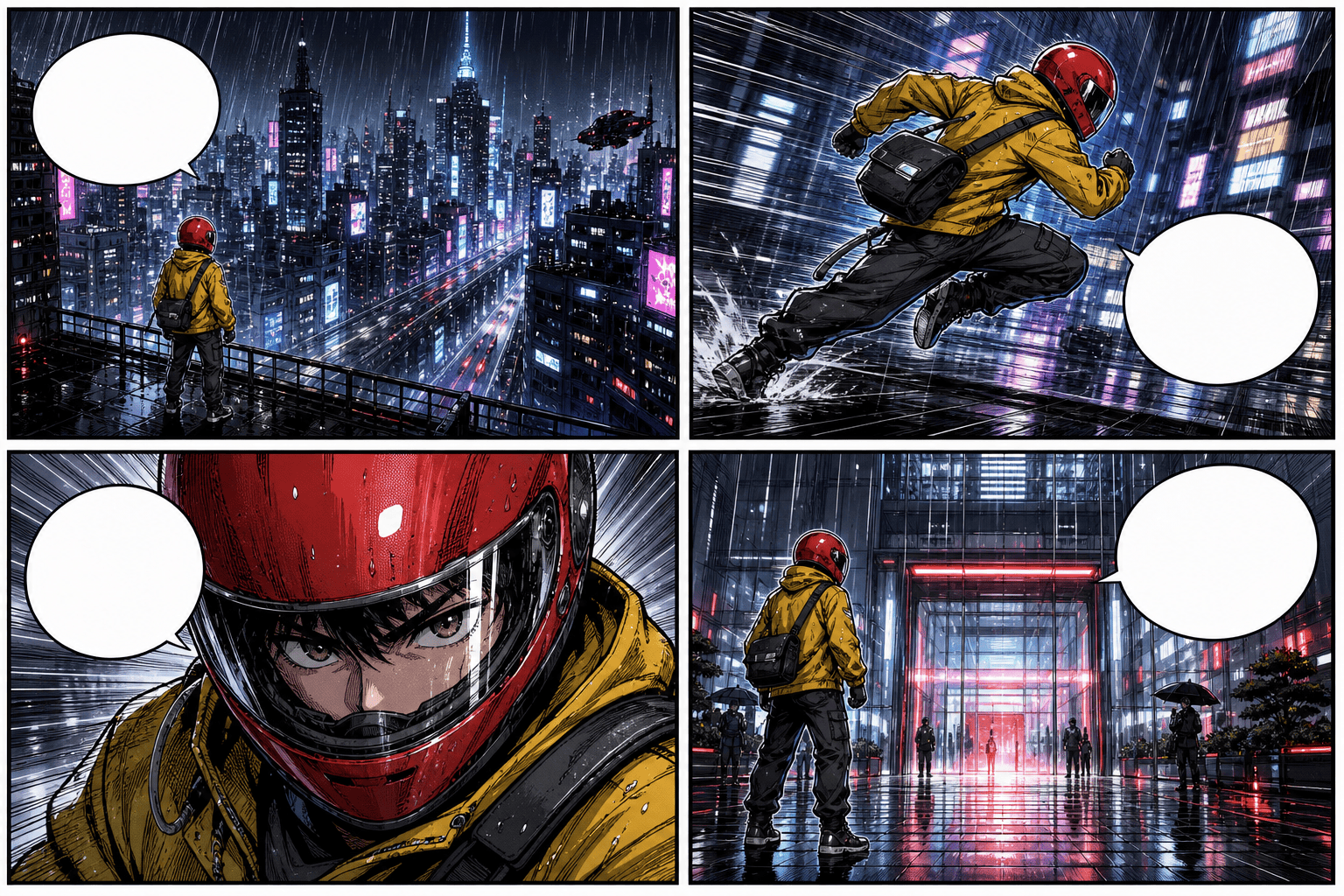
Create a vertical webtoon-style comic about a courier racing through a rainy cyberpunk city. Keep the courier’s red helmet and yellow jacket identical, vary camera distance, use strong motion lines, and leave clean space for dialogue.
Generate a manga-inspired three-panel joke about a cat pretending to understand a video call. Use expressive eyes, screentone shadows, clear reaction close-ups, right-to-left reading order, and no tiny unreadable text.
Turn this family camping memory into a gentle watercolor comic strip. Preserve the three family members’ appearance across four panels, show the lost tent peg as the conflict, and end with a cozy lantern-lit solution.





