Free OnlineAI Color Palette Generator



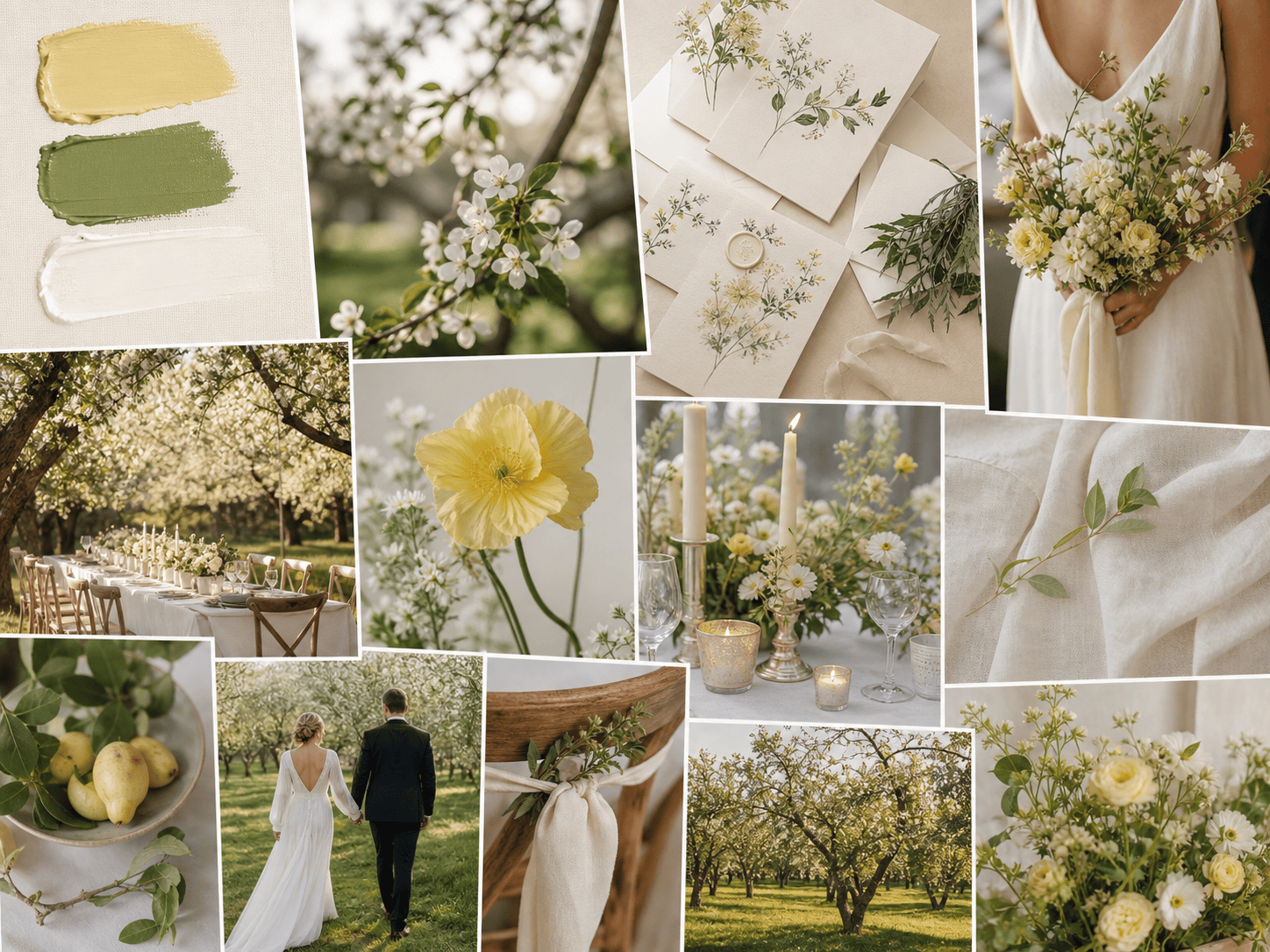
How to Generate a Color Palette with AI
Describe the mood
Set practical constraints
Generate and compare
Apply and refine

Turn Brand Mood into Usable Colors with Mew Design’s AI Color Palette Generator
Mood with meaning
The palette is tied to a brand story and audience, not a random collection of attractive swatches.
Role-based systems
Get clear assignments for background, text, surfaces, action colors, and accents so the scheme is ready to use.
Contrast-aware direction
Ask for accessible combinations and readable UI states before you carry colors into production.
Reference matching
Upload a logo, photo, or existing brand color and build a complementary system around it.
Channel-specific variants
Create palettes for print, web, social, packaging, or dark-mode interfaces from one core direction.
Fast exploration
Compare several moods without losing the constraints that make the brand recognizable.
How to Write an Effective AI Color Palette Prompt
- Color roles: Define background, surface, text, primary action, secondary action, border, and highlight colors.
- Accessibility: Mention contrast, color-blind accessibility, print limits, and dark mode when relevant.
- Visual references: Upload a logo, photo, or existing swatch when the palette must connect to an existing identity.
- Test on components: Ask for examples on real components so you can evaluate more than isolated hex codes.
Customizable AI Color Palette Prompt Examples
Create a warm, trustworthy color system for a local accounting firm website with navy text, sage accent, and calm neutral surfaces.
Generate a high-energy palette for a youth music festival poster and social campaign, with print-safe neon-inspired accents.
Build a dark-mode dashboard palette for a cybersecurity product with readable status colors for success, warning, and critical states.
Make a romantic wedding stationery palette using dusty rose, cream, muted plum, and one metallic-inspired accent.
Create a sustainable skincare brand palette from this leaf photograph, keeping packaging legible on recycled paper.
Turn this existing logo into a complete web palette with light mode, dark mode, buttons, links, and accessible text combinations.





