Free OnlineAI Color Analysis
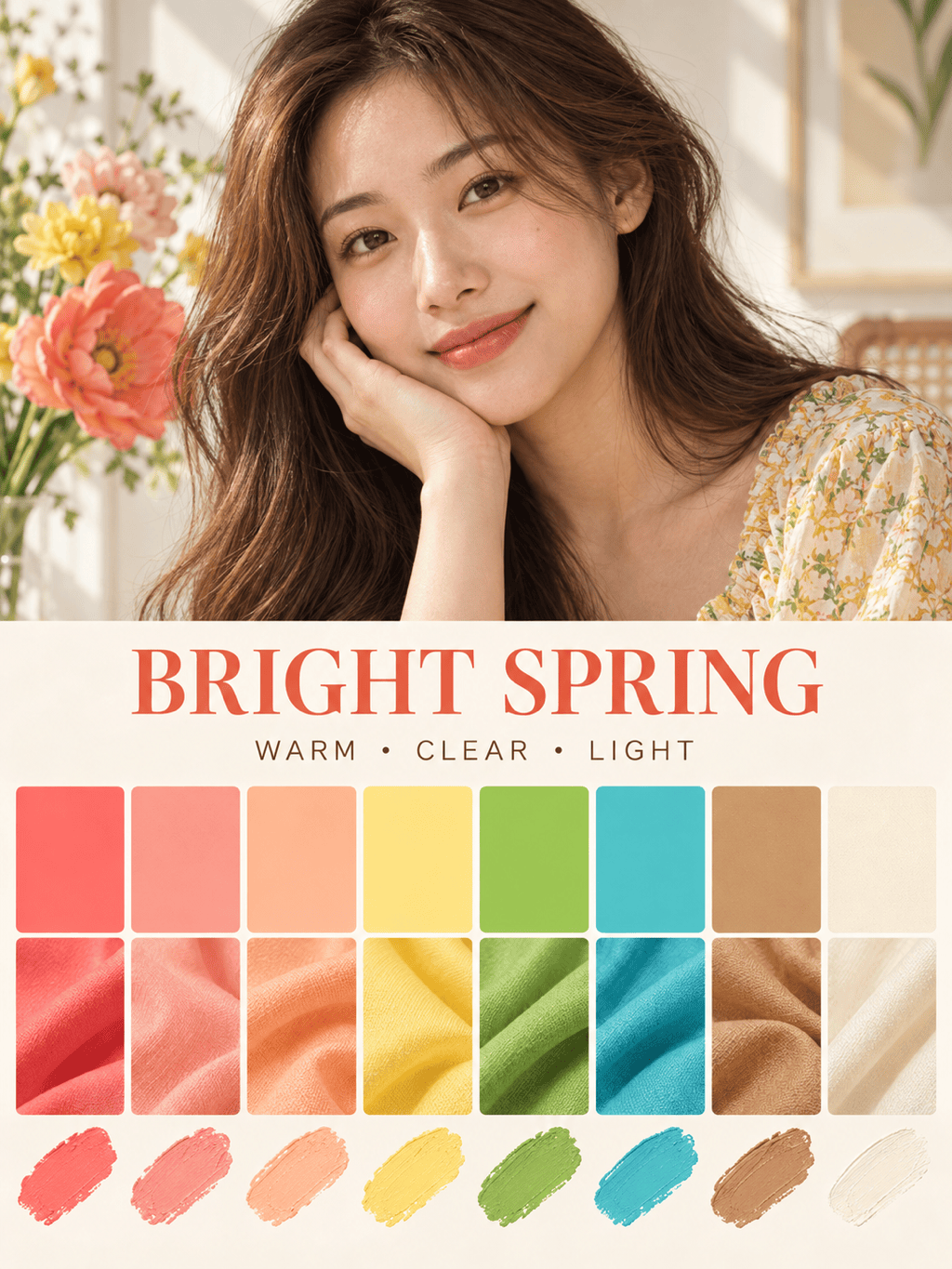
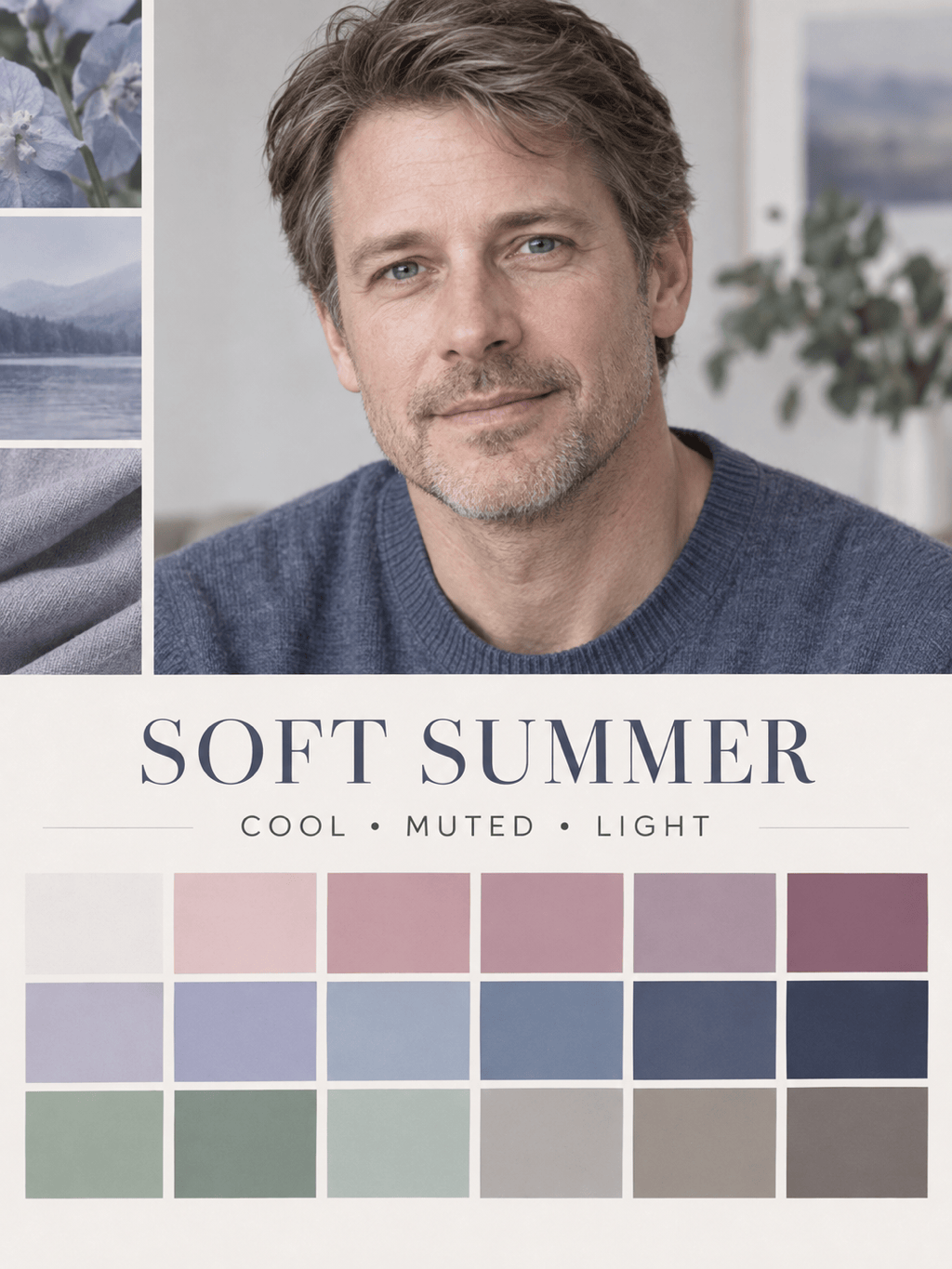
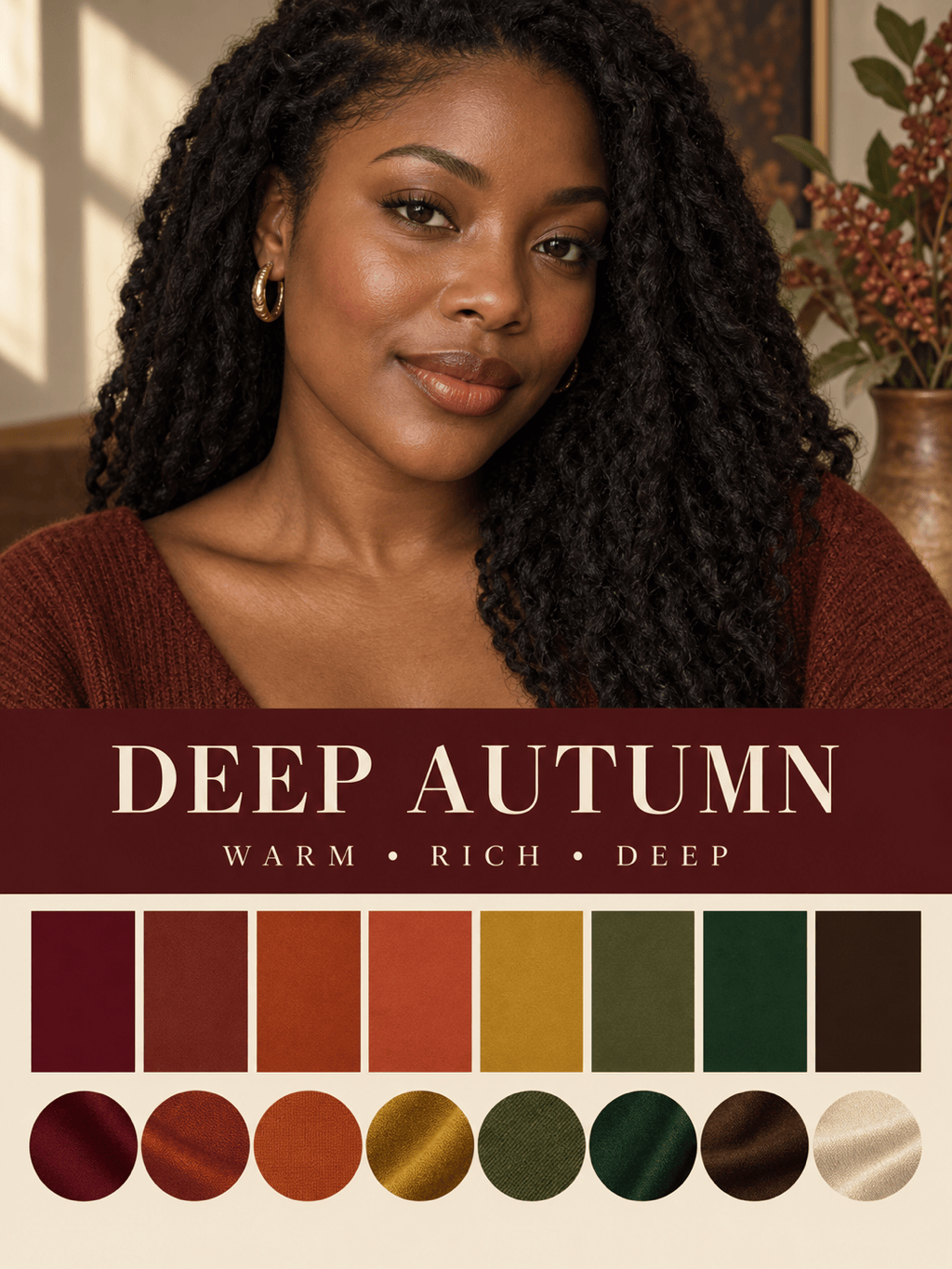
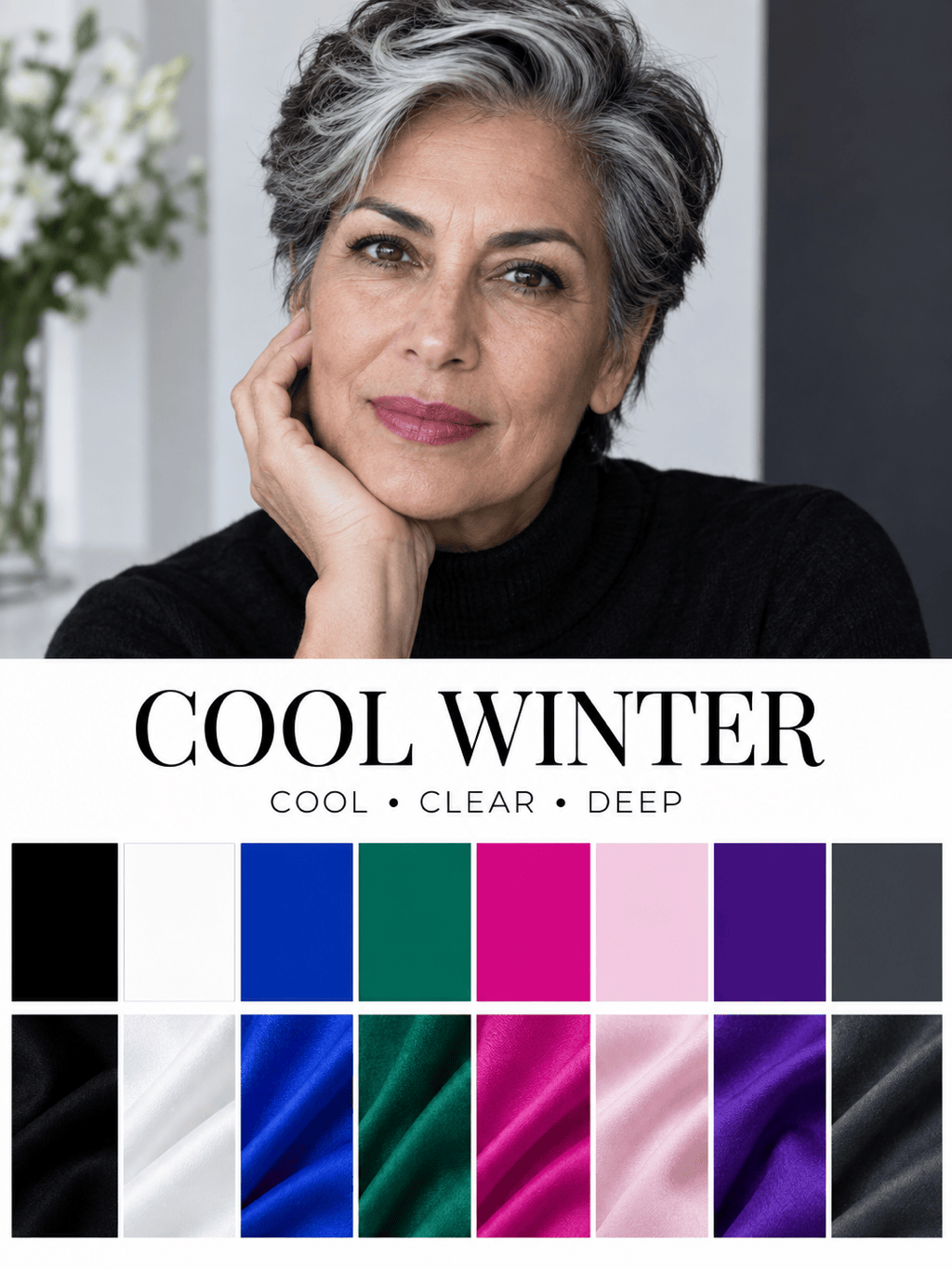
How to Create a Personal Color Report with AI
Upload a Daylight Selfie
Request Your Seasonal Analysis
Refine the Palette and Advice
Export Your Color Guide

A More Useful Way to Explore Your Personal Colors
Begin With Your Own Portrait
Upload the photo you want analyzed instead of answering a generic quiz. This AI color analysis from a photo can consider visible skin, hair, eye, and facial-contrast cues in the same reference.
See the Reasoning in One Visual Report
Mew Design can organize a likely season, undertone direction, contrast level, best colors, neutrals, and comparison shades into a clear, saveable card rather than returning a season name alone.
Turn a Palette Into Styling Decisions
Use the online personal color analysis to explore coordinated colors for tops, suits, dresses, lipstick, blush, hair, metals, glasses, and portrait backgrounds—not just abstract swatches.
Compare Close Seasonal Matches
If one label feels uncertain, ask for side-by-side digital drapes or a second palette. Comparing Soft Summer with Soft Autumn, for example, can reveal whether temperature or mutedness changes the result most.
Adjust the Report Through Conversation
Use Chat Edit to change labels, palette balance, card layout, or the styling focus while preserving what already works. No manual rebuilding is needed when you want a more practical color guide.
Free to Try and Easy to Export
New users receive free AI credits after signup. Test the free AI color analysis, refine the result, and export a watermark-free visual guide for everyday reference.
How to Take a Photo for AI Color Analysis
- Use Neutral Daylight: Stand near a window in indirect light. Avoid sunset warmth, colored bulbs, harsh shadow, and mixed indoor lighting that can shift skin and hair color.
- Remove Color Distortion: Turn off beauty filters, portrait effects, auto-enhancement, and heavy makeup. A neutral top and background also reduce reflected color near the face.
- Keep Key Features Visible: Face the camera, use a sharp image, and avoid sunglasses or hair covering the eyes and cheeks. Mention dyed hair if it differs from your natural coloring.
- Compare, Do Not Obey: AI seasonal color analysis is a practical starting point, not a professional diagnosis. Test recommended and neighboring palettes with real fabric in consistent light.
Personal Color Analysis Ideas for Real Styling Goals
12-Season Color Report: Analyze my uploaded natural-light portrait and suggest my closest 12-season match. Create a portrait color card with undertone, depth, clarity, contrast, 12 best colors, 4 neutrals, 4 colors to compare carefully, and HEX codes.
Capsule Wardrobe Palette: Use my uploaded selfie to create a personal color palette for a 20-piece capsule wardrobe. Include versatile neutrals, shirts and tops near the face, two accent colors, denim and leather directions, and easy color combinations.
Makeup Color Guide: Review my uploaded makeup-free portrait and create a color analysis for makeup. Suggest foundation-undertone direction, blush, lipstick, eyeshadow, and eyeliner color families, with both subtle daytime and stronger evening options.
Hair and Jewelry Comparison: From my uploaded portrait, compare warm and cool hair-color directions plus gold, silver, and rose-gold jewelry. Build a side-by-side visual guide and explain which combinations appear most harmonious under the current lighting.
Professional Portrait Colors: Analyze my photo and create a palette for LinkedIn headshots and workwear. Recommend jacket, shirt, tie or accessory, makeup, and background colors that keep the face clear and professional on camera.
Inclusive Styling Review: Analyze the visible undertone, depth, and contrast in my portrait without assuming gender, age, or ethnicity. Create practical color suggestions for clothing and accessories, and include a neighboring season for comparison if the result is uncertain.





