Free OnlineAI Cinematic Photo Generator
How to Create Cinematic Photos with AI
Describe the Moment
Set the Camera and Light
Refine the Film Look
Download Your Still

Make Every Frame Feel Intentional
Direct the Shot in Plain Language
Describe a quiet close-up, an overhead reveal, or a wide establishing frame. Mew Design turns the scene brief into an image without requiring camera jargon.
Shape Light and Color Through Chat
This cinematic photo maker lets you request a warmer practical lamp, cooler shadows, or a less saturated grade and keep refining the frame with Chat Edit.
Start with Text or a Reference
Generate a film still from scratch, or upload a photo to guide the subject or visual direction. Describe what should stay and what may change.
Explore a Connected Visual Series
Create multiple shots around one setting or character direction for a storyboard or campaign mood board. Review each frame for continuity before using the set.
Use Credits to Try the Look
New users can test the online AI film still generator with free AI credits after signing up. Check the current credit cost before generating more variations.
Export Frames Without a Watermark
Download AI-generated cinematic photos as PNG or JPG for visual planning, portfolio experiments, and creator content.
How to Prompt a Convincing Film Still
- Choose a shot: Name a close-up, medium shot, or establishing view, plus the aspect ratio only when it matters to the final use.
- Give light a source: Window light, street lamps, headlights, or a candle feel more believable than a generic request for dramatic lighting.
- Control the grade: Specify warm or cool shadows, contrast, and subtle grain; avoid stacking conflicting styles.
- Keep the story visible: Add one action or environmental clue, then check the generated image for believable anatomy and continuity.
Cinematic Photo Prompts for Different Scenes
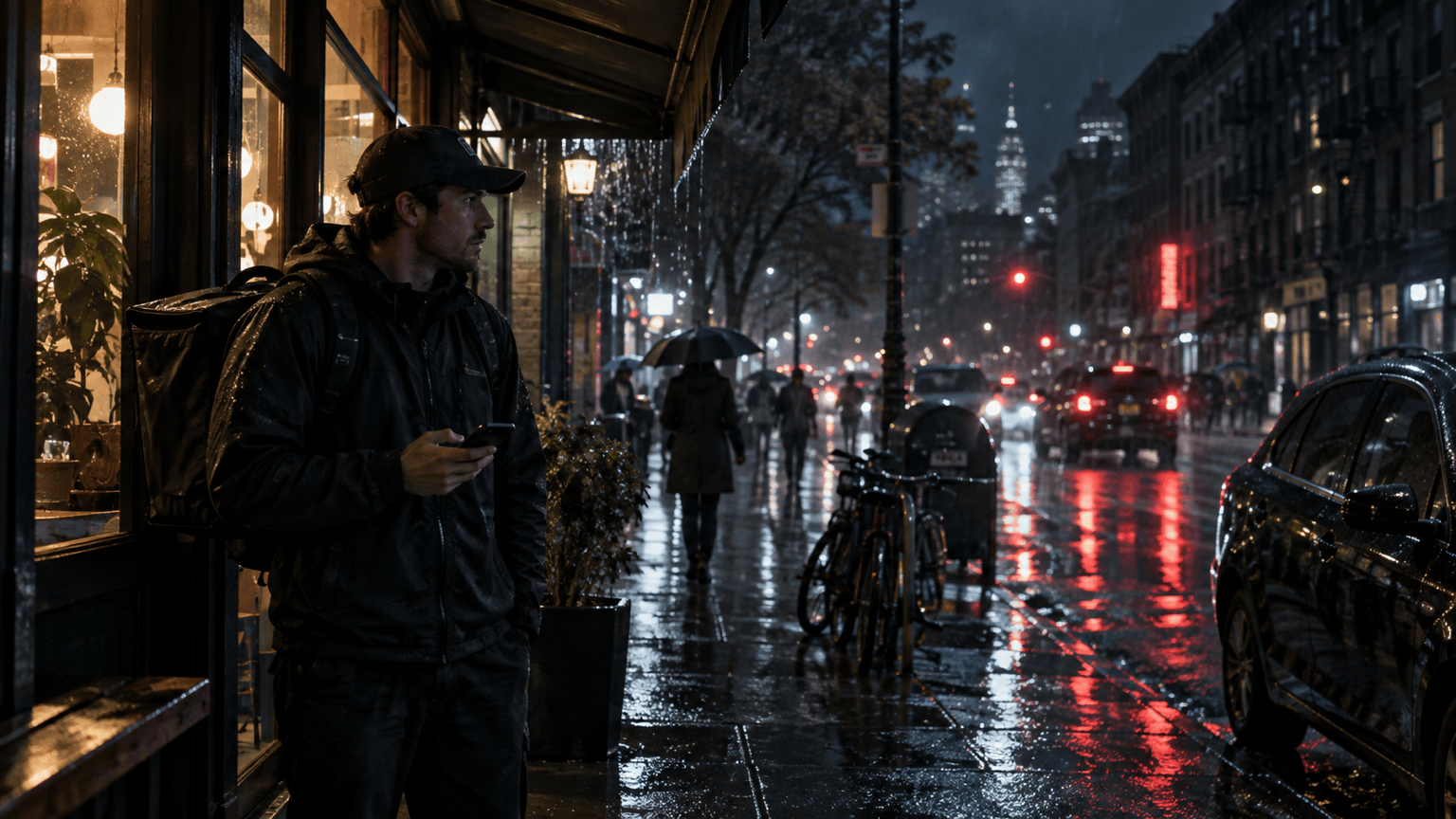
Create a photorealistic 16:9 noir film still of a courier under a narrow awning on a rainy city street at night. Medium-wide shot, storefront light on the face, deep blue shadows, restrained red reflections on wet pavement, subtle grain, no text.
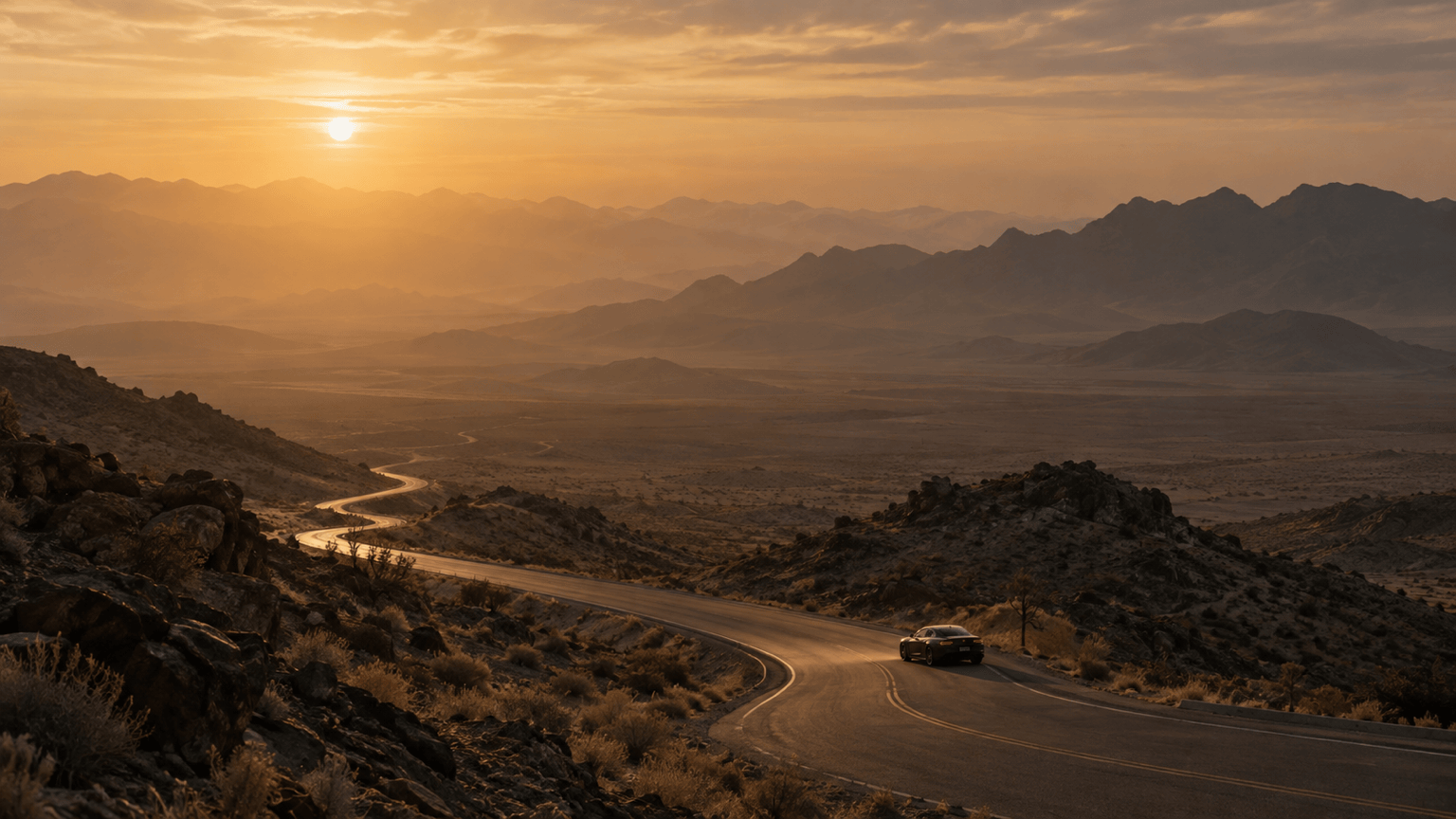
Create a cinematic landscape photo of a lone car on a winding desert road at first light. Wide establishing shot with a low horizon, pale amber sun through dust, long shadows, realistic atmospheric depth, muted warm grade, no text.
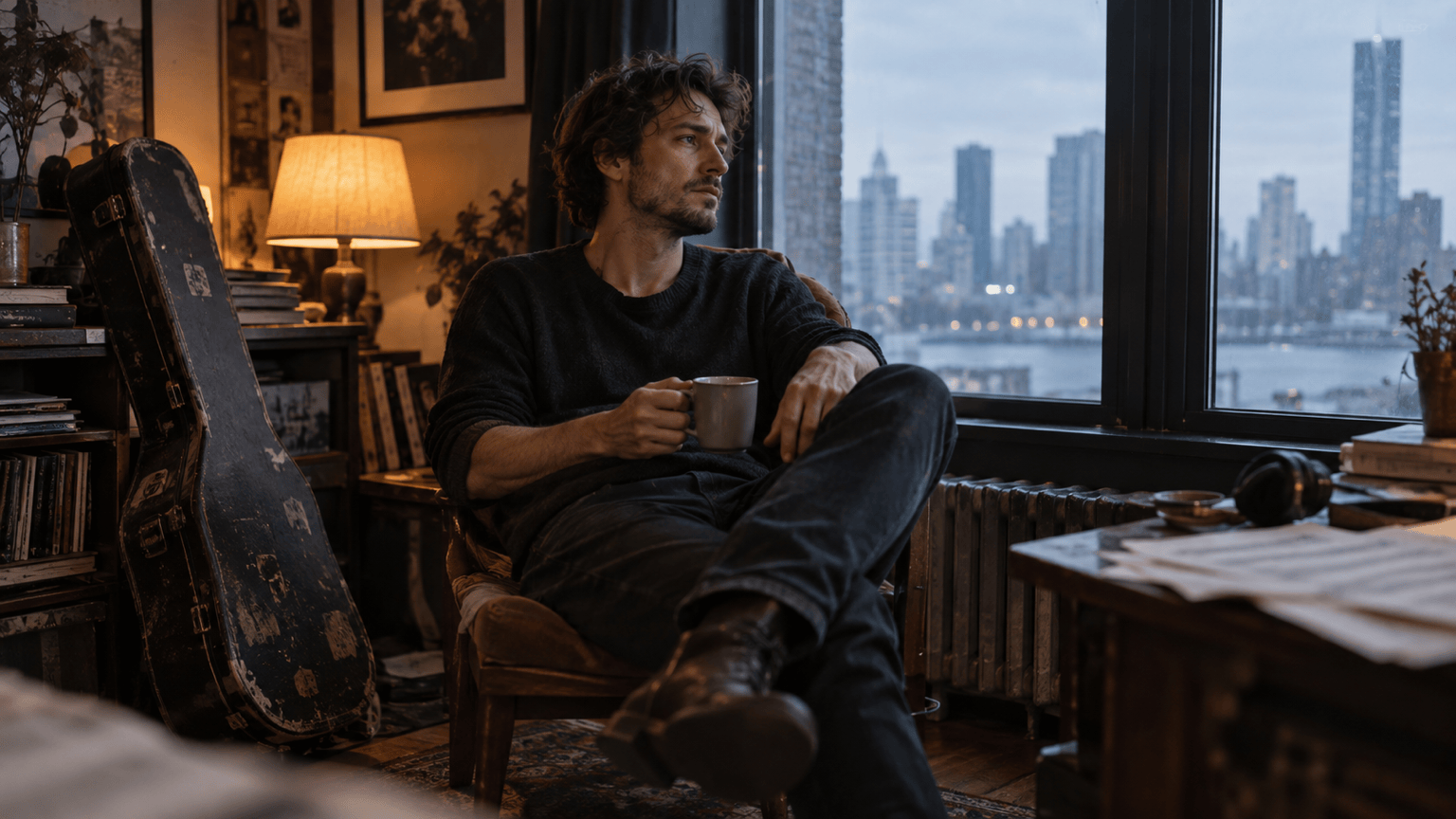
Create a cinematic portrait of a musician sitting by an apartment window after rehearsal. Three-quarter close-up, natural skin texture, soft window light against a dim warm room, shallow depth of field, quiet reflective mood, no text.
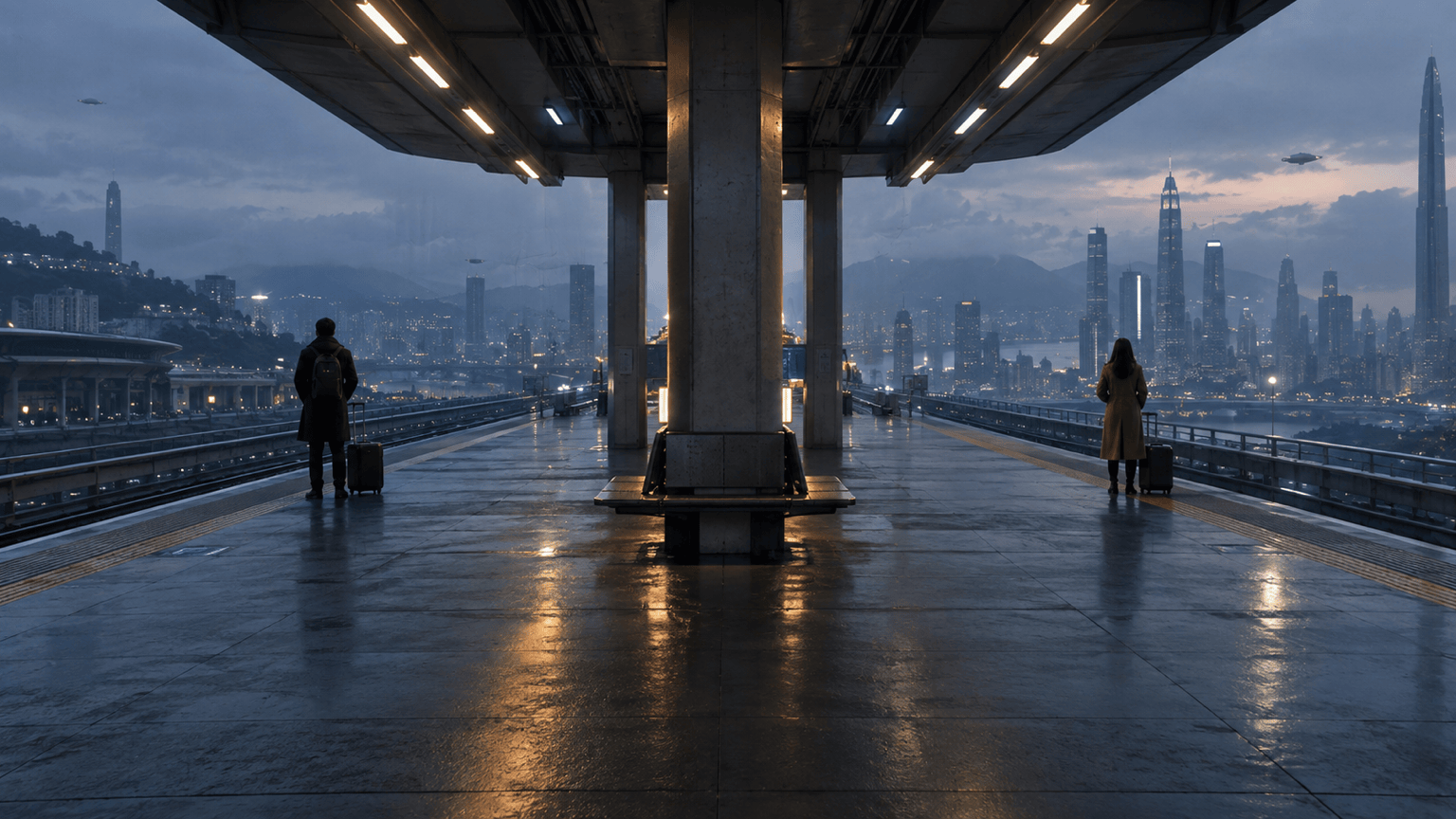
Create an AI film still for a sci-fi storyboard: two travelers waiting on a vast elevated transit platform at blue hour. Wide symmetrical composition, cool city haze, a few believable practical lights, grounded materials, restrained contrast, no text or logos.
Create a cinematic product photo of an unbranded glass perfume bottle on a dark stone ledge. Tight low-angle shot, one soft side light and a faint rim light, rich shadow detail, warm highlights, realistic reflections, no text or logo.
Create a cinematic black-and-white photo of a dancer pausing backstage before a performance. Medium shot through a doorway, single overhead practical light, layered shadows, natural movement in the costume, fine film grain, no text.





