Free OnlineAI Christmas Tree Generator



How to Create a Christmas Tree Image with AI
Describe Your Tree
Generate a First Image
Adjust the Decorations
Download and Use It

Make the Christmas Tree You Imagined
Decorations You Can Describe
Our AI Christmas tree maker can turn a short idea into a tree with your chosen palette, ornaments, ribbons, topper, and light temperature.
Styles Beyond Stock Photos
Explore photorealistic evergreen, Scandinavian minimal, watercolor, or playful 3D looks without searching for a near match.
A Scene for Your Destination
Ask for a close-up tree image, a cozy living room, or a snowy forest. Leave breathing room if you plan to add a holiday greeting.
Photo-Based Starting Points
Upload your room or reference image and ask to add a decorated tree or follow its lighting and color direction.
Easy Holiday Revisions
Use Chat Edit to replace a star, reduce ornament density, or make the lights warmer while keeping the parts you like.
Free Credits to Explore
Try this online AI Christmas tree generator with free credits after signup. Export finished images without a watermark.
How to Describe a Christmas Tree That Looks Right
- Choose the tree: Specify lush fir, sparse Nordic pine, snow-covered spruce, or a stylized tree, and say whether the full silhouette must be visible.
- Set the decorations: Name two or three colors, ornament materials, ribbon or garland, topper, and warm or cool lights.
- Place the scene: Choose a living room, outdoor snowfall, simple backdrop, or isolated graphic. Mention space for greeting text when making a card.
- Check the details: Look for uneven branches, odd ornament shapes, and crowded edges. Ask for one focused correction before export.
Christmas Tree Ideas to Generate
Create a realistic Christmas tree with red velvet bows, brass ornaments, warm fairy lights, and a star topper in a cozy living room. Show the full tree, with no text.
Make a minimalist Scandinavian Christmas tree image: sparse natural pine, white ceramic ornaments, linen ribbon, soft daylight, and a neutral room with uncluttered space.
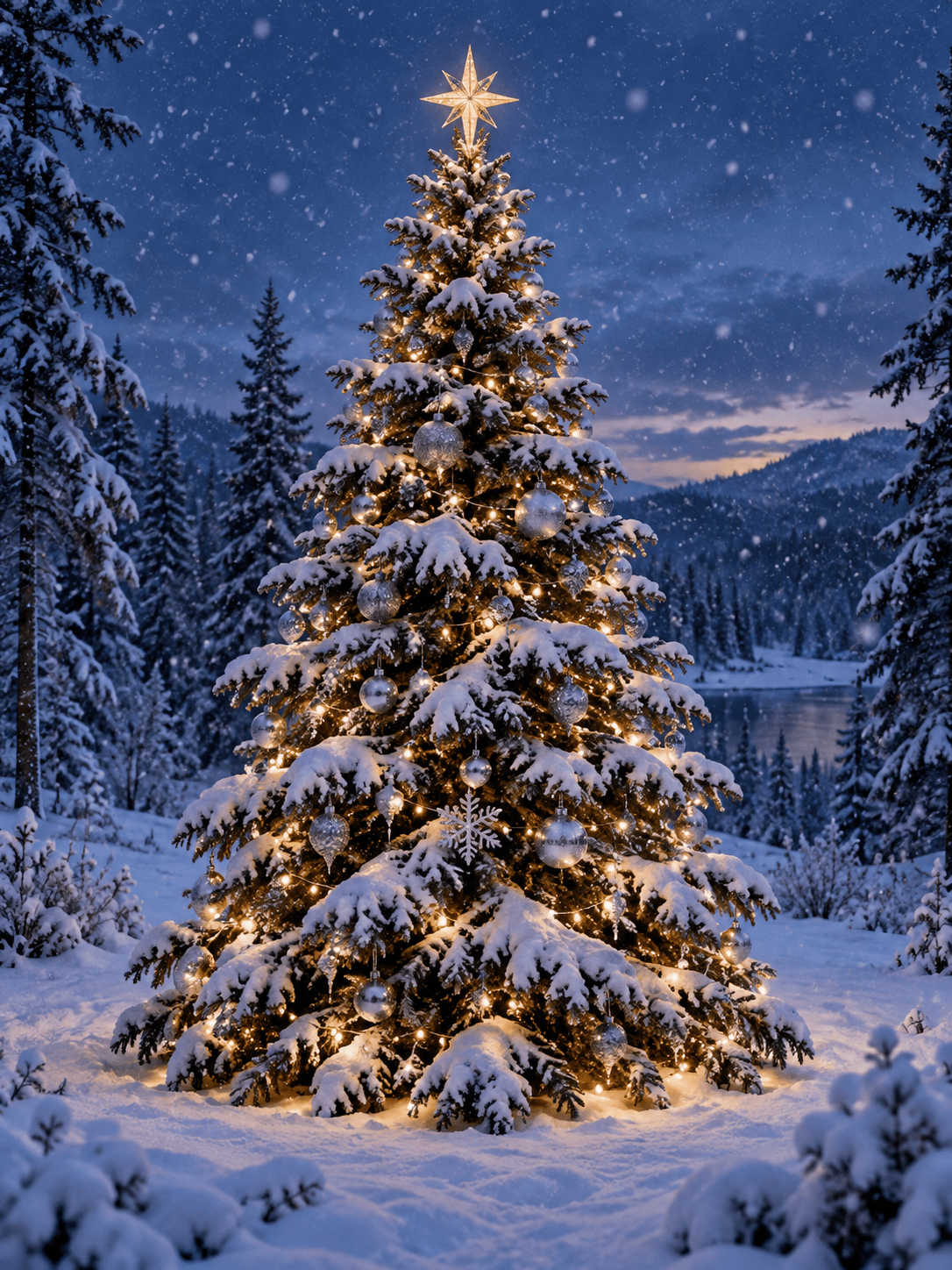
Generate a snowy outdoor Christmas tree with silver ornaments, warm glowing lights, a clear star topper, and gentle snowfall at dusk. Keep the tree as the main subject.
Create playful 3D Christmas tree art with candy-cane stripes, gingerbread ornaments, pastel gift boxes, and a cheerful studio backdrop. Make the tree silhouette easy to recognize.
Design a watercolor Christmas tree illustration for a holiday card, with pine branches, gold stars, soft red berries, and generous blank space for a personal message. No lettering.
Create a clean Christmas tree graphic on a plain background with a complete, centered tree, crisp ornament edges, and no shadow clutter. Make it suitable for placing on an invitation.





