Free OnlineAI Chibi Maker
How to Make a Chibi Character with AI
Describe the Chibi Subject
Set the Cute Proportions
Create Expressions or Stickers
Export for Avatars and Merch

Why Mew Design Is a Cute AI Chibi Maker
Chibi Proportion Control
Ask for 2-head or 3-head proportions, oversized eyes, tiny limbs, round cheeks, simple hands, and sticker-friendly silhouettes.
Photo or Prompt to Chibi
Upload a selfie, pet photo, OC reference, or VTuber art, then turn it into a cute chibi version while keeping key features.
Expression Packs for Emotes
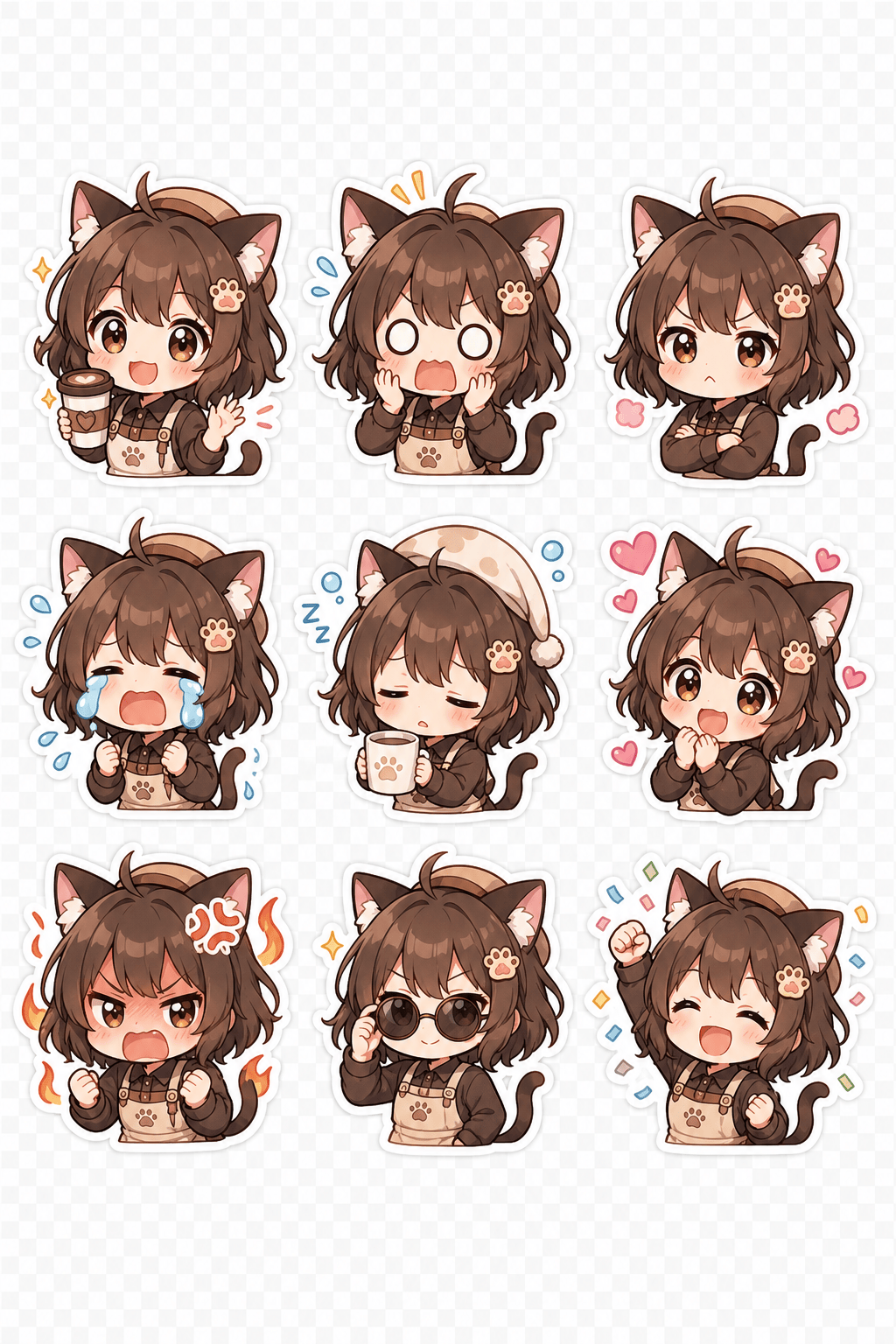
Generate happy, angry, crying, shocked, sleepy, heart-eyes, and celebration poses for Discord, Twitch, YouTube, or chat stickers.
Transparent Background Requests
Ask for transparent-background chibi stickers, clean outlines, and simple colors so the result works on merch and messaging apps.
Kawaii Style Exploration
Try pastel watercolor, classic anime chibi, 3D toy-like chibi, pixel chibi, cozy cottagecore, or bold sticker style.
Chat Edits for Tiny Details
Refine eye sparkle, blush, outfit, pose, hair accessory, outline thickness, or background without rewriting the whole prompt.
How to Write a Cute Chibi Prompt
- Set proportions: Mention 2-head-tall, oversized head, tiny body, blob feet, mitten hands, round cheeks, and large sparkling eyes.
- Pick expressions: For emotes, request happy, shocked, pouty, crying, sleepy, rage, love, or celebration versions.
- Plan the background: Use transparent background for stickers, simple pastel background for avatars, or a tiny prop scene for social posts.
- Keep it original: Describe your own character traits or upload your own reference instead of copying protected characters.
AI Chibi Prompt Examples for Stickers and Avatars
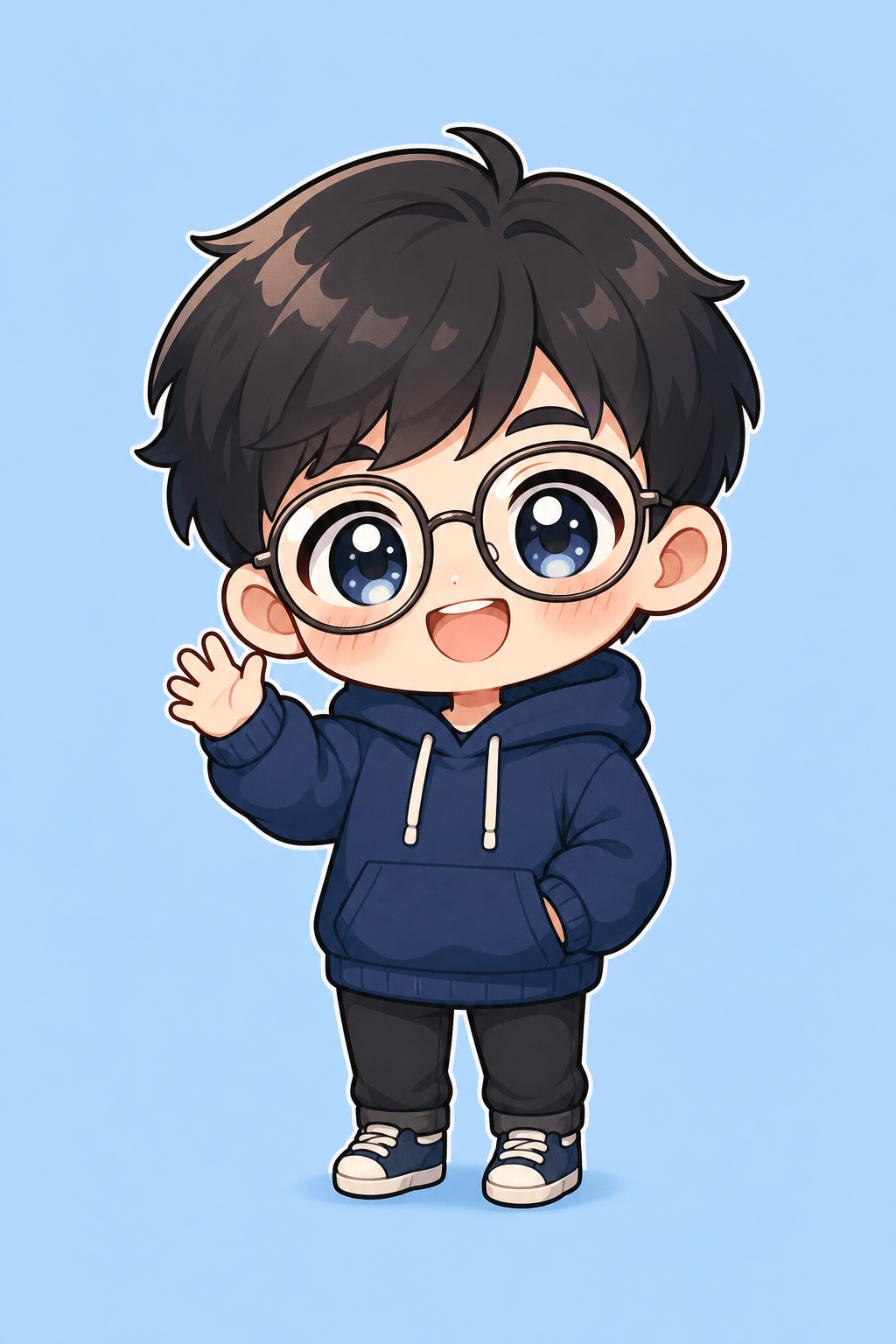
Create a chibi avatar from this uploaded selfie. Keep glasses and hairstyle, 2-head-tall body, oversized sparkling eyes, navy hoodie, tiny waving hand, pastel blue background.
Generate a 3x3 chibi sticker sheet of the same original cat-eared barista character: happy, shocked, pouty, crying, sleepy, love, rage, cool, and celebrating, transparent background.
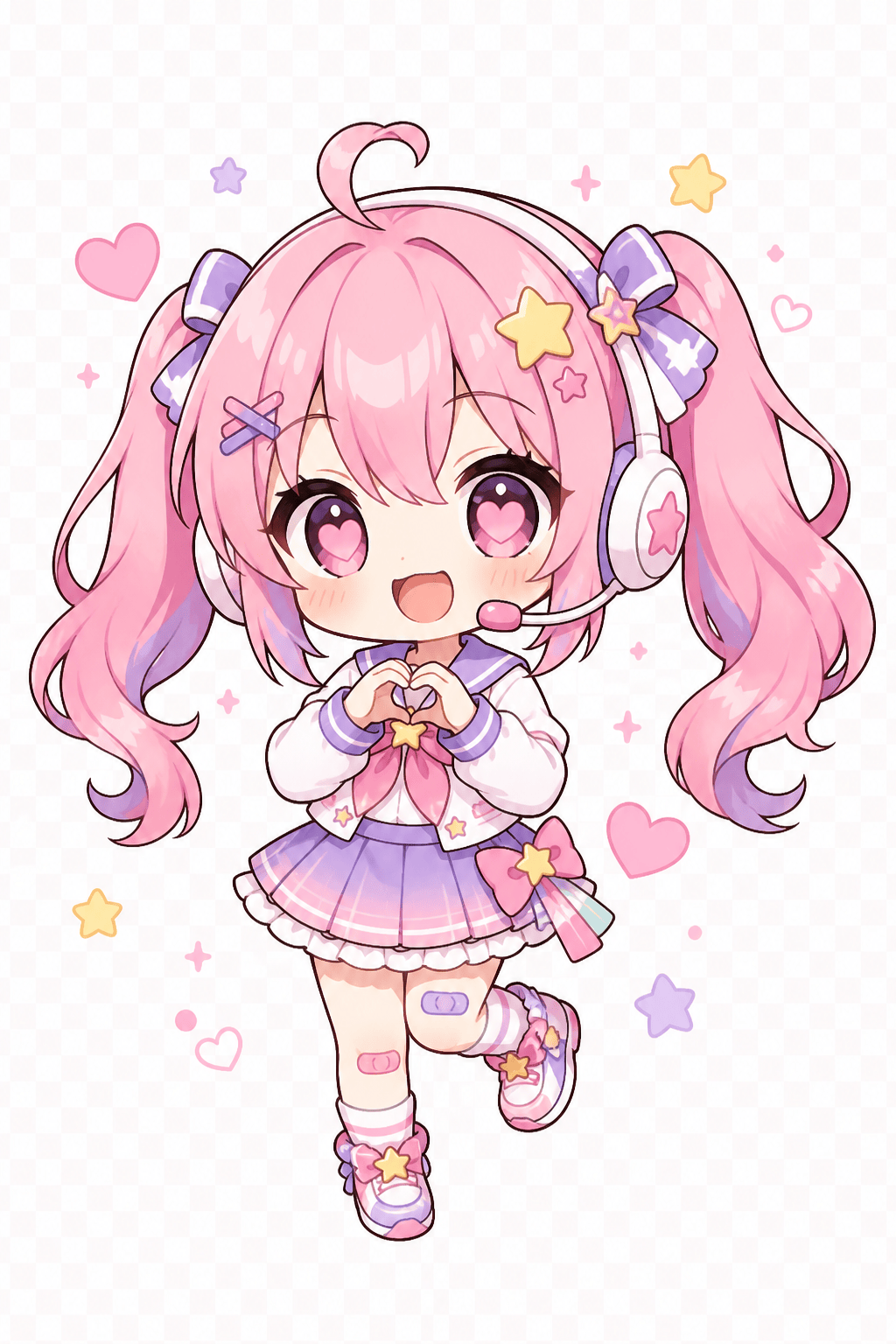
Create a chibi VTuber mini asset. Pink twin tails, star hair clips, oversized headphones, tiny sailor outfit, heart eyes, thick outline, PNG-style transparent background.
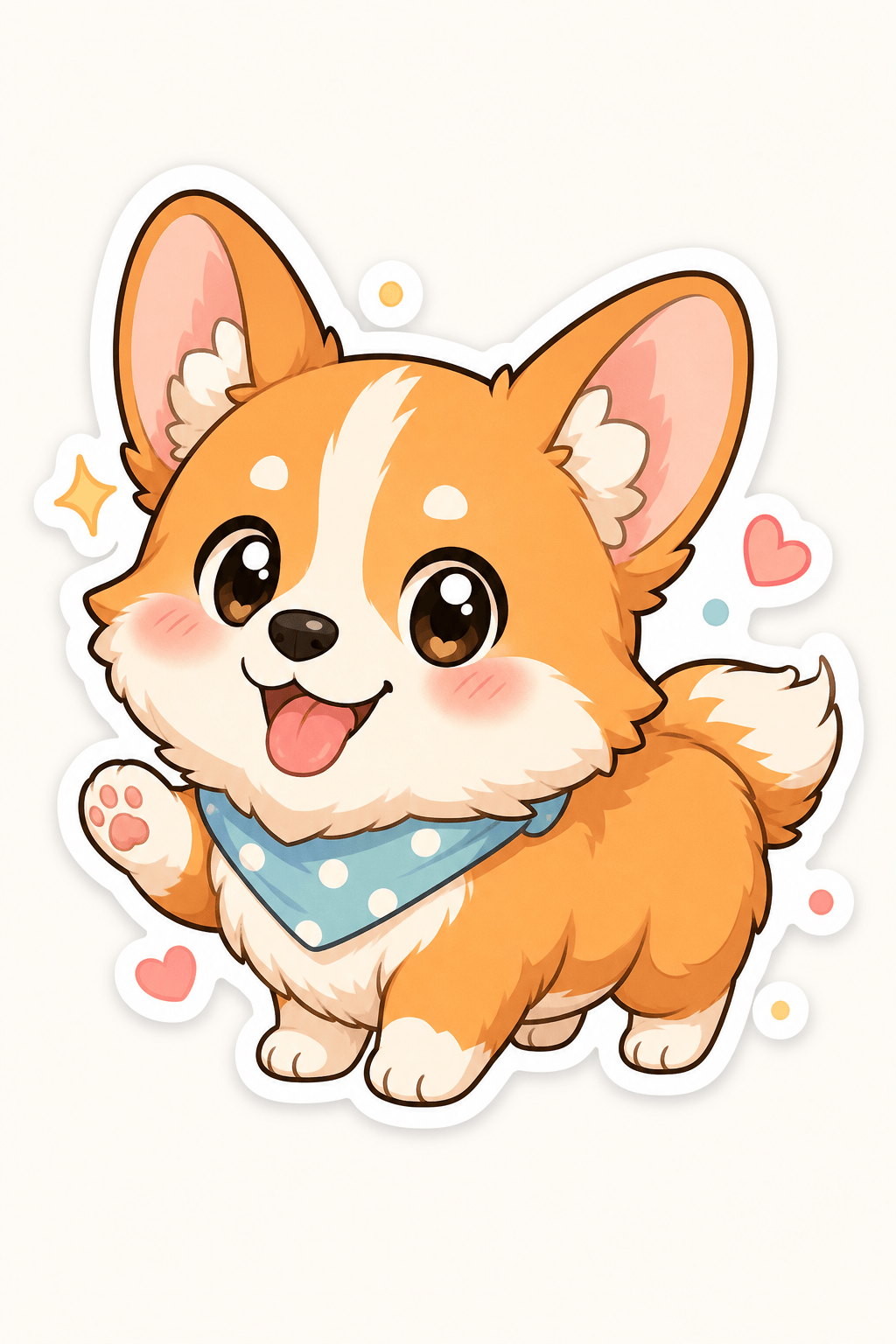
Make a cute chibi pet sticker from a corgi photo. Big head, tiny paws, rounded ears, happy tongue-out face, simple flat colors, die-cut sticker edge.
Design a chibi fantasy wizard for a keychain concept. Tiny blue robe, moon staff, sleepy expression, blob feet, pastel stars, clean outline, centered composition.
Create matching couple chibi avatars. Two original characters holding bubble tea, coordinated pastel outfits, shy smiles, soft blush, square social profile crop.





