Free OnlineAI Chibi Avatar Maker
How to Create a Chibi Avatar with AI
Upload a Photo or Describe a Character
Choose Identity Anchors and Proportions
Set the Expression, Pose, and Crop
Refine and Export Your Avatar

Why Choose Mew Design for as Your AI Chibi Avatar Generator
Keep the Person Recognizable
Tell the photo-to-chibi avatar tool which features matter most. Preserve a distinctive fringe, curls, eye color, glasses, skin tone, freckles, or signature jacket while the proportions become intentionally cute.
Create Chibi Avatars from Photos or Text
Upload a selfie, couple portrait, pet photo, or character sketch, or begin entirely from words. This flexible AI chibi avatar generator supports both personal likeness and original character design.
Control the Chibi Design Language
Choose two- or three-head proportions, rounded or angular shape language, glossy anime eyes, soft cel shading, bold sticker outlines, 2D illustration, or polished 3D-toy rendering.
Design for the Final Avatar Crop
Ask for a centered square composition with safe space around hair, ears, hats, and props. The chibi profile picture maker can prepare close portraits or compact full-body poses that remain clear inside circular icons.
Build Matching Character Variations
Create coordinated couple icons, a team of game avatars, or an expression set for one mascot. Keep the same palette, outline, proportions, and identity anchors while changing poses or moods.
Free to Try and Easy to Edit
Test the free AI chibi maker online with credits after signup and download watermark-free images. Continue through chat until the expression, outfit, background, and small-size readability feel right.
How to Write an AI Chibi Avatar Prompt
- Protect Identity Anchors: List the features that make the subject recognizable, such as hair silhouette, eye color, face shape, skin tone, glasses, freckles, outfit colors, or one signature accessory.
- Define the Chibi Proportions: Choose a head-and-shoulders icon or a body around two to three heads tall. Mention large eyes, a high forehead, small facial features, short limbs, and simplified hands when that matches the desired style.
- Direct Expression and Shape Language: Name the mood, eye shape, brows, mouth, blush, pose, and whether the forms should feel round and cozy, sharp and energetic, or bold like a game mascot.
- Plan the Crop and Background: Request a square canvas, safe space for circular cropping, and a solid, themed, or transparent-looking background. For stickers, add a clean outer contour and avoid tiny details.
AI Chibi Avatar Prompts for Profiles, Couples, Pets, and Games
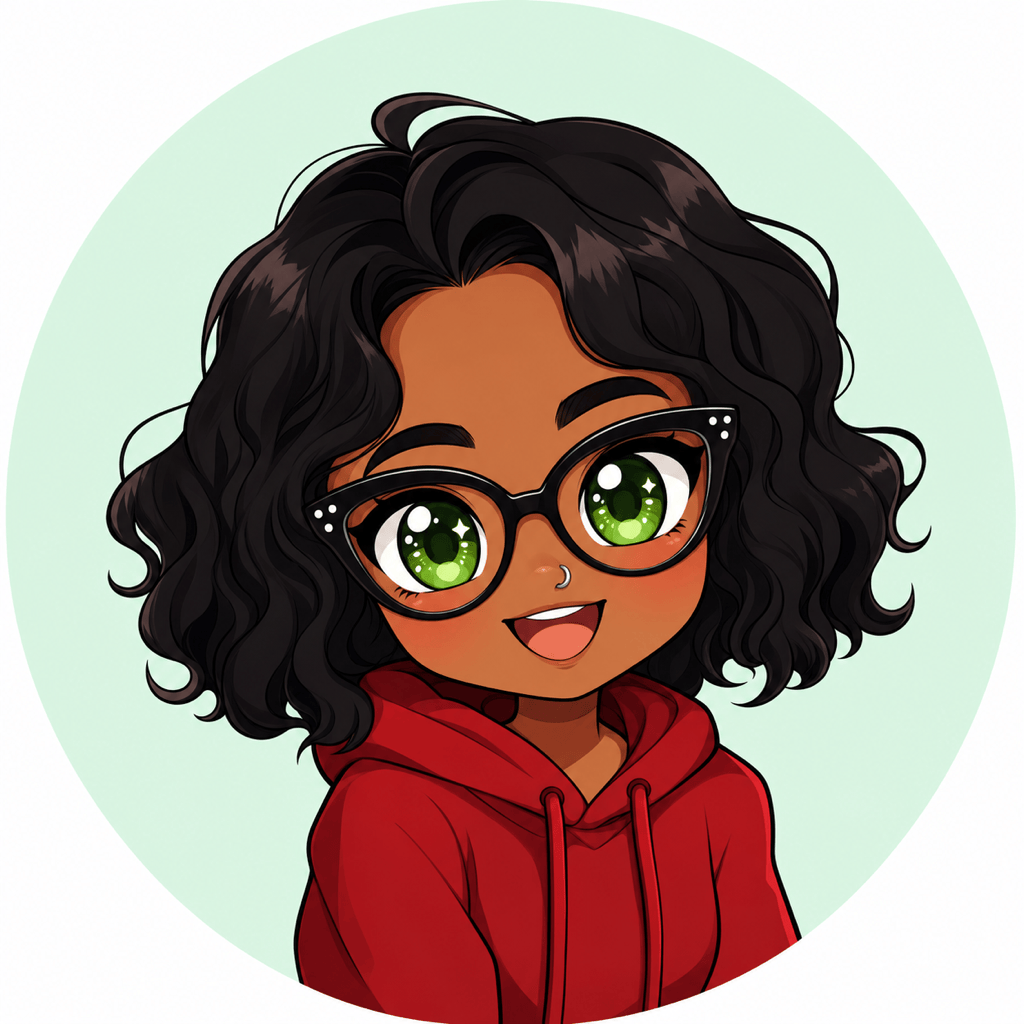
Selfie Profile Avatar: Turn my uploaded portrait into a square kawaii chibi profile picture. Preserve my dark wavy bob, green eyes, cat-eye glasses, medium-brown skin, silver nose ring, and red hoodie. Head-and-shoulders crop, delighted smile, glossy eyes, soft cel shading, pale mint circle background, safe margins for a round profile icon, no text.
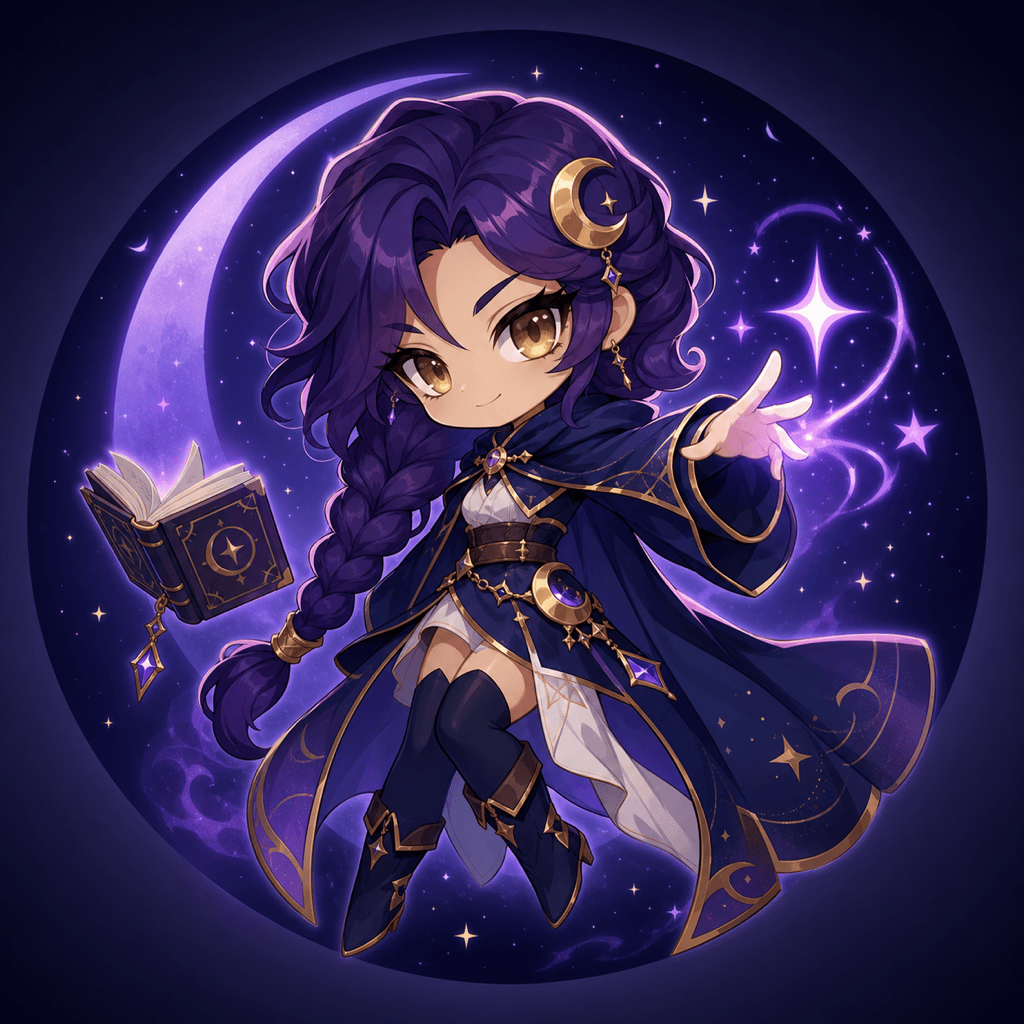
Fantasy Gamer Avatar: Create an original chibi moon mage for a Twitch profile: deep-purple braided hair, gold eyes, crescent hairpin, navy cloak, tiny floating spellbook, confident smirk, two-and-a-half-head body, energetic three-quarter pose, violet rim light, dark starry square background, strong silhouette at small size.
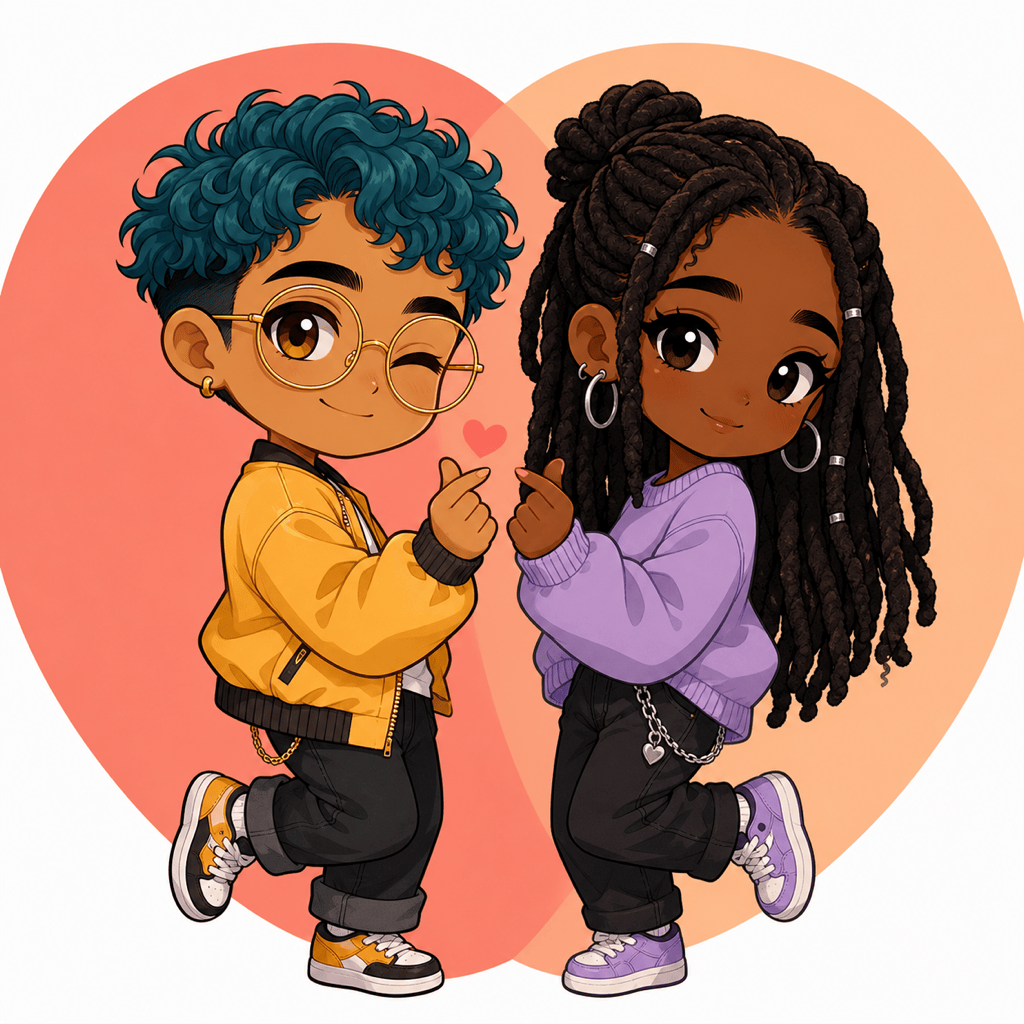
Matching Couple Icons: Convert our uploaded couple photo into two coordinated square chibi avatars. Keep each person’s hairstyle, skin tone, glasses, and outfit colors distinct. Show one playful wink and one shy smile, mirrored poses, matching coral backgrounds, identical line weight and cel shading, separate icon-ready compositions.
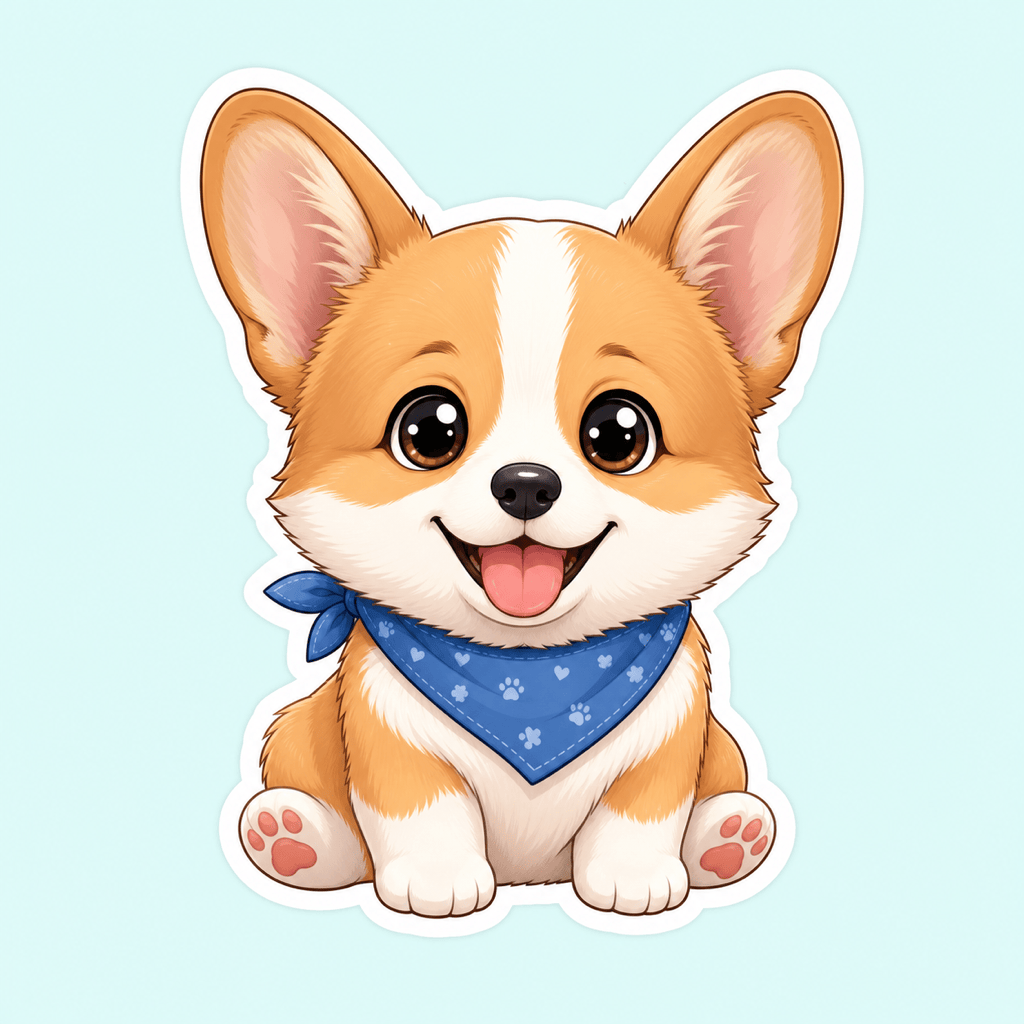
Pet Chibi Sticker: Turn my corgi photo into a full-body chibi sticker. Preserve the white blaze, tan ears, dark round eyes, short legs, blue bandana, and happy open-mouth expression. Exaggerated head, tiny body, sitting pose, thick white sticker border, transparent-looking background, no text or extra objects.
Creator Mascot: Design a chibi mascot for a cozy art channel: young adult character with lavender space buns, oversized cream sweater, stylus in one hand, tiny star-shaped paint palette in the other, warm smile, rounded two-head proportions, peach and lilac palette, clean square composition for YouTube and Discord.
Expression Set: Using my uploaded chibi avatar as the reference, create a coherent four-expression set: excited, embarrassed, sleepy, and determined. Keep the same face, hairstyle, glasses, outfit, color palette, proportions, outline, and lighting. Arrange four separate sticker-ready busts on a clean background with no text.





