Free OnlineAI Chair Generator
How to Design a Chair with AI
Define the Chair and Its User
Set Form, Structure, and Materials
Generate and Compare Concepts
Refine and Export

Why Use Mew Design as Your AI Chair Designer
Start from Text or a Sketch
Describe a chair in plain language or upload a hand sketch, silhouette, mood board, or material sample to guide the first product visualization.
Control Every Chair Part
Name the seat profile, back height, arms, frame, legs, pedestal, swivel base, casters, cushions, seams, and edge details that define the concept.
Explore Materials and Finishes
Compare oak, walnut, molded plywood, recycled plastic, steel, leather, mesh, bouclé, and outdoor fabrics without rebuilding the idea from scratch.
Review Product and Room Views
Generate a clean studio render to judge form, then request a contextual interior view to evaluate visual scale, style, color, and placement.
Iterate Through Conversation
Use Chat Edit for focused revisions such as a thinner frame, deeper seat, lower arms, warmer upholstery, or a more compact footprint.
Free, Watermark-Free Exports
Begin with free credits after signup and download chair concept images without watermarks for presentations, moodboards, and early design discussions.
What Makes a Good AI Chair Design Prompt
- Name the job: State whether it is for dining, focused desk work, reading, hospitality, outdoor use, or another specific seating behavior.
- Control proportion: Add approximate width, depth, seat height, back height, arm position, or nearby objects that help establish visual scale.
- Describe the support: Choose four legs, a sled, cantilever, pedestal, swivel base, or another structure, then name frame, joints, seams, and material transitions.
- Choose the review view: Request a three-quarter studio render for form, front and side views for comparison, or a room scene for context. Verify all geometry independently.
AI Chair Generator Prompt Examples
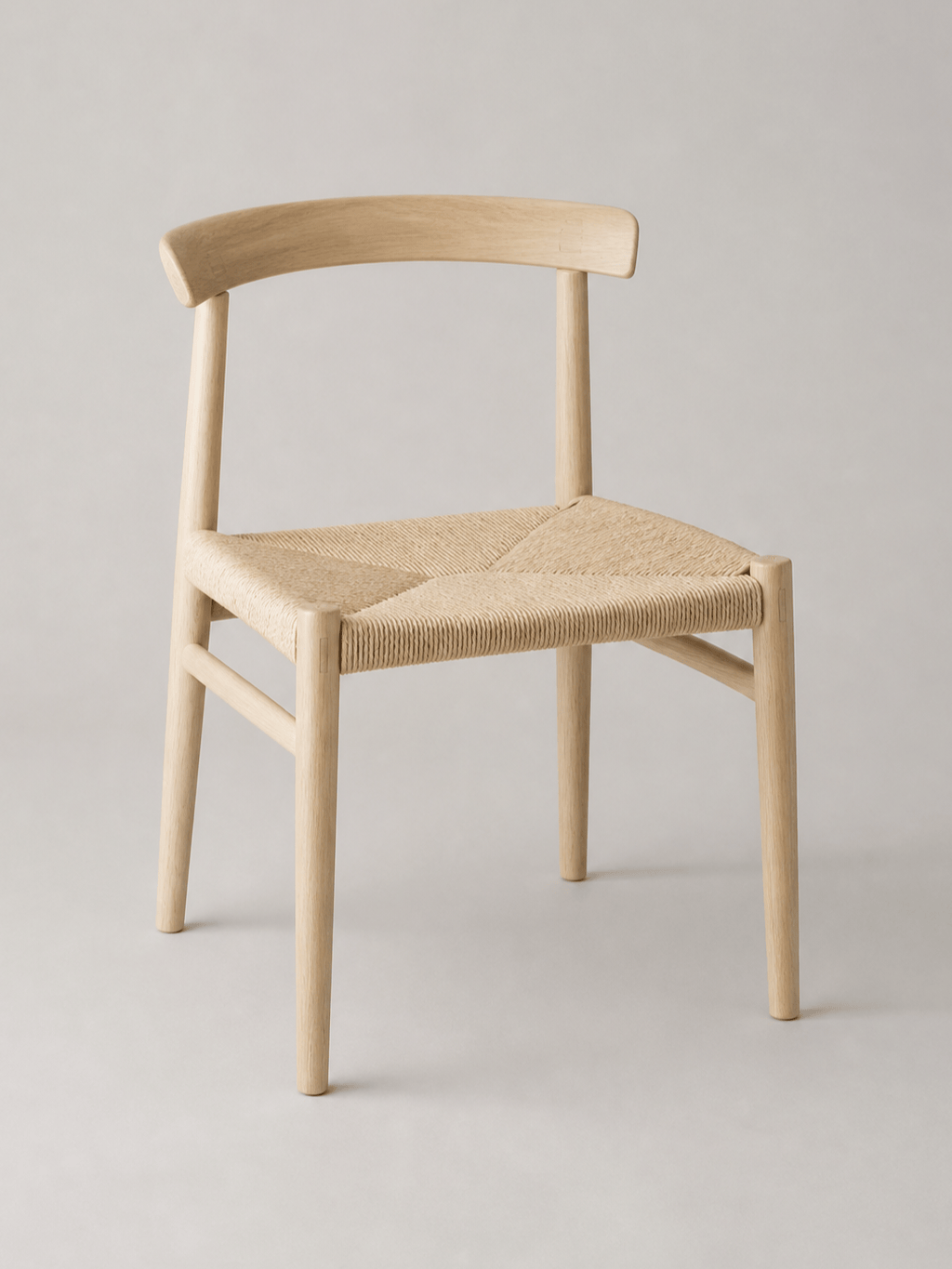
Scandinavian Dining Chair: Design a lightweight dining chair with a steam-bent ash back rail, woven paper-cord seat, tapered round legs, visible mortise-and-tenon cues, and a natural matte finish. Compact proportions, isolated three-quarter product render on light gray.
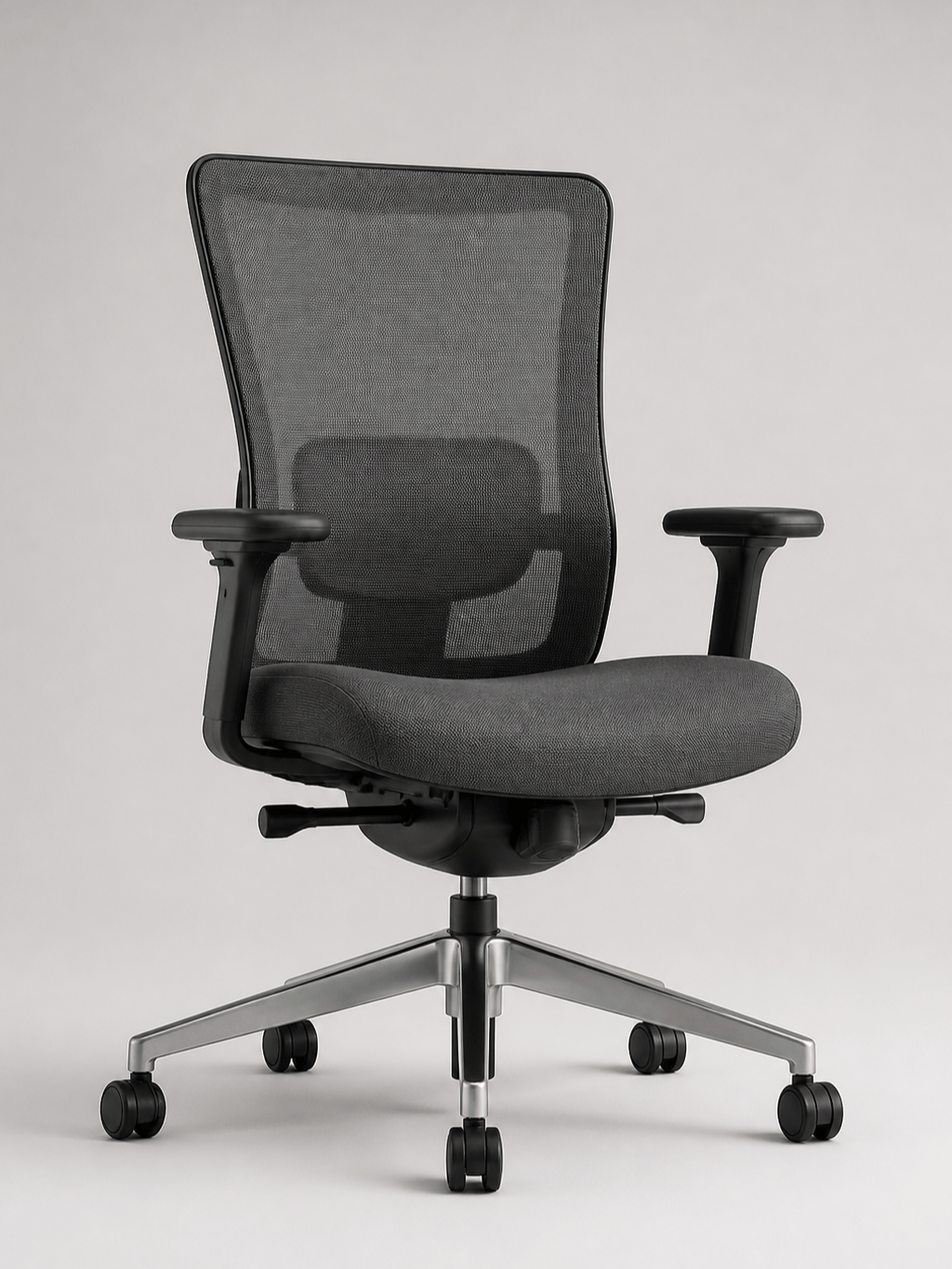
Ergonomic Office Chair: Create a contemporary task chair with a breathable charcoal mesh back, adjustable lumbar zone, contoured foam seat, compact 4D armrests, matte aluminum five-star base, and quiet casters. Show a realistic three-quarter studio concept with believable mechanisms.
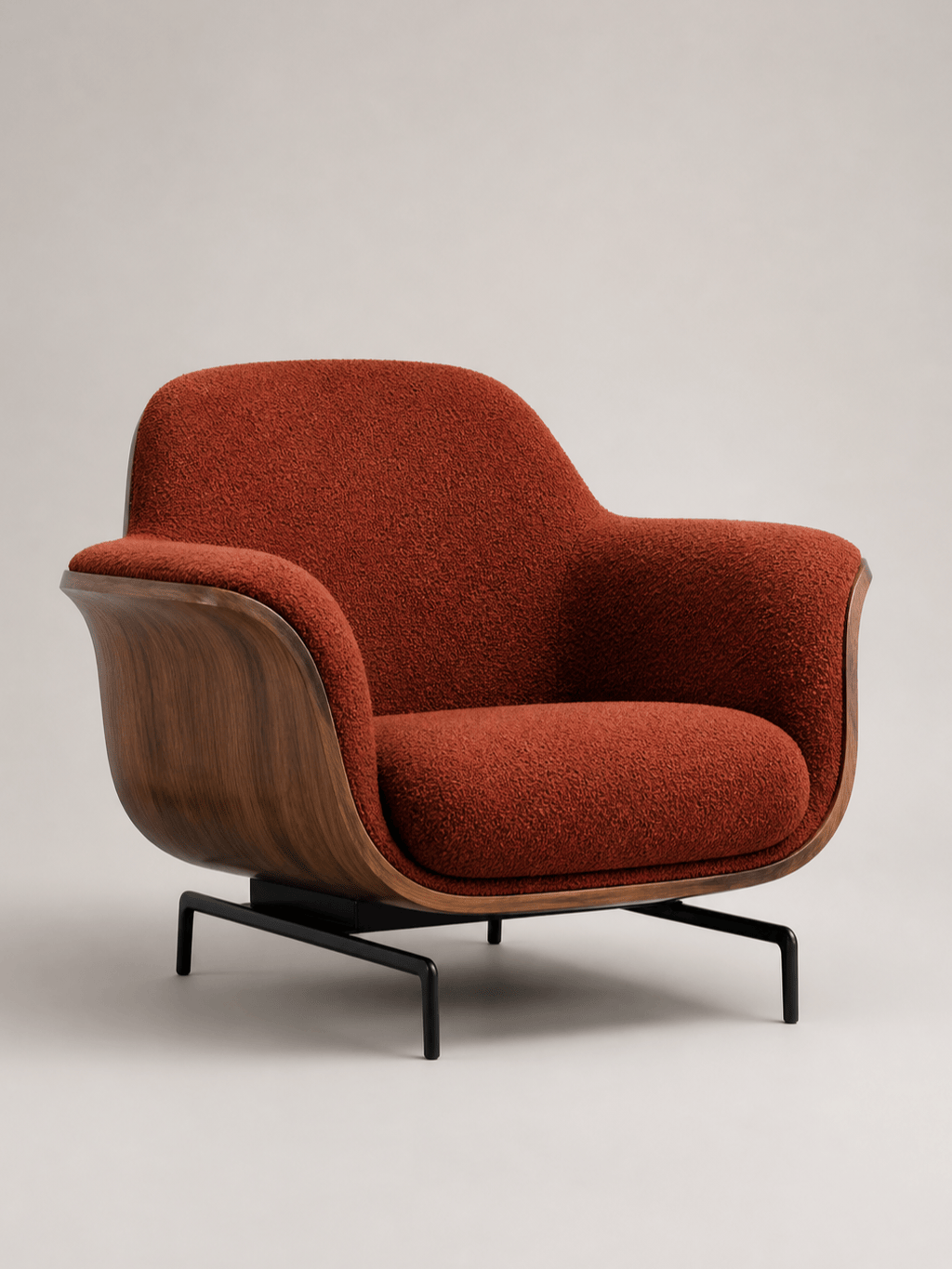
Sculptural Lounge Chair: Generate a low lounge chair with a continuous molded-plywood shell, deep rust bouclé upholstery, generous curved arms, and a floating black steel base. Gallery-like product photography, soft side light, no decor.
Hospitality Accent Chair: Design an upright accent chair for a boutique hotel lobby with a rounded upholstered back, durable moss-green velvet, walnut legs, brass foot caps, and contract-friendly proportions. Isolated catalog render.
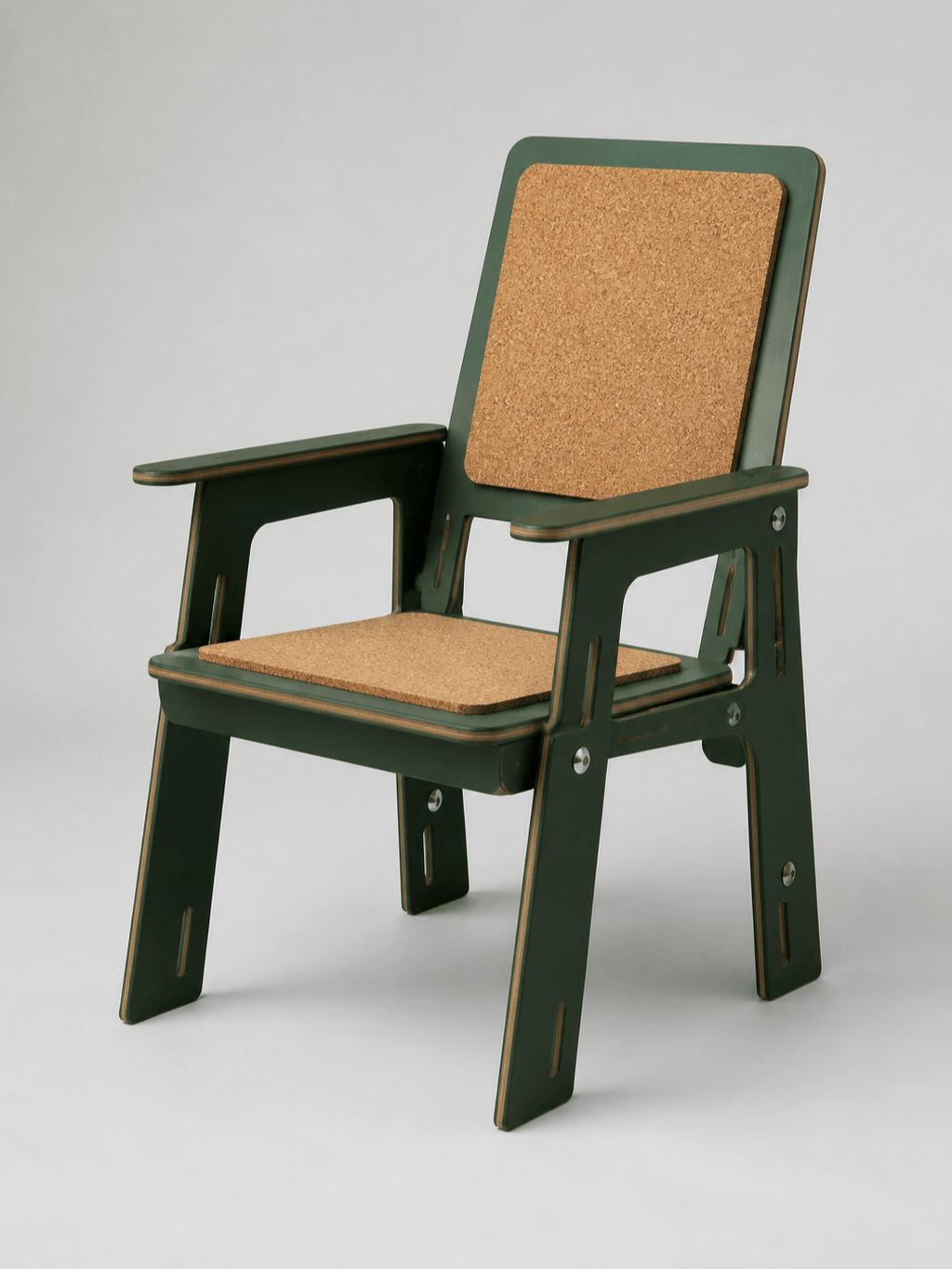
Flat-Pack Outdoor Chair: Create a knock-down balcony chair from FSC-style plywood panels with replaceable cork seat pads, slotted joints, minimal hardware, rounded weather-safe edges, and a muted forest-green finish. Show the assembled product and clear construction logic.
Chair Sketch to Render: Transform @[uploaded chair sketch] into a photorealistic product concept. Keep the drawn silhouette and proportions, use saddle leather over a brushed stainless-steel sled frame, resolve seams and connections cleanly, and present front, side, and three-quarter views.





