Free OnlineAI Castle Layout Generator
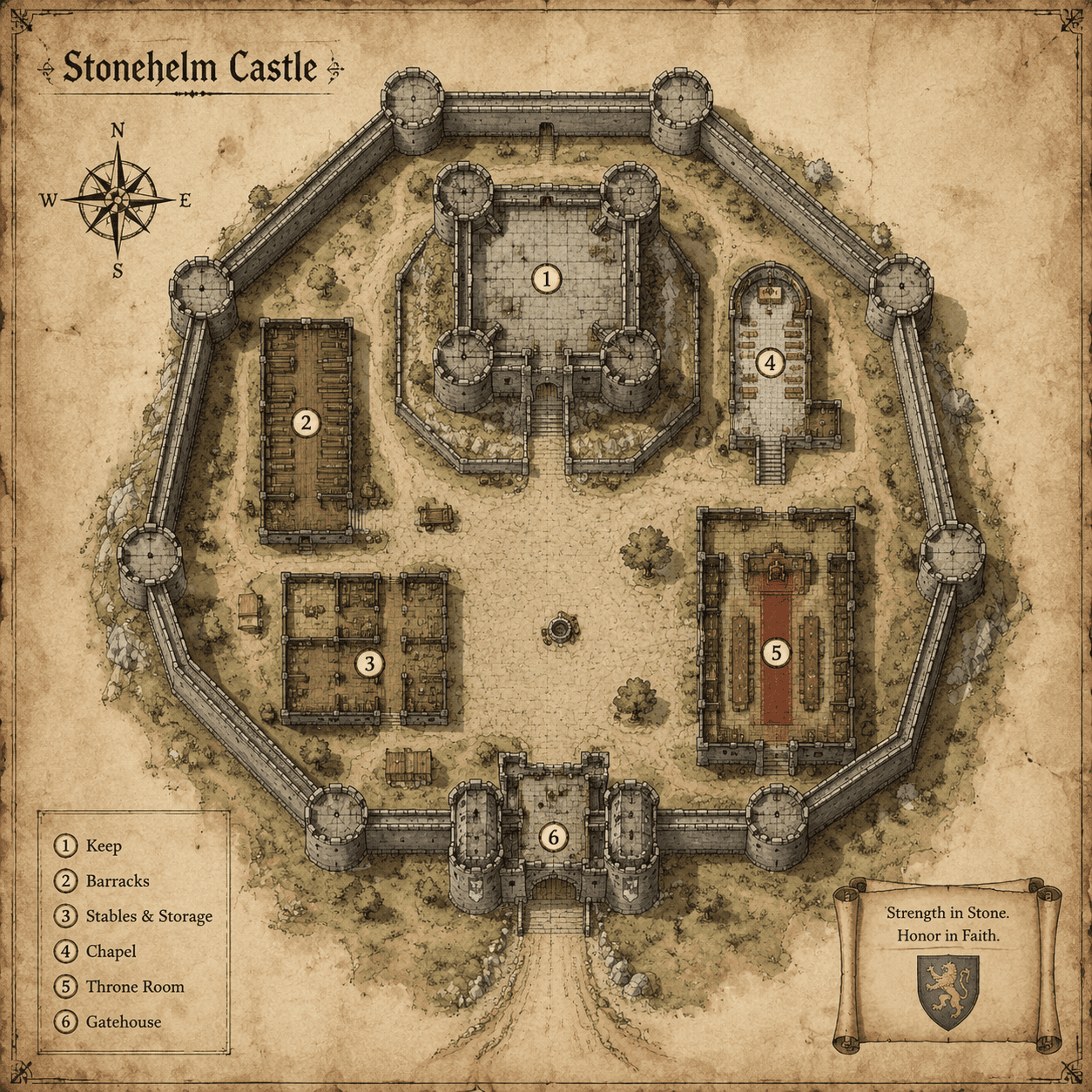
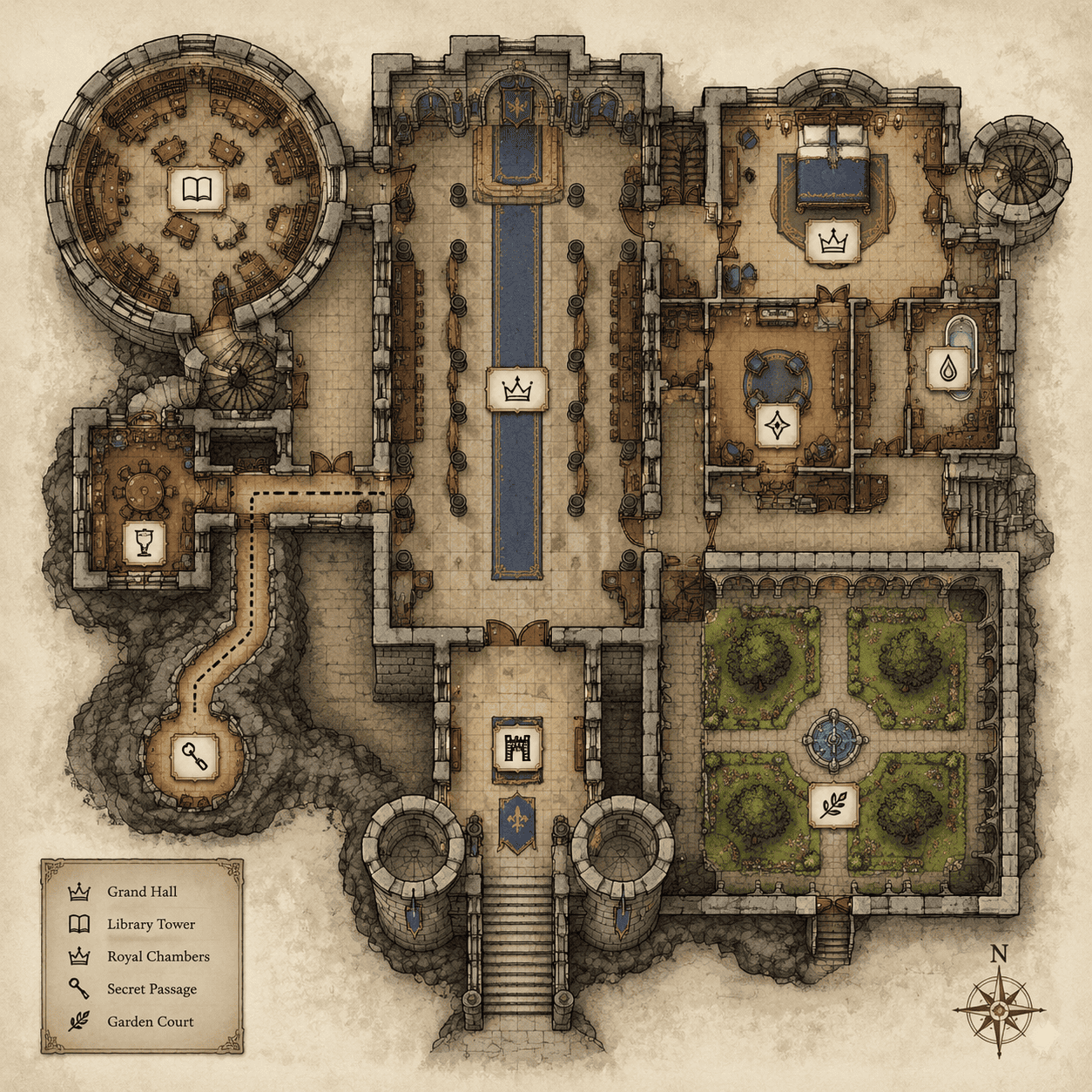
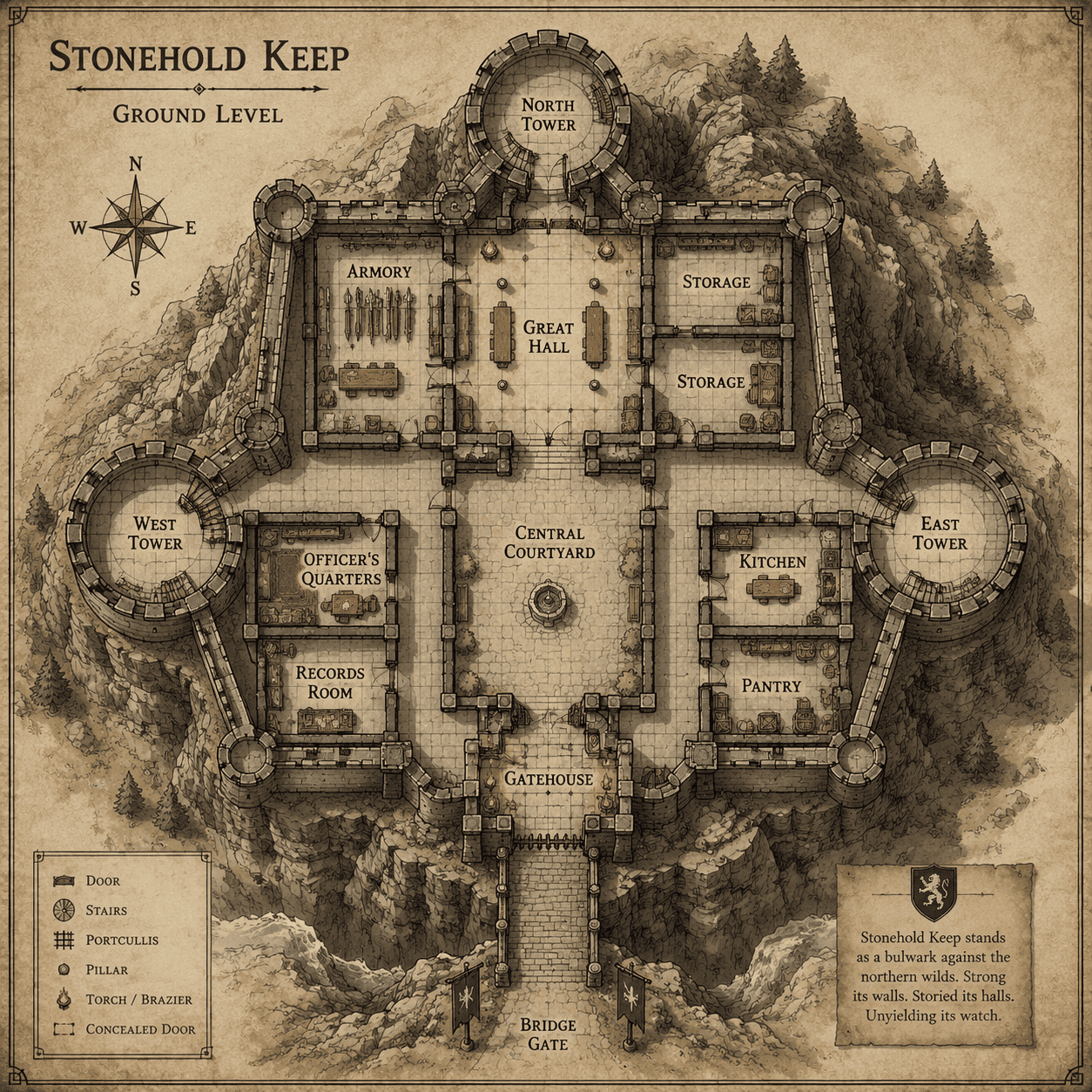
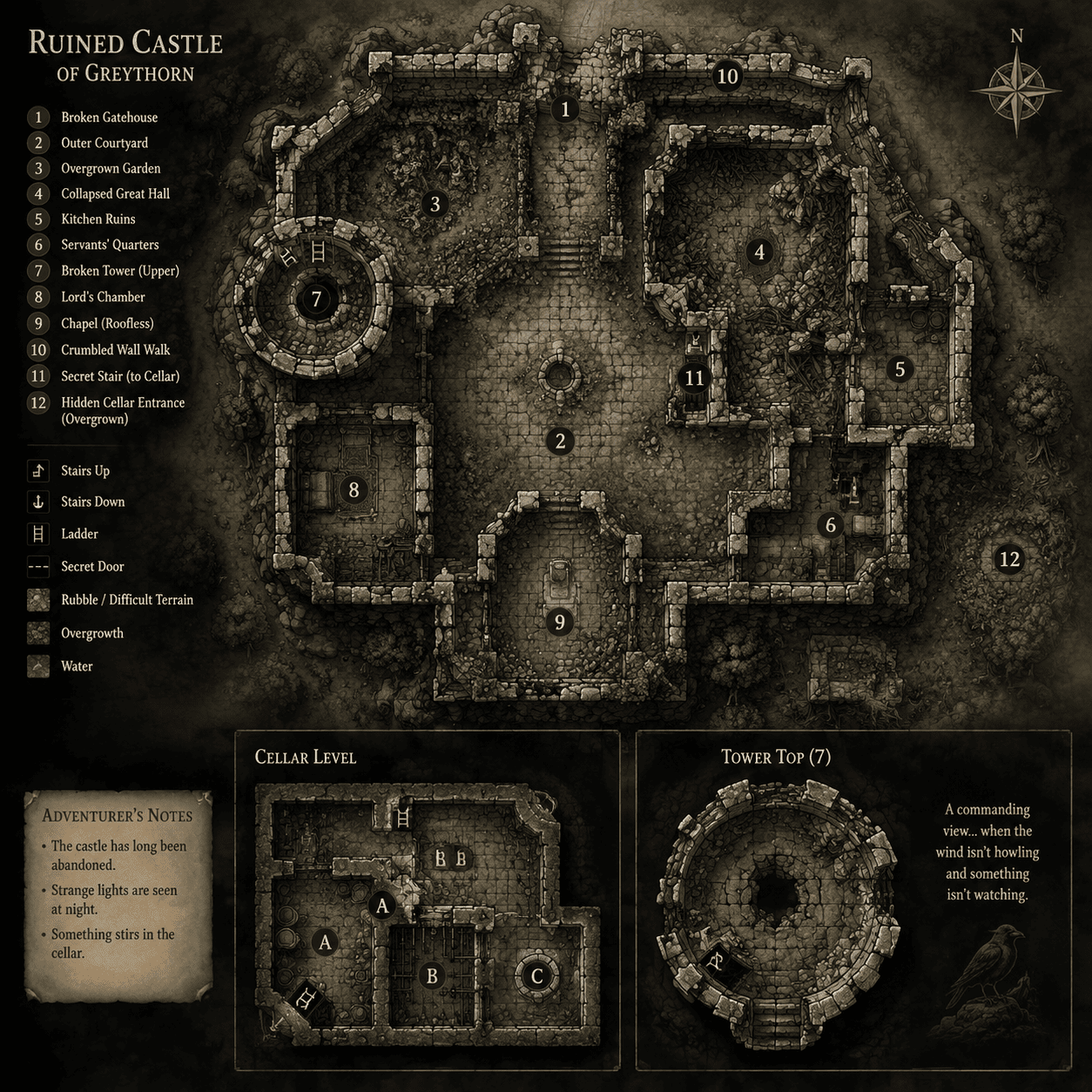
How to Create a Castle Layout with AI
Define the castle purpose
List key rooms and defenses
Generate the floor plan
Refine circulation and scale

Why Mew Design Works for Castle Layouts
Defense-aware planning
A castle map should show gates, walls, towers, chokepoints, and protected inner spaces. Mew Design can keep those relationships visible.
Room hierarchy for stories
Plan noble chambers, servant areas, throne rooms, chapels, dungeons, armories, and storage so the castle supports scenes and encounters.
Fantasy and historical moods
Create medieval blueprints, parchment RPG maps, ruined keeps, royal palace layouts, or mountain fortress plans.
Fast tactical revisions
Add a secret tunnel, move a gatehouse, enlarge the courtyard, or convert a floor plan into a battle map through chat.
Reference sketches accepted
Upload a rough layout or castle image when you want the AI castle map generator to preserve a specific silhouette.
Useful for RPG and fiction prep
Export layouts for campaign notes, VTT planning, novel reference, level design, or concept decks.
How to Prompt AI for Castle Floor Plans
- Castle role: Choose border fortress, royal castle, ruined keep, cliffside citadel, island castle, or wizard stronghold.
- Room list: List throne room, courtyard, chapel, barracks, kitchen, armory, stables, dungeon, storage, and private chambers.
- Defenses: Mention walls, towers, gatehouse, drawbridge, murder holes, secret passages, patrol paths, or escape routes.
- Map format: Ask for top-down floor plan, parchment map, blueprint, labeled GM map, or tactical battle-map style.
Castle Layout Prompt Examples
Design a mountain fortress layout with cliffside walls, bridge entrance, watchtowers, armory, storage rooms, and strategic defensive paths.
Create a ruined castle map for an RPG session with collapsed tower, haunted chapel, overgrown courtyard, dungeon stairs, and secret treasure room.
Make a royal palace castle floor plan with grand hall, gardens, servant corridors, guest chambers, library, throne room, and private royal wing.
Generate a coastal citadel layout with sea gate, lighthouse tower, inner keep, barracks, cannon platforms, and underground smugglers' tunnel.
Create a wizard castle blueprint with spell library, observatory tower, potion lab, summoning chamber, hidden stairs, and magical courtyard.
Design a printable black-and-white castle floor plan with readable room labels and clean corridors for tabletop planning.





