Free to Try OnlineAI Cartoon Face Generator
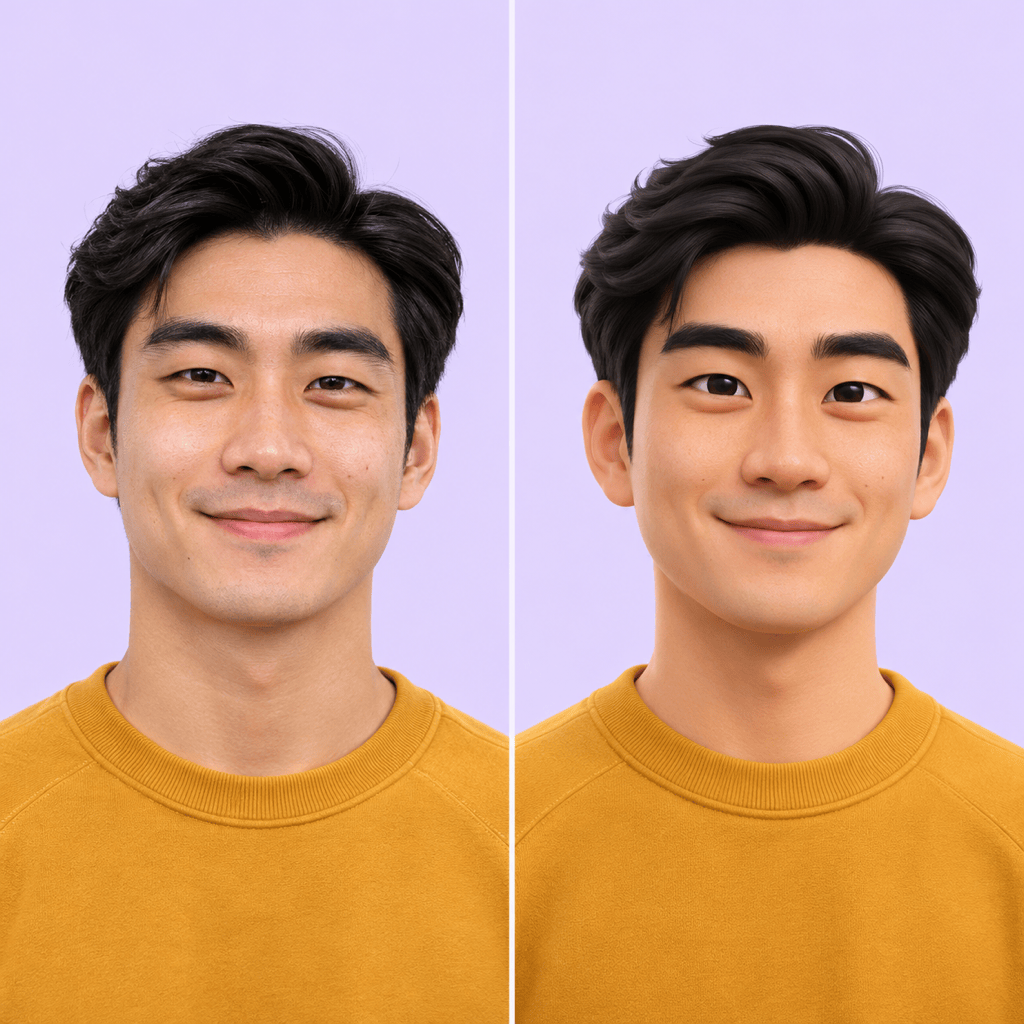
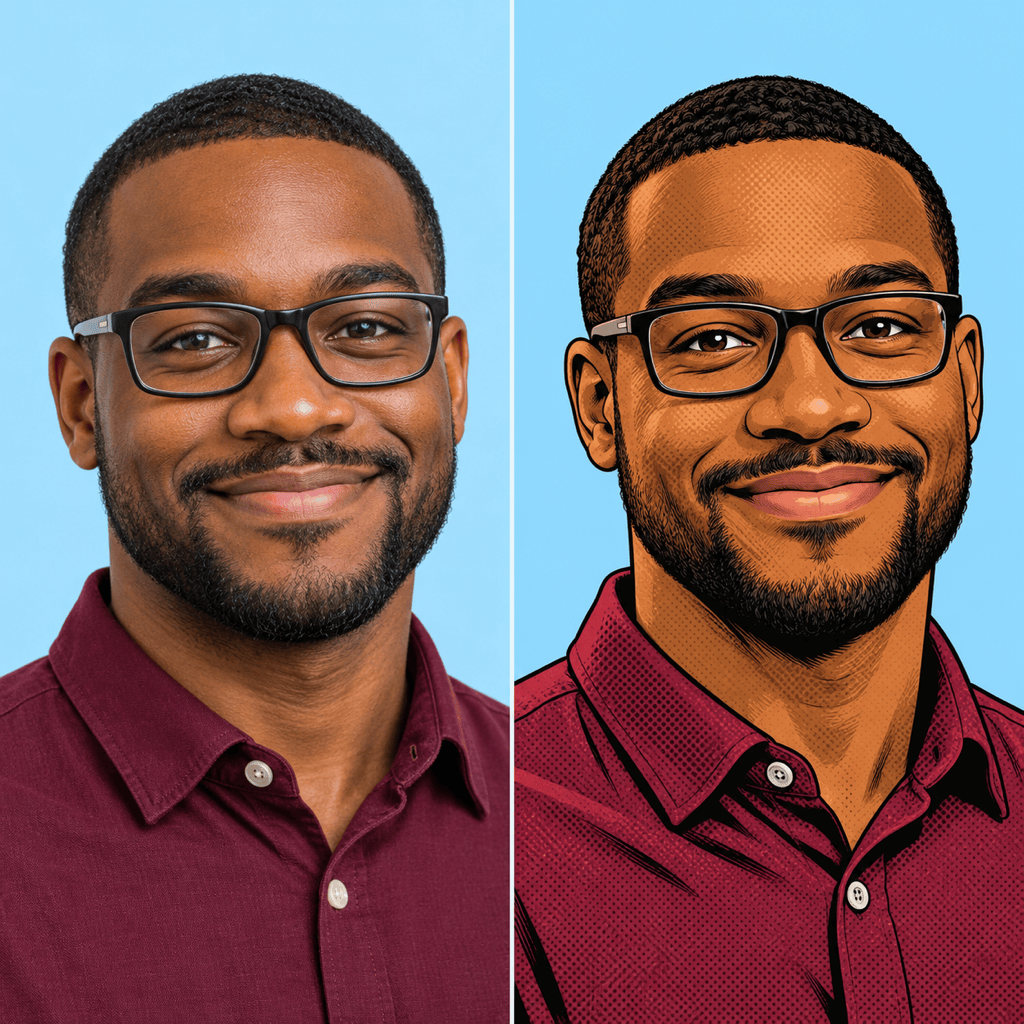
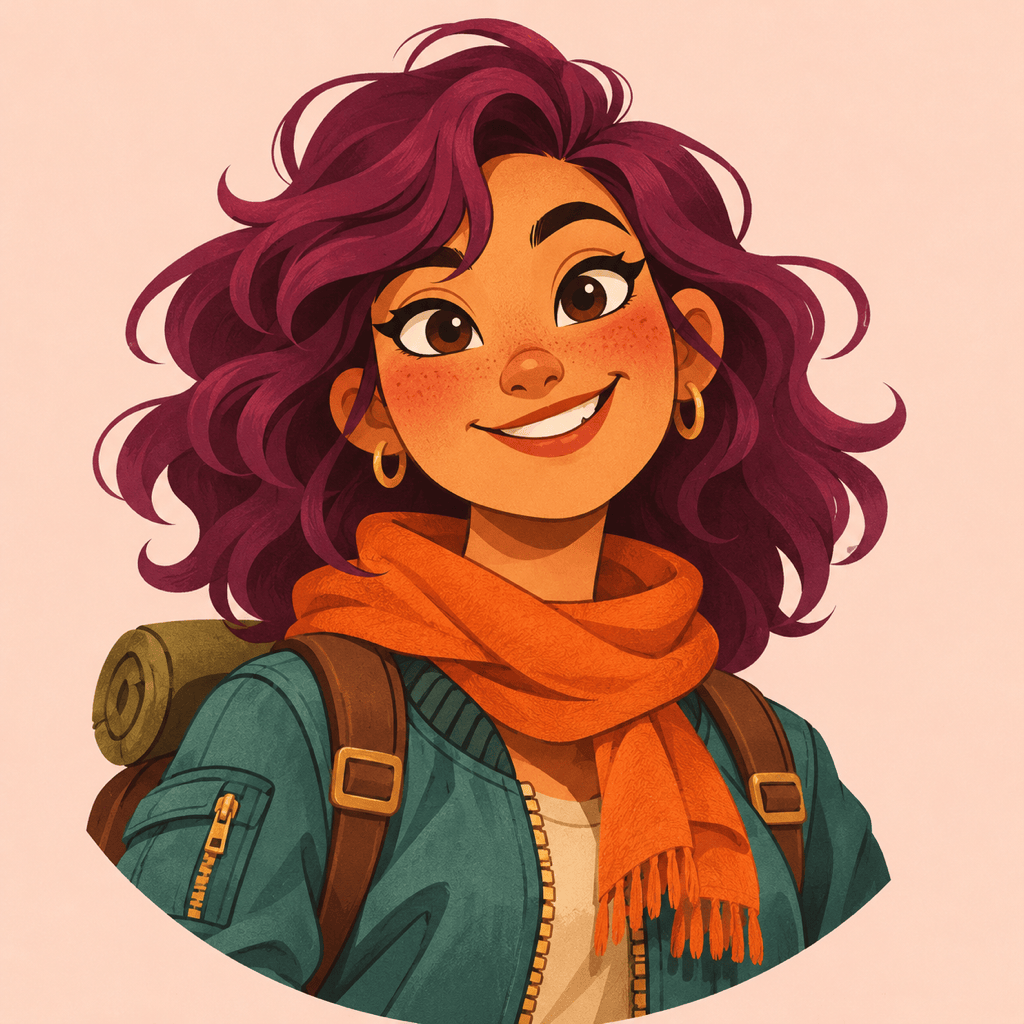
How to Create a Cartoon Face with AI
Upload a Selfie or Describe a Face
Choose Your Cartoon Look
Check and Refine Facial Details
Download Your Avatar
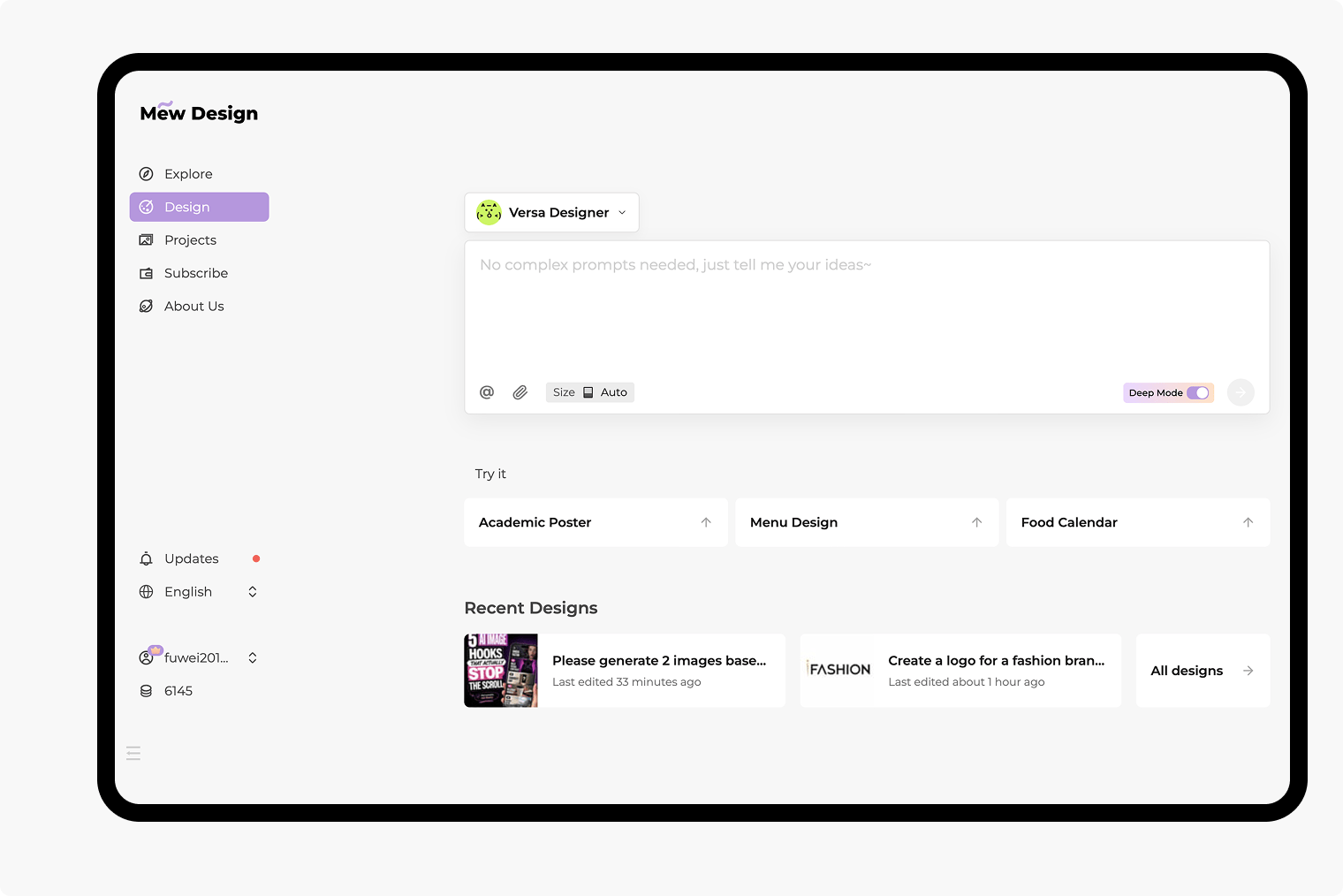
A Cartoon Avatar You Can Keep Refining
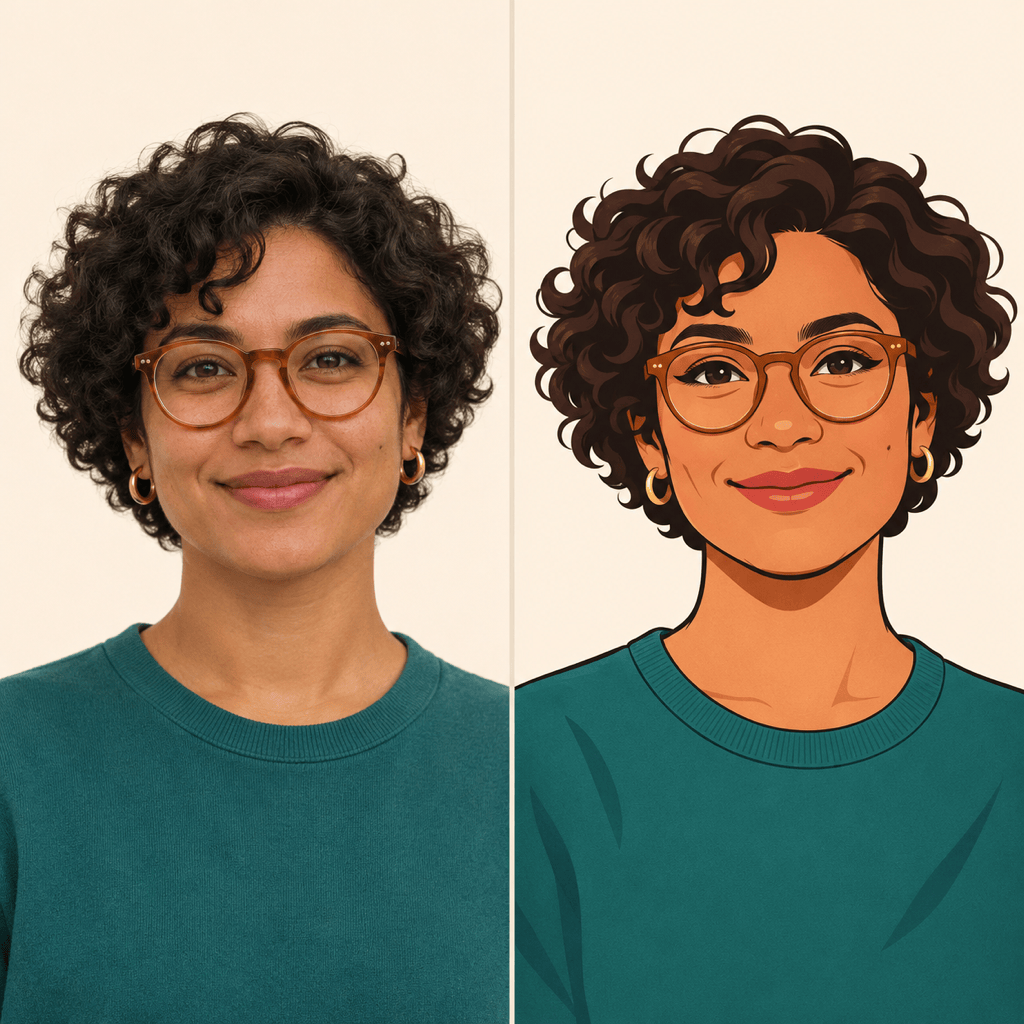
Use Your Face as the Reference
Turn a selfie into a cartoon with image uploads. Point out the features you want to keep, rather than settling for a generic face.
Create a Face Without a Photo
This cartoon avatar generator also works from text. Describe a fictional character for a gaming profile, channel, or personal project.
Explore Distinct Cartoon Styles
Try flat colors, soft 3D shading, or bold comic lines. Upload a style reference when a visual example explains the look better than words.
Adjust the Details in Chat
Change an expression, soften exaggerated features, or fix an accessory with Chat Edit. Review each version: likeness can vary.
Make Room for the Profile Crop
Ask for a centered face and a simple background. Our online cartoon face maker can adjust the framing so hair and glasses have breathing room.
Export a Face You Can Reuse
Download watermark-free PNG or JPG images. Request background removal for a transparent PNG to place your avatar on other designs.
How to Make a Cartoon Face Look Like You
- Pick a Clear PortraitUse one visible face in even light. Avoid heavy filters, sunglasses, and hair covering the eyes.
- Name Your Defining FeaturesMention the hairline, glasses, freckles, or facial hair you want to retain. Ask to keep your apparent age and skin tone.
- Choose the Level of ExaggerationFor a recognizable avatar, request subtle stylization. Reserve oversized eyes or a tiny chin for a more playful character.
- Check the Small PreviewReview the face at profile-picture size. Simplify the background and ask for one correction at a time.
Fix Common Cartoon Avatar Problems
Bring this cartoon face closer to my uploaded photo. Restore the original jaw shape and eye spacing while keeping the current illustration style.
Tone down the oversized eyes and tiny chin in this 3D cartoon face. Keep a softly shaded look and preserve the hairstyle and smile.
Restore the glasses from my reference photo. Match their frame shape and keep both eyes visible without changing the rest of the avatar.
Reframe this cartoon profile picture on a square canvas. Center the face and leave room above the hair and beside the ears for a circular crop.
Remove the background from this cartoon avatar. Keep the hair edges and glasses intact, and prepare a transparent PNG.
Change this original cartoon character from a neutral expression to a friendly smile. Keep the face shape, hairstyle, outfit, and colors consistent.