Free OnlineAI Butterfly Generator
How to Create Butterfly Images With AI
Describe the Wings and Purpose
Generate the Butterfly
Correct Patterns and Composition
Download for Your Project

Why Choose Mew Design as Your AI Butterfly Generator
Control Species-Level Details
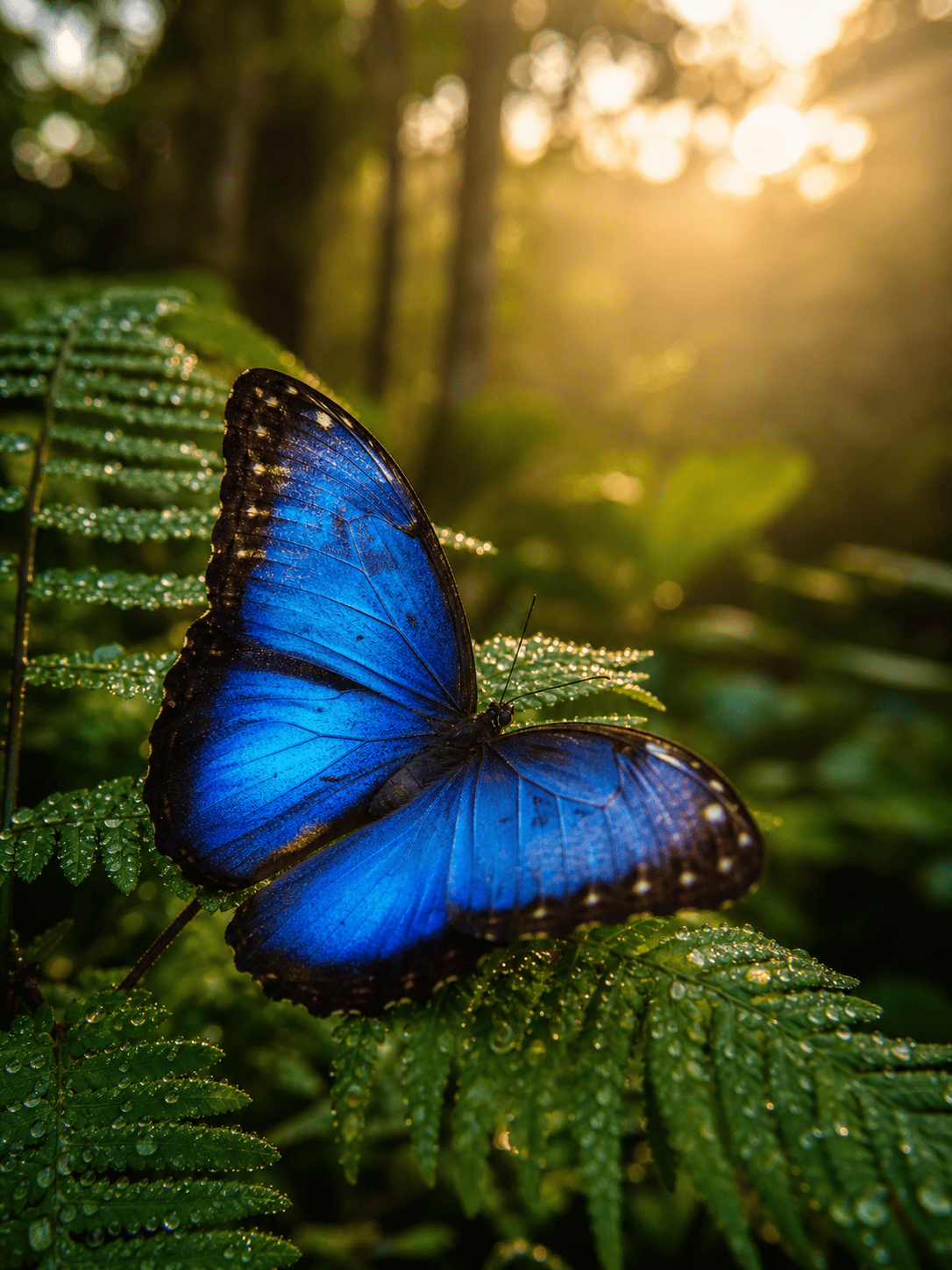
Describe a monarch's orange-and-black cells, a blue morpho's iridescence, or an imaginary luna-inspired wing shape. The AI agent uses those cues to build a more intentional subject.
Guide Symmetry Through Conversation
Butterfly wings expose small inconsistencies quickly. Use Chat Edit to ask for mirrored markings, cleaner antennae, a centered body, or a believable resting pose.
Move Between Real and Fantastical
Our butterfly art generator can explore macro photography, watercolor, paper cut, stained glass, 3D, botanical engraving, or luminous fantasy wings from the same core idea.
Turn References Into New Directions
Upload a color swatch, garden photo, fashion portrait, or mood board. Mew Design can use it as visual direction while creating an original composition.
Prepare Clean Design Assets
This online AI butterfly maker can simplify a detailed image into a sticker, emblem, coloring outline, or tattoo concept and can remove the background on request.
Explore a Coordinated Series
Generate matching butterflies with varied species, poses, or palettes for invitations, wall art, educational cards, and themed social content.
How to Write Effective Prompts for AI Butterfly Images
- Choose the medium: Say macro photo, watercolor, tattoo flash, stained glass, vector-like sticker, children's line art, or another clear visual language.
- Describe wing position: Use fully open, folded in profile, mid-flight, pinned specimen view, or perched at three-quarter angle so the composition is predictable.
- Protect useful edges: Ask for a simple background, generous padding, or a centered silhouette if the image will become a cutout, sticker, tattoo reference, or logo element.
- Refine anatomy: After generation, request mirrored markings, connected wing veins, two antennae, and a cleaner body-to-wing transition if needed.
AI Butterfly Image Prompt Examples You Can Customize
Create a scientifically inspired monarch butterfly field-guide plate on warm ivory paper, dorsal and side views, crisp orange-and-black wing cells, fine ink labels omitted, vintage natural-history engraving style.
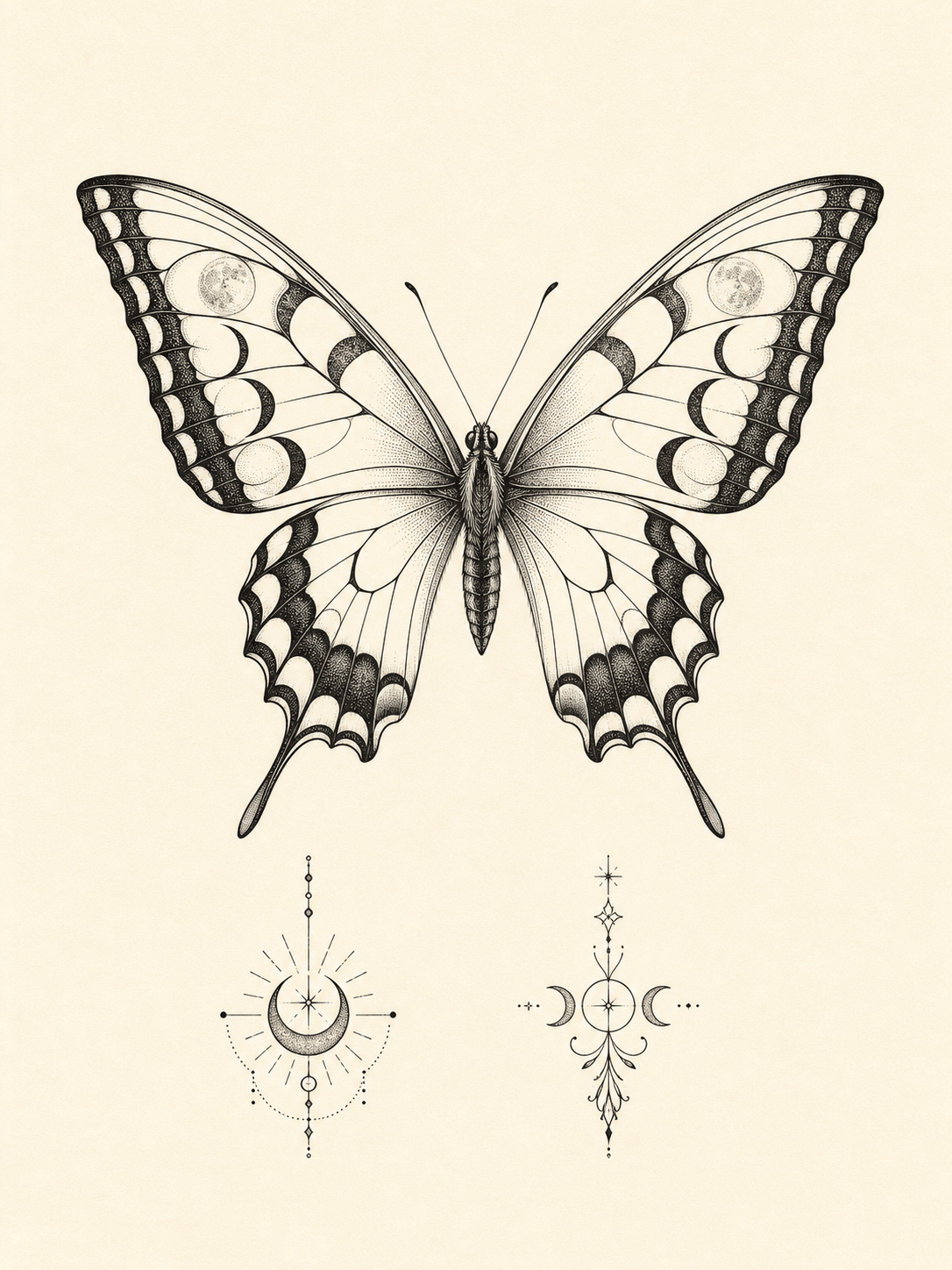
Design an original butterfly tattoo concept for the upper arm: symmetrical swallowtail silhouette, fine-line blackwork, small moon phases worked subtly into the wings, clean skin-safe spacing, no body mockup and no text.
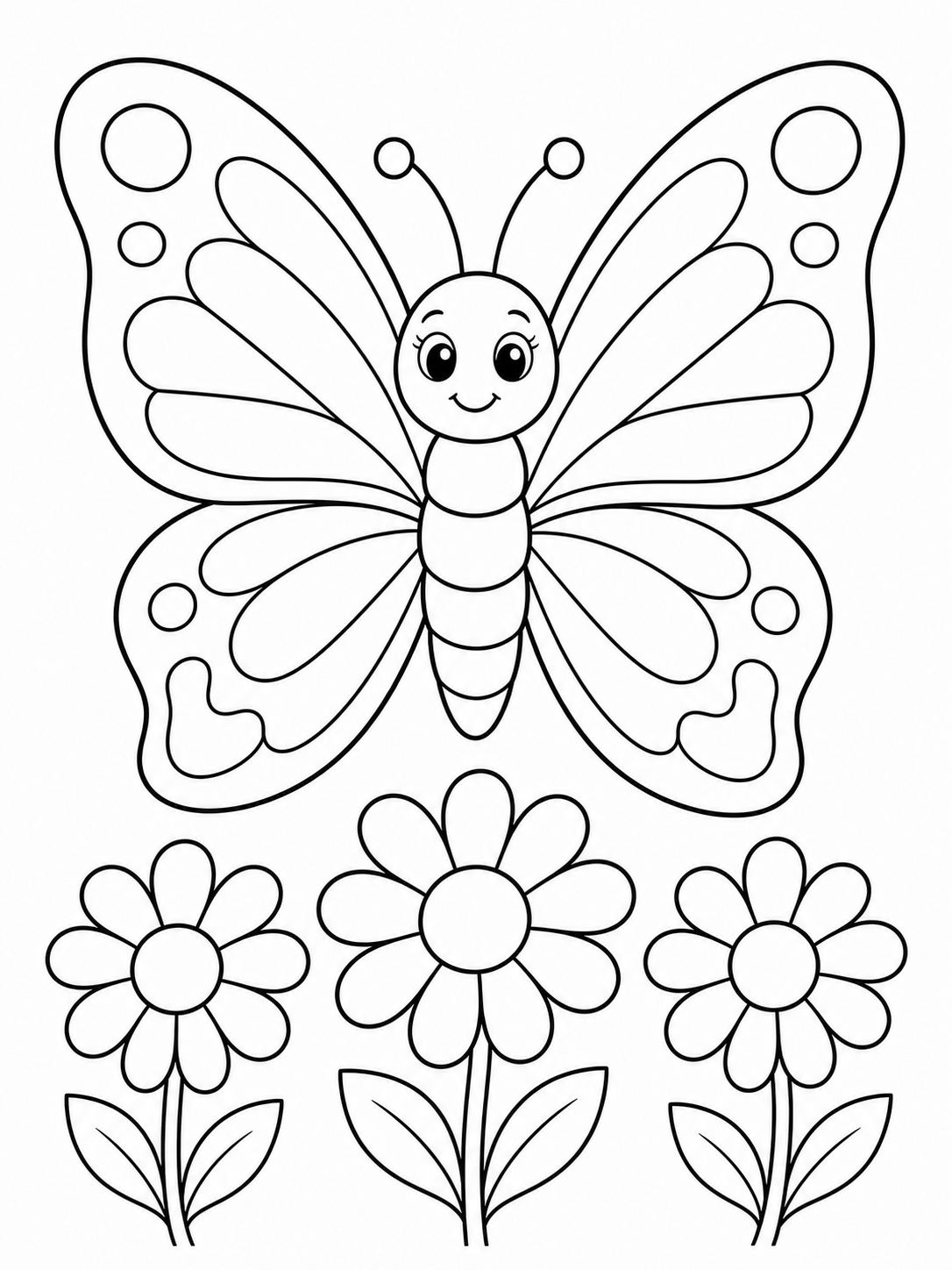
Make a printable butterfly coloring page for children ages 6-8, one large friendly butterfly over simple daisies, bold closed outlines, wide coloring spaces, black ink on white, US Letter portrait composition.
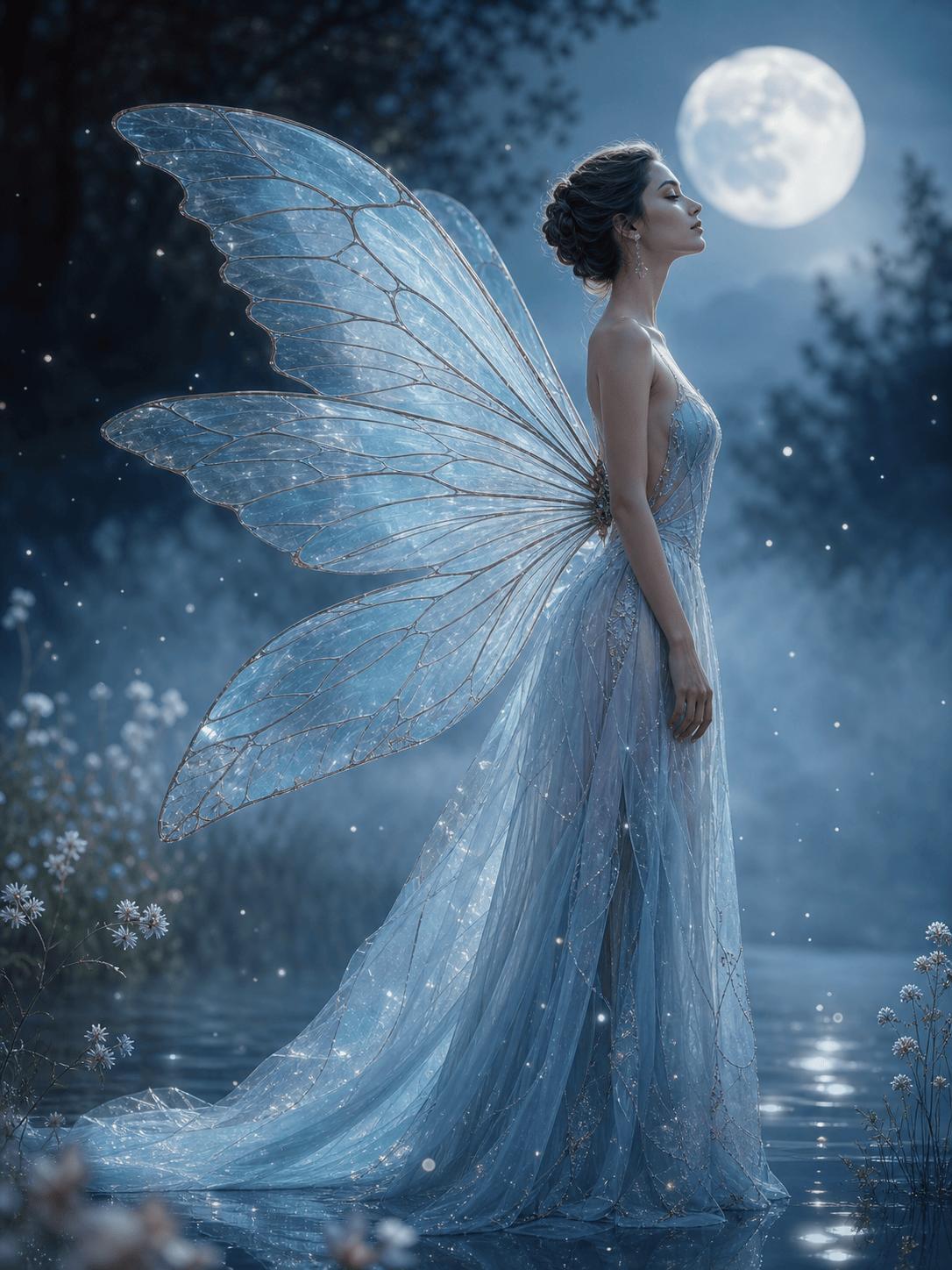
Generate an ethereal fashion portrait with translucent butterfly wings made of pale blue glass, subject in profile, moonlit mist, editorial fantasy photography, elegant and not costume-like, vertical composition.
Create a square sticker sheet with six original butterflies in coral, teal, yellow, and navy, clean white outlines, flat vector-like shapes, consistent scale, no words, uncluttered background.
Paint a dreamlike garden filled with blue morpho butterflies moving through shafts of morning light, lush tropical leaves, one sharp foreground butterfly and softly blurred depth, cinematic digital painting.





