Free OnlineAI Butt Enhancer
How to Make Your Butt Look Bigger in Photos with AI
Upload a Clear Outfit Photo
Describe the Curve You Want
Check the Details and Refine
Download Your Edited Photo

An Online AI Butt Editor for Natural-Looking Curves
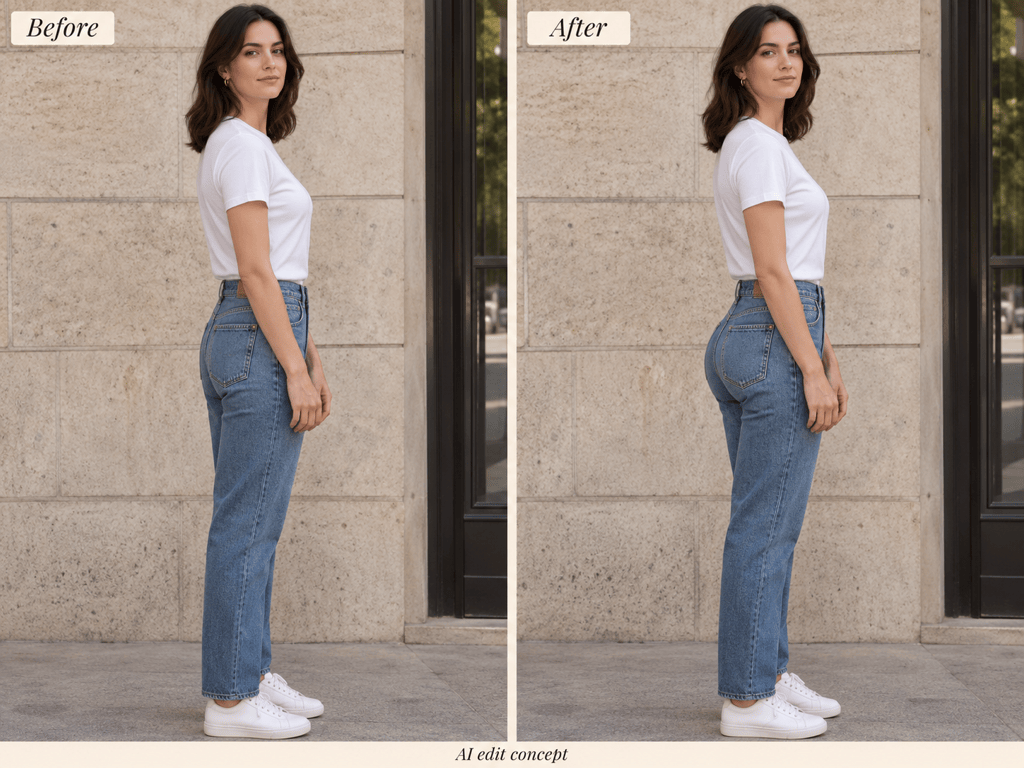
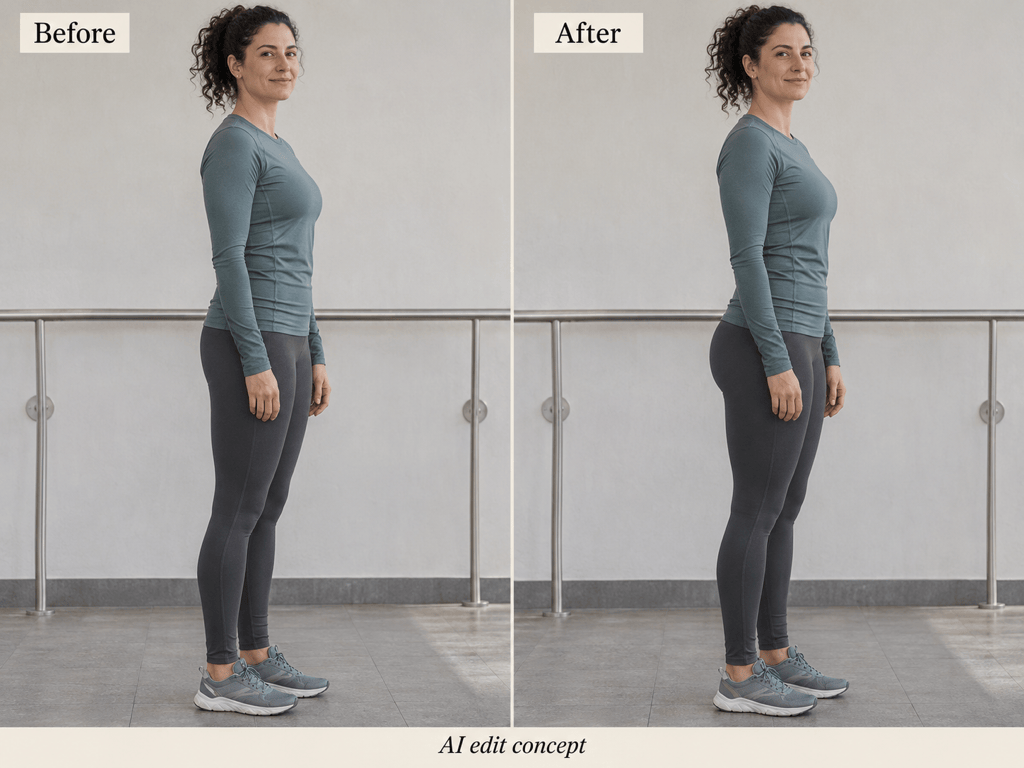
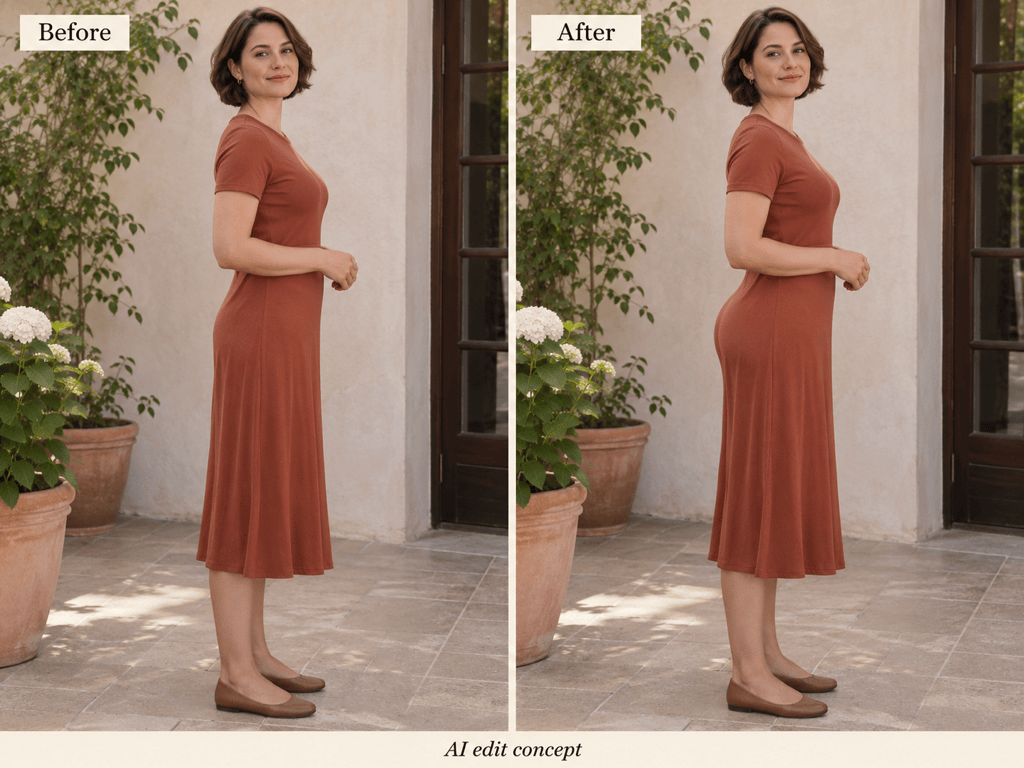
Edit Jeans, Activewear, and Dress Photos
Use this online butt enhancer for an existing outfit shot or portrait. Your upload provides the person, clothing, and setting for the requested edit.
Describe the Amount of Change
Ask for a slightly fuller shape or a more noticeable curve in everyday language. Refine the result without learning manual reshaping tools.
Give Clothing Details Priority
For natural butt enhancement in jeans or activewear, specify the pockets, stitching, waistband, and fabric texture that should remain consistent.
Correct an Overdone Result
Use Chat Edit to request less volume or restore proportions closer to the source. Compare each revision with your original photo.
Choose How the Edit Is Generated
Choose an available image model or let Mew Auto match the task. Mew Design brings leading image models into one workspace and adds new releases promptly.
Try It Online with Free Credits
Start with free AI credits after signup. Download watermark-free PNG or JPG images; generation uses credits and availability depends on the selected model and plan.
How to Get Natural-Looking Butt Enhancement
- Choose a Useful Angle: Use a clear side or three-quarter photo. Heavy coats, crossed arms, and cropped hips can hide the outline you want to adjust.
- Limit the Edit: Name the area to change and the details to preserve. Avoid asking for a smaller waist and larger hips at the same time if you only want a subtle lift.
- Inspect Fabric and Backgrounds: Check pockets, stripes, seams, doorframes, and railings. If they bend or blur, request a correction or restart from the original with a smaller change.
- Keep the Comparison Honest: Use the same crop and scale when reviewing before and after. These are creative photo edits, not evidence of fitness progress or predictions of physical changes.
Butt Enhancement for Jeans, Activewear, and More
Subtle everyday edit: Give my uploaded outfit photo a slightly fuller butt contour. Keep my waist, thighs, face, and pose close to the original. Preserve the outfit and background.
Jeans photo: Add a modest lift to my butt in this denim outfit. Preserve pocket placement, stitching, belt loops, and fabric texture. Keep the background lines straight.
Activewear photo: Refine my glute contour slightly in this fully clothed sports photo. Preserve the leggings seams, waistband, lighting, and leg proportions.
Dress photo: Add a gentle curve to my silhouette in this dress. Keep the fabric drape, print, and hemline coherent. Preserve my pose, face, and surroundings.
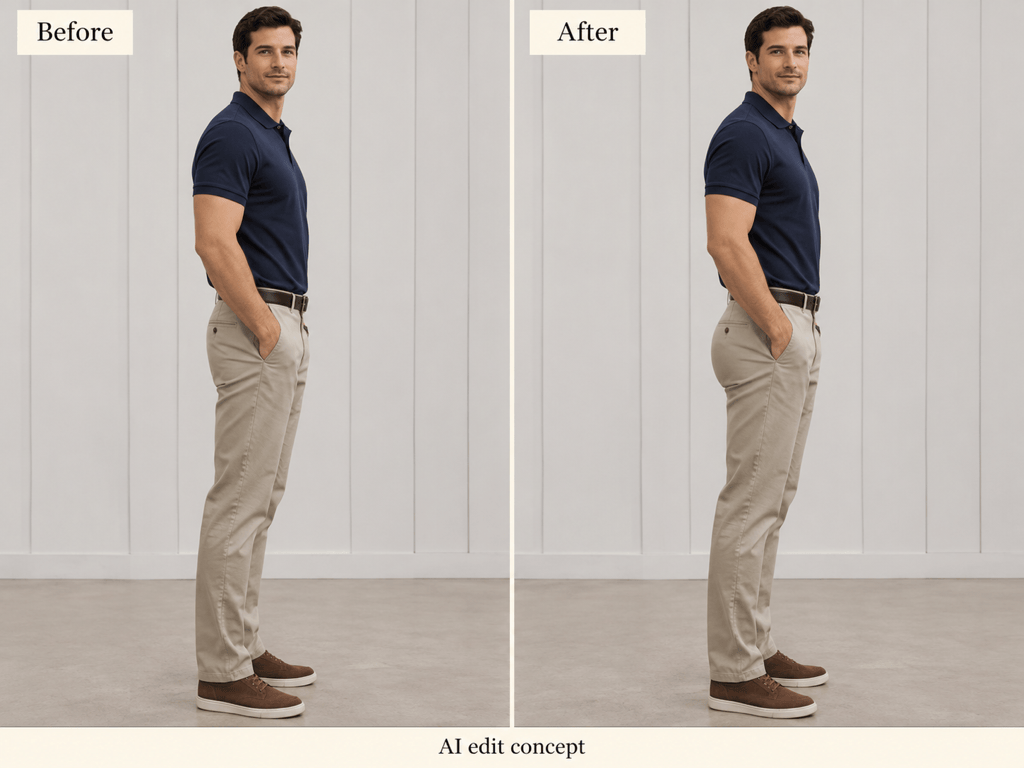
Men’s photo edit: Make my glutes look slightly fuller in this clothed side-view photo. Keep the trousers realistic and preserve my waist, thighs, and upper body.
Fix an exaggerated edit: Reduce the added volume and bring my proportions closer to the original upload. Restore clothing details and correct any curved background lines.





