Make Your OwnAI Bullet Photo
How to Create a Bullet Bike Photo with AI
Upload a Clear Portrait
Describe the Bullet Scene
Check the Face and Bike
Crop and Download

Make the Bullet Bike Look Your Own
Start From Your Photo
Upload your own portrait and tell the AI Bullet bike photo editor which facial features, hairstyle, and skin tone to keep recognizable.
Direct the Motorcycle Scene
Describe a classic black Bullet-style bike, realistic proportions, your position beside or on it, and the exact setting you want.
Try Distinct Photo Moods
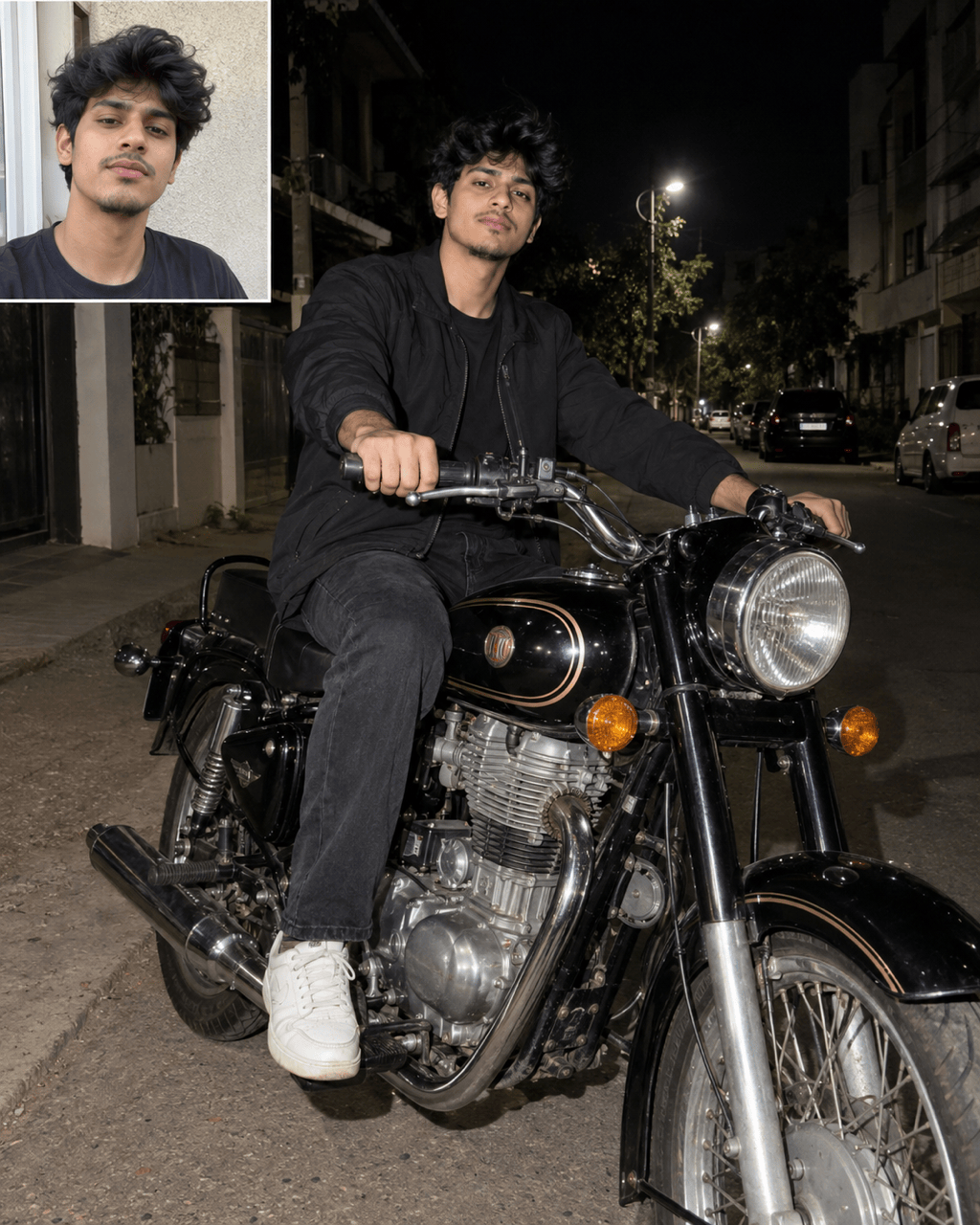
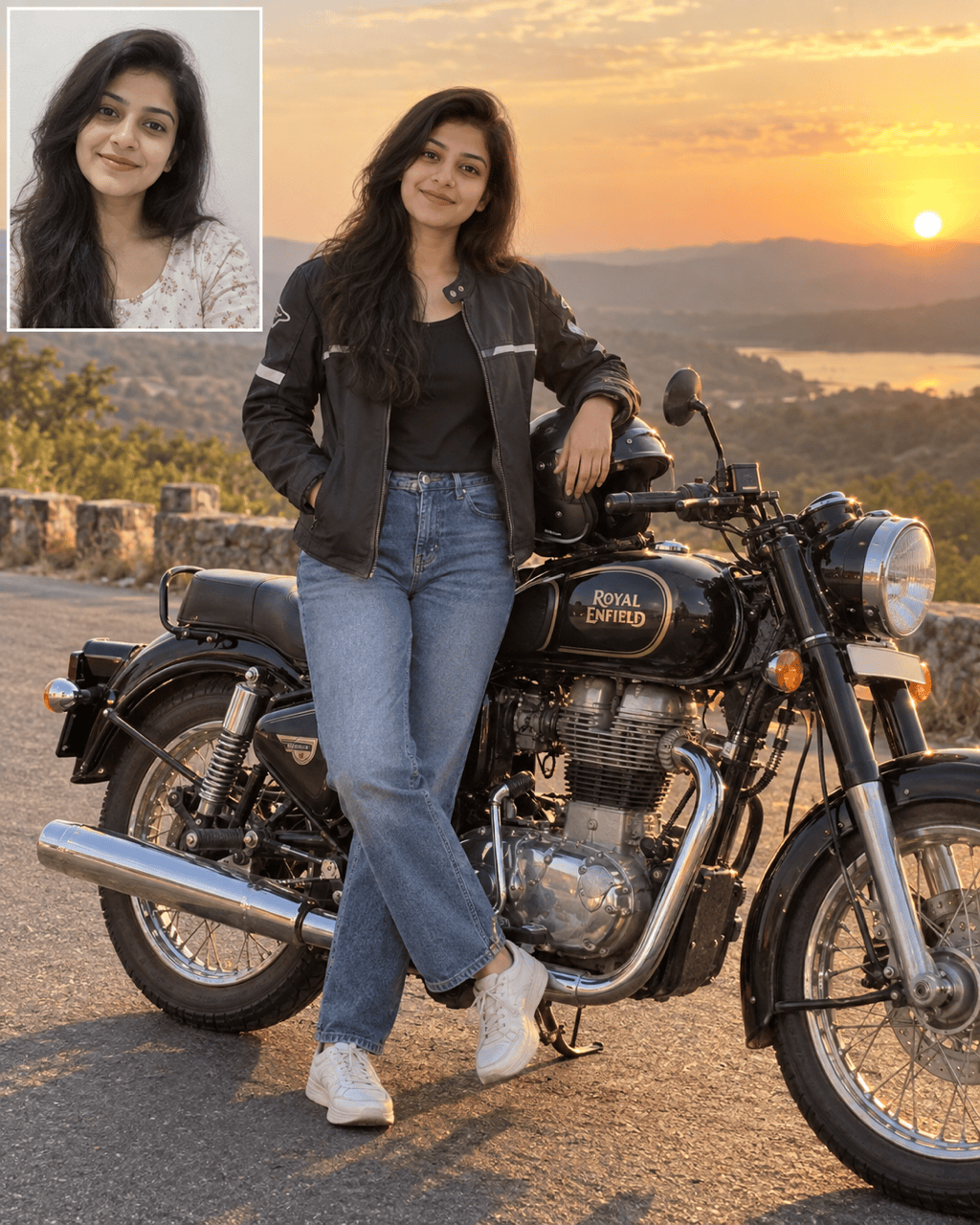
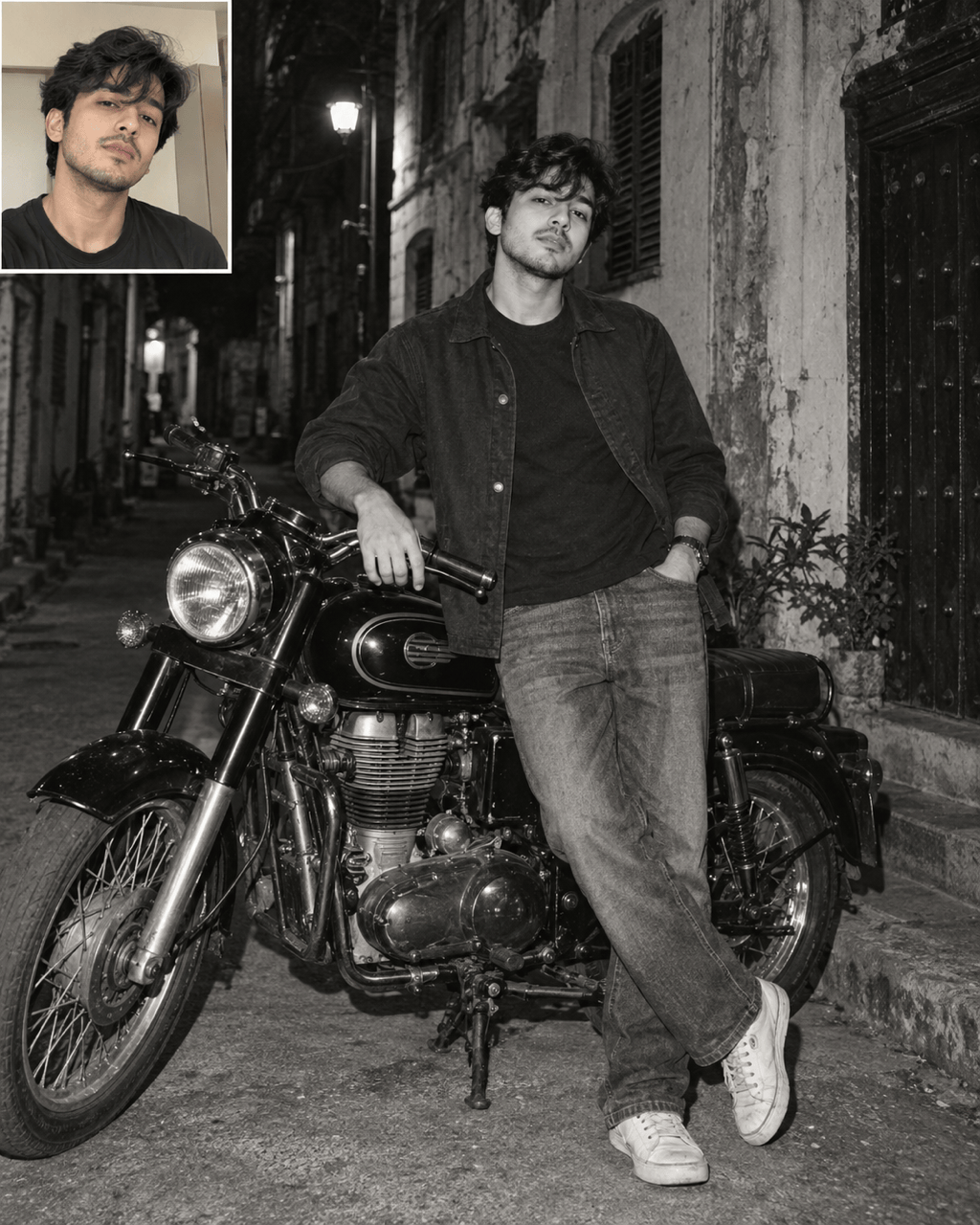
Generate a night street shot, warm road-trip portrait, or vintage monochrome look from the same idea without arranging a photoshoot.
Refine Specific Details in Chat
If a hand, wheel, face, or shadow looks wrong, use Chat Edit to ask for that one correction and preserve the rest of the portrait.
Create Solo or Couple Portraits
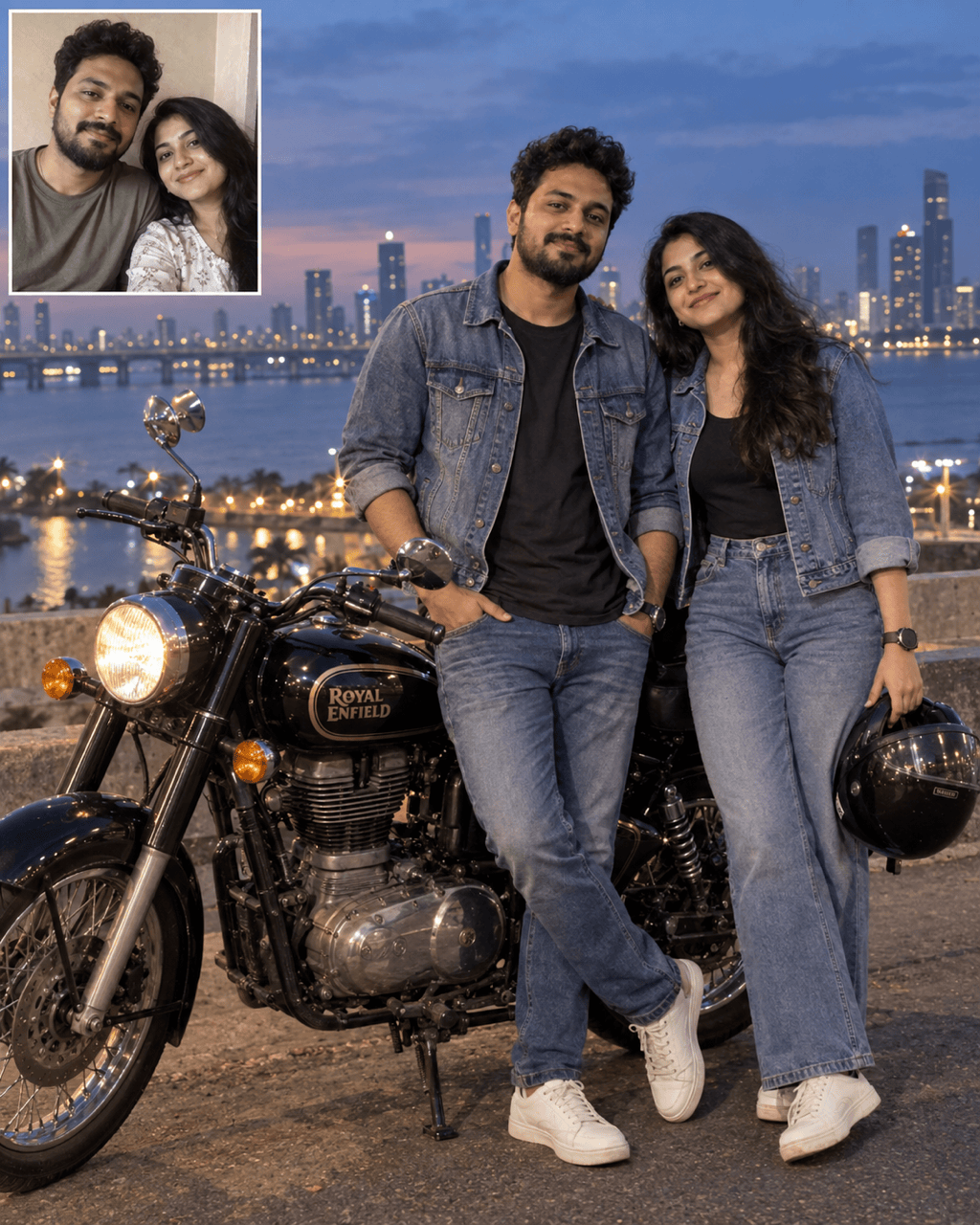
Use one or two clear reference photos and describe where each person should stand so a Bullet couple photo remains easy to read.
Make Social-Ready Stills
Our online Bullet bike photo maker can frame the person and motorcycle for a profile picture, feed post, or cover, then export JPG or PNG.
What to Include in a Bullet Photo Editing Prompt
- Choose the right source: Use a well-lit image with an unobstructed face. For a couple, provide a clear photo of each person and identify both people in the request.
- Define the pose: Say whether you are sitting on the bike, standing beside it, or holding a helmet. Name which parts of the motorcycle must stay visible.
- Set the photo mood: Choose night street, golden-hour road, or black-and-white film; add an intended portrait crop if the image is for a DP.
- Review realism: Check faces, fingers, riding posture, wheel geometry, reflections, and any badges or logos before sharing. Exact identity and model details can vary.
Bullet Bike Photo Styles to Try
Use my uploaded selfie as the face reference. Create a realistic night street portrait of me sitting on a classic black Bullet-style motorcycle, with direct flash, deep shadows, a visible face, and a vertical Instagram crop.
Use my photo as the identity reference. Make a golden-hour Bullet bike portrait of me standing beside the full motorcycle on an open road, with a natural pose, warm light, and realistic metal details.
Use our two uploaded portraits as separate identity references. Show us beside one classic Bullet-style bike at dusk, both faces visible and distinct, with natural body proportions and a relaxed couple pose.
Turn my uploaded photo into a vintage black-and-white Bullet motorcycle portrait. Keep my face recognizable, use subtle film grain and a real street backdrop, and leave the bike and my hands anatomically believable.
Keep the existing Bullet bike portrait composition, outfit, and lighting. Correct only my face so it better matches the uploaded reference photo, including the original hairstyle and natural skin texture.
Keep the person and mood from the current image. Fix the motorcycle wheels, engine, handlebars, and hand placement so the bike and rider look physically plausible; remove any invented lettering.





