Online Photo EditingAI Breast Generator
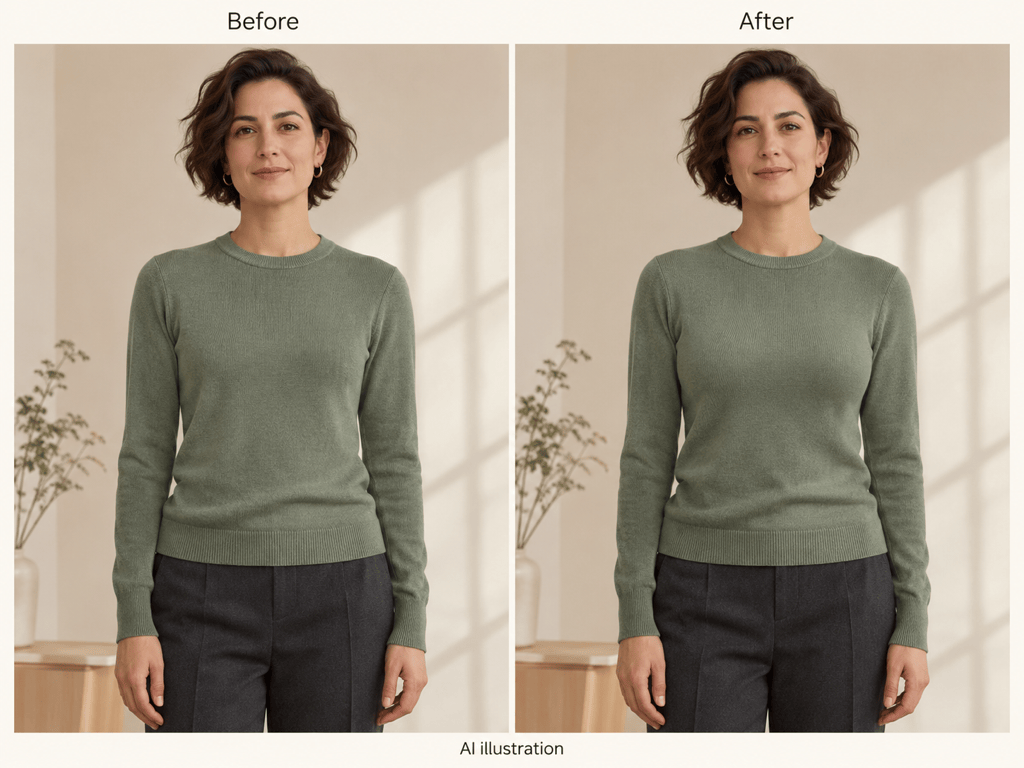
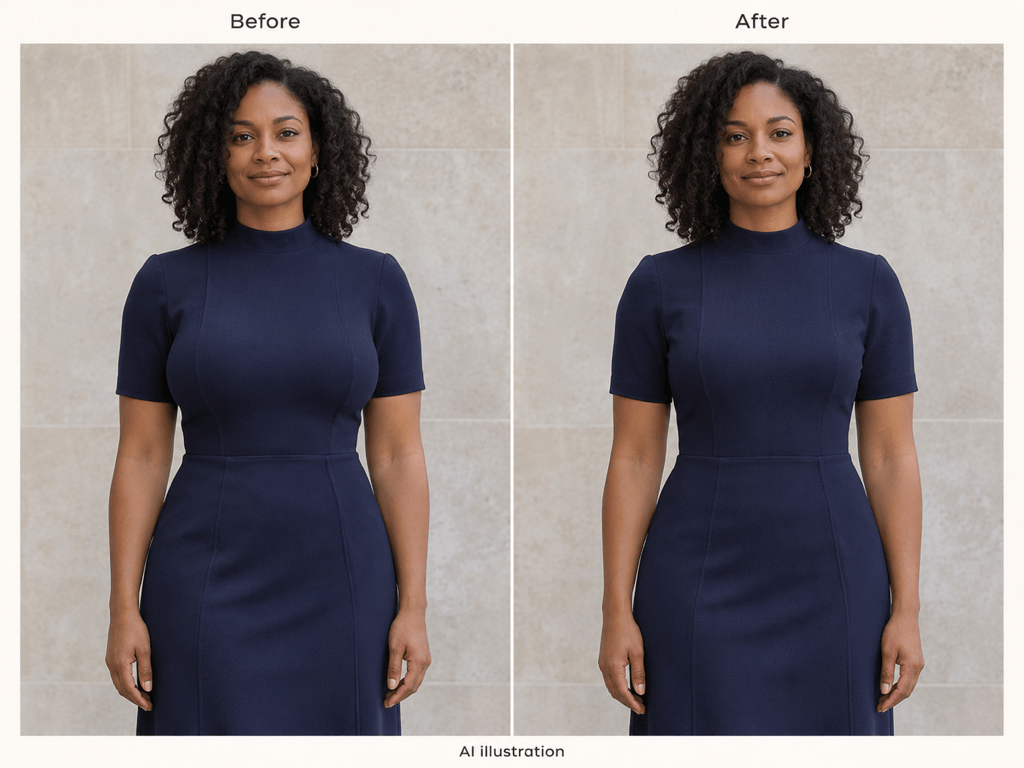
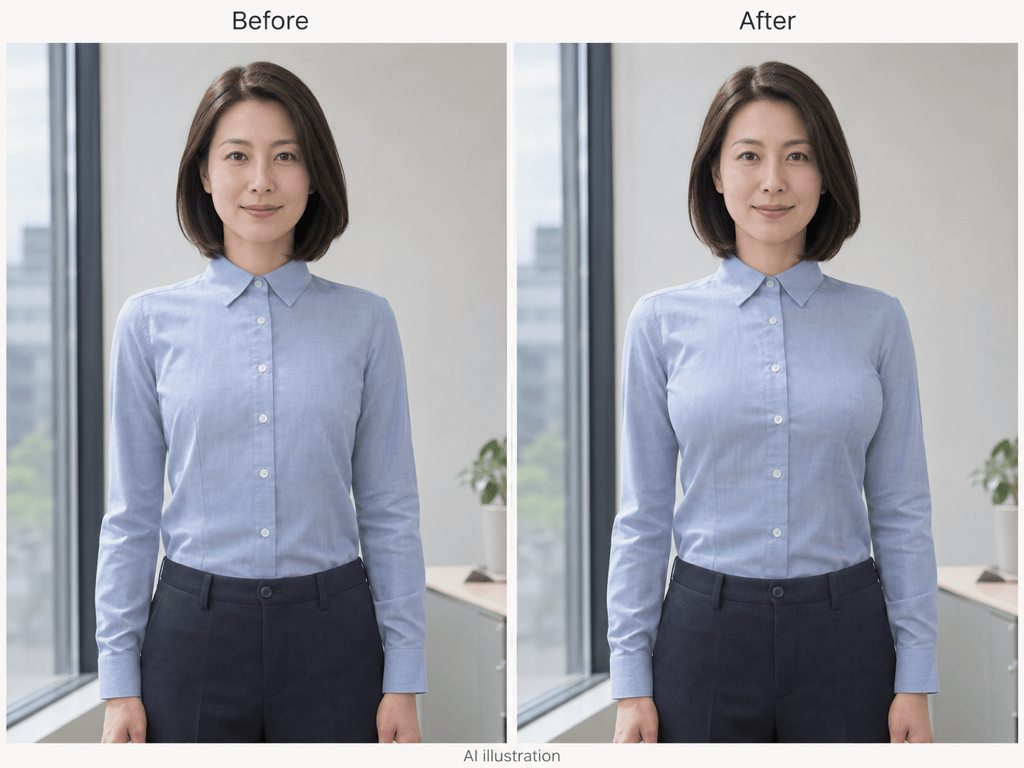
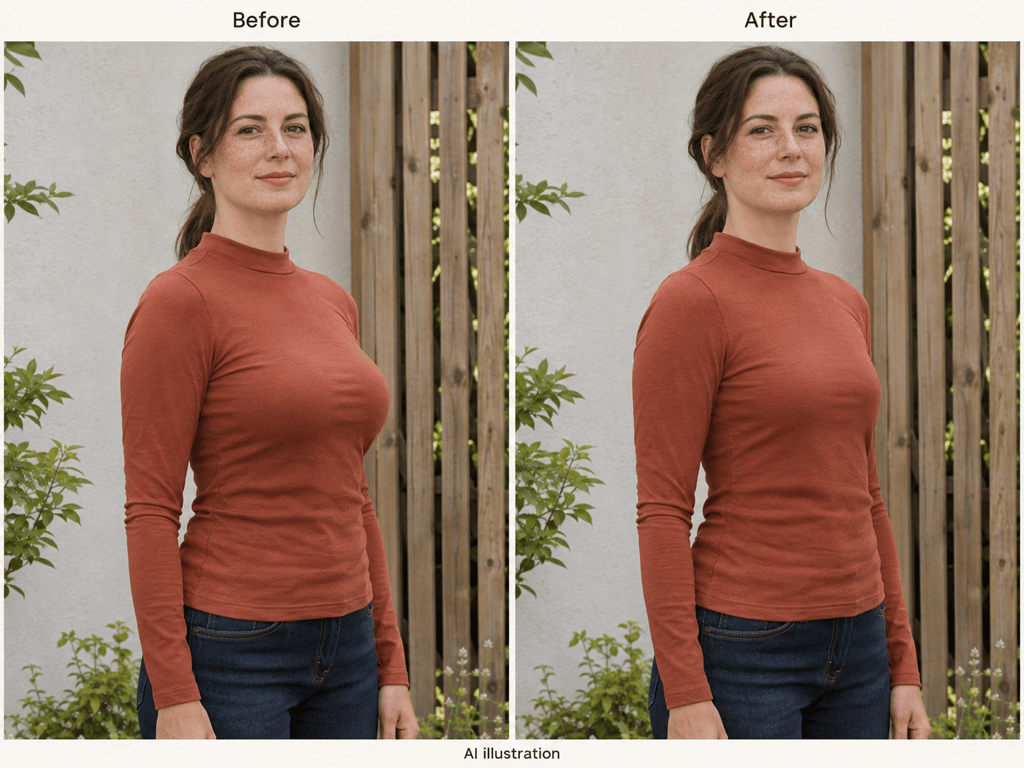
How to Change Breast Size in a Photo with AI
Choose a Clear Portrait
Describe the Adjustment
Refine the Clothing Details
Review and Download

An AI Breast Editor for Subtle Photo Adjustments
Increase or Reduce Breast Size in Photos
Use this online AI breast size changer through chat. Ask for a subtle increase or reduction without learning manual reshaping tools.
Start with Your Own Photo
An uploaded portrait gives the editor a reference for identity, framing, and pose. Specify which details should stay the same.
Guide Fabric and Fit
For natural-looking breast enhancement in photos, ask for consistent seams, folds, and lighting. Review these details before saving.
Choose How Your Edit Is Generated
Select an available image model or let Mew Auto choose for your photo and instructions. Access leading image models in one place as new releases are added.
Correct One Detail at a Time
Use Chat Edit to reduce an overdone adjustment or restore a changed neckline. Focused follow-ups make your intended change clearer.
Try an Edit and Keep the Result
Sign up for free AI credits to try a portrait edit. Download watermark-free PNG or JPG images; further use depends on your credits and plan.
How to Make Breast Photo Edits Look Natural
- Start with Visible Detail: Choose a front or three-quarter view with clear clothing edges. Loose fabric can hide the silhouette.
- Describe the Amount: Use terms such as slightly fuller or slightly smaller. Cup sizes are not reliable visual measurements.
- Check the Clothing: Inspect buttons, seams, patterns, and folds. Ask for a correction if they stretch or shift.
- Check the Whole Frame: Look for changes to the face, hands, waist, and straight background lines. Reduce the edit if unrelated details drift.
Breast Photo Editing: Six Adjustments and Fixes
In my clothed adult portrait, make the bust silhouette slightly fuller. Keep the adjustment subtle and preserve my face, pose, and outfit coverage.
Reduce breast size in this clothed adult photo slightly. Keep the shoulders, waist, posture, and clothing style consistent with the original.
Keep the current bust adjustment, but restore the original neckline, buttons, and fabric pattern. Do not change the outfit or expose more skin.
Fix the bent background lines beside the torso in this edited portrait. Use the original photo as reference and keep the approved silhouette.
Restore the face and skin texture from my original adult portrait. Keep only the subtle bust adjustment and its matching fabric folds.
Place my original and edited clothed portraits side by side at the same scale. Label them Before and After so I can compare the silhouette and clothing details.





