Free OnlineAI Boy Generator
How to Create a Boy Character with AI
Define the Character
Generate the First Portrait
Refine with Chat Edit
Download for Your Project

Why Choose Mew Design as Your AI Boy Maker
Create from Words or a Photo
Start with an original character description or upload a reference image you have permission to use. This AI boy image generator supports both imaginative text-to-image concepts and guided visual transformations.
Explore Anime to Photoreal Styles
Move between crisp anime linework, cinematic realism, 3D cartoon art, pixel aesthetics, and fantasy illustration. The free AI boy generator online helps you test art directions without redrawing the character from scratch.
Edit the Detail That Feels Off
Keep a strong face and composition while asking Chat Edit to change one element at a time—hair, clothing, expression, pose, lighting, background, or crop.
Build More Coherent Character Variations
Use the clearest result as a visual reference for new outfits, moods, and scenes. Repeating the character's defining traits helps the AI boy maker maintain a more recognizable identity across a series.
Frame Avatars for the Right Channel
Create square profile pictures, vertical character portraits, or wider scene concepts. An AI boy avatar maker is most useful when the crop, pose, and background are planned for the final platform.
Try Ideas with Free Credits
Sign up to test character directions with free AI credits. Finished exports are watermark-free, so you can evaluate a polished image before deciding whether you need more generations.
How to Describe an AI Boy Character
- Identity: State an age range, face shape, skin tone, hair, eyes, and one or two distinctive features. Clear age wording helps avoid an older or younger result than intended.
- Visual Style: Choose a coherent direction such as anime cel shading, realistic studio photography, 3D cartoon, pixel art, watercolor, or cinematic fantasy.
- Wardrobe and Mood: Describe the outfit, accessories, expression, and personality cues that make the character feel specific rather than generic.
- Shot and Setting: Ask for a headshot, half-body portrait, full-body concept, or character sheet, then name the background, lighting, aspect ratio, and intended use.
AI Boy Prompts for Popular Character Styles
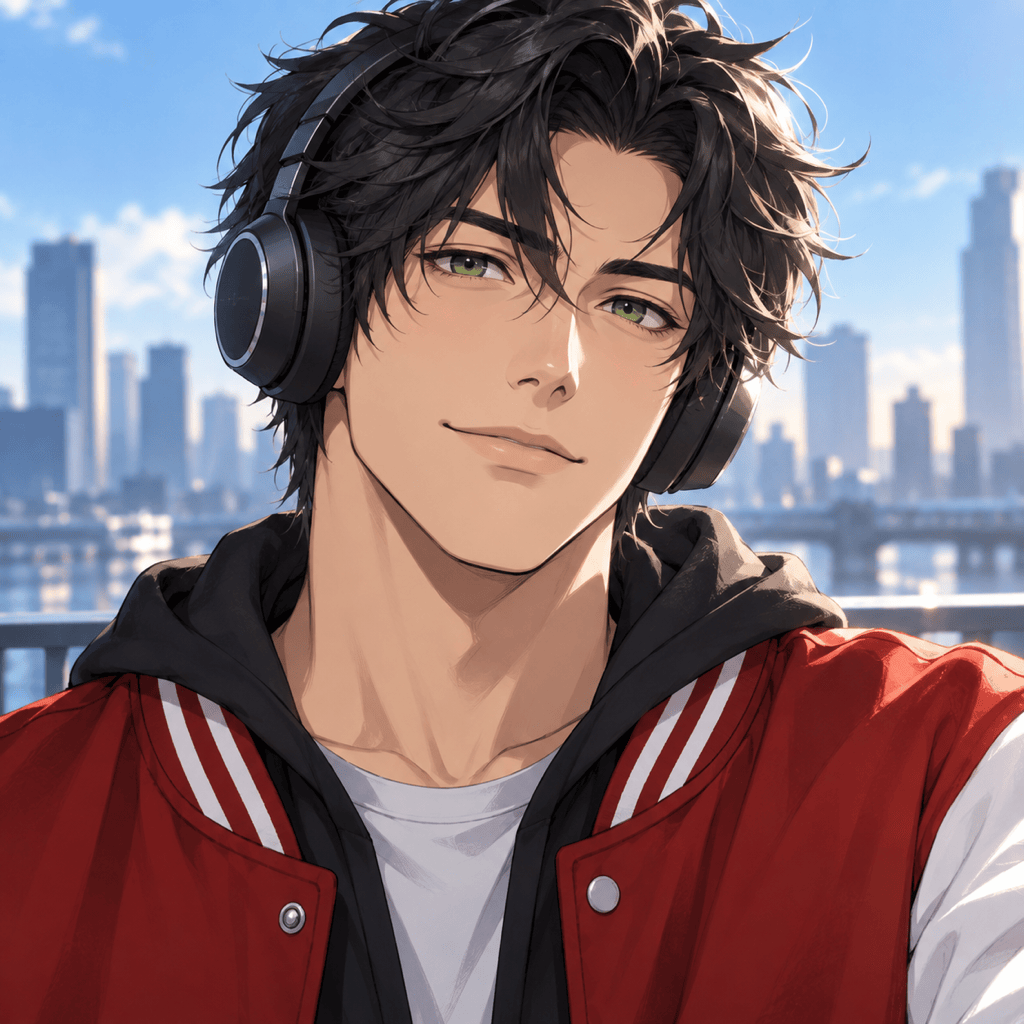
Create a square anime avatar of an original young adult male character with tousled black hair, green eyes, a red varsity jacket, and wireless headphones. Friendly expression, clean cel shading, soft blue background, crisp silhouette, profile-picture composition, no text.
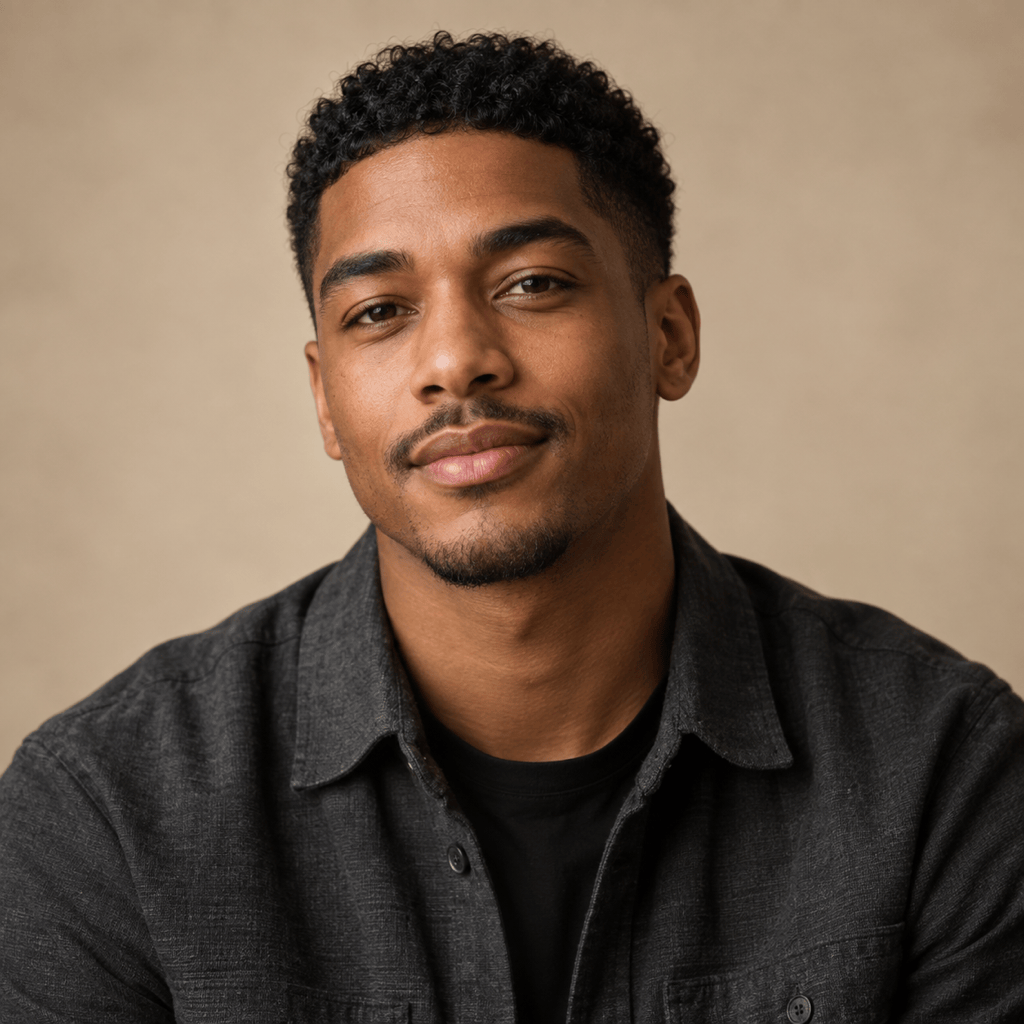
Generate a realistic studio portrait of an original young adult man with medium-brown skin, close-cropped curls, a charcoal overshirt, and a relaxed expression. Soft window light, natural skin texture, 85 mm portrait look, neutral beige backdrop, head-and-shoulders crop.
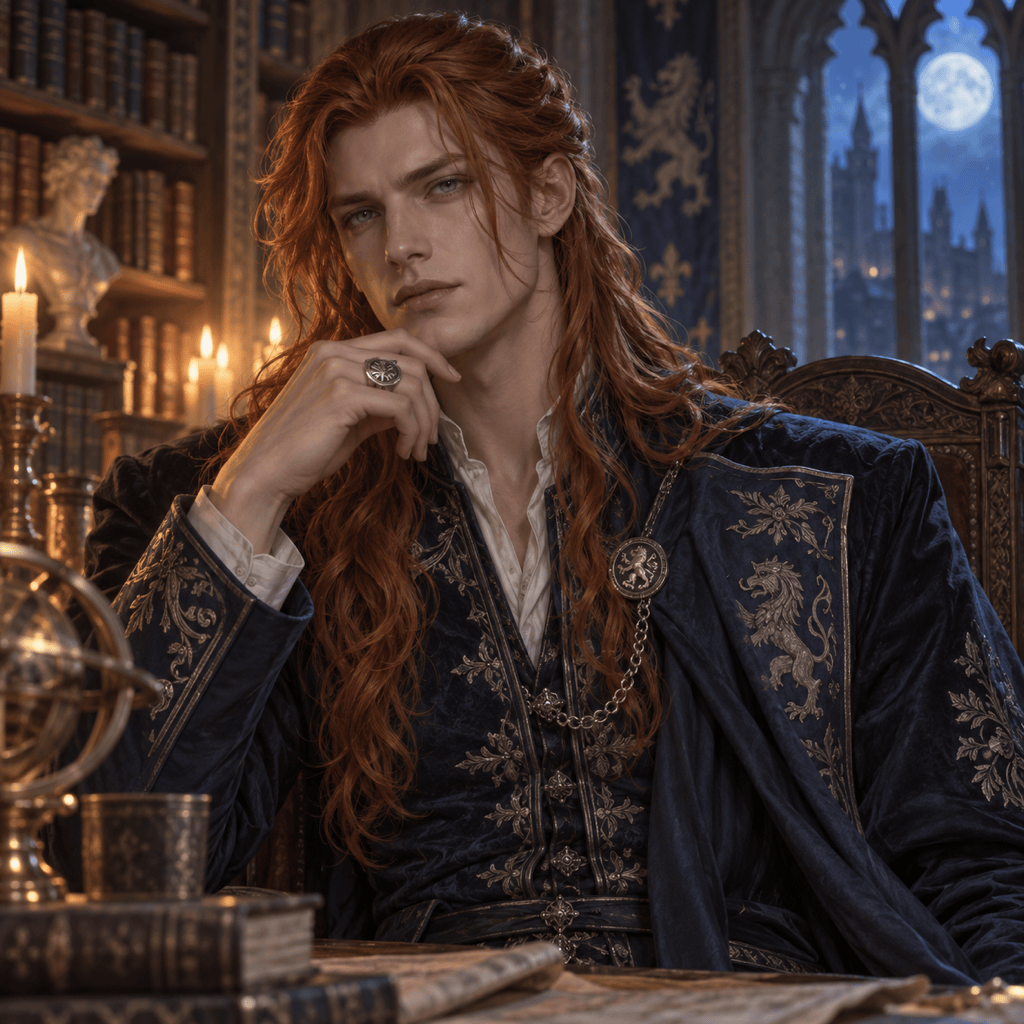
Design an original fantasy prince in his twenties with long copper hair, gray eyes, an embroidered midnight-blue coat, and a silver signet ring. Painterly realism, candlelit castle library, composed expression, vertical character portrait, intricate but readable costume details.
Create a cyberpunk game NPC: an original adult male courier with a shaved side haircut, neon orange visor, weathered utility jacket, and compact messenger pack. Rainy night market, cinematic teal-and-orange lighting, half-body concept art, alert posture.
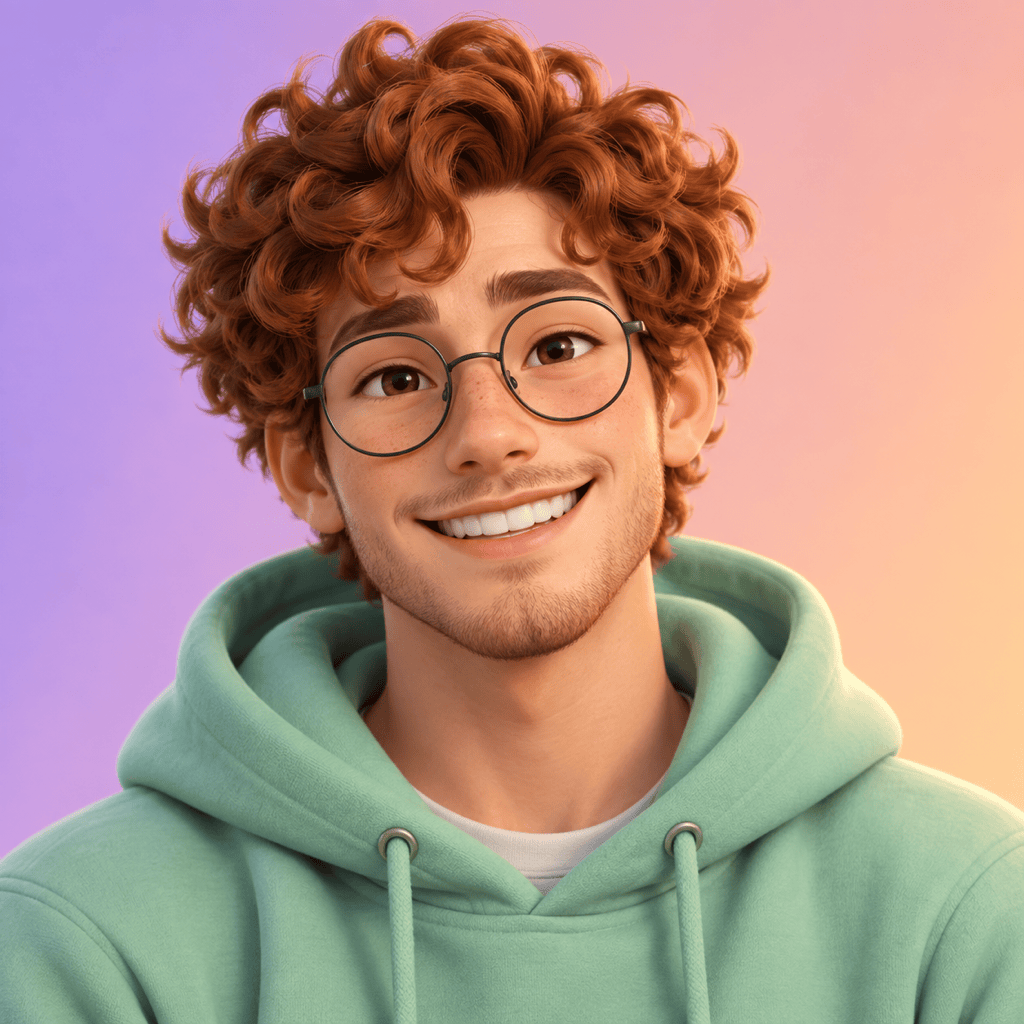
Make a polished 3D cartoon boy avatar of an original young adult character with round glasses, curly auburn hair, a mint hoodie, and a cheerful grin. Soft clay-like materials, warm studio lighting, simple gradient background, centered square crop.
Create a warm cinematic portrait of an original adult male romance character with wavy dark hair, kind brown eyes, a cream knit sweater, and a subtle smile. Golden-hour café window light, tasteful contemporary styling, shallow depth of field, book-cover-ready vertical composition.





