Free OnlineAI Boudoir Generator
How to Create Boudoir Photos with AI
Choose an Authorized Adult Photo
Set the Style and Boundaries
Generate and Inspect the Portrait
Refine and Download

More Control for Tasteful AI Boudoir Photography
Start from Your Photo or an Original Subject
Upload an authorized adult portrait when likeness matters, or describe a fictional adult from scratch. The AI boudoir photo generator can use a face reference while changing the outfit, pose, setting, lighting, and camera treatment.
Direct the Coverage and Mood
State exactly how modest, romantic, dramatic, or editorial the portrait should feel. Name garment coverage, robe placement, pose, crop, and exclusions so the result stays within your personal boundaries.
Repair One Detail in Chat
If the first image has an awkward hand, shifted face, glossy skin, incorrect garment, or distracting background, use Chat Edit to target that issue while asking Mew Design to preserve the rest of the portrait.
Explore a Coherent Portrait Set
Use this boudoir AI generator to compare soft daylight, vintage monochrome, low-key studio, bridal, masculine, or minimalist looks. Keep identity, palette, and camera feel consistent across the directions you like.
Review Sensitive Uploads Before You Begin
Mew Design processes prompts, uploads, and outputs to provide the service and may use AI providers. Read the privacy policy before sending sensitive media, use only authorized adult images, and do not publish a private creation unless you intend to share it.
Try the Workflow with Free Credits
New users can test the free online AI boudoir generator with signup credits, compare portrait directions, refine a selected image, and export a watermark-free PNG or JPG. Available credits and plan terms may change.
Build a Safe, Controllable Boudoir Brief
- Confirm the Subject and Permission: Use your own image or one supplied with the adult subject's explicit permission. Never upload a minor, a public figure, or another person for an intimate transformation without consent.
- Name What Must Stay: List the face shape, age, skin tone, hairstyle, body proportions, tattoos, or other visible details that should remain recognizable. Ask for natural skin texture if you want to avoid an over-retouched look.
- Define Styling and Coverage: Specify the garment, opacity, neckline, hem, robe placement, pose, crop, lighting, palette, and setting. Add explicit exclusions such as no nudity, no transparent fabric, and no body reshaping.
- Correct in Small Passes: After generation, fix one concern at a time—face likeness, hands, garment coverage, fabric edges, shadows, or crop—and tell Chat Edit which parts of the image must remain unchanged.
AI Boudoir Prompts for Six Distinct Looks
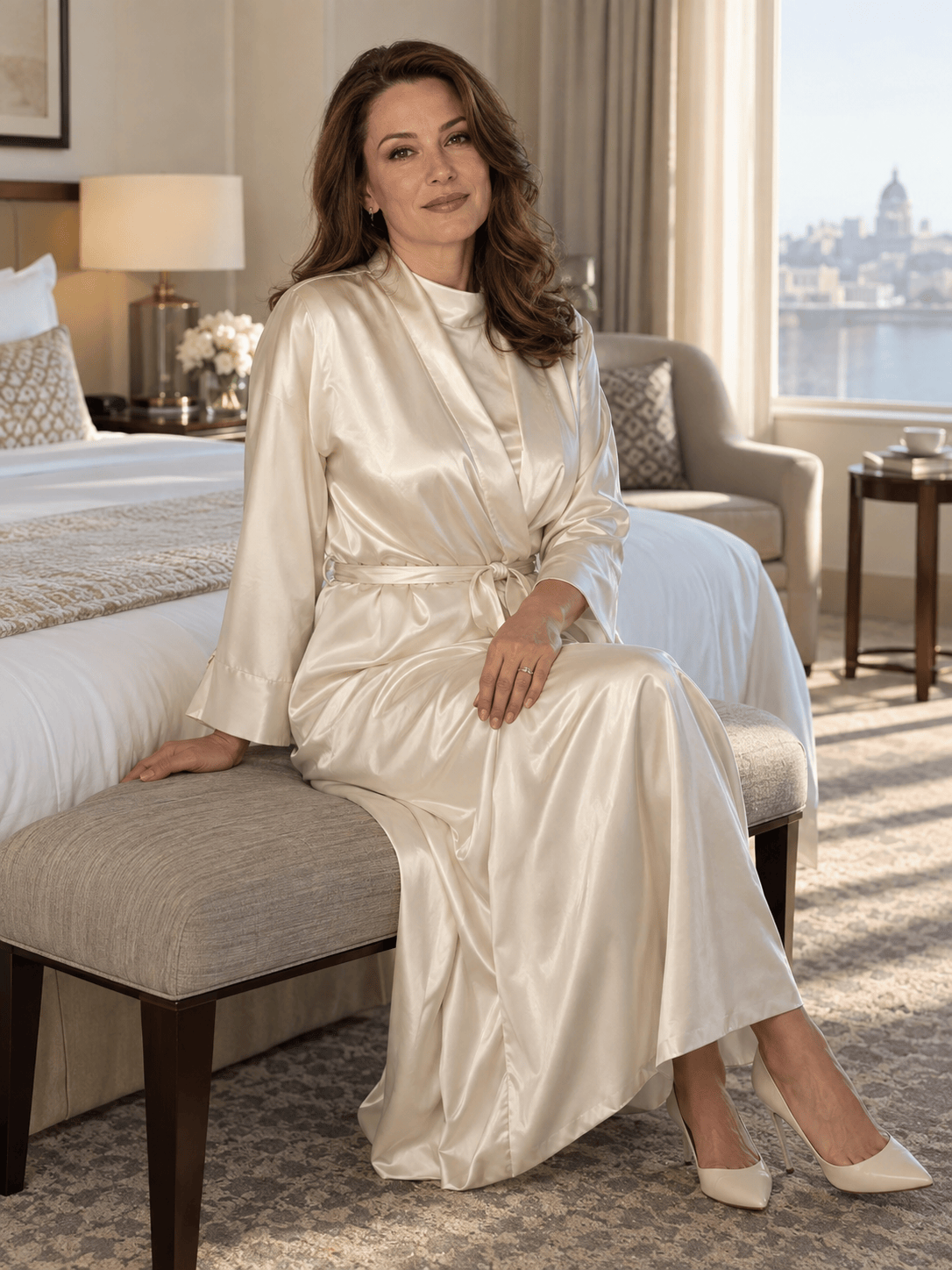
Soft Window Light: Use my authorized adult selfie to create a tasteful, non-explicit 3:4 boudoir portrait. Keep my face, age, skin tone, hairstyle, and body proportions recognizable. Add a fully opaque ivory satin slip and silk robe, a relaxed seated pose, soft morning window light, warm neutral bedding, natural skin texture, and an elegant editorial finish. No nudity or transparent fabric.
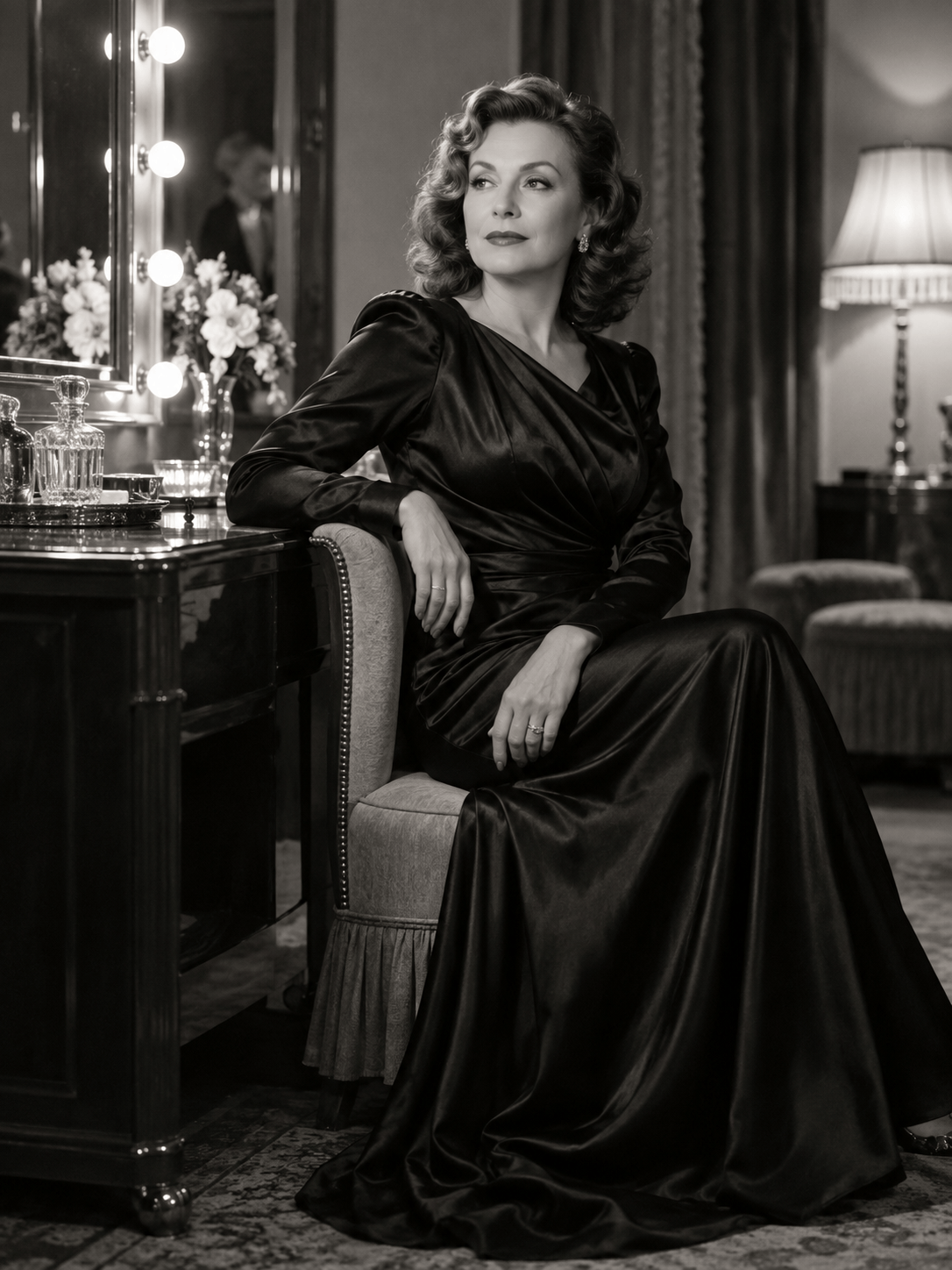
Vintage Hollywood: Turn my authorized adult portrait into a tasteful black-and-white boudoir photograph. Preserve my identity and age. Use a fully covered satin gown, classic side pose, 1940s-inspired waves, dramatic but flattering studio light, fine film grain, deep blacks, and a refined dressing-room background. Keep the image non-explicit and anatomically natural.
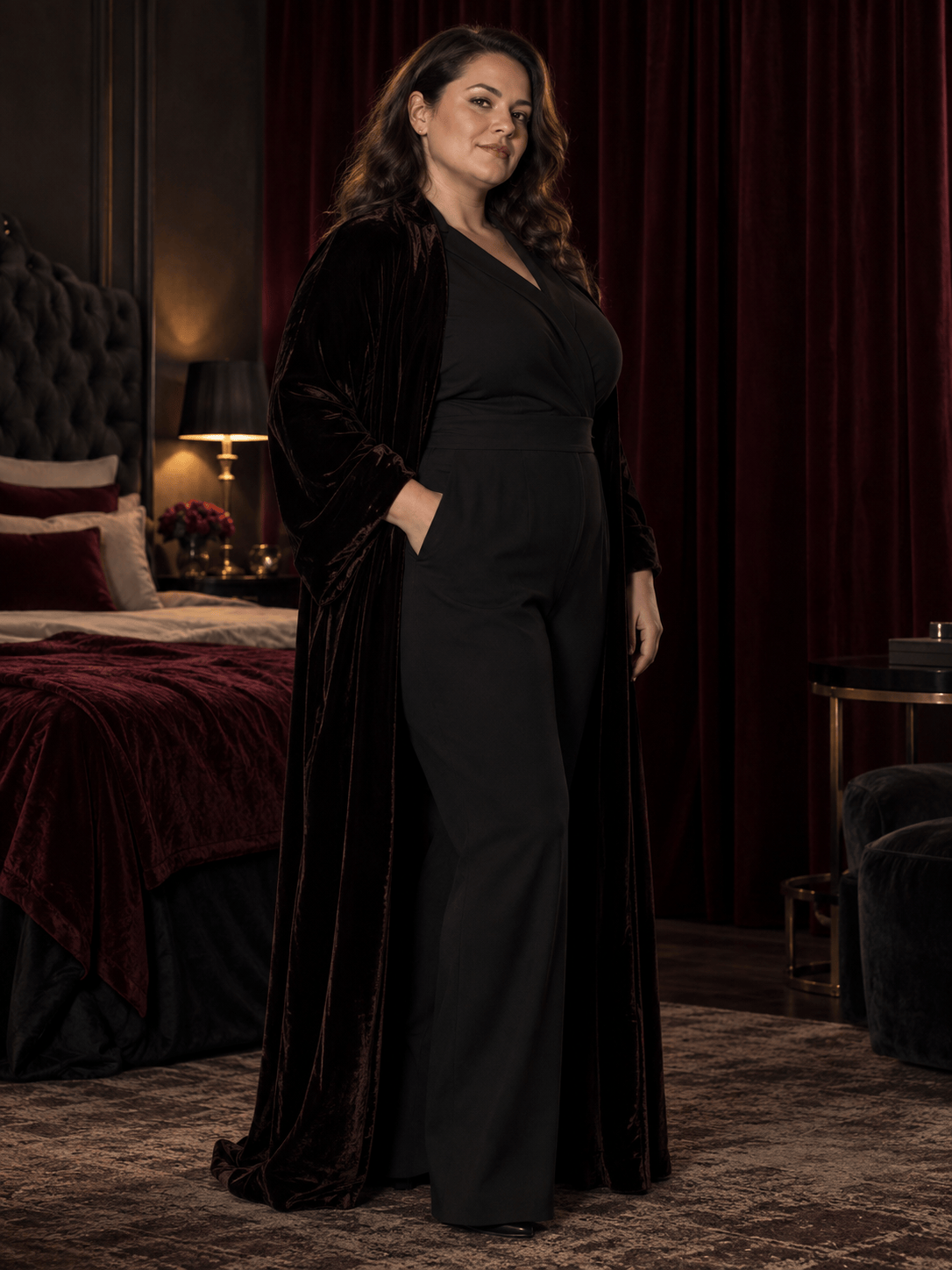
Dark Editorial: Create a non-explicit high-fashion boudoir portrait of an original adult subject in an opaque black bodysuit and long velvet robe. Use a standing three-quarter pose, deep burgundy curtains, narrow rim light, controlled shadows, natural proportions, detailed fabric texture, and a luxury magazine mood. No nudity, transparent clothing, logos, or text.
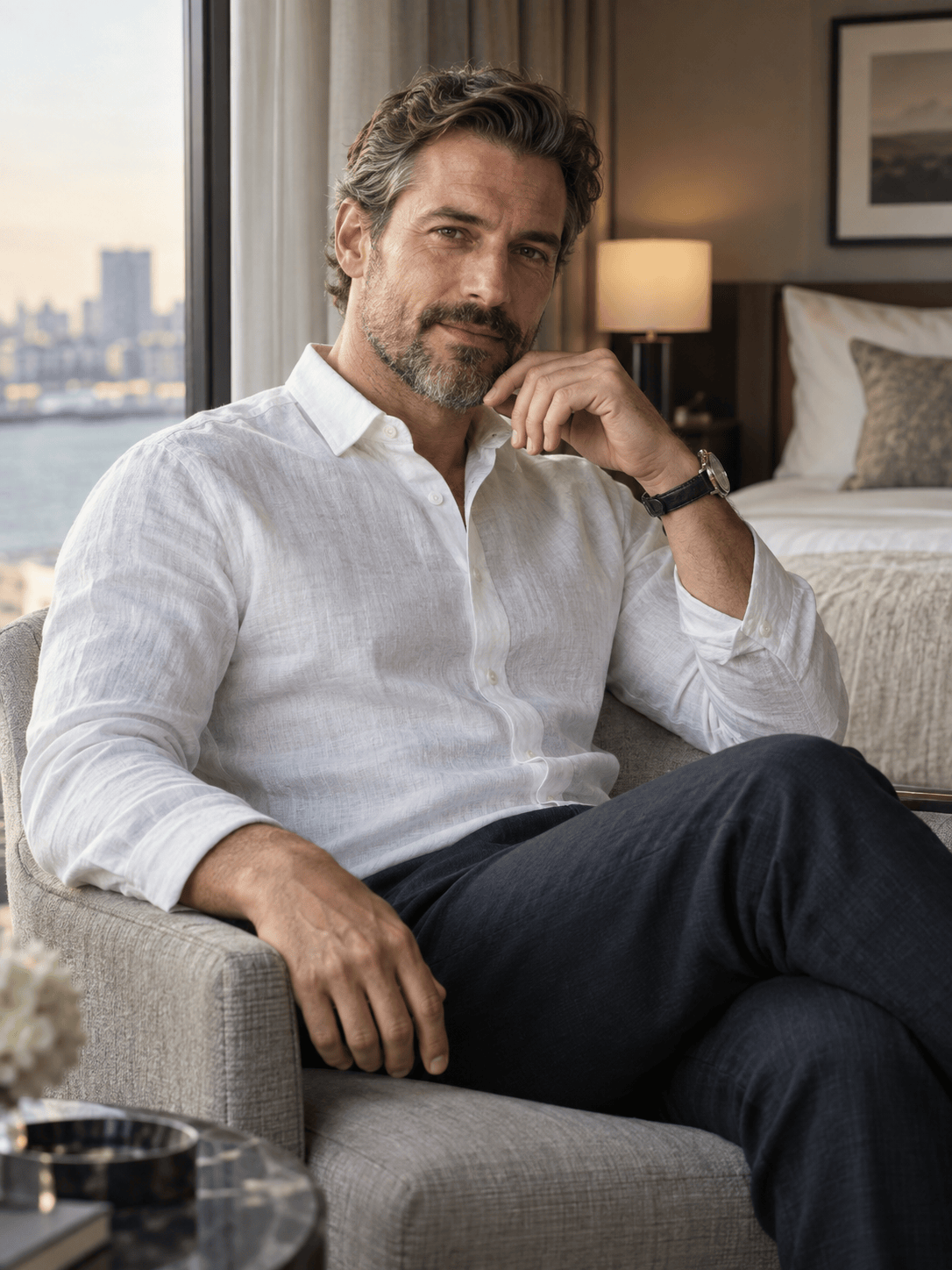
Masculine Boudoir: Use my authorized adult photo to create a confident masculine boudoir portrait. Keep the face, hair, age, body shape, and tattoos recognizable. Style the subject in dark lounge pants and an open but non-explicit linen shirt, seated near a window with low-key side light, neutral bedding, natural skin texture, and a refined editorial crop.
Bridal Gift Set: Use my authorized adult portrait to create a tasteful bridal boudoir image for a private anniversary album. Preserve my identity and proportions. Add an opaque white satin slip, sheer robe worn over full coverage, delicate veil, soft pearl details, flattering window light, pale cream decor, and a romantic fine-art finish. No nudity and no text.
Modest Boudoir: Create a less-revealing boudoir portrait from my authorized adult photo. Keep my face and body proportions recognizable. Use an oversized white shirt over a fully covered camisole and shorts, a relaxed pose at the edge of a bed, bright diffused window light, minimal beige decor, natural skin texture, and a quiet lifestyle-editorial mood.





