Free OnlineAI Botox Simulator
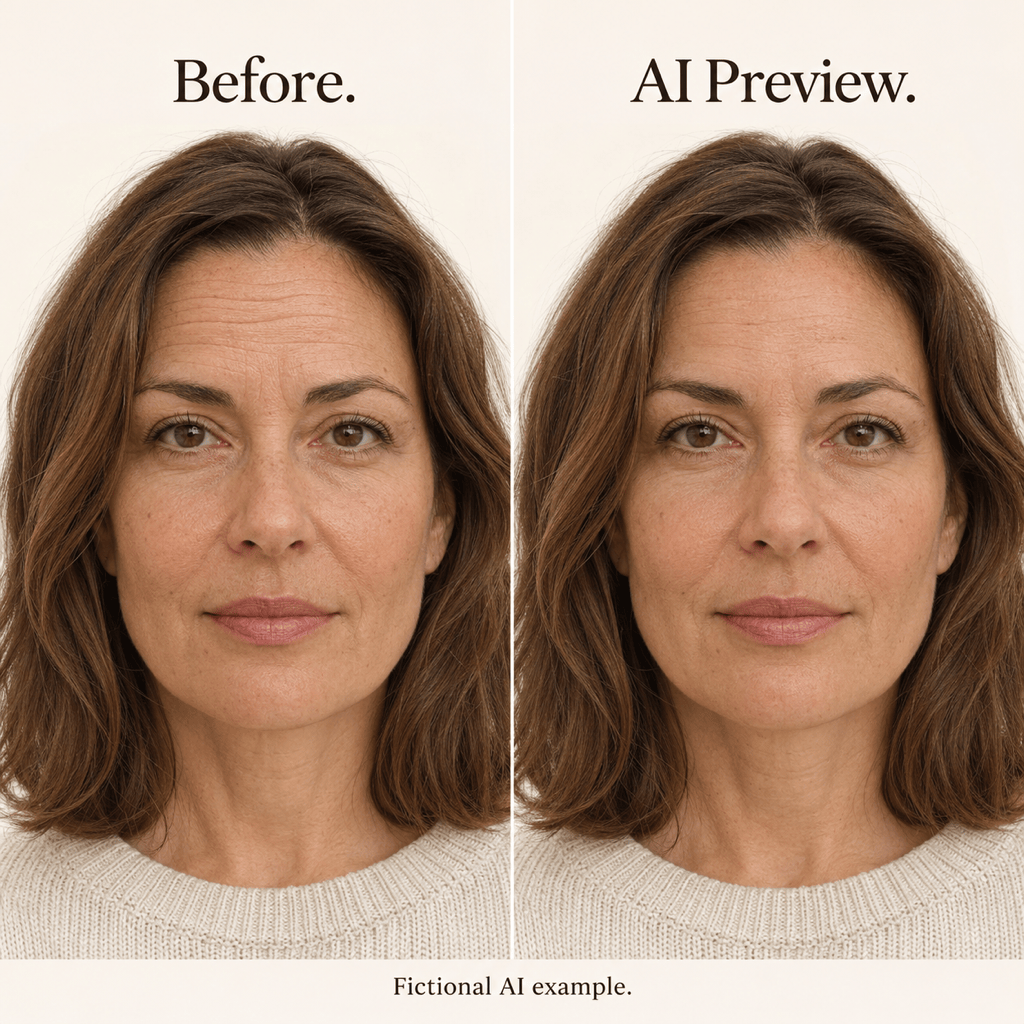
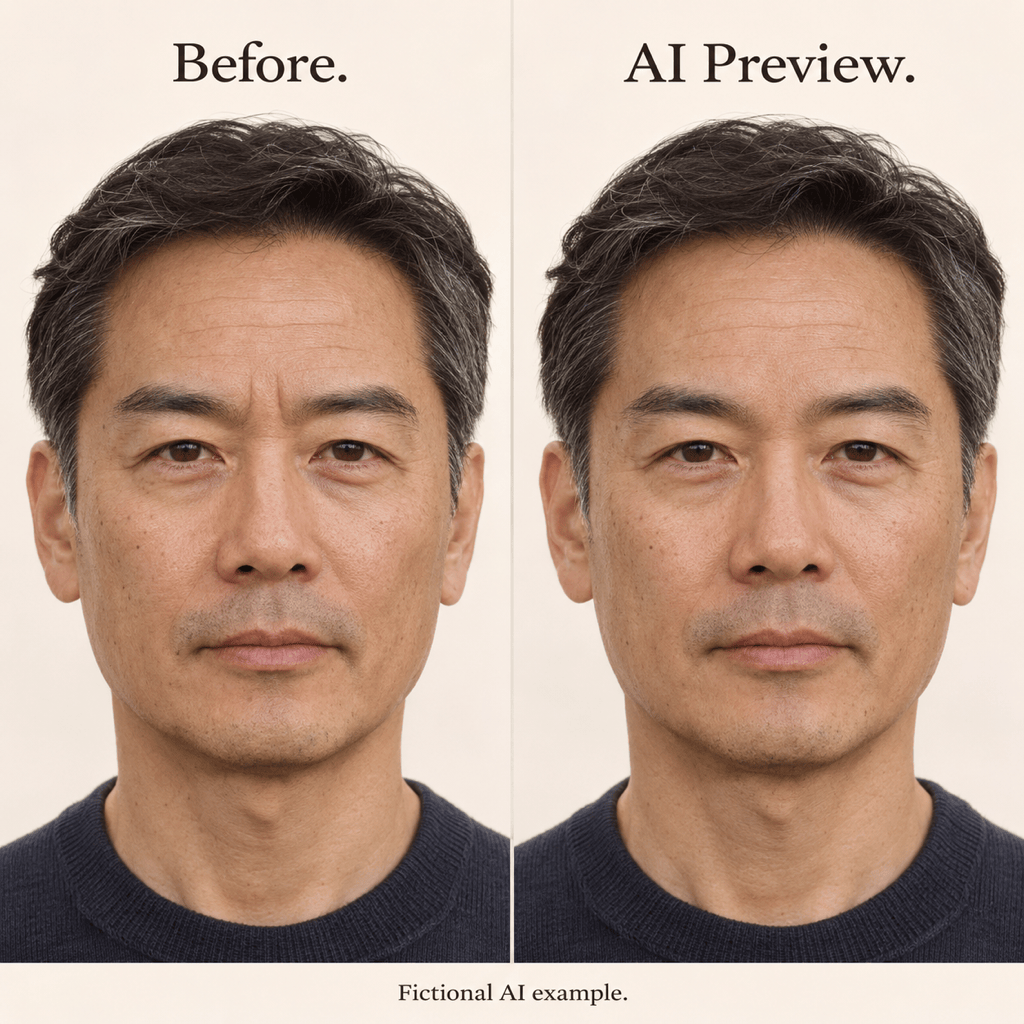
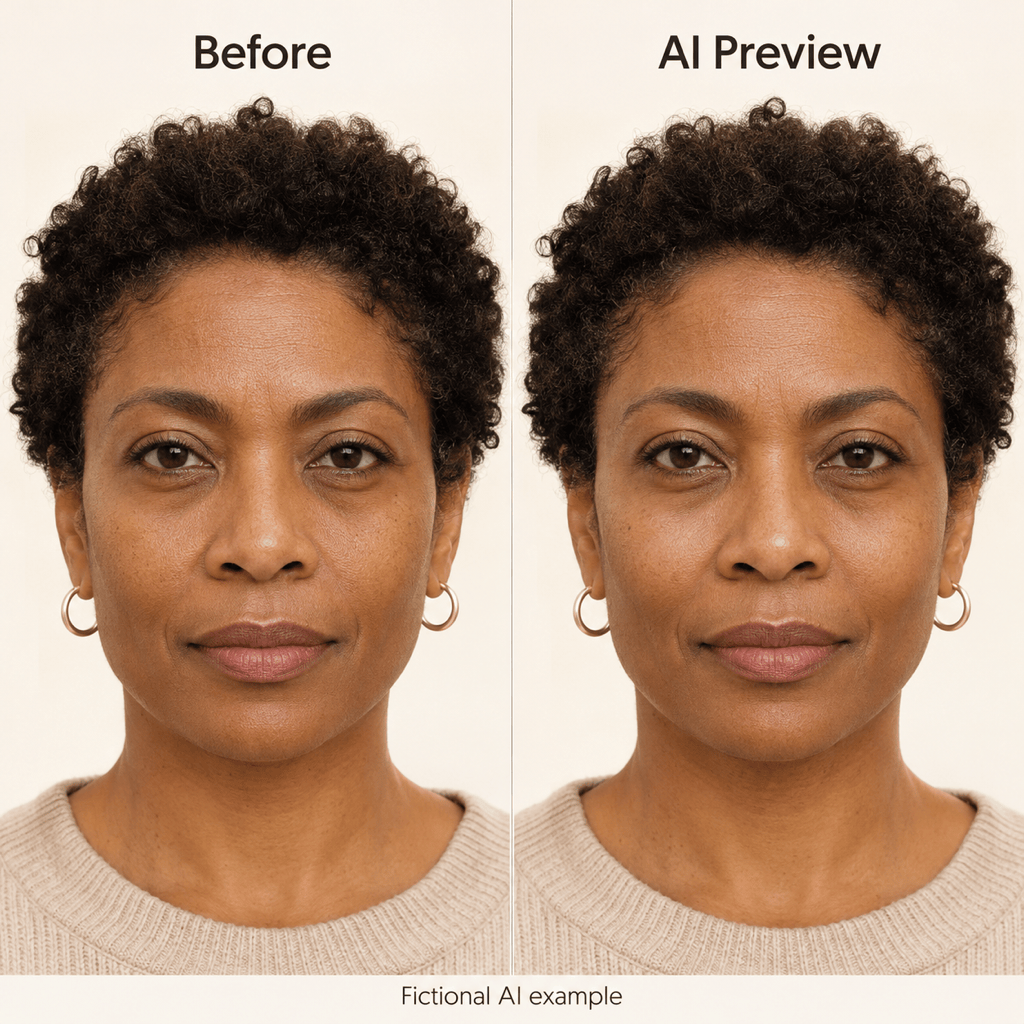
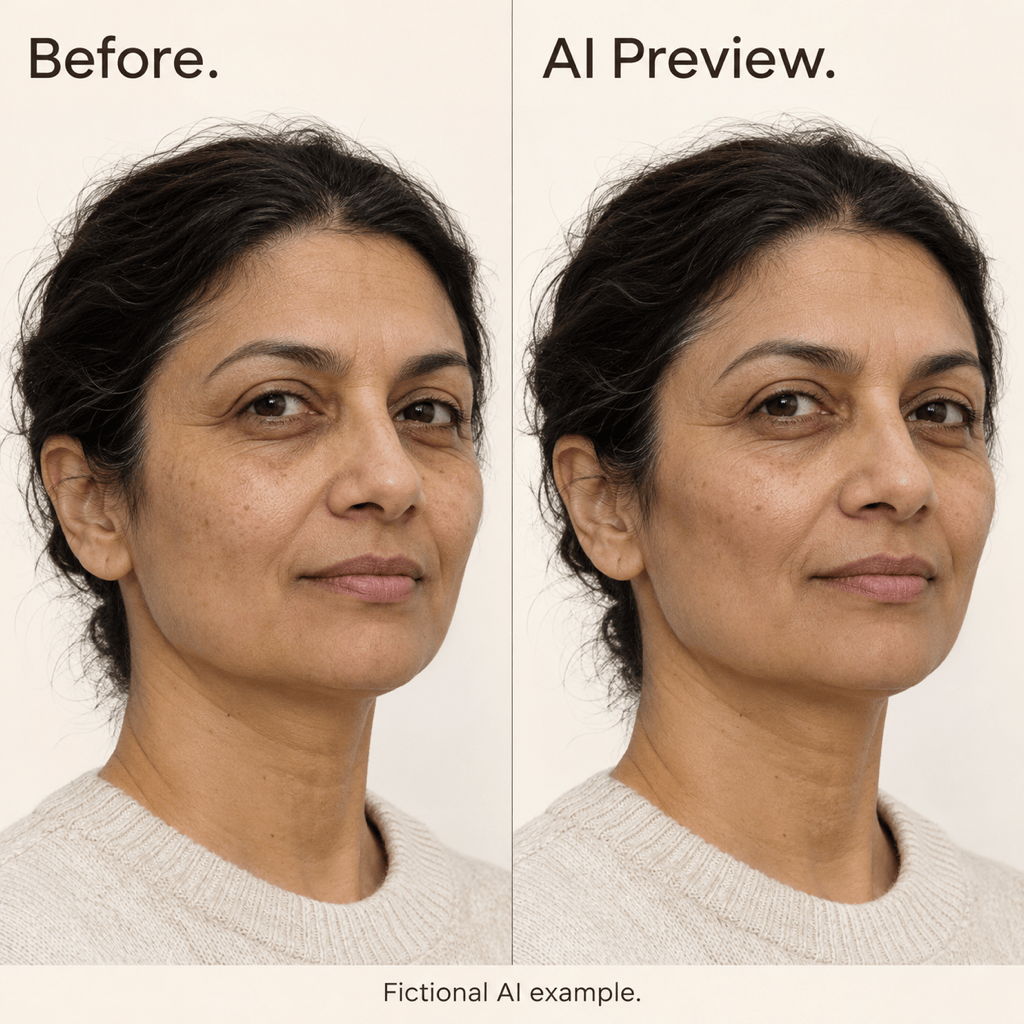
How to Create a Botox or Cheek Filler Preview with AI
Upload a Clear Portrait
Choose Line Smoothing or Cheek Volume
Refine in Chat
Compare and Download

An Online Botox Simulator for Subtle Photo Previews
Start with Your Own Face
Upload your portrait instead of relying on someone else’s before-and-after photos. This virtual Botox simulator edits the image you provide.
AI Cheek Filler Simulator for Subtle Volume
Use the AI cheek filler simulator to explore subtle fullness or cheekbone definition. Request the specific area to change without a full-face makeover.
Dial Back the Edit in Words
Describe a lighter adjustment through Chat Edit. Ask for less smoothing, softer contours, or a return to the original appearance of untouched areas.
Compare Subtle and More Defined Looks
Create separate subtle and more defined versions from the same source photo. These are visual variations, not treatment doses or measured outcomes.
Choose a Model or Use Mew Auto
Select an available image model yourself, or let Mew Auto choose for your portrait-editing request. Access leading image models in one workflow as new releases are added.
Save a Clear Reference
Download watermark-free PNG or JPG images. Keep the original alongside the preview so you can explain what you like, and what you want to avoid.
How to Compare Botox Before-and-After Previews
- Use Even LightAvoid beauty filters, strong shadows, and wide-angle close-ups. Keep hair away from the area you want to preview.
- Separate Smoothing from VolumeBotox-style previews soften the appearance of expression lines. Cheek filler previews change visible fullness or contours; they are a different request.
- Check What Stayed the SameCompare eye shape, nose, lips, skin tone, pose, and framing. If unrelated details change, return to the original and narrow the request.
- Treat the Image as a ConceptAI cannot assess suitability, muscle movement, dose, or healing. Discuss treatment questions with a qualified clinician.
Botox and Cheek Filler Preview Ideas
Soften only the forehead lines in my uploaded photo. Keep some natural lines and pores, and preserve my eyebrows and expression.
Reduce the appearance of the frown lines between my brows slightly. Keep brow position, eye shape, and the rest of my face unchanged.
Create a subtle crow’s feet preview from my photo. Keep my smile, eye shape, and natural skin texture; do not smooth the whole face.
Create a cheek filler preview with a small increase in cheek fullness. Keep my forehead, nose, lips, jawline, and lighting unchanged.
Make a separate version with slightly more cheekbone definition from the same original photo. Keep the change modest and avoid an exaggerated contour.
Revise this preview: reduce the smoothing or added volume in the edited area. Restore any unrelated changes and retain natural skin texture.





