Free OnlineAI Book Illustration Generator
Develop picture-book spreads, children's book art, chapter openers, educational visuals, cover concepts, and consistent story scenes with Mew Design - AI Design Agent. Translate manuscript beats into a visual bible, recurring character anchors, location continuity, page-safe compositions, palette progression, and editable illustration briefs through chat.

How to Illustrate a Book with AI

Plan the visual system before rendering pages: manuscript beats, recurring assets, pacing, page geometry, and continuity should all have a home.
1

Break the Manuscript Into Visual Beats

Mark the scenes that change action, emotion, location, time, scale, or reveal. Decide which moments need a full spread, single page, spot illustration, chapter opener, diagram, or no image. Give the AI book illustrator only the text and subtext needed for one beat at a time.
2

Build the Story's Visual Bible

Create compact reference sheets for every recurring character, prop, costume, creature, and location. Record silhouette, proportions, age, face, palette, materials, scale, left-right details, and features that must not drift. Add a style sample and a small color script for the book's emotional arc.
3

Thumbnail the Page Before Painting

State trim size, portrait or landscape, single page or spread, bleed intent, gutter position, safe text zone, reading direction, focal point, and page turn. Block large shapes and eyelines first; keep faces, hands, clues, and text away from trim and binding risk.
4

Generate, Compare, and Prepare the Art

Compare the draft with the visual bible and adjacent pages. Check identity, costume, prop ownership, geography, time of day, light direction, palette, anatomy, text space, gutter crossings, and crop. Repair one variable with Chat Edit, then export the art for verified layout and prepress setup.
How to illustrate a book with AI

Build an Illustration System, Not a Folder of Unrelated Images

Turn Prose Into a Visual Decision

A useful scene brief states what changes, what the reader should notice, what emotion lands, and what can stay off-page. The AI book illustration generator then serves the narrative beat instead of merely depicting every noun in the paragraph.

Keep a Continuity Ledger

Freeze character anchors, costume states, carried props, location landmarks, weather, time, injuries, and relative scale. Update the ledger after every approved page so later scenes do not resurrect a missing button, switch a bag shoulder, or move a doorway.

Compose Around Text and Binding

Reserve calm negative space for copy, protect essential faces and clues inside the safe area, extend true full-bleed backgrounds beyond trim, and keep critical action away from the gutter. Treat a spread as two physical pages joined at a risky center.

Control Pacing With Shot Variety

Alternate establishing views, medium interactions, close emotional beats, quiet spots, and occasional dramatic spreads. Repeating the same centered full-body shot weakens page turns; a planned sequence guides attention and gives the story room to breathe.

Use Color as a Story Timeline

Set a stable world palette, then chart deliberate shifts for safety, tension, discovery, night, memory, or resolution. Carry one or two bridge colors across adjacent pages so the book evolves without looking like it changes art direction every spread.

Revise Without Resetting the Page

Select a face, hand, prop, background landmark, shadow, empty text zone, or gutter crossing in Chat Edit. Request one correction while preserving approved identity, action, layout, palette, perspective, and light. Start with free credits and download watermark-free images.

Write an Illustration Brief the Next Page Can Follow

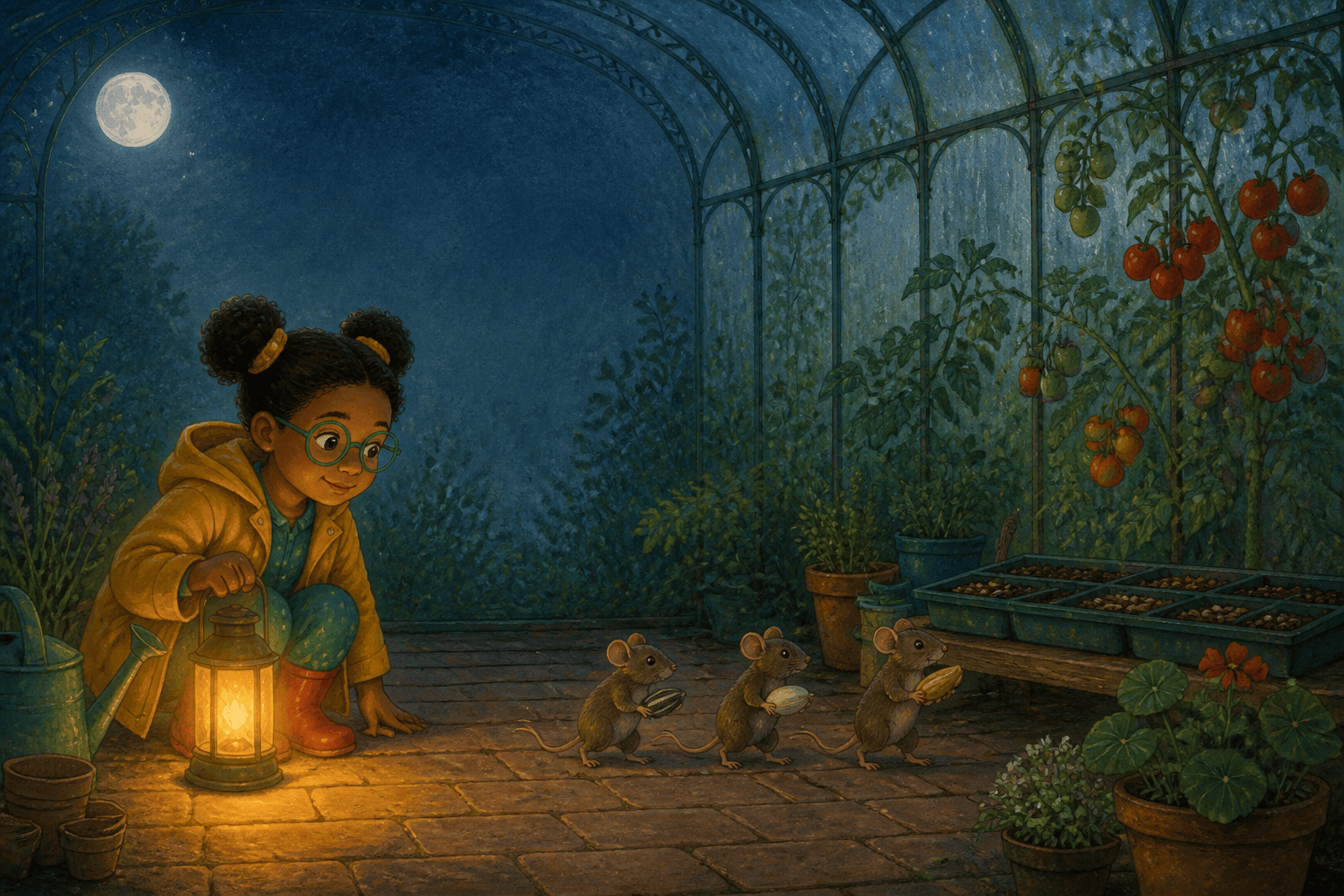
Illustrate spread 6–7 of an original 32-page picture book for ages 5–8, final trim 10 × 8 inches landscape. Story beat: Mina discovers that the tiny nighttime noises in the greenhouse come from a family of seed-carrying field mice, changing fear into curiosity. Preserve the approved character bible: Mina is seven, short and sturdy, warm brown skin, two round black puff buns with yellow ties, large moss-green glasses, mustard raincoat, teal pajamas, red rubber boots; the left boot has one crescent patch. Greenhouse anchors: arched iron ribs, three cracked lower panes on the right, long potting bench left, hanging brass thermometer, moonlit tomato vines. Composition: full double-page spread viewed from inside the doorway, Mina crouches in the left third and holds a warm lantern low; three palm-size mice form a diagonal toward a seed tray on the right. Keep the center gutter free of faces, hands, mice, lantern, thermometer, and seed tray. Reserve calm dark-blue wall and misted glass in the upper-left quarter for two short text blocks; no generated words. Eye path moves from Mina's face to lantern to mice to seed tray. Gouache-and-colored-pencil look on warm paper, visible dry-brush edges, limited midnight blue, leaf green, mustard, brick red, and amber; warm lantern pool against cool moonlight. Maintain child-friendly wonder, not horror. Full-bleed background with extra edge allowance, but all essential subjects inside a generous safe area. No cover typography, letters, logo, watermark, photorealism, extra fingers, drifting glasses, changed hairstyle, missing boot patch, oversized mice, duplicated props, center-fold face, cropped feet, or inconsistent light direction.
For the strongest AI book illustration generator result, include page number, book type, audience, trim and orientation, single page or spread, story beat, emotional turn, fixed character and location anchors, action, shot, reading path, text zone, gutter, safe area, medium, palette, light, and exclusions.
  • Prompt the Beat, Not the Paragraph: State the visible change and subtext. Let body language, distance, scale, light, and props carry information that the manuscript does not need to repeat.
  • Separate Fixed and Variable Details: List immutable identity and world anchors first. Then name only the variables for this page—pose, expression, camera, weather, time, and temporary props.
  • Describe the Physical Page: Specify trim, orientation, page versus spread, bleed, safe text zone, gutter, focal point, and page-turn direction. Do not assume a pretty image will automatically fit a book layout.
  • Review the Sequence, Not Just One Image: Compare adjacent pages for repeated shots, character drift, costume state, prop continuity, spatial geography, light direction, palette jumps, crowded text zones, gutter damage, and accidental spoilers.

AI Book Illustration Prompts for Spreads, Chapters, and Learning

Bedtime Picture-Book Spread: Ages 3–6, 10 × 8 landscape spread. A small bear returns lost stars to a rooftop garden; reserve upper-left text space, keep faces and jar away from the gutter, use soft gouache, blue-violet night and warm window squares, simple shapes, calm page-turn reveal.

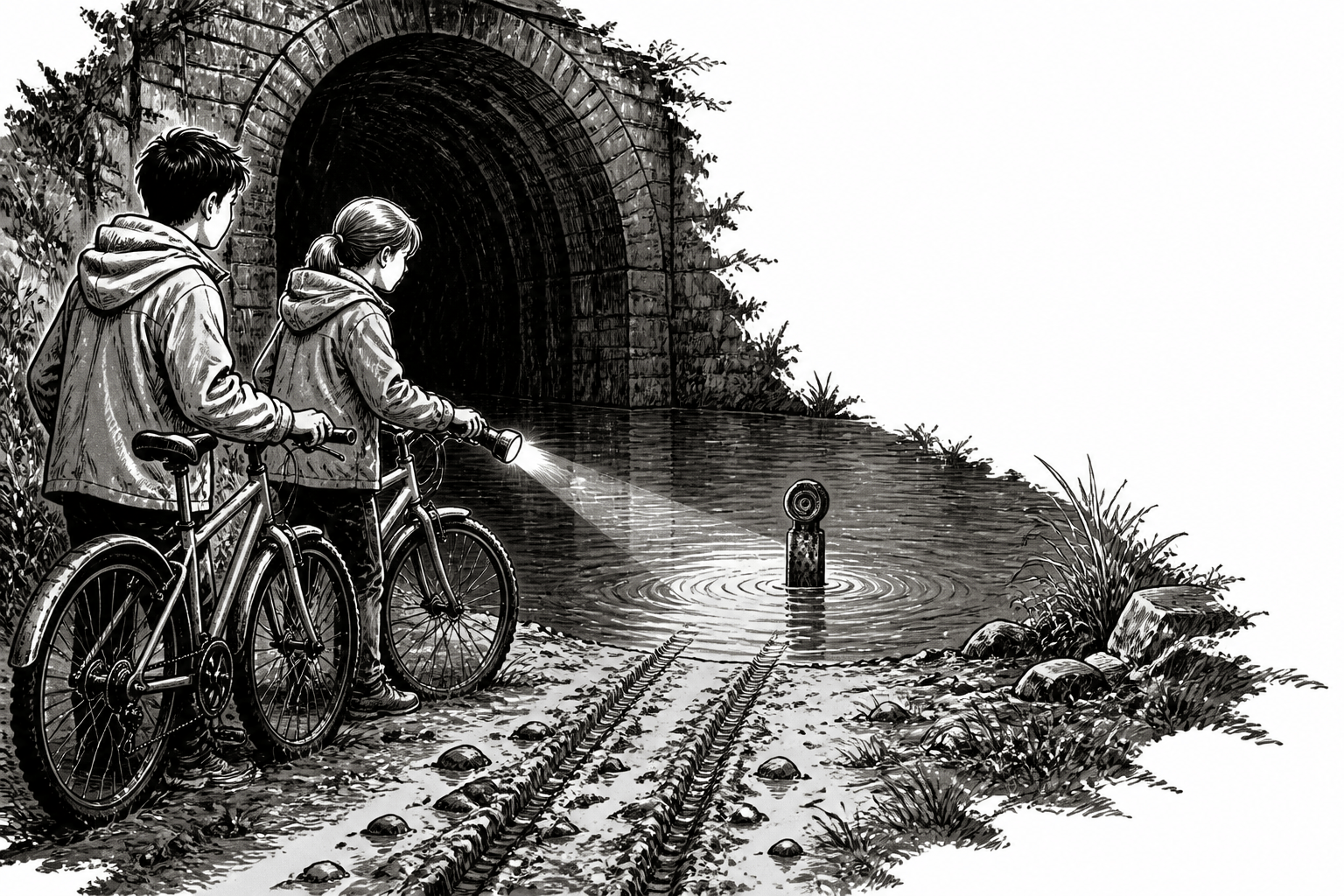
Middle-Grade Chapter Opener: Black-and-white ink spot for an 8 × 5 inch novel. Two siblings find bicycle tracks ending at a flooded tunnel; low viewpoint, readable mud pattern, one flashlight beam, strong values, no border, no gray wash behind chapter text, no spoiler creature.

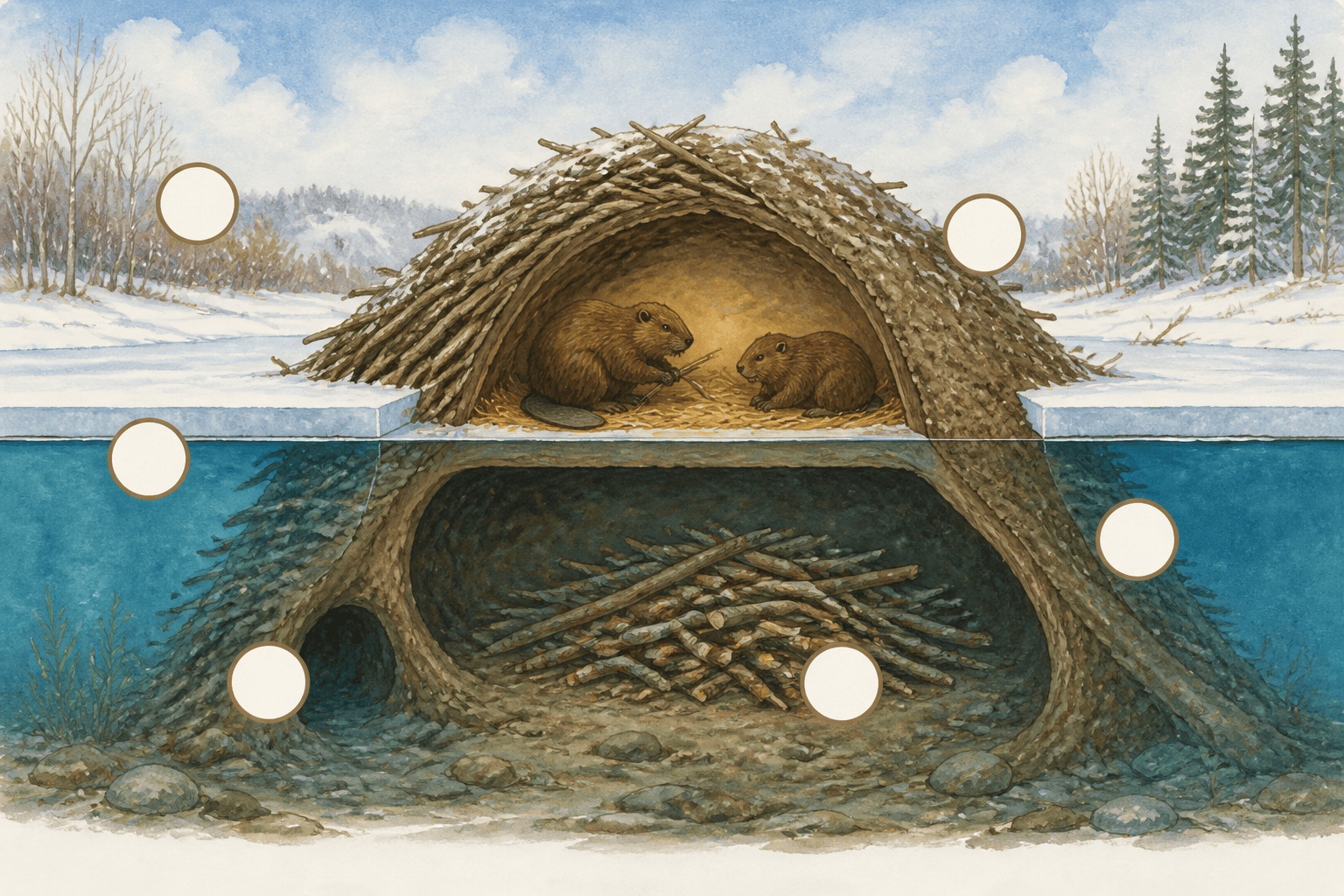
Educational Cutaway: Ages 8–11, portrait page showing how a beaver lodge stays warm. Clear exterior pond plus cutaway chamber, numbered callout spaces without generated text, accurate waterline and entrances, limited natural palette, distinct layers, safe margins for captions.

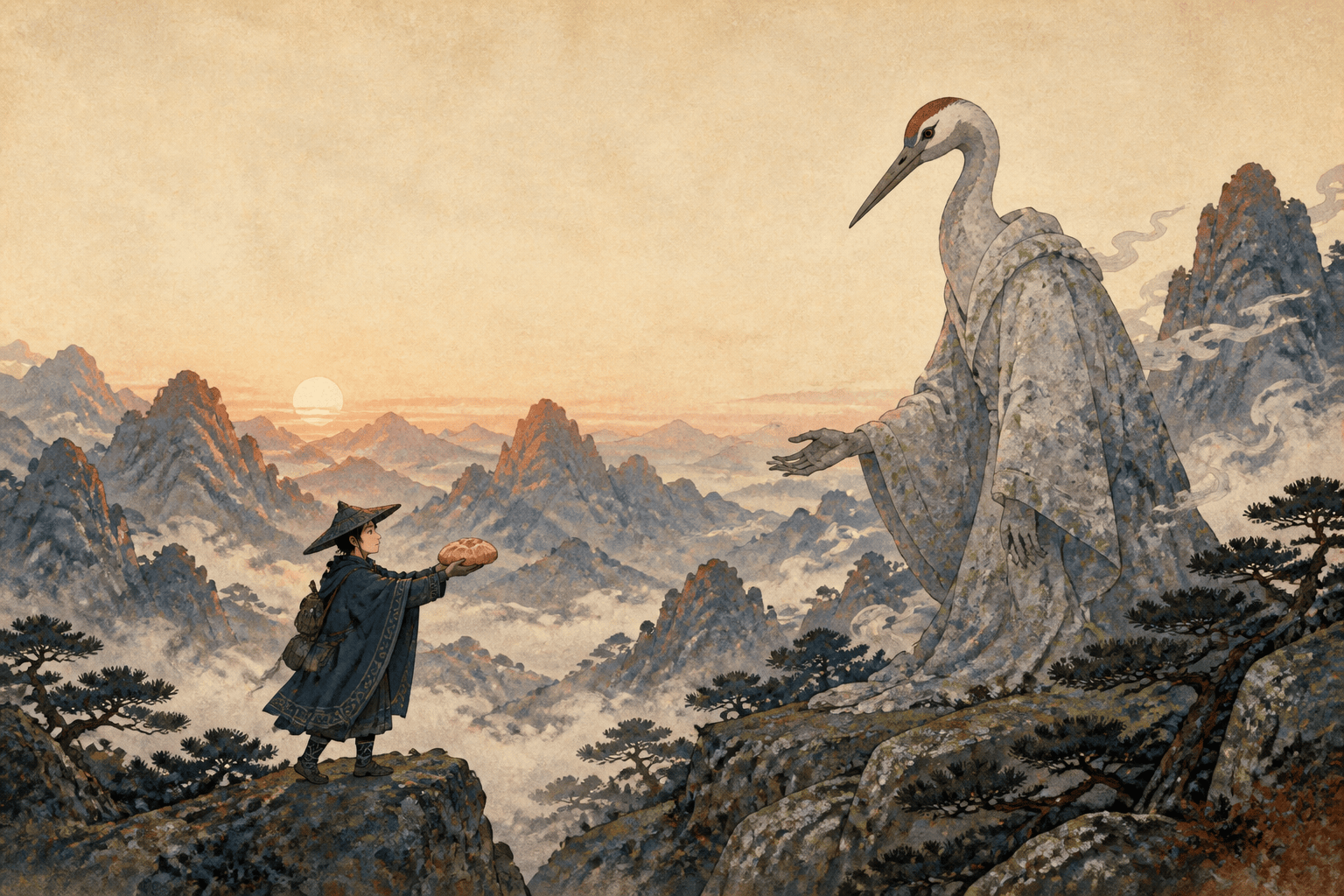
Folktale Double Spread: Original mountain folktale at dawn, traveler offers bread to a stone crane spirit. Wide asymmetrical composition, crane on right page, traveler left, gesture across the gutter without placing either face there, woodblock-inspired flat shapes, mineral colors, quiet mist.

Cozy Mystery Map: Illustrated endpaper map of a seaside town with lighthouse, bakery, pier, tidal cave, school, and hill path in consistent geography. Bird's-eye oblique view, decorative border inside trim, empty label plaques, recurring clue symbols, no readable text or false compass directions.

Wordless Sequence: Four horizontal panels on one landscape page show a red scarf escaping a clothesline, crossing a market, catching on a bicycle, and reaching its owner. Preserve scarf shape, wind direction, town layout, character outfit, left-to-right motion, panel gutters, and escalating expressions.


AI Book Illustration Generator FAQs

You can start with free AI credits after signing up. Create a scene test, character sheet, picture-book spread, chapter spot, educational visual, or cover concept, refine selected details in Chat Edit, and download watermark-free images for your layout workflow.
Develop visuals for picture books, early readers, middle-grade novels, educational books, workbooks, folktales, poetry, cookbooks, memoir, fantasy, mystery, comics, and nonfiction. Each format needs its own image density, detail level, page rhythm, and relationship with text.
Create an approved reference sheet and short visual bible before scene generation. Lock silhouette, proportions, face, hair, palette, clothing, left-right details, signature props, and scale. Reuse the same anchors and reference image, change only scene variables, and maintain a page-by-page continuity ledger.
You can use manuscript text as context, but illustrate one planned beat at a time. First make a scene list and decide what does not need an image. A focused brief gives stronger composition and continuity than asking one prompt to visualize an entire chapter or book.
It creates illustration assets and concepts. Final print readiness still requires verified trim size, resolution, color workflow, bleed, safe margins, gutter allowance, typography, page count, cover spine, PDF settings, and printer or platform specifications. Confirm those requirements with your chosen production provider.
Usually reserve a deliberate quiet area and add final copy in a layout tool. This keeps typography editable and avoids accidental wording. If text must appear inside the art, supply the exact approved wording, inspect every character, and still keep it inside the safe area.
Publication rights depend on your manuscript, references, final images, Mew Design's current terms, contracts, retailer or printer policies, disclosure rules, and applicable law. Use original or permitted material, document your process, check current platform requirements, and seek qualified legal advice for your project.

Ready to Generate Designs With AI?

Get Started - 50 Free Credits
No credit card required
© 2025 - 2026 Mew Design, MAGOAI LTD.All rights reserved.
Mew Design - Your AI design partner, now with full control. | Product Hunt