Free OnlineAI Body Enhancer
How to Enhance Body Photos with AI
Upload a Clear Photo
Describe One Body Adjustment
Compare and Refine
Download Your Edited Photo

Why Use Mew Design’s AI Body Enhancer
Start From Your Own Photo
Use this AI body reshaper on an uploaded portrait or full-body photo. Describe the area to adjust and the details you want to keep recognizable.
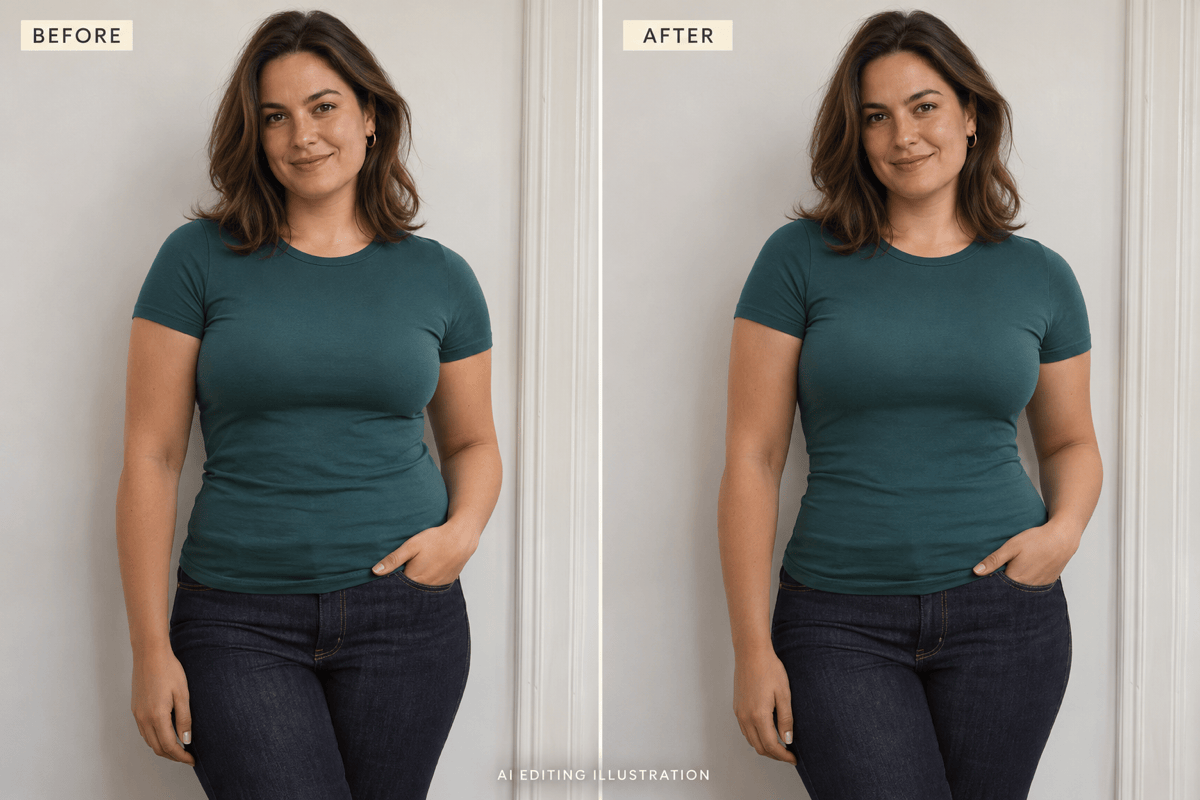
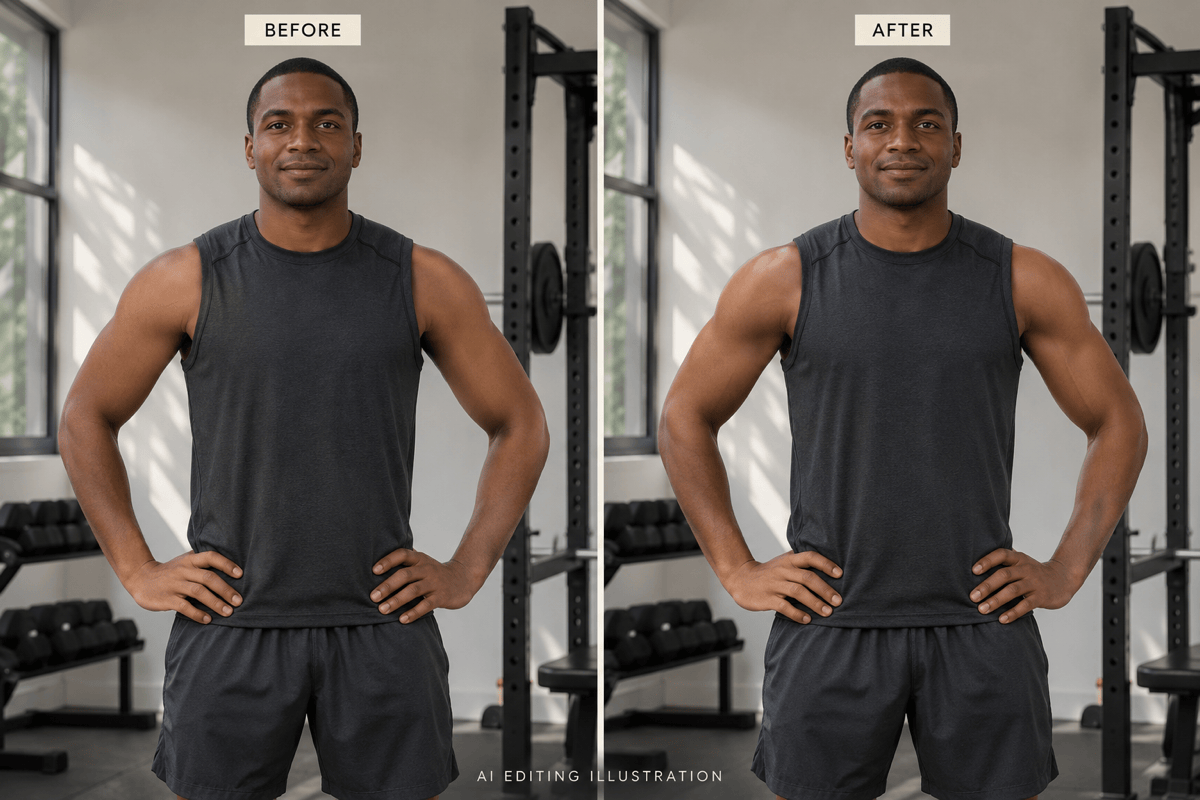
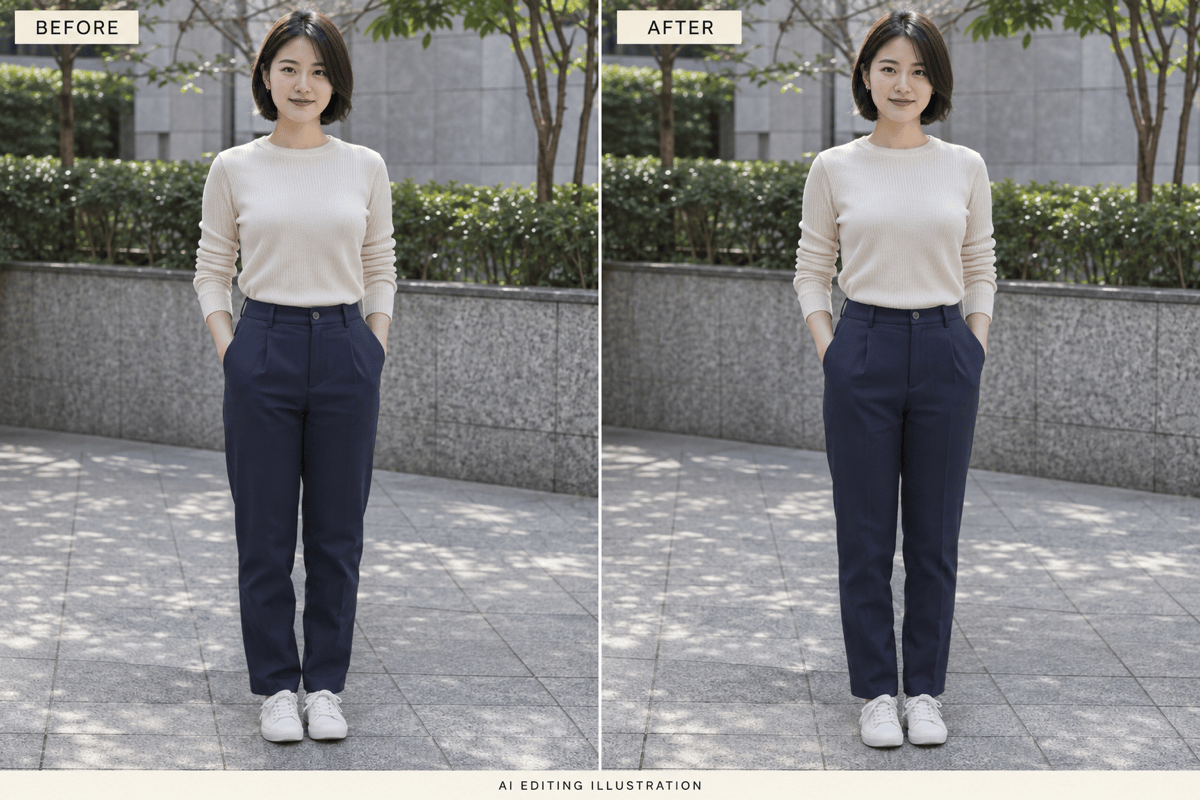
Reshape Your Waist, Arms, and Legs
Use the AI body reshaper to make a waist look slimmer, add subtle arm definition, or adjust leg proportions. You can also request a fuller silhouette, with the amount of change guided by your instructions.
Dial Back an Overdone Edit
Chat Edit lets you ask for less reshaping or softer definition. Refine one area at a time and review the result before saving.
Pick a Model for Your Photo
Choose an available image model yourself, or let Mew Auto select one for your photo and requested edit. Access leading image models in one workspace as new releases are added.
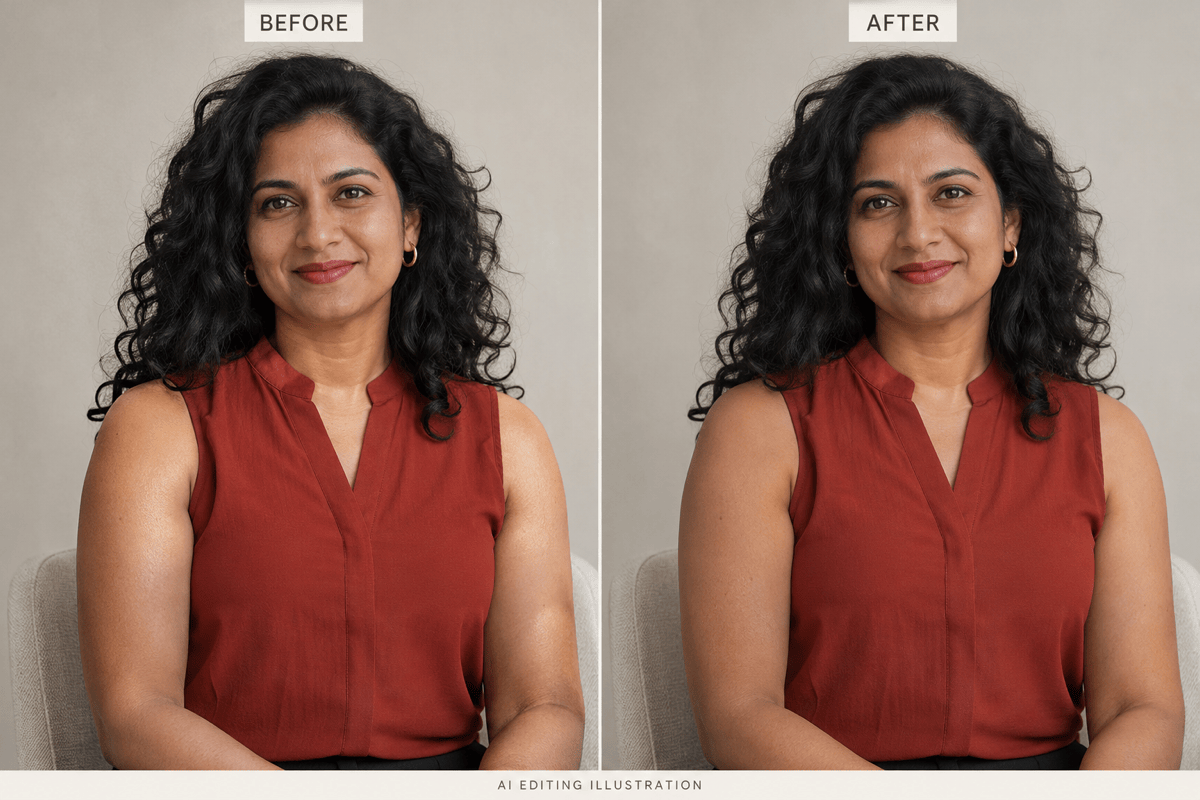
Retouch Skin as Well as Shape
Body enhancement can mean gentler highlights and more even-looking skin, without changing proportions. Ask for visible texture instead of a heavily smoothed finish.
Try Body Editing Online Free
Try our AI body enhancer for free using the credits included after signup. Edit photos online and export without a watermark; additional generations depend on your credits and plan.
Tips for Natural Body Reshaping in Photos
- Show the Area Clearly:Avoid cropped joints, heavy blur, and arms covering the waist. Loose clothing can hide the outline you want to adjust.
- Keep Changes Moderate:Ask for a slight adjustment first. Large changes can alter anatomy, clothing, or identity.
- Check the Surroundings:Inspect railings, tiles, doorframes, and shadows. AI body editing can distort nearby details even when you ask to preserve them.
- Read the Comparison Honestly:The gallery shows AI-generated before-and-after illustrations, not measured fitness results. Editing a photo does not change your body.
Body Photo Editing Ideas for Waist, Muscles, and Skin
Waist refinement: Slightly refine the waist in my uploaded photo. Keep the hips, face, pose, and outfit unchanged, and preserve the straight lines behind me.
Muscle definition: Add subtle definition to the arms and shoulders in my fitness photo. Match the existing light and skin texture without dramatically increasing muscle size.
Fuller proportions: Give my silhouette a slightly fuller appearance. Keep the pose and face recognizable, with believable clothing folds and balanced proportions.
Leg proportions: Make a small adjustment to the leg proportions in my full-body photo. Keep the feet grounded, knees plausible, and surrounding floor lines straight.
Skin texture: Soften harsh highlights and uneven-looking patches on my arms. Preserve skin tone, natural texture, and body shape.
Background repair: Reduce the body adjustment in this edit and restore the bent railing to match my original photo. Keep the face and outfit as close to the original as possible.





