Free OnlineAI Body Analysis
How to Create a Body Analysis Report with AI
Prepare Consistent Body Photos
Add Photos, Notes, and Measurements
Generate the Visual Report
Verify, Refine, and Export

Why Use Mew Design for Visual Body Analysis
Build From Photos and Real Data
Combine body photos with dates, notes, and measurements you provide. The visual body analysis report can separate visible observations from verified numbers instead of presenting guesses as facts.
Compare Multiple Views Clearly
Arrange front, side, and back views or two progress dates in a consistent grid. This online AI physique analyzer workflow makes visual changes easier to inspect without relying on a single flattering angle.
Use Neutral, Respectful Language
Tell Mew Design to describe proportions, clothing fit, posture, or visible change without attractiveness ratings or body-shaming labels. You stay in control of the report's purpose and tone.
Turn Notes Into a Readable Layout
Mew Design can structure observations, captions, source measurements, and cautions into a polished report with clear visual hierarchy instead of a long block of text.
Refine the Report Through Chat
If a caption overstates what the photo shows or a panel needs a different emphasis, click Chat Edit and request one precise change while keeping the rest of the analysis layout intact.
Create Practical Report Formats
Generate a personal check-in, styling reference, coach-ready summary, or progress graphic, then export a watermark-free PNG, JPG, or PDF using free AI credits after signup.
How to Prepare Photos for a Useful Body Analysis
- Keep the Camera Consistent: Place the camera at roughly waist height, keep the full body in frame, and use the same distance and lens when comparing dates. Perspective changes can alter apparent proportions.
- Use Even Lighting: Choose bright, soft light and a simple background. Harsh shadows, mirrors, wide-angle distortion, and dramatic posing can make visible definition or alignment look different.
- Match Pose and Clothing: Stand naturally with arms slightly away from the torso. Similar fitted or lightly structured clothing makes the silhouette easier to compare without exposing more than you are comfortable sharing.
- Separate Observation From Measurement: Label what is visibly observed and what comes from your scale, tape measure, clinician, or coach. A general image model should not invent body-fat percentage, BMI, weight, lean mass, or a diagnosis.
AI Body Analysis Report Ideas
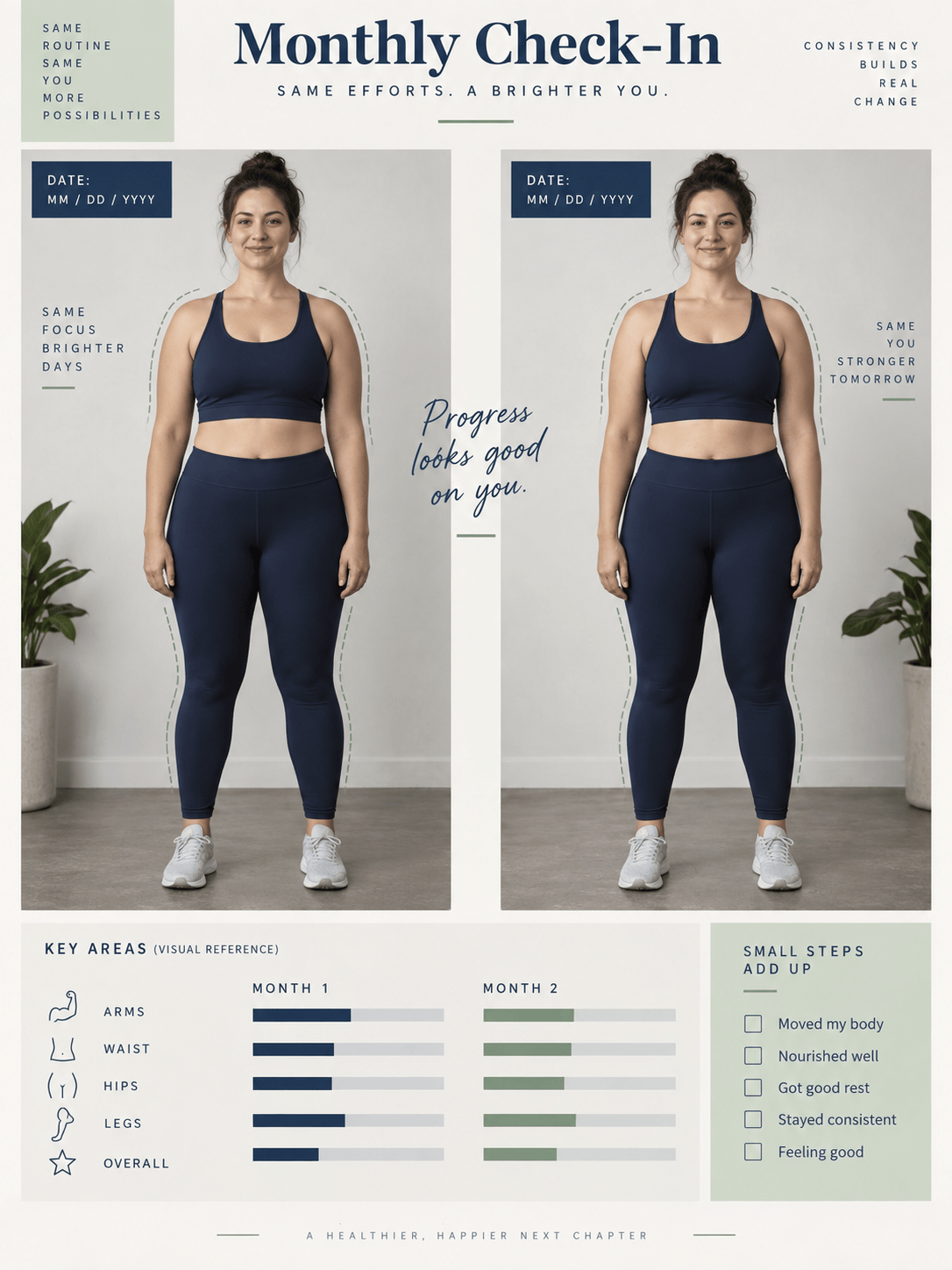
Create a side-by-side progress report from these two full-body photos. Keep each image uncropped, label the dates I provide, describe only clearly visible changes in posture, silhouette, and clothing fit, and add a note that camera setup may affect the comparison.
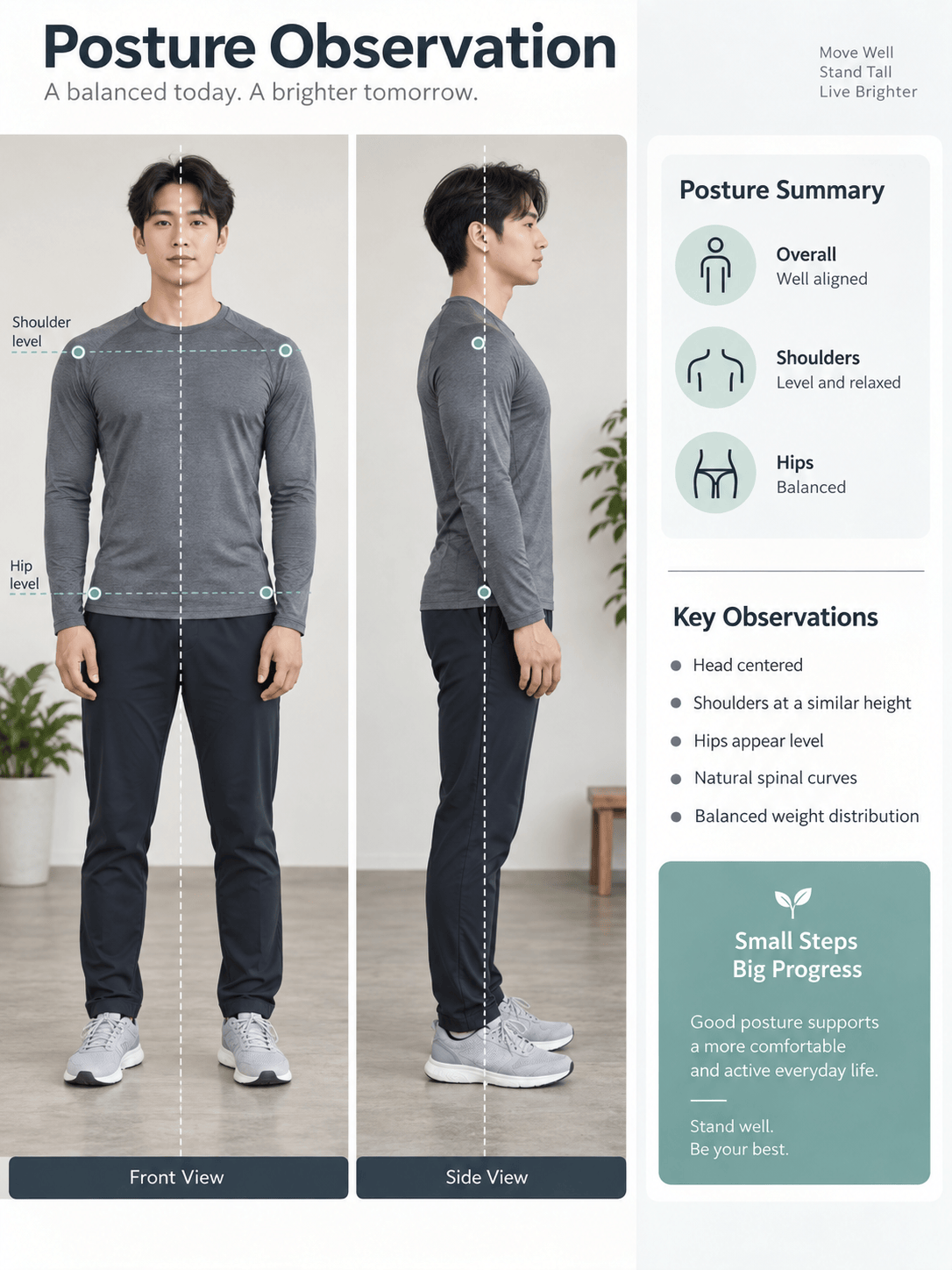
Create a neutral posture observation sheet from my front and side photos. Add simple alignment guides and describe apparent head, shoulder, hip, and stance positioning without diagnosing a condition or prescribing treatment.
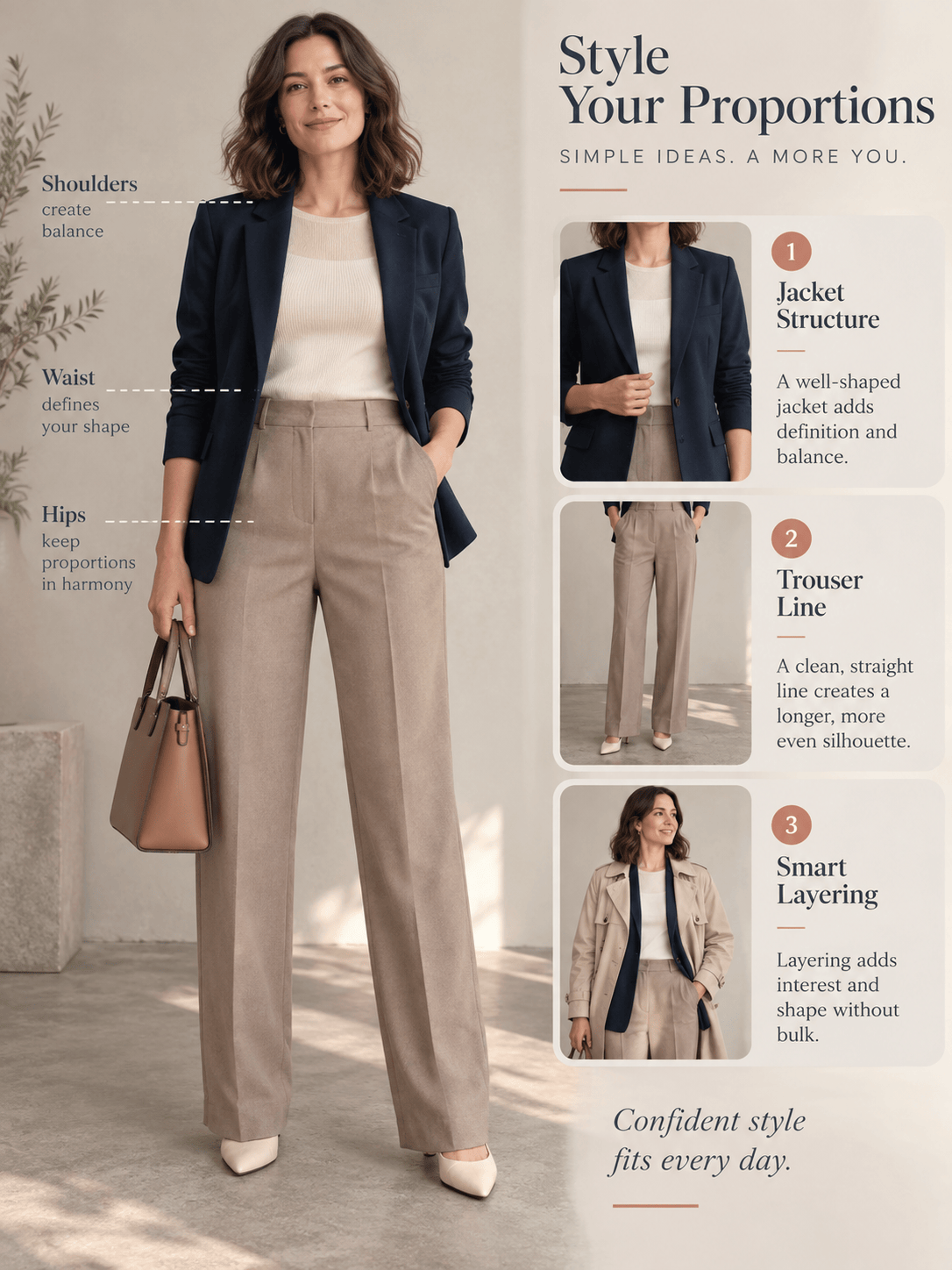
Create a body-shape styling report from this clothed full-body photo. Summarize visible shoulder, waist, and hip proportions, suggest three outfit-balance ideas, and avoid weight, fitness, health, or attractiveness judgments.
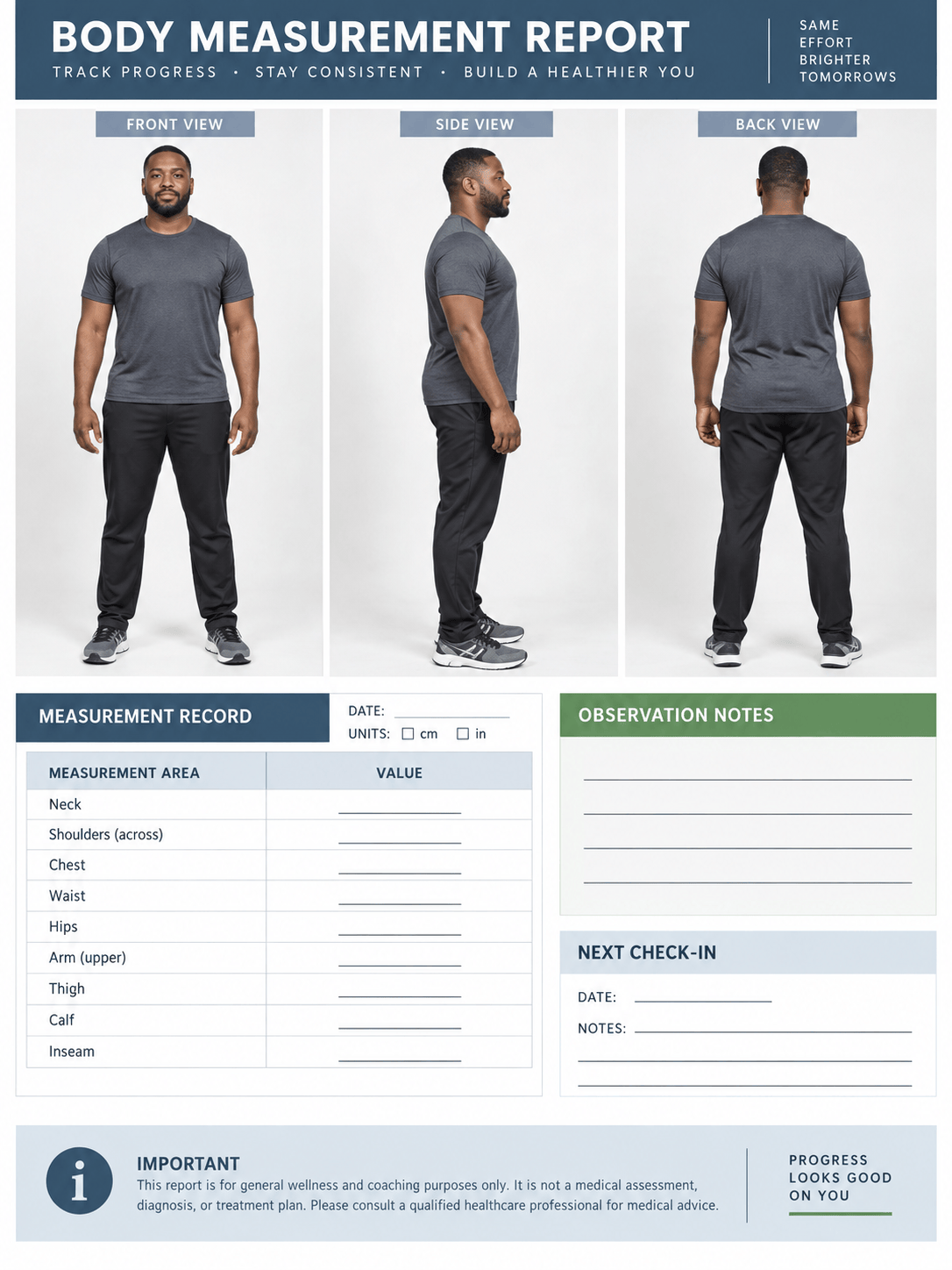
Create a visual physique check-in using my front, side, and back photos. Organize visible symmetry and muscle-definition observations by view, flag any areas that are unclear, and do not generate body-part scores or body-fat estimates.
Turn my supplied measurements and coach notes into a one-page body analysis report. Keep every number exactly as provided, show the measurement dates and units, and use the photos only as supporting visual context.
Create a monthly body-progress dashboard from the photos, dates, and measurements I uploaded. Use a consistent comparison grid, add a small source-data table, and include a reminder to verify all values before sharing.





