Try a New Shade with OurAI Blonde Hair Filter
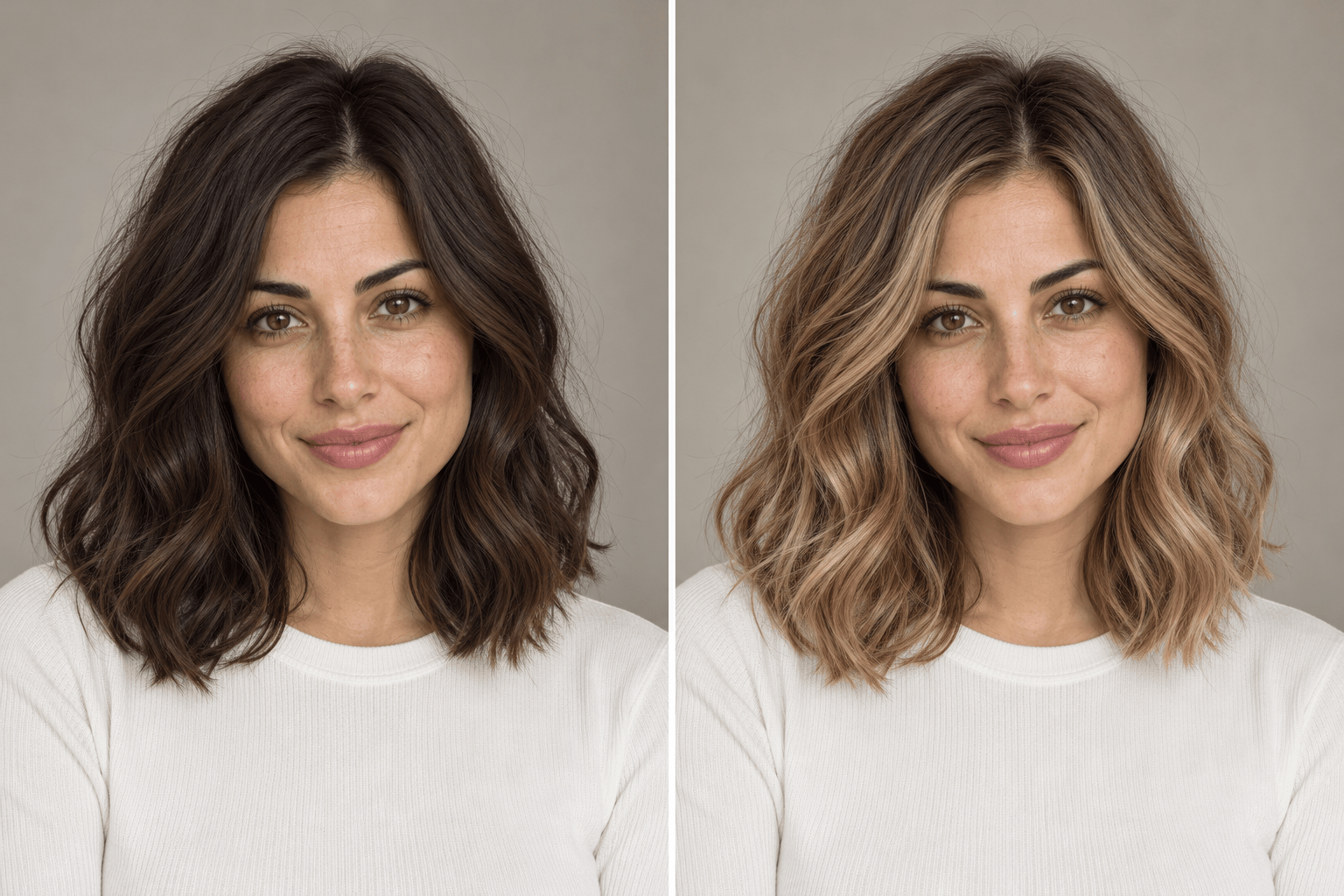
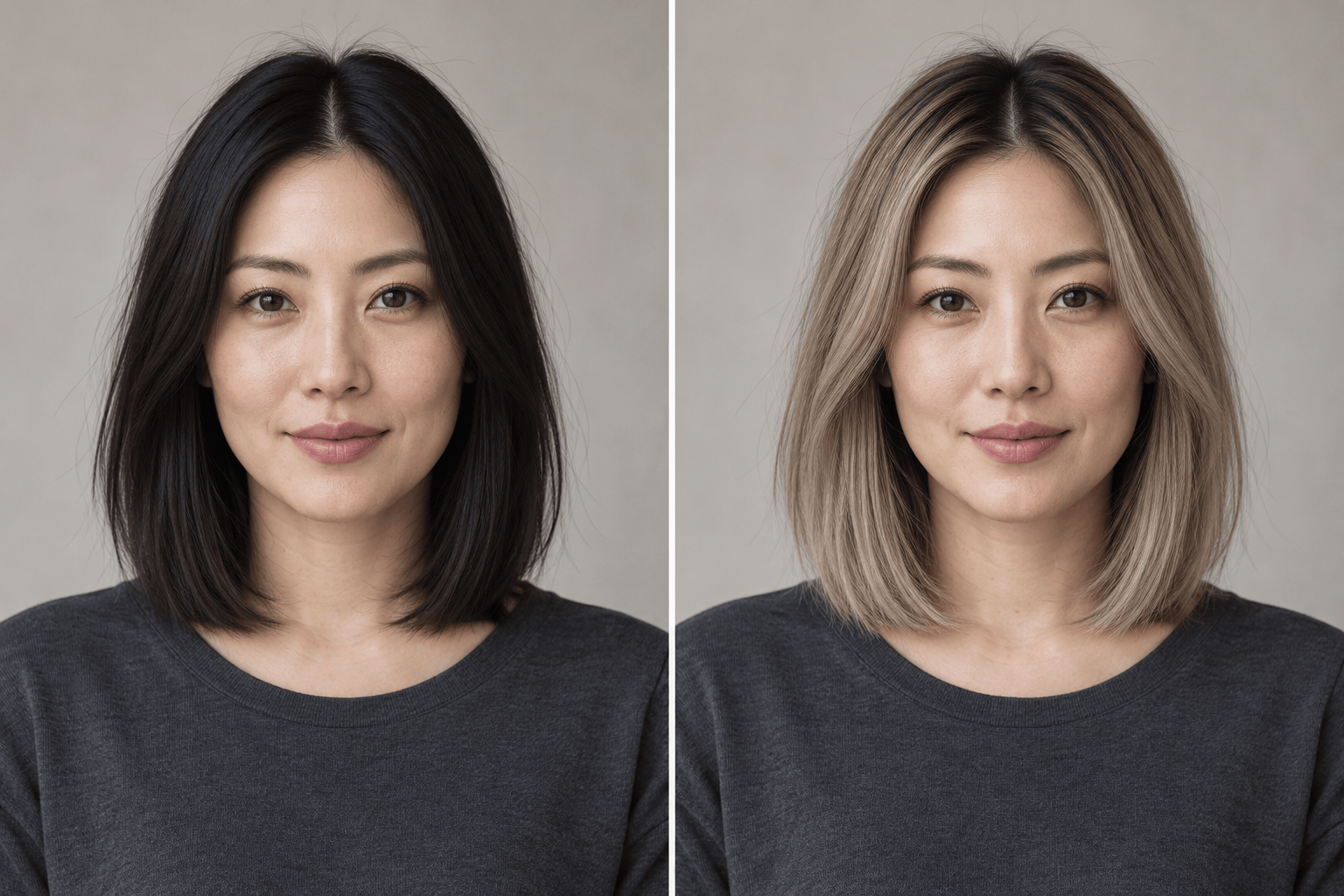
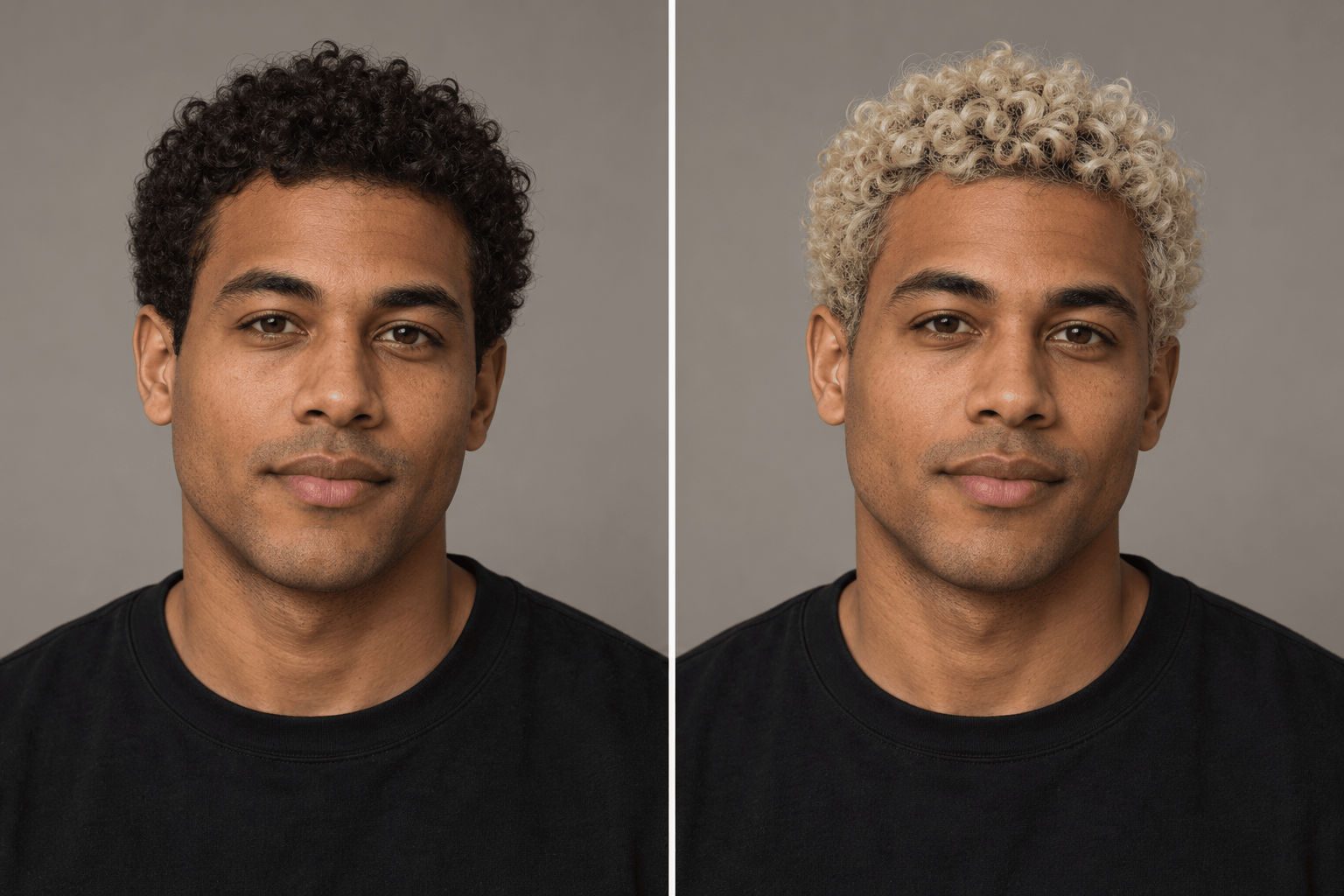
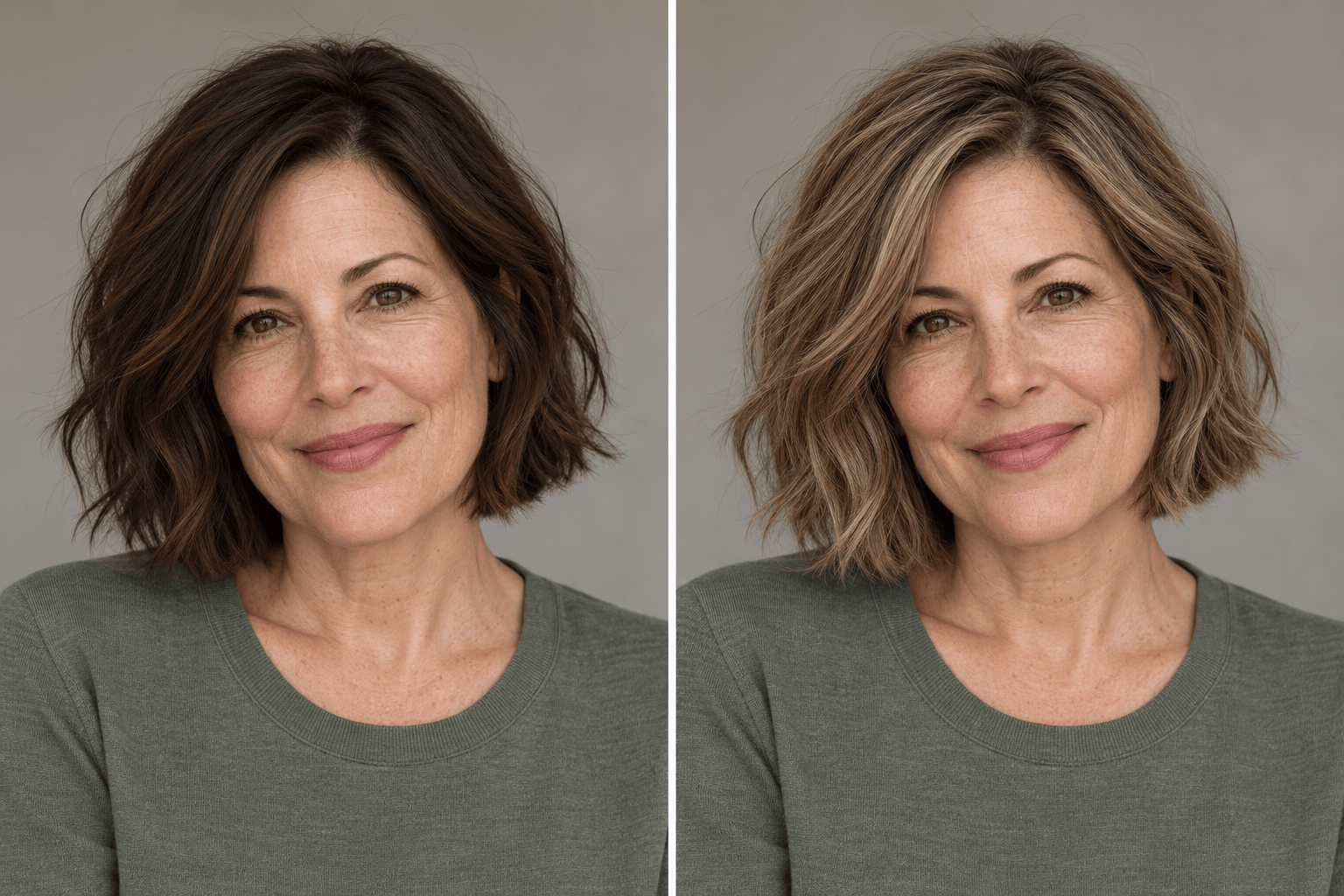
How to Create a Blonde Hair Preview with AI
Upload a Clear Portrait
Generate Your Blonde Preview
Adjust the Tone in Chat
Save Your Favorite Shade

Explore Blonde Shades with More Control
Try Color on Your Own Photo
Use an uploaded portrait as the starting point for your blonde hair virtual try-on, so the preview relates to your current look.
Compare Warm and Cool Blonde
Ask the blonde hair simulator for honey and ash versions of the same photo. Compare the shades under the same lighting.
Describe Roots and Highlights
Request soft shadow roots, all-over platinum or blonde balayage on dark hair. Plain-language instructions help define where the color should go.
Bring a Shade Reference
Upload a second image to show the blonde tone you like. Identify it as the color reference and your portrait as the photo to edit.
Refine an Unconvincing Result
If the color looks flat or your face changes, use Chat Edit to request a focused correction against the original photo.
Start with Free Credits
Sign up to try Mew Design with free AI credits. Generating and editing use credits; finished images can be exported without a watermark.
Get a More Useful Blonde Hair Try-On
- Use Even Light: Choose daylight without a strong color cast. Heavy filters and deep shadows make the original shade harder to judge.
- Show the Hairline: Keep roots and ends visible. Avoid hats and hair hidden behind your shoulders when possible.
- Keep the Comparison Fair: Use the same portrait for every shade. Ask to keep skin tone, makeup and hairstyle unchanged, then check that they stayed consistent.
- Choose a Direction: Honey blonde adds golden warmth; ash blonde looks cooler; platinum is very pale. Dark blonde offers a softer contrast than platinum.
Fine-Tune Your Blonde Hair Preview
Create honey blonde and ash blonde versions of my uploaded portrait for comparison. Keep the same face, skin tone, haircut, background and lighting in both.
Try platinum blonde on my uploaded photo with soft shadow roots. Preserve the original short haircut, curl pattern, eyebrows and facial features.
Add blonde balayage to my dark hair, leaving the roots brown and blending lighter color through the lengths. Keep my haircut and face unchanged.
Try strawberry blonde on my uploaded photo: a light blonde base with a soft copper tint. Preserve my skin tone, hair texture and facial features.
Redo the blonde preview using my original photo as the reference. Restore my face, eyebrows and original haircut; change only the scalp-hair color.
Refine this blonde preview: reduce the strong yellow tone and add subtle variation between strands. Keep the existing face, haircut, roots and background.





