Try It FreeAI Black Friday Facebook Post Generator


How to Create Black Friday Facebook Posts with AI
Start with the Deal
Generate the Sale Graphic
Make the Offer Easy to Read
Download and Post on Facebook

Keep Your Black Friday Campaign Clear and Consistent
Build Around Your Offer
The Black Friday Facebook post maker turns your deal into a custom layout, whether you need a product spotlight or a storewide announcement.
Show Your Own Products
Upload product photos and your logo. Ask for background removal or a new setting, then check that the merchandise still matches what you sell.
Give Discounts a Clear Hierarchy
Ask the agent to balance the headline, price, and conditions. Keep key terms readable instead of hiding them in tiny text.
Revise Before the Sale Goes Live
Use Chat Edit to update a code, deadline, or featured item. Request focused changes while retaining the visual direction you like.
Create a Campaign Series
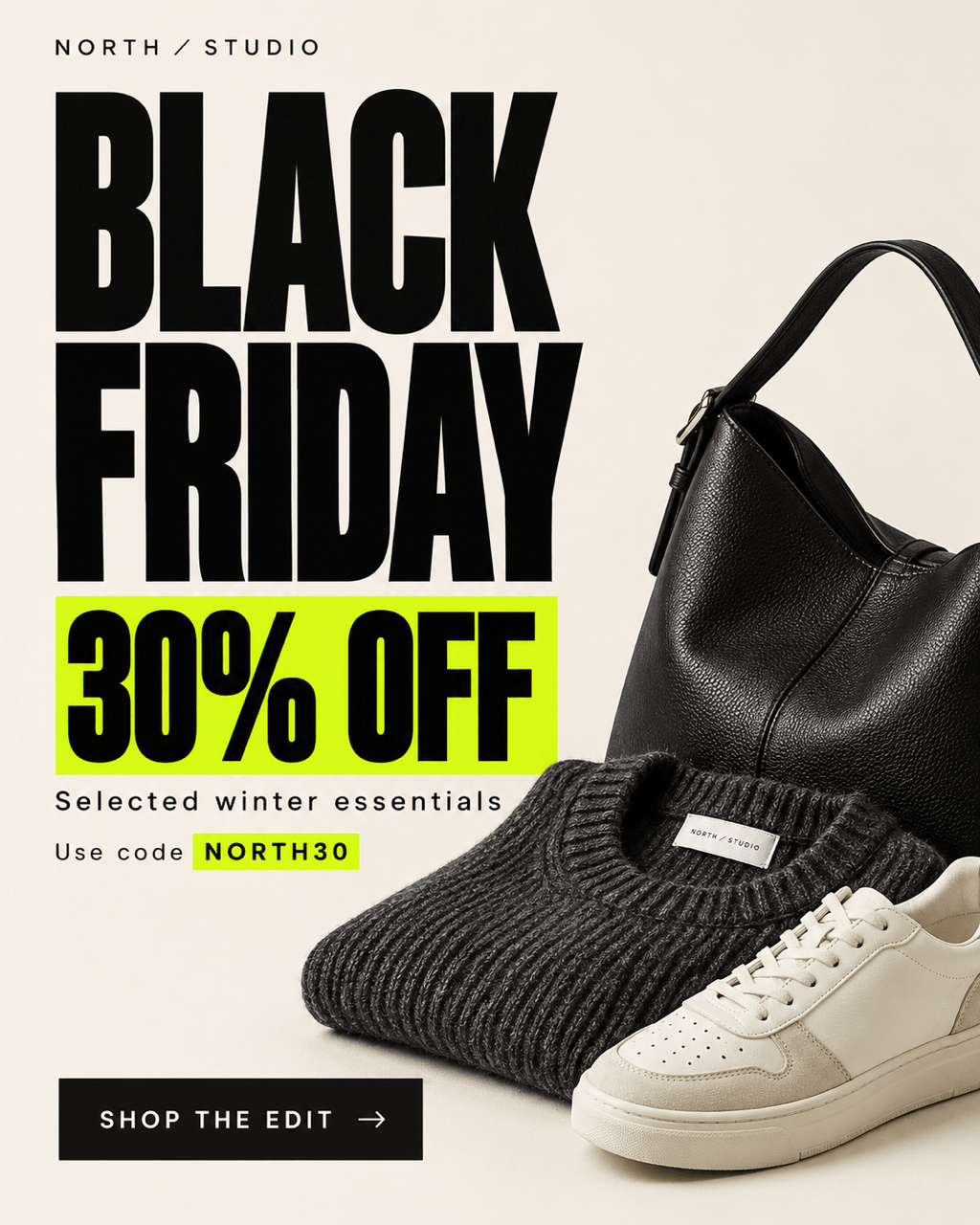
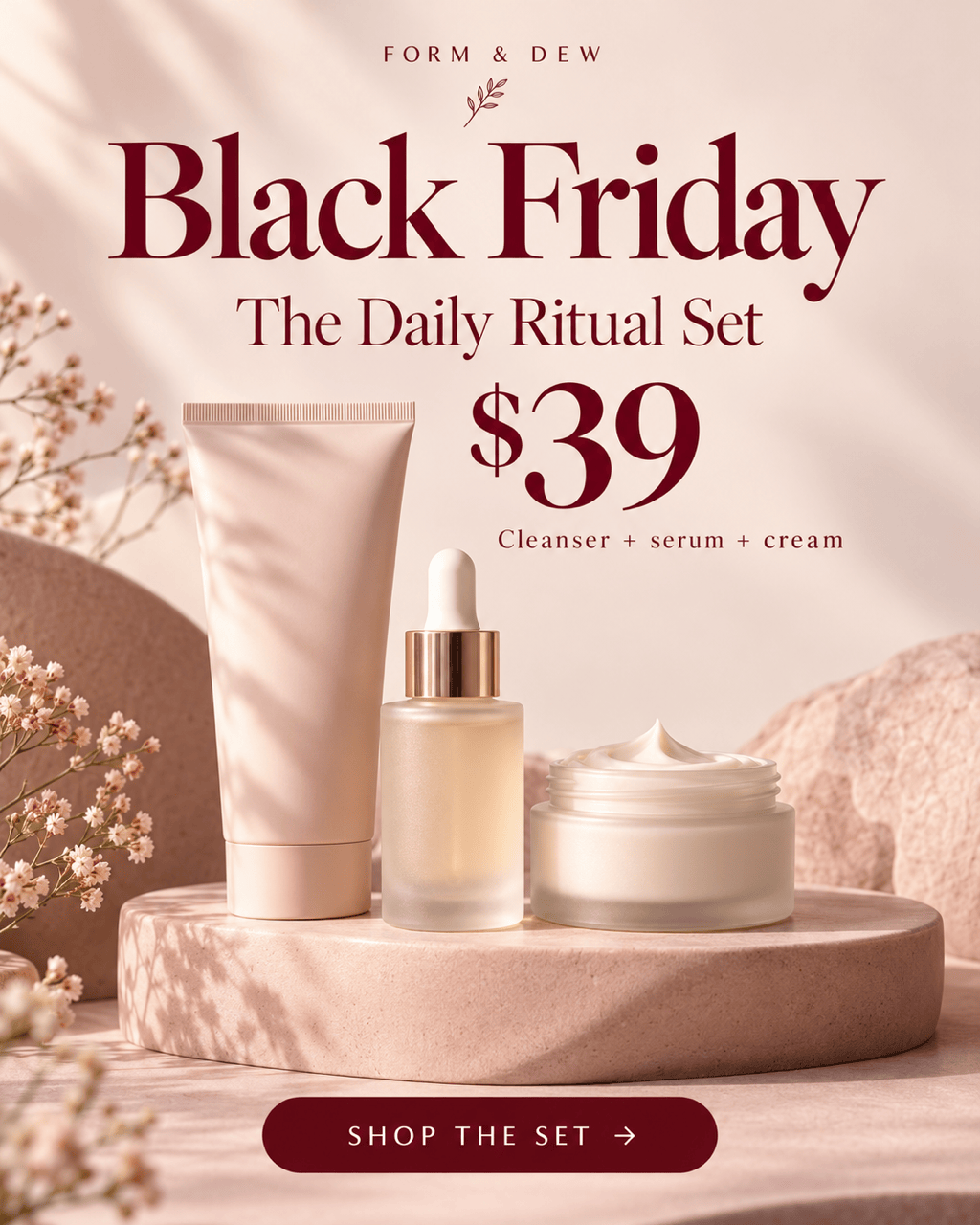
Generate coordinated teaser, launch, and final-hours graphics. Your Black Friday Facebook posts for small business can share colors, typography, and logo placement.
Reuse Your Brand Workflow
Save a successful design approach as a Mew Skill. Reuse your brand rules and layout preferences for Cyber Monday and future promotions with less repeated setup.
What to Include in a Black Friday Sale Post
- Be Precise About Savings: Distinguish a storewide discount from savings on selected items. Use “up to” only when it accurately describes the offer.
- Make Deadlines Specific: Give the date, time, and time zone for online offers. Use last-chance or low-stock wording only when it is true.
- Separate Image and Caption: Put the product, main offer, and short action phrase on the graphic. Add the clickable shop link, exclusions, and redemption steps in the post text.
- Check on a Phone: Read the exported graphic at feed size. Increase contrast, shorten crowded text, and keep essential details away from the edges.
Black Friday Facebook Post Ideas for Each Sale Stage
Create a Black Friday teaser for my brand. Use my logo and colors, announce the confirmed launch date I supply, and keep the discount unrevealed. Ask for any missing date.
Design a Black Friday sale announcement with my product photo, confirmed discount, coupon code, and end time. Make the offer the focal point without overwhelming the product.
Create a Black Friday bundle deal post. Show the included products together, state the bundle price I provide, and avoid adding savings claims unless I supply the comparison price.
Make a Black Friday Facebook post for my local store. Highlight my confirmed offer, address, and opening hours. Use an inviting shop-local style and a short visit-us message.
Adapt my approved sale graphic into a last-chance reminder. Keep the same branding and offer; emphasize the exact closing time and time zone I provide. Do not invent scarcity.
Create a matching Cyber Monday follow-up from my Black Friday design. Use the new dates and offer I supply, remove expired codes, and preserve the campaign style.





