Free OnlineAI Black Friday Banner Generator



How to Create a Black Friday Banner with AI
Set the Offer and Placement
Generate Your Sale Layout
Refine the Details in Chat
Export and Test the Placement

Keep Your Black Friday Campaign Clear and Consistent
Put the Offer First
This AI Black Friday banner maker helps arrange the headline, savings, and next step into a clear hierarchy. Ask for fewer details when the banner will display small.
Design Around Your Products
Upload product photos and a logo to build a custom Black Friday sale banner around your merchandise. Request background removal when a cleaner product cutout suits the layout.
Handle Last-Minute Offer Changes
Update a discount, coupon code, or sale deadline through Chat Edit. You can request focused revisions without writing a new campaign brief.
Adapt to Each Placement
Create a wide Black Friday website banner, an email header, or an ad variation. Specify each placement and its dimensions so the composition can be adjusted.
Explore More Than Black and Red
Try restrained fashion typography, bright tech offers, or warm homeware imagery. Use reference images to guide a style that fits your brand.
Save Your Brand Style as a Skill
Turn your brand colors, typography direction, logo rules, and preferred banner layouts into a reusable Mew Skill. Apply that design approach to Black Friday, Cyber Monday, and future sales to keep related banners more consistent without repeating the full brief.
What to Check Before Your Black Friday Banner Goes Live
- Verify the OfferDistinguish sitewide discounts from selected items and “up to” savings. Confirm the code, dates, time zone, and any minimum spend.
- Check the Mobile CropKeep essential content away from the edges. If a website crops the image, use a separate mobile composition or place text in the site editor.
- Make the Action WorkA button drawn in an image is not a live button. Add its link in your website or email builder and test the destination.
- Keep Email Offers AccessibleRepeat the core offer in live email text, add descriptive alt text, and use a linked button in the email layout so the message still works when images are hidden.
Black Friday Banner Ideas for Your Next Campaign
Website Sale: Create a wide Black Friday banner using my uploaded product photo and confirmed offer. Make the savings the main focus, keep text away from the edges, and leave space around a single call to action. Ask for the banner dimensions if missing.
Email Launch: Design a Black Friday email banner that matches my email template width. Use one product image and a short sale headline. Keep fine print out of the artwork; I will add offer details and a linked button in the email builder.
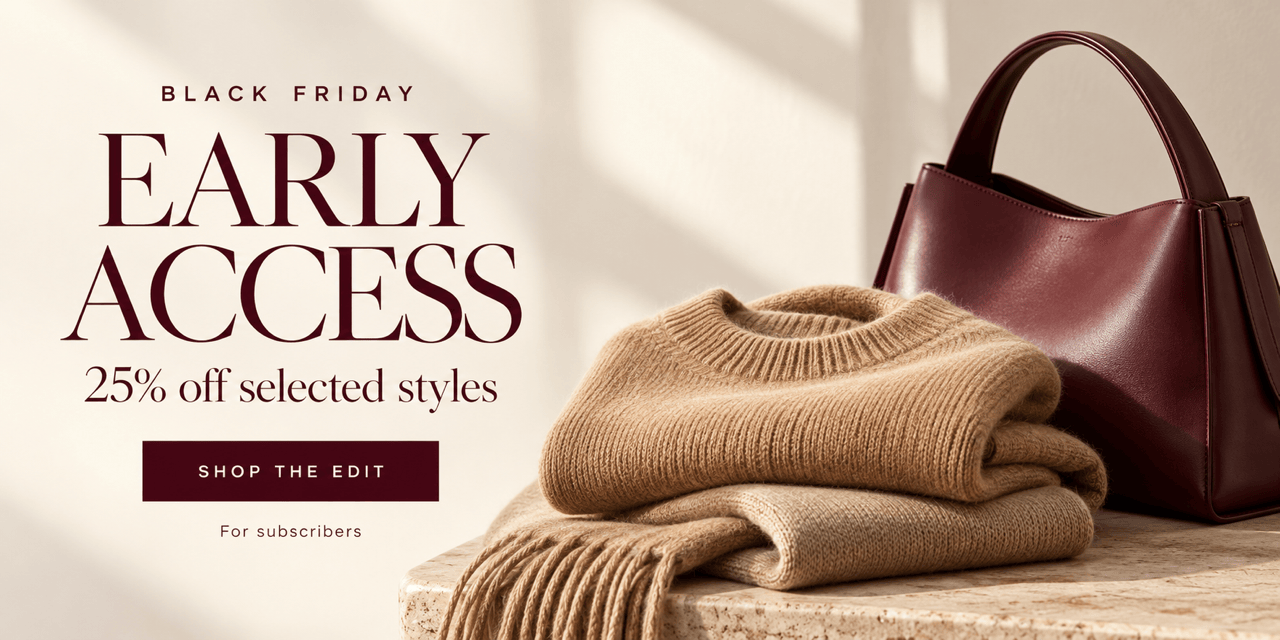
Early Access: Create an early-access Black Friday banner for subscribers using my supplied offer and launch time. Give the access message priority over the product image. Do not add an unconfirmed discount or deadline.
Final Hours: Update this sale banner with my confirmed closing time and time zone. Make the deadline easier to read, retain the offer and logo, and remove decoration that competes with the message. Do not add a fake countdown.
Shopify Background: Create a Black Friday banner background for my Shopify store using my product photo and brand colors. Leave a quiet area for the heading and button I will add in the theme editor. Do not embed text or buttons in the image.
Cyber Monday Follow-Up: Create a companion banner using this Black Friday design as a visual reference. Keep the brand direction, replace the campaign headline with Cyber Monday, and use only the new offer and dates I provide.





