Free OnlineAI Birthday Generator
How to Create Birthday Images with AI
Tell Us Who It Is For
Build the Birthday Scene
Check the Name and Candles
Download and Send Your Wishes

Make Their Birthday Image Feel Like Them
A Name Worth Celebrating
Create a happy birthday image with a name, a short wish, and an optional age. Ask for clear lettering with space around each line.
Their Interests, Your Idea
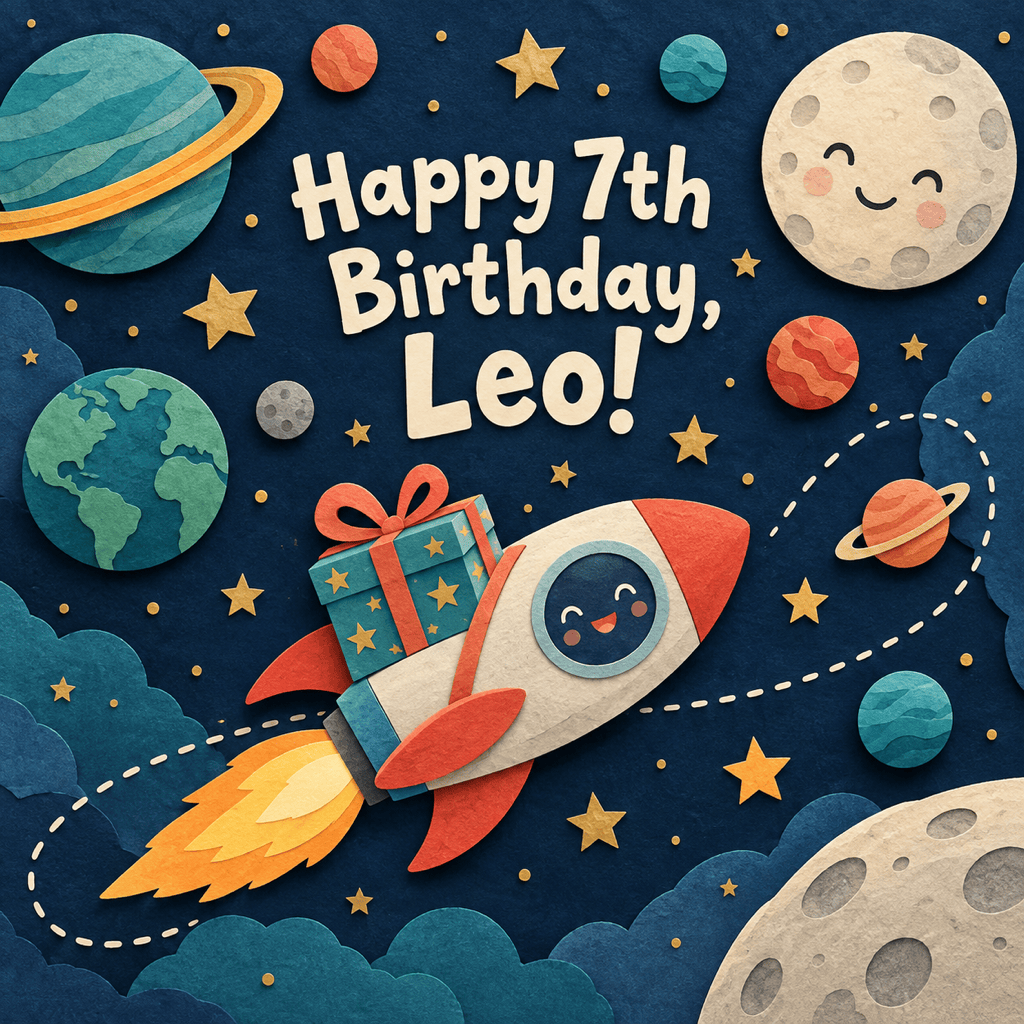
Our AI birthday image generator can turn a love of cats, gardening, or space into the theme. Try playful illustration, realistic cake photography, or a simple floral design.
Photos Are Welcome, Not Required
Use the AI birthday card maker from text alone or upload a favorite photo. Ask for a birthday setting, then check the face and details before sharing.
Small Changes Through Chat
Use Chat Edit to replace an age, soften the colors, or move a message away from the cake. Make focused edits as you review the result.
A Greeting and Invite That Match
Create related birthday greetings and invitations with the same colors and theme. Give each version the text and layout its purpose needs.
Ready for a Message or a Card
Download watermark-free PNG or JPG images to share, or export PDF for a card. Start with free AI credits after signup; further use depends on your credits.
Birthday Images That Get the Details Right
- Spell Out the Greeting: Put the exact words in quotation marks, including the name. Keep a longer birthday message in your chat or caption.
- Make the Age Optional: Include an age only if you want it shown. For a milestone birthday, ask for one clear number instead of many individual candles.
- Choose a Personal Theme: Name a hobby, favorite color, or shared joke. One strong idea usually reads better than a crowded mix of decorations.
- Plan for the Destination: Use a square layout for a message or social post, or request a vertical Story. For print, specify the finished size and leave room around the edges.
Quick Fixes for Your Birthday Design
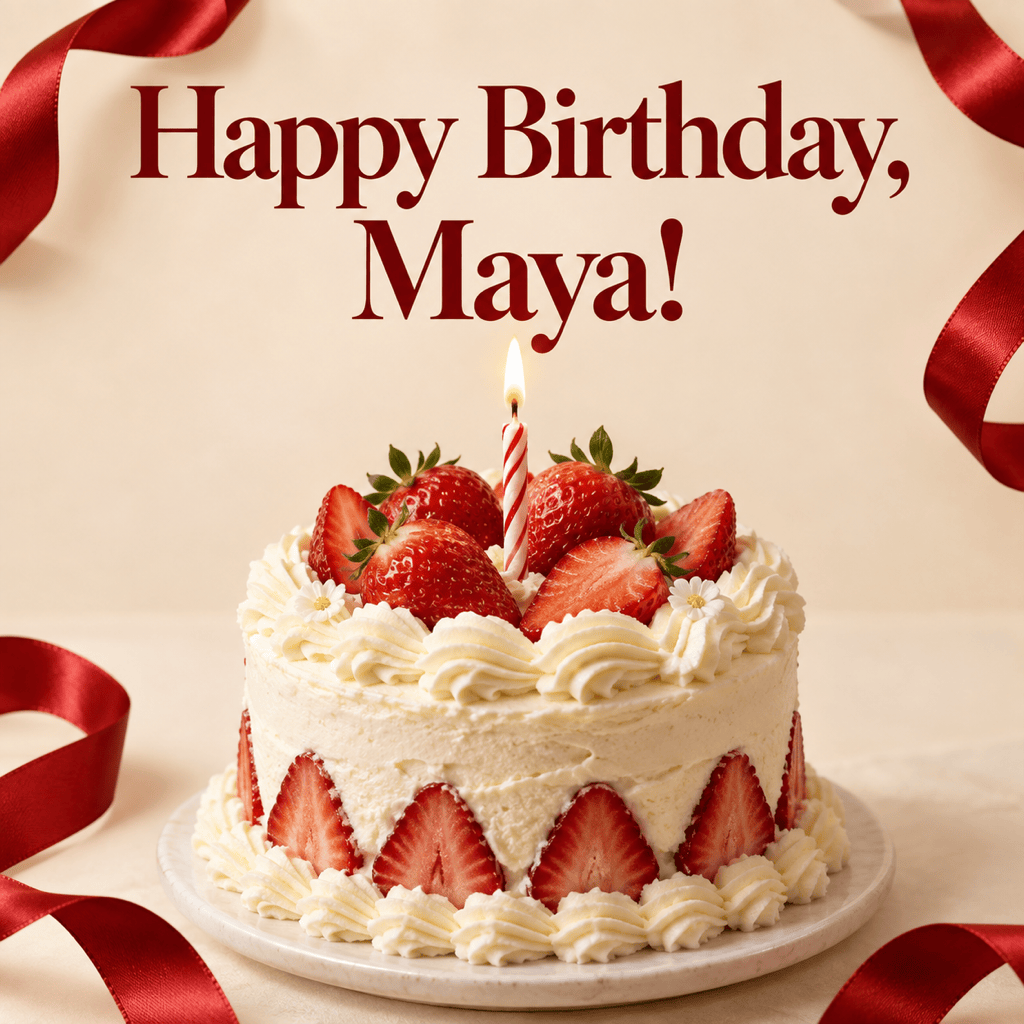
Edit my birthday design: replace the greeting with exactly “Happy Birthday, Maya!” Keep the theme and colors, and do not add other words.
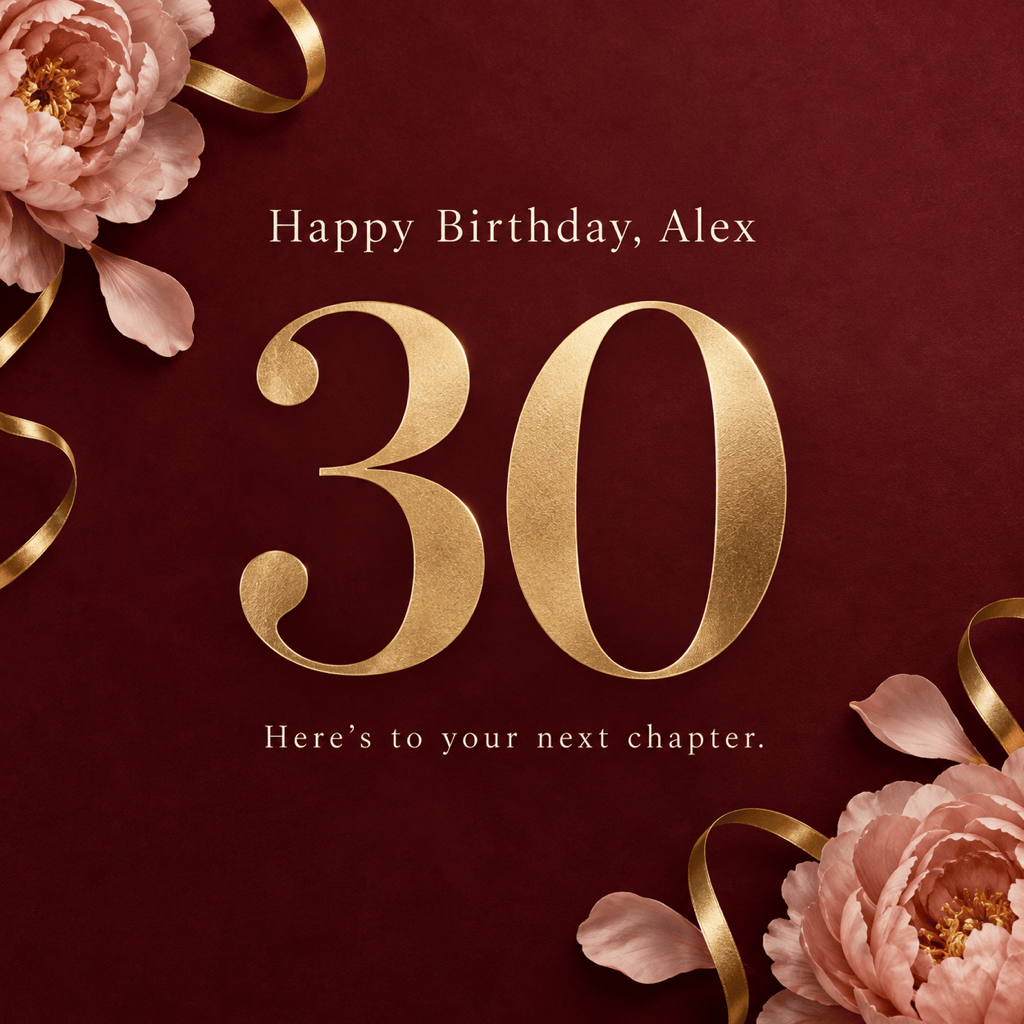
Edit my milestone birthday image: show the number 30 once as the main focal point. Remove other age numbers and keep the birthday greeting.
Make the greeting in my birthday image easy to read on WhatsApp. Enlarge the text, improve contrast, and keep it away from the edges.
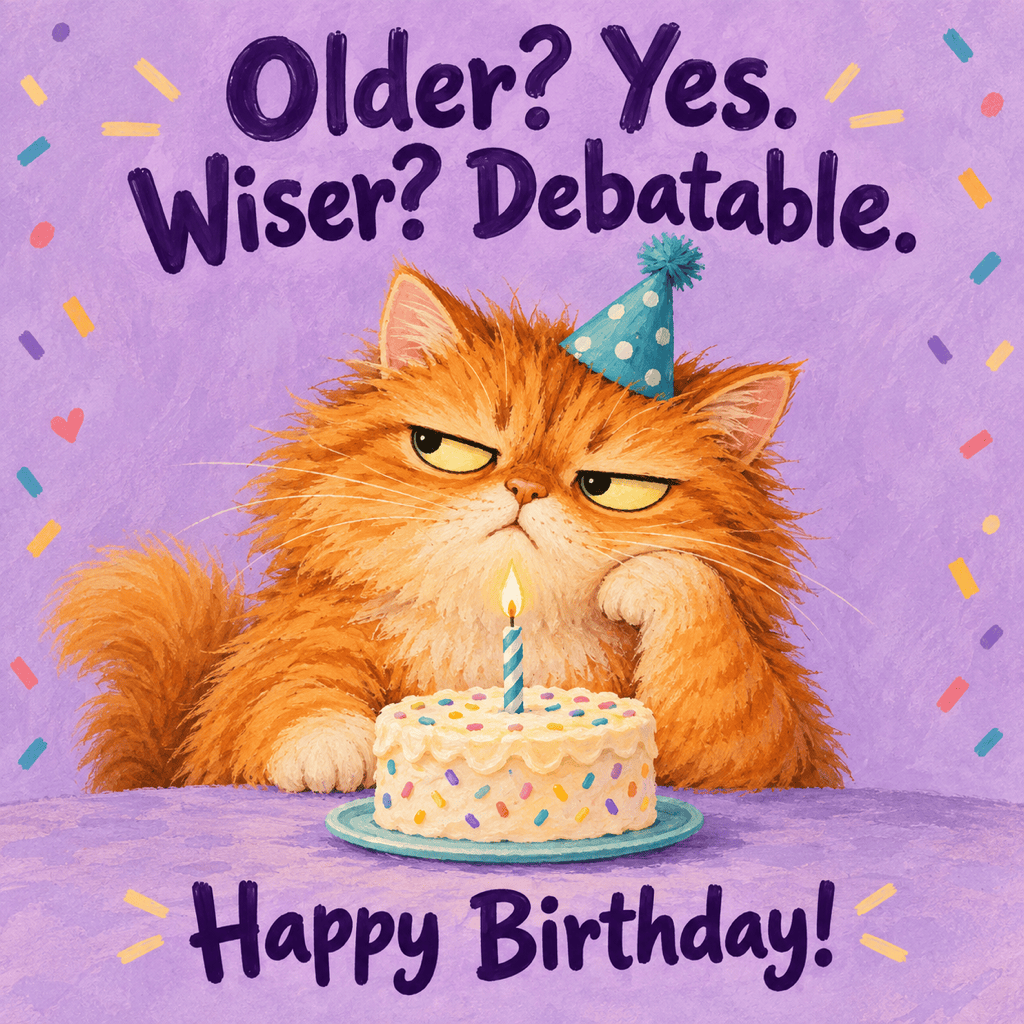
Simplify my funny birthday image for a friend. Keep the main character and joke, remove extra decorations, and give the caption more space.
Refine my uploaded photo birthday card. Move balloons and lettering away from the face, and keep the person recognizable. Leave the greeting unchanged.
Adapt my birthday image into a vertical 9:16 Story. Keep the name and theme, rearrange the decorations, and leave space above and below the main message.





