Try Free OnlineAI Big Butt Filter
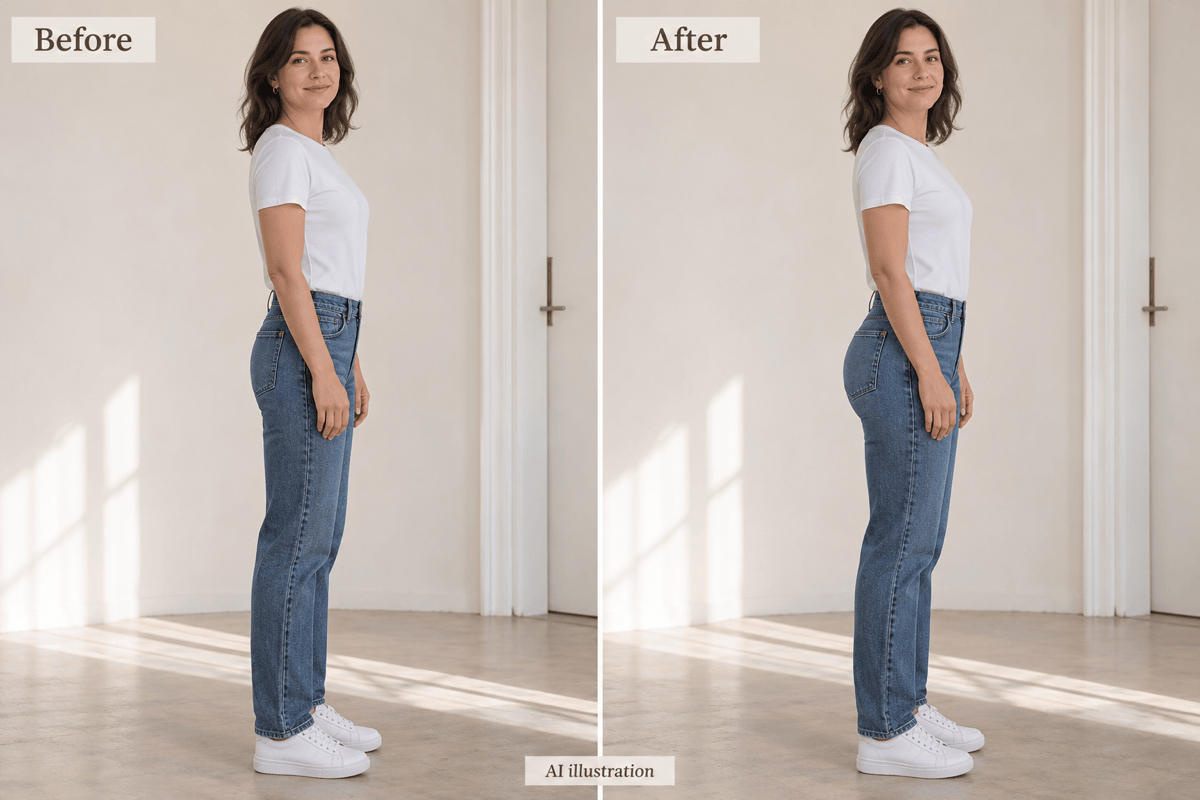
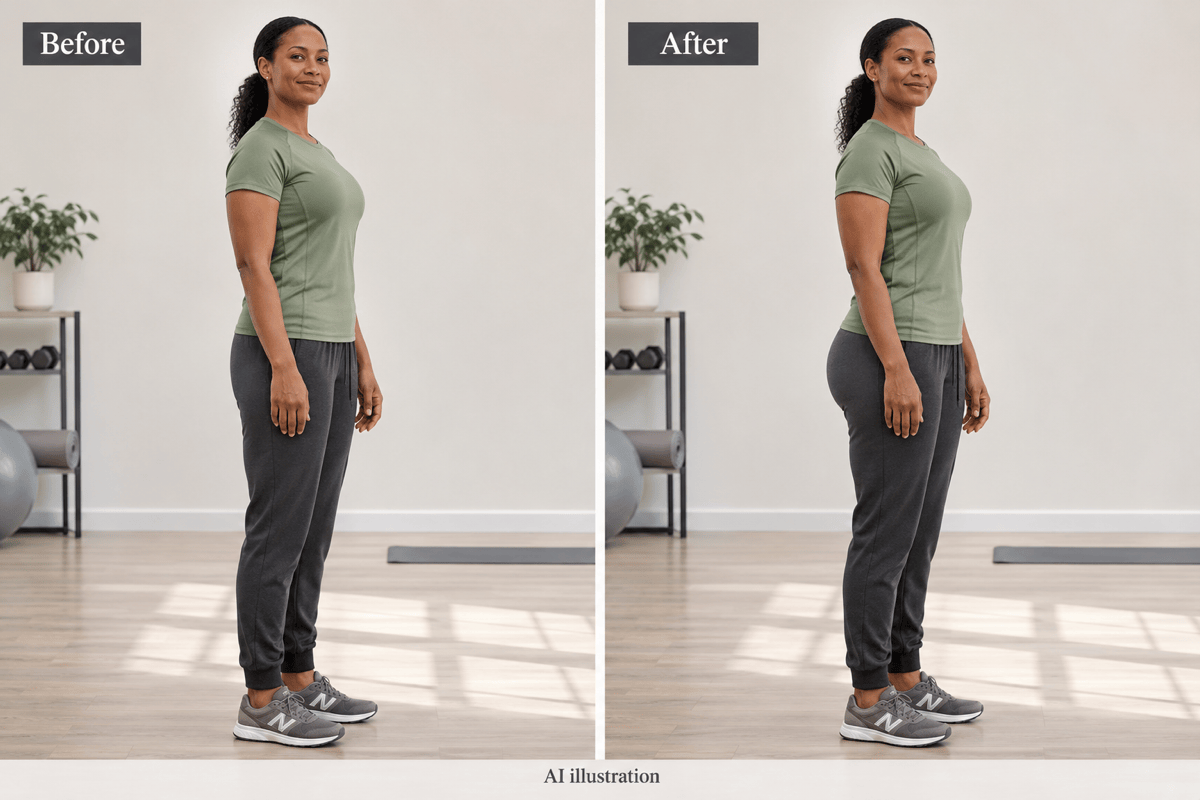
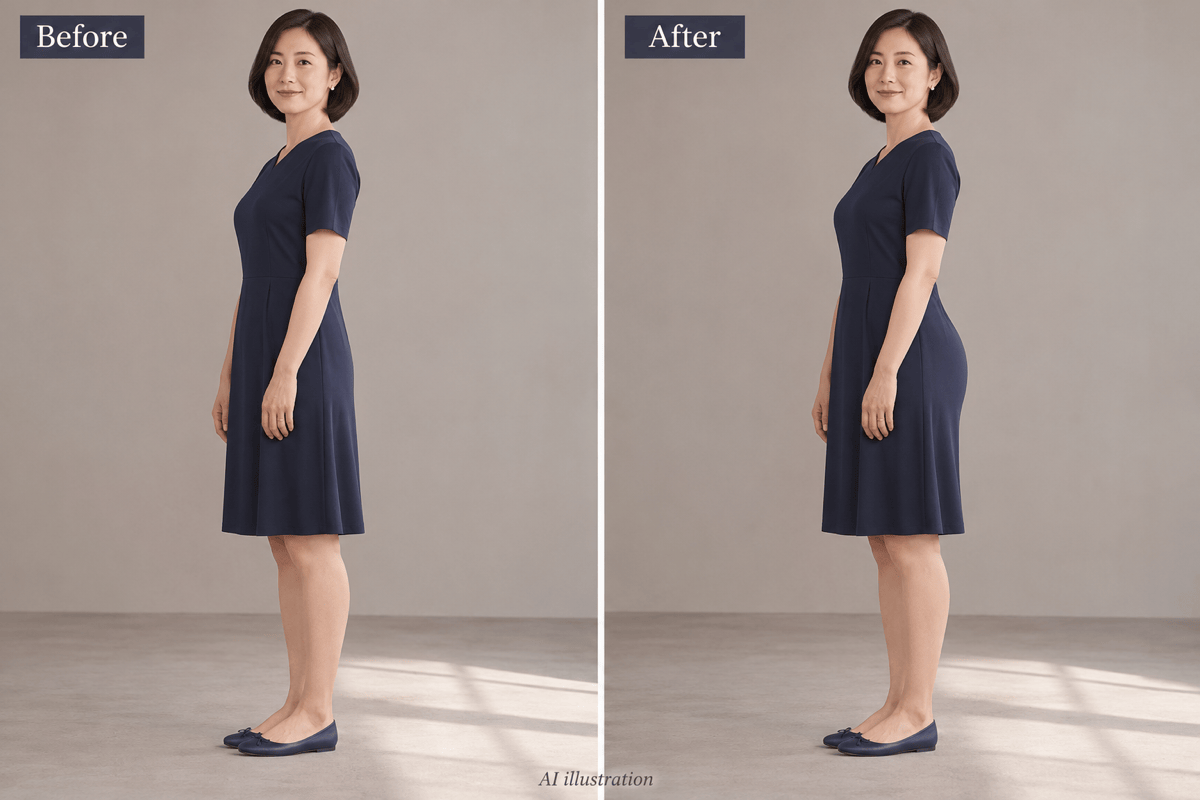
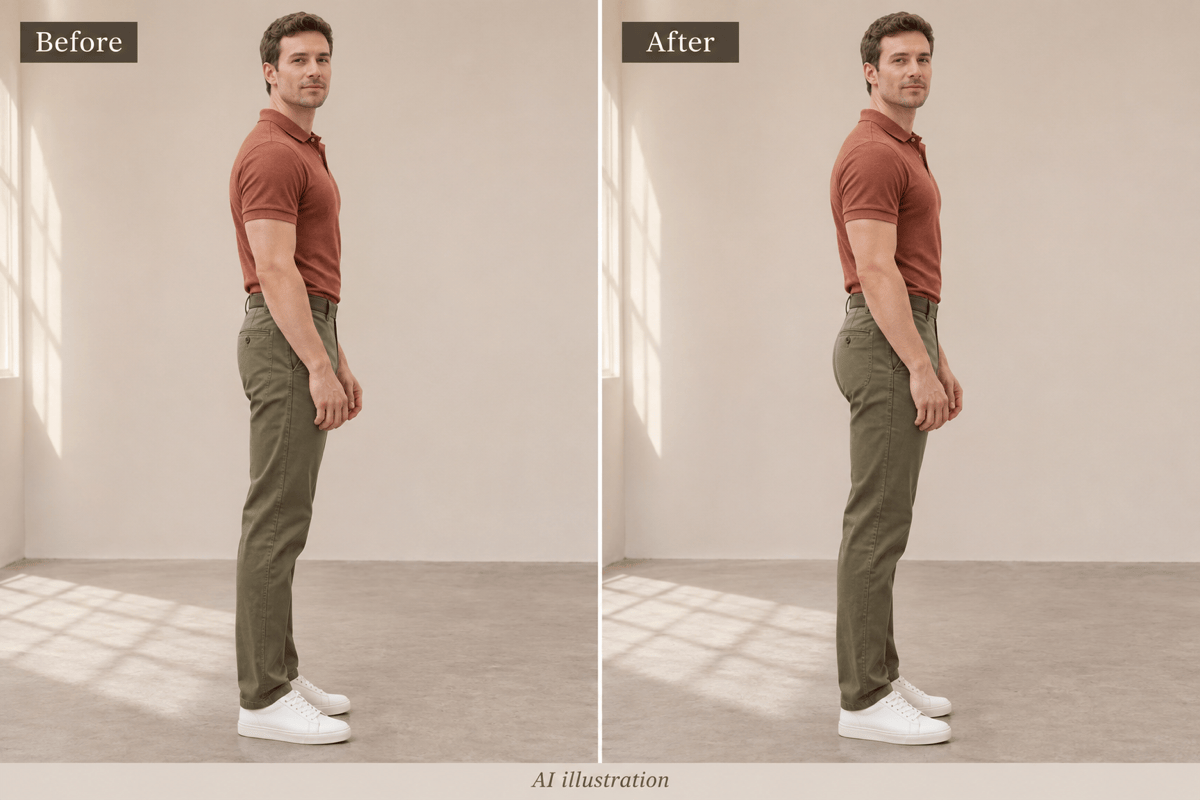
How to Make Your Butt Look Bigger in Photos with AI
Upload a Clear Photo
Describe the Curve Adjustment
Refine the Silhouette in Chat
Check Details and Download

An AI Butt Enhancer for Natural-Looking Photo Edits
Describe Your Preferred Shape
Use this AI butt enhancer to request a subtle lift or fuller silhouette in everyday language. You control the brief without learning manual reshaping tools.
Start from Your Own Outfit Photo
Upload a denim, activewear, or dress photo as the editing source. Specify the clothing details and framing you want to keep.
Correct More Than the Curve
If a pocket stretches or your face changes, use Chat Edit to request a focused revision. Review each result; preservation is not guaranteed.
Choose a Model for Photo Editing
Select an available image model yourself, or let Mew Auto choose for your photo and instructions. Mew Design brings leading image models into one workflow and adds new releases promptly.
Explore Different Outfit Silhouettes
Use the online body editor to explore fuller curves in jeans, activewear, or a dress. Generate variations, then compare them with the same pose and crop.
Try Online and Export Images
Try the AI big butt filter in your browser with free credits after signup. Download watermark-free images; further generation depends on your credits and plan.
How to Get Natural Results with an AI Big Butt Filter
- Choose a Clear Angle: Use even lighting and leave space around the hips. Long coats, crossed arms, or heavy blur can hide the area you want to change.
- Keep the Change Modest: Start small. Request more or less fullness after seeing the first version instead of combining several body changes.
- Inspect the Clothing: Look for uneven pockets, bent seams, or fabric that no longer follows the pose. Request a correction if needed.
- Compare Like for Like: Keep the original crop and lighting. This is a creative photo effect, not a prediction of fitness, surgery, or clothing fit.
AI Butt Enhancement Ideas and Photo Fixes
Make the butt and hip contour slightly fuller in my uploaded adult photo. Preserve my face, waist, leg proportions, clothing, and background for a natural-looking body edit.
Refine the fuller silhouette in my adult denim photo. Restore balanced back pockets, continuous side seams, and natural fabric texture.
Correct the bent wall and floor lines beside the edited hips. Preserve the current adult subject and outfit; reduce the body adjustment if necessary.
Apply a subtle lift to the hip and butt silhouette in my adult activewear photo. Preserve the relaxed standing pose, opaque clothing, fabric folds, and background.
Give the adult man in my uploaded casual outfit photo a slightly fuller seat silhouette. Preserve his waist, leg length, stance, and trouser details.
Refine the hip contour in my adult dress photo with a modest curve. Keep the opaque fabric, hemline, and natural folds consistent with the standing pose.





