OnlineAI Beard Filter
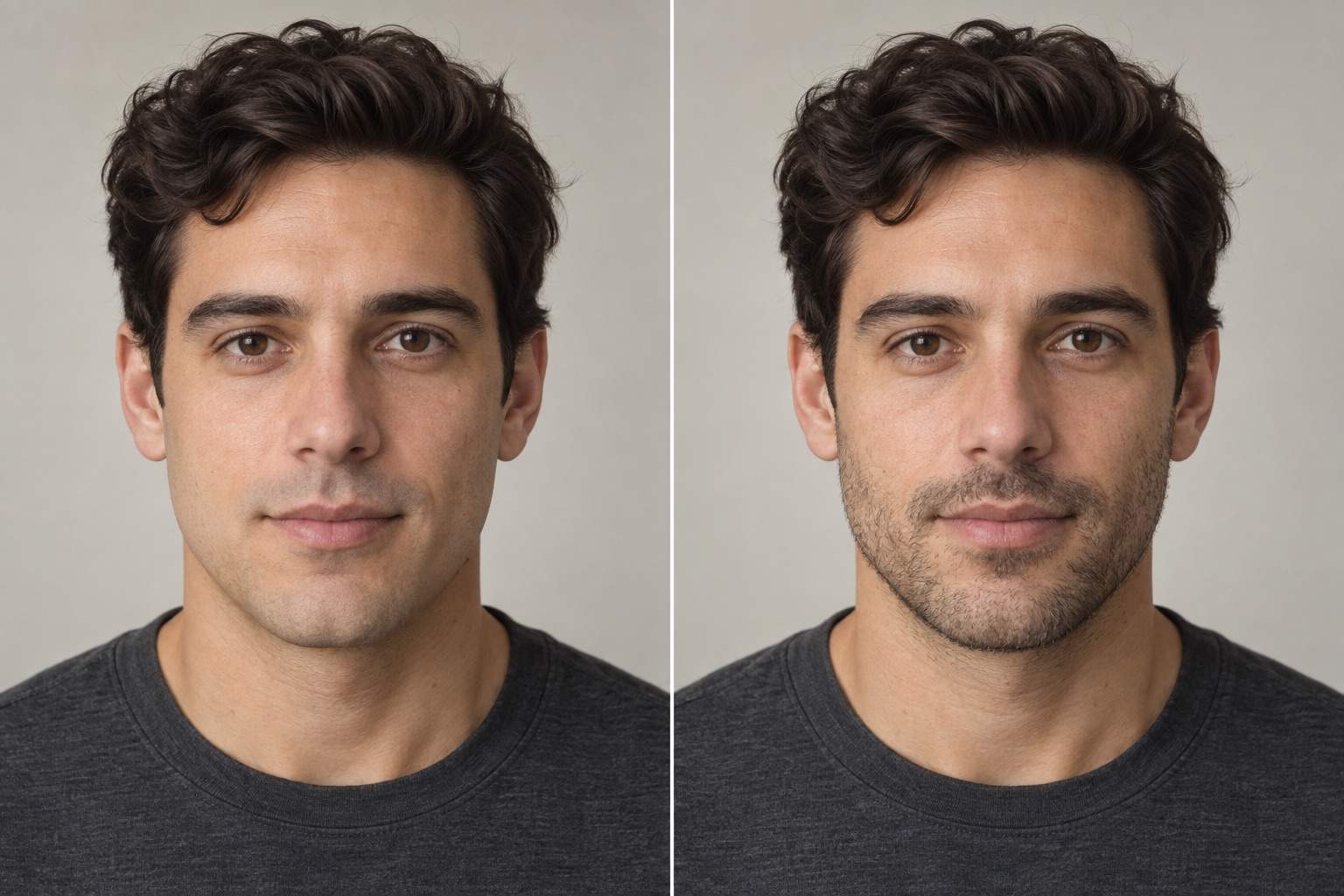
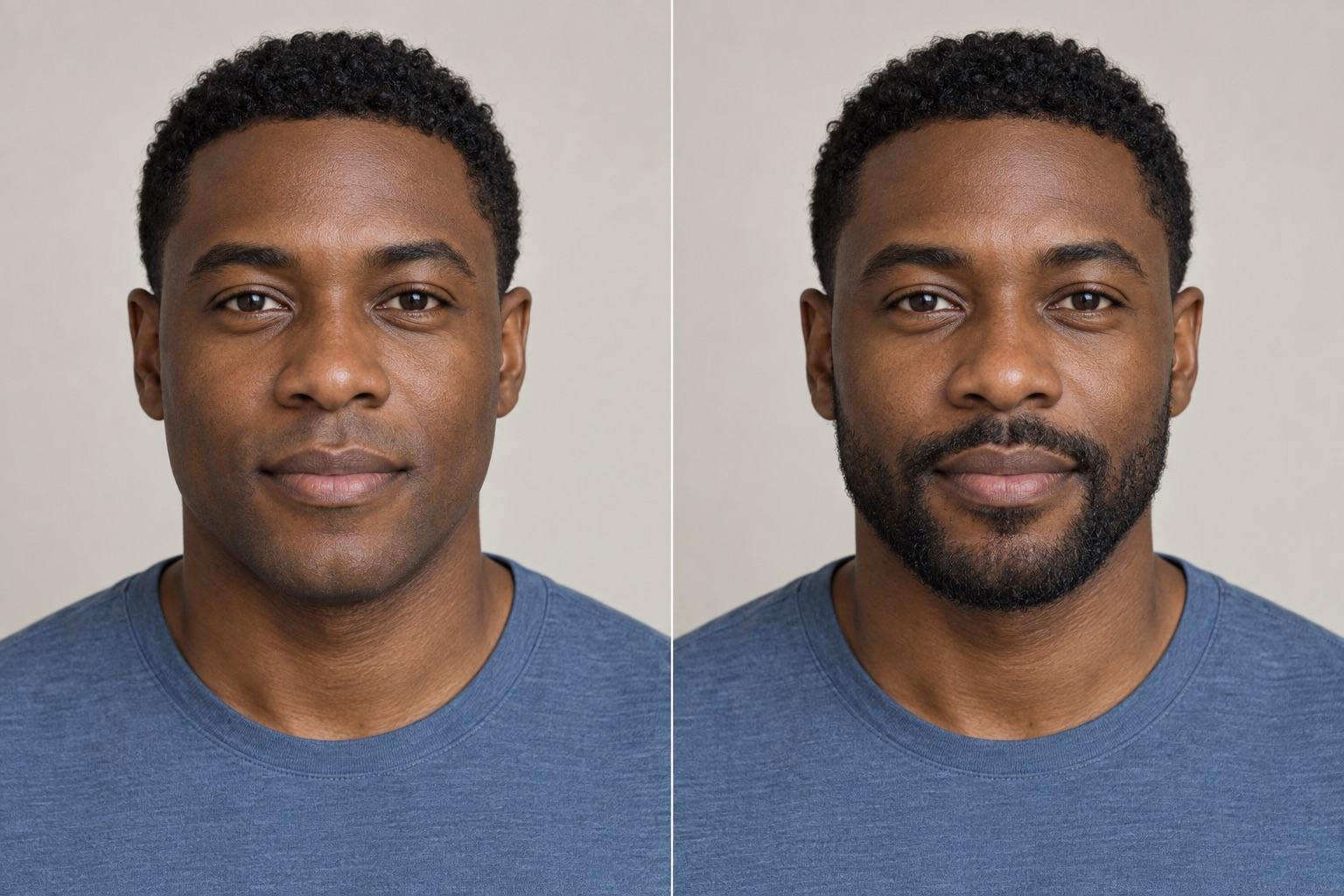
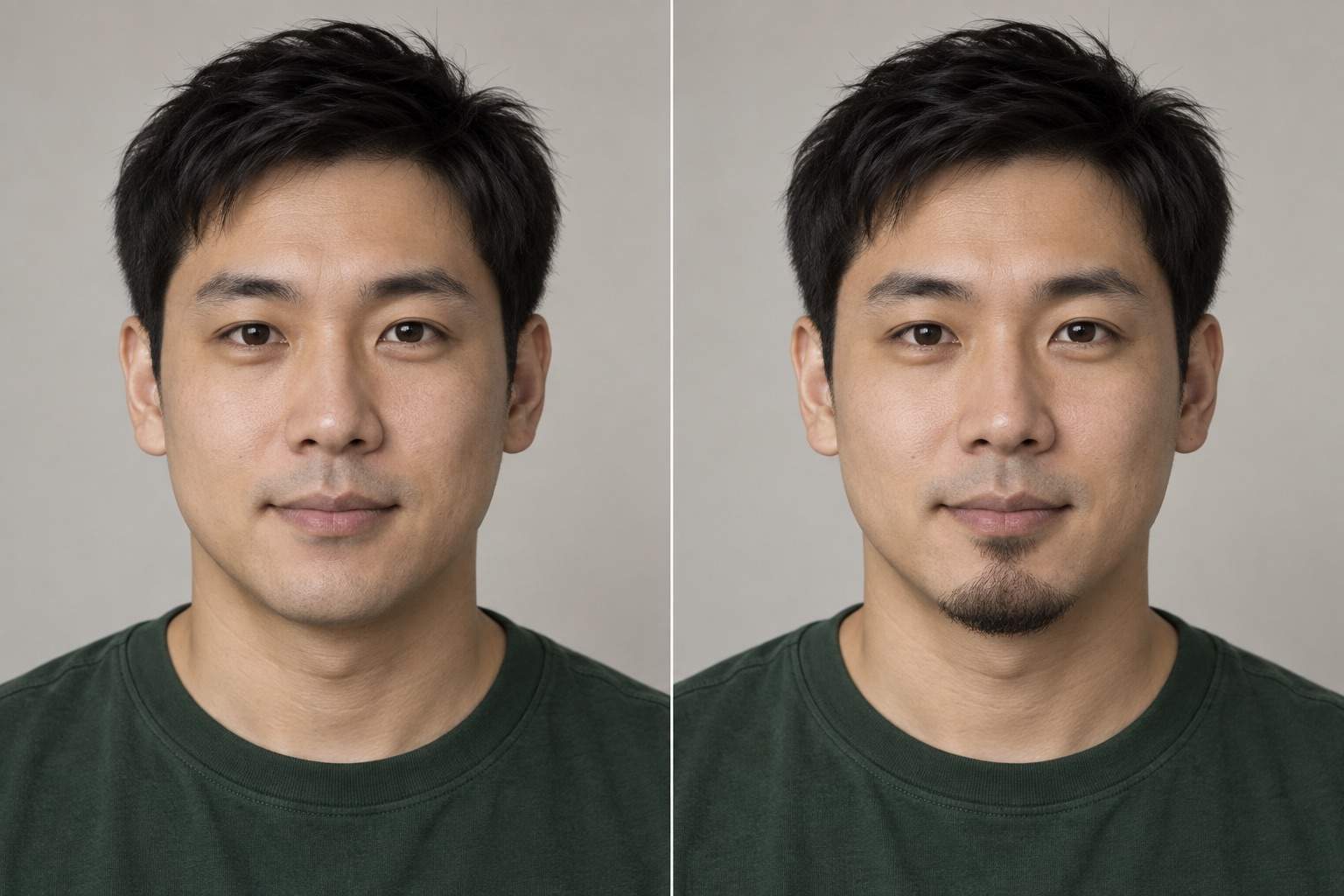
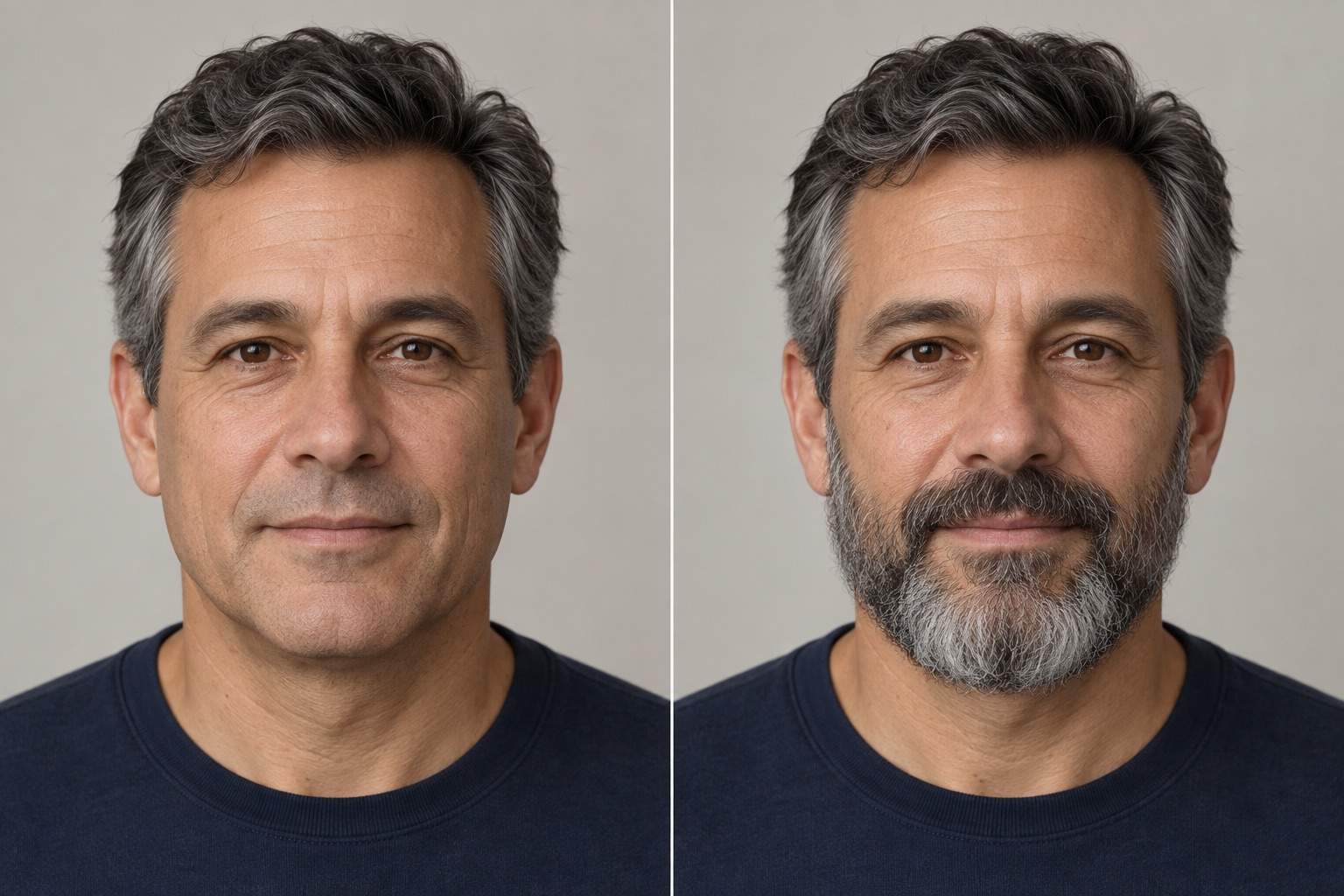
How to Add a Beard to Your Photo with AI
Upload Your Photo and Describe the Beard
Generate Your Beard Preview
Adjust the Details in Chat
Compare and Save Your Look

Explore Facial Hair on Your Own Terms
Start with Your Own Face
Our AI beard generator edits an uploaded portrait, giving you a personal style preview. Tell it to change only the facial hair and check the result against your original.
Compare More Than One Style
Use Mew Design as a beard simulator to try beard styles on your photo. Compare light stubble, a goatee, and a full beard using the same source image.
Describe Small Changes Naturally
Ask for less volume at the sides or a clearer neckline. Chat Edit lets you refine the beard through everyday language.
Bring a Beard Reference
Upload a style reference alongside your selfie. Explain that you want its beard shape or texture applied to your photo, without copying the reference person’s face.
Choose Color and Coverage
Request brown, black, ginger, or salt-and-pepper facial hair. Specify lighter cheeks or a fuller chin, and ask for texture that matches the photo’s lighting.
Try Online and Export
Test a look in your browser with free AI credits after signup. Download watermark-free PNG or JPG images; further generation depends on your available credits.
A Better Selfie Makes a Better Beard Preview
- Show the Jaw: Use a front-facing or slightly turned portrait. Avoid hands, scarves, or deep shadows across the chin.
- Keep Real Skin Detail: Choose a sharp original photo without heavy beauty filters. Even light makes hair texture easier to judge.
- Name What Must Stay: Ask to keep your facial proportions, expression, hairstyle, and background. AI edits can still change details, so compare carefully.
- Judge the Edges: Zoom in on the cheeks, upper lip, and neckline. Look for visible skin between short hairs and shadows that agree with the original photo.
Fix Common Beard Filter Problems
Reduce the beard in my edited photo to light stubble. Keep skin visible between the hairs and preserve the original facial features.
Reduce beard volume at the sides of my face. Keep the original jaw shape instead of widening it, and retain the current beard length at the chin.
Match the beard color to the hair in my original photo. Keep its natural lighter strands and the current beard shape.
Soften the hard cheek and neckline edges of this beard. Add subtle individual hairs and match the existing shadows without blurring the skin.
Trim the mustache away from my upper lip. Keep the original lip shape and expression, and leave the rest of the beard as it is.
Use my original photo again and apply only the beard style from the edited version. Preserve my face shape, eyes, nose, expression, and background.





