Free OnlineAI Barbie Generator
How to Create Barbie-Style Images with AI
Describe Your Doll Look
Generate a First Image
Refine the Details
Save and Share

Create a Doll Look That Feels Personal
Start from Words or a Photo
Our AI Barbie doll generator can build an original character from your description or use an uploaded portrait as a visual reference for a personalized result.
Choose More Than Pink
Set the career, era, wardrobe, skin tone, hair, and scene. A Barbie-style character can be a scientist, skater, mermaid, or anything your idea calls for.
Make the Box Your Own
Ask for a collector-box composition with your own name and relevant accessories. The online AI Barbie box maker lets you revise props and packaging details through chat.
Fine-Tune in Conversation
Click Chat Edit to request focused changes, such as a different jacket or a cleaner background, while describing what should stay.
Explore Several Directions
Generate variations for a glossy toy-photography look, a nostalgic fashion portrait, or a playful avatar before choosing a final image.
Try It with Free Credits
Sign up to try Mew Design with free AI credits. You can explore the look before deciding whether to make more versions.
What to Describe for a Better Doll-Style Result
- Character and Likeness: Describe the person, expression, pose, and traits to preserve. Upload a well-lit photo if facial resemblance matters.
- Outfit and Theme: Name the wardrobe, career or fantasy theme, and two or three meaningful accessories.
- Scene and Finish: Choose a runway, dreamlike room, beach, or original collector box, then specify portrait or square framing for your destination.
- Final Checks: Inspect hands, face, props, and any box lettering. Ask for a targeted revision if one detail is off.
Ideas for Your Next Barbie-Style Image
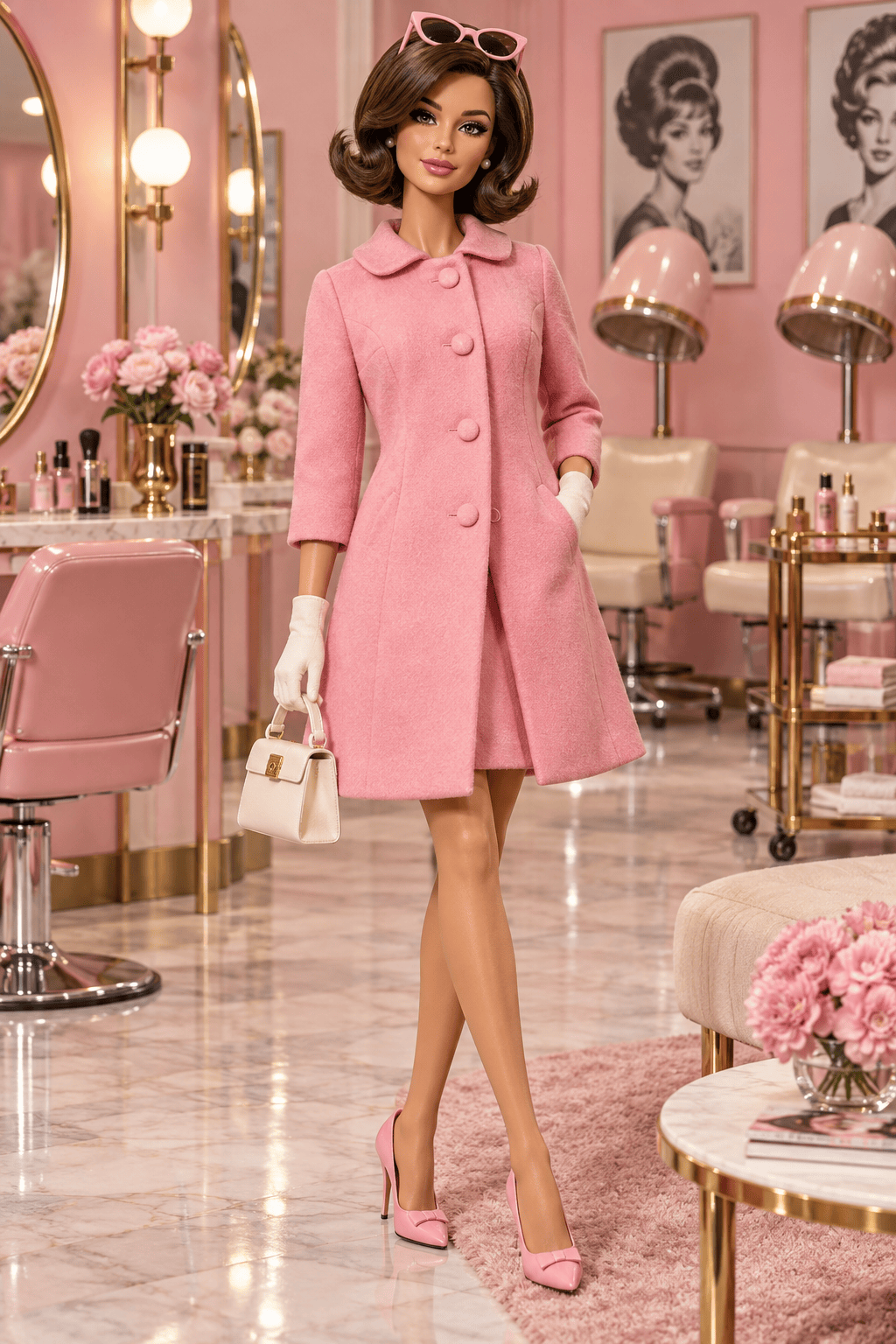
Create an original Barbie-inspired 1960s fashion-doll portrait with a bubblegum-pink coat, cat-eye sunglasses, retro salon backdrop, and glossy studio lighting. No logos or packaging.
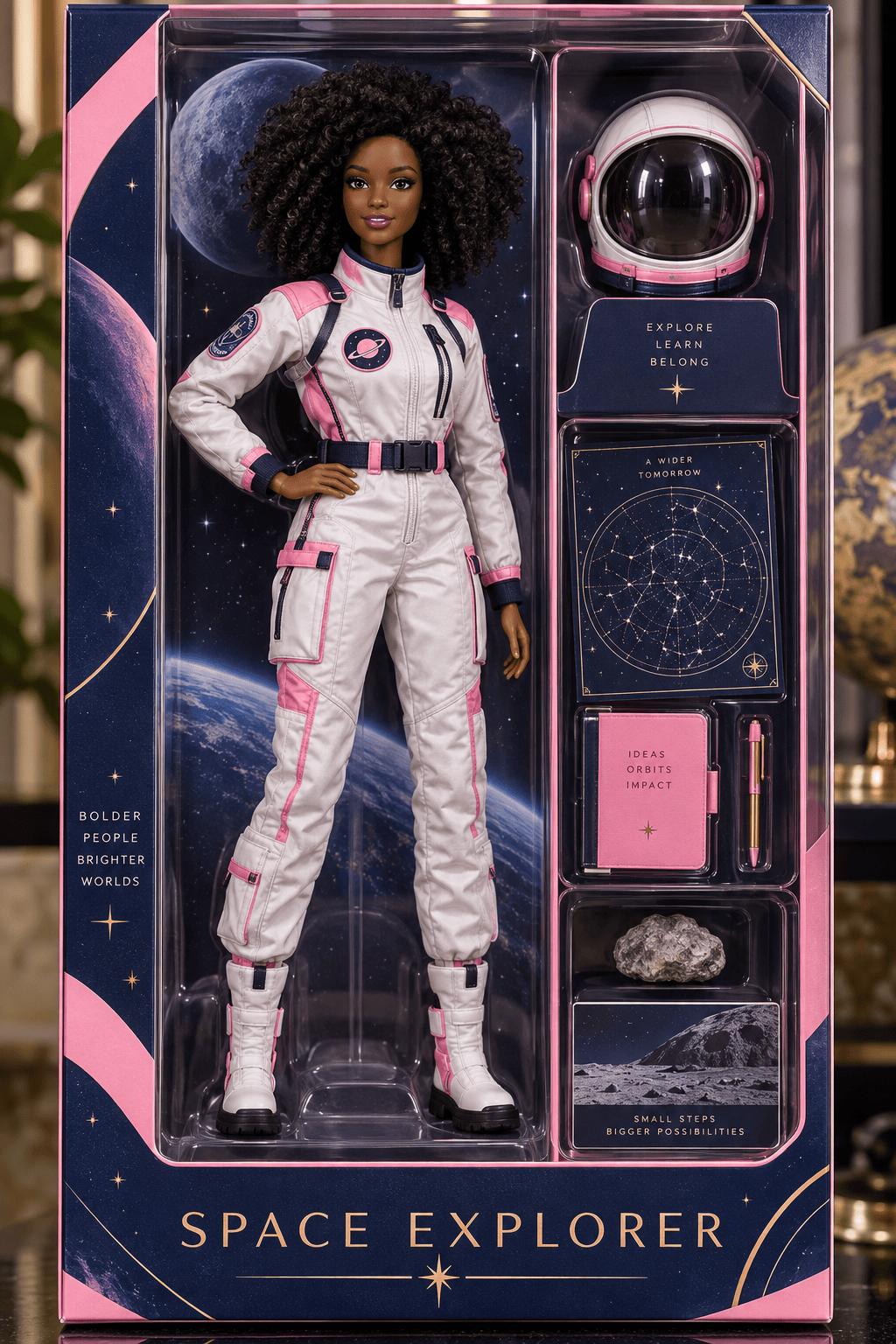
Create an original career-themed fashion doll as an astronaut in a pink-accented flight suit, standing in an unbranded collector box with a helmet and mission patch. Use the box title “Space Explorer.”
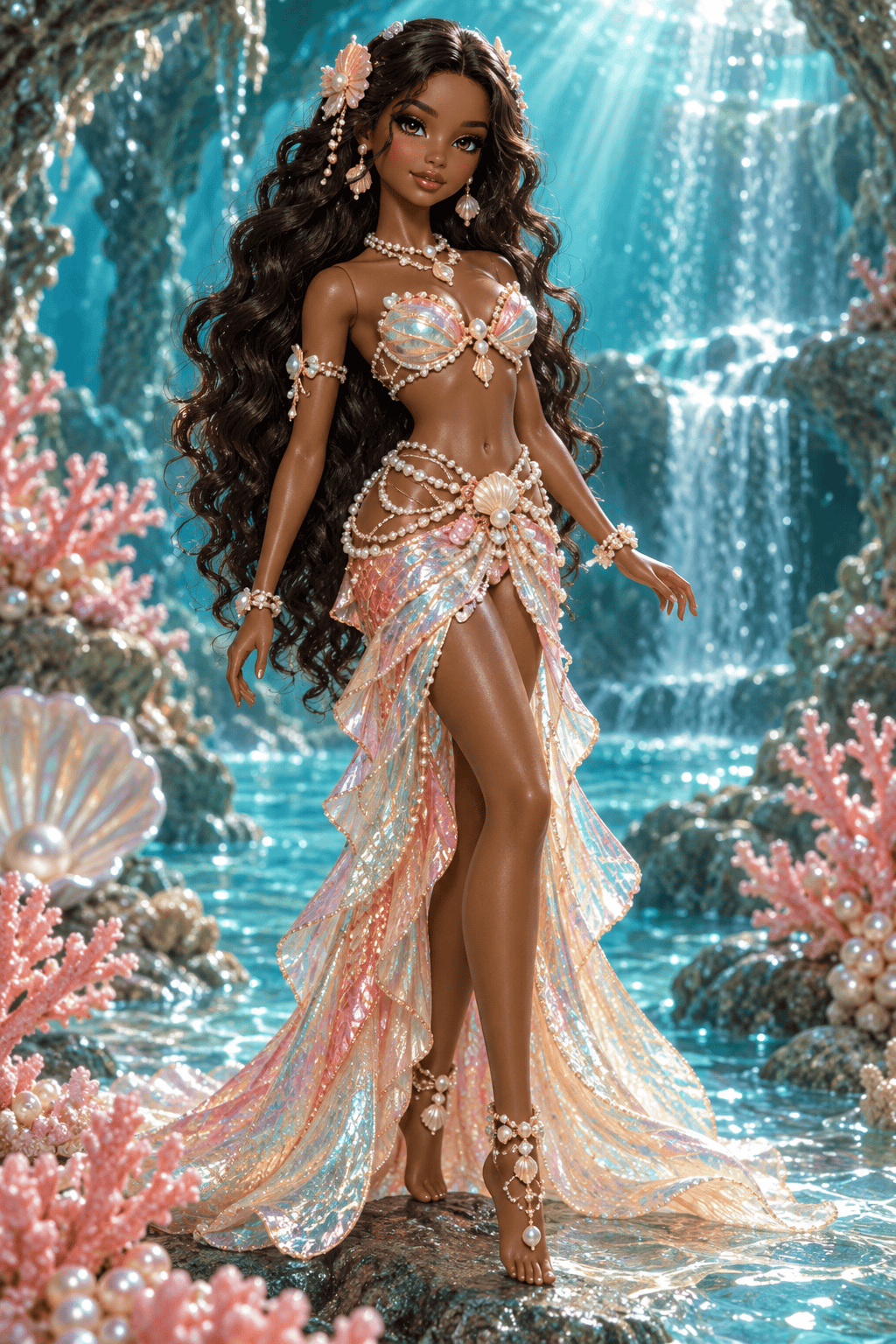
Create an original mermaid fashion-doll portrait with iridescent coral accessories, teal water, a pink shell-inspired outfit, and a confident full-body pose. No logos.
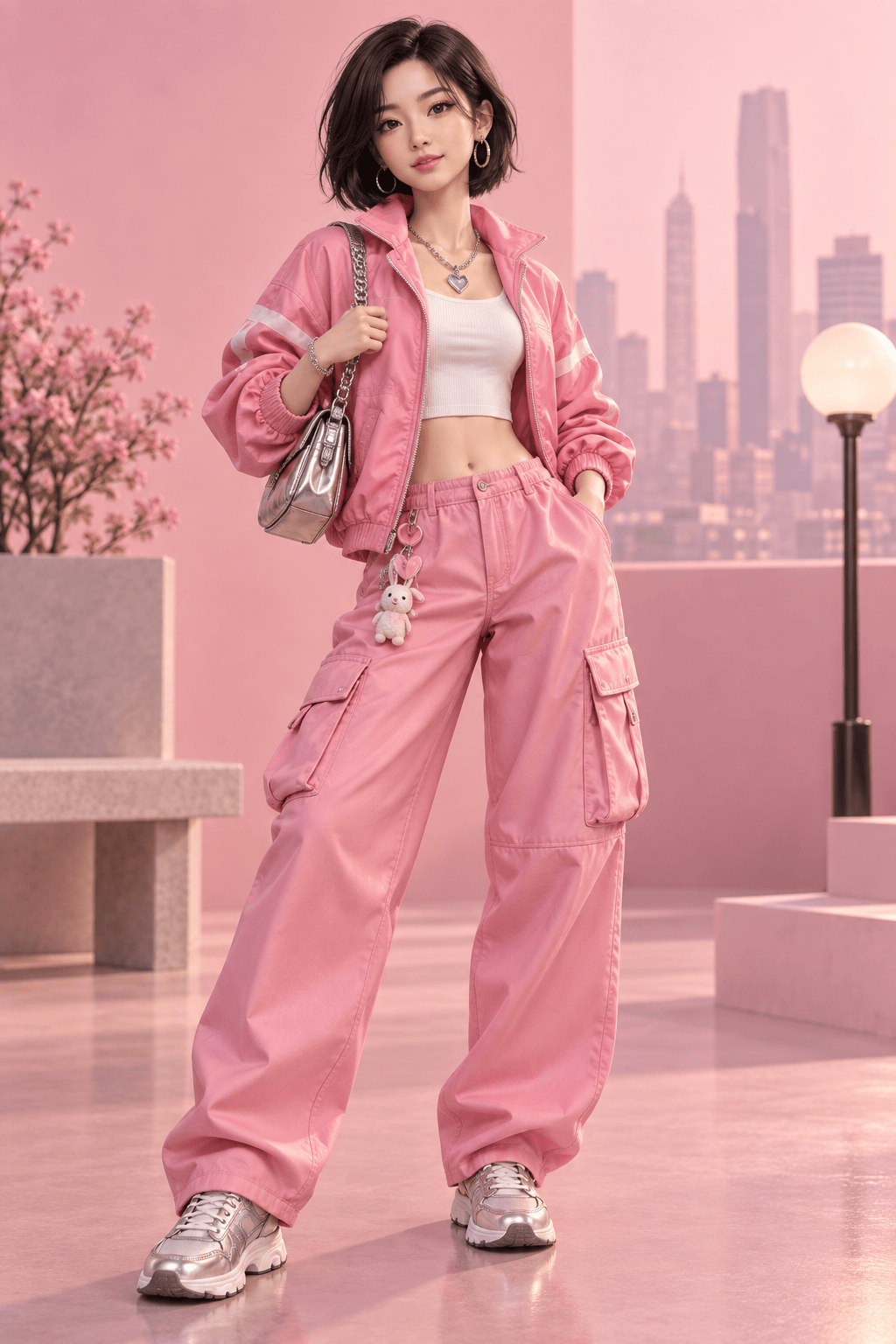
Using my uploaded selfie as a reference, create a fashion-doll portrait that keeps my recognizable face, hair texture, and skin tone. Give me a modern pink streetwear outfit and a clean social-profile background.
Create a personalized doll-box image from my uploaded photo. Keep my face recognizable, add a camera and sketchbook as accessories, and put the name I provide at the top in clear text. Use original, unbranded packaging.
Create a playful fashion-doll invitation image with two original characters in coordinated pink party outfits, space for my event details, and a bright confetti background. No brand marks.





