Try a New Look With OurAI Bangs Generator
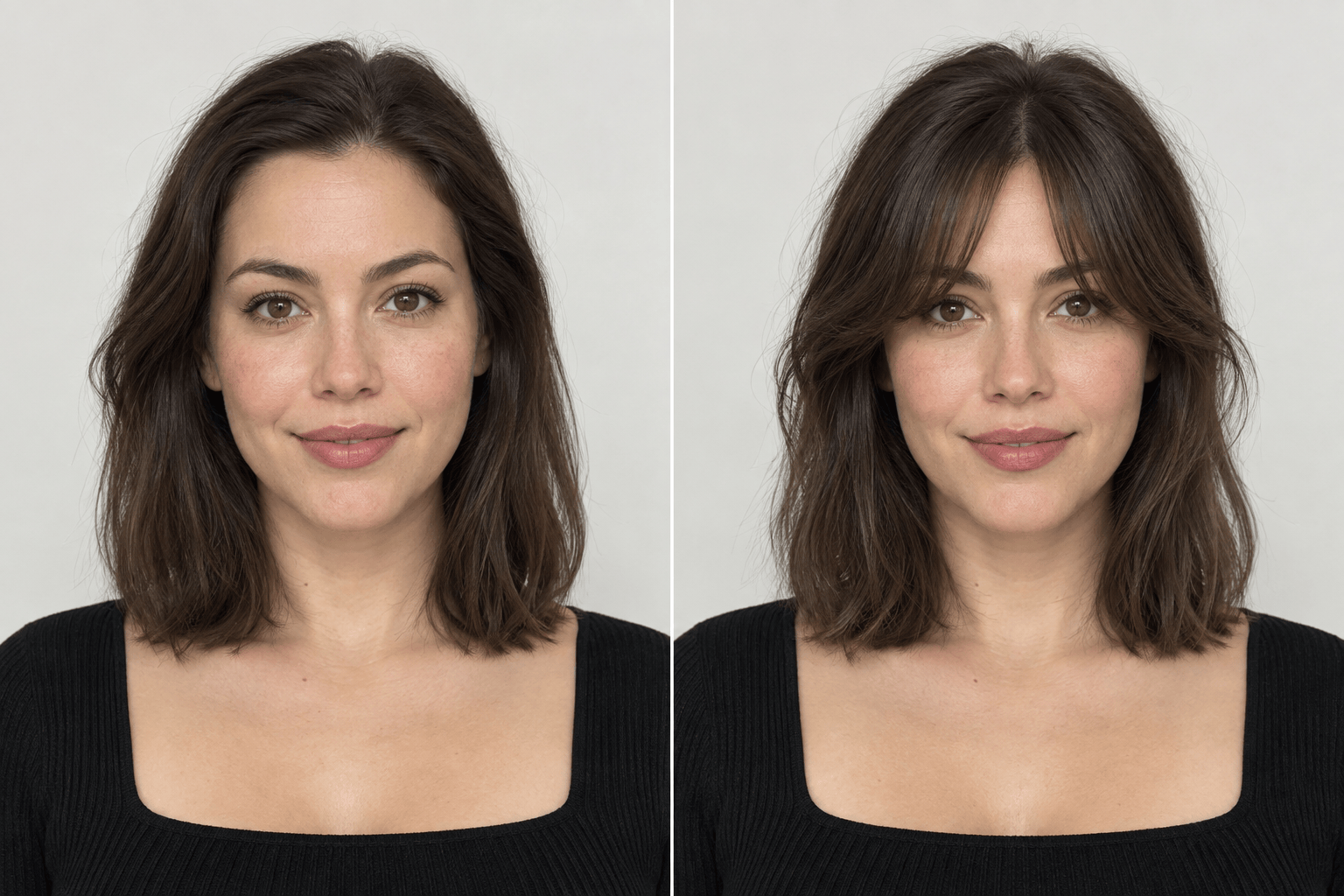
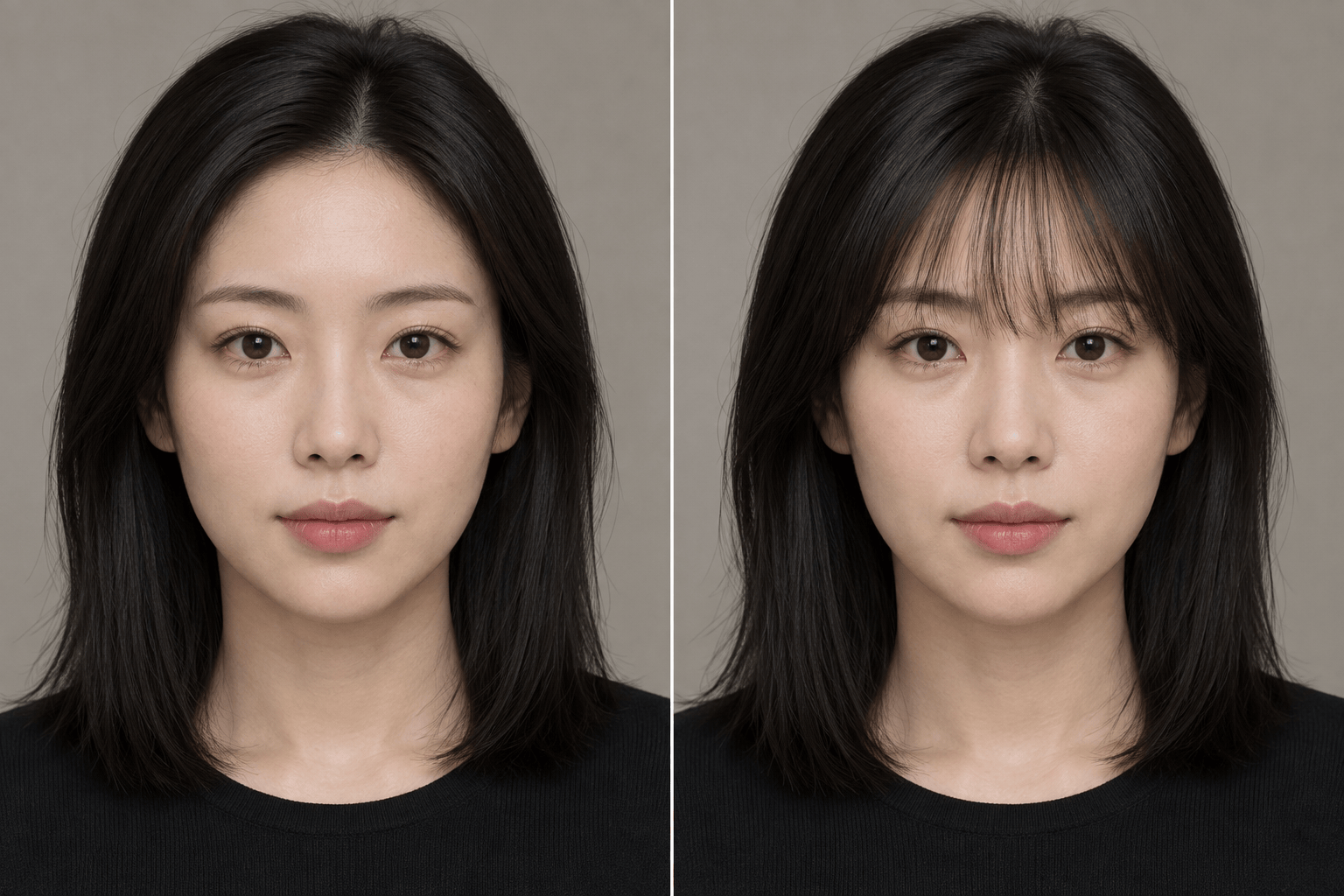
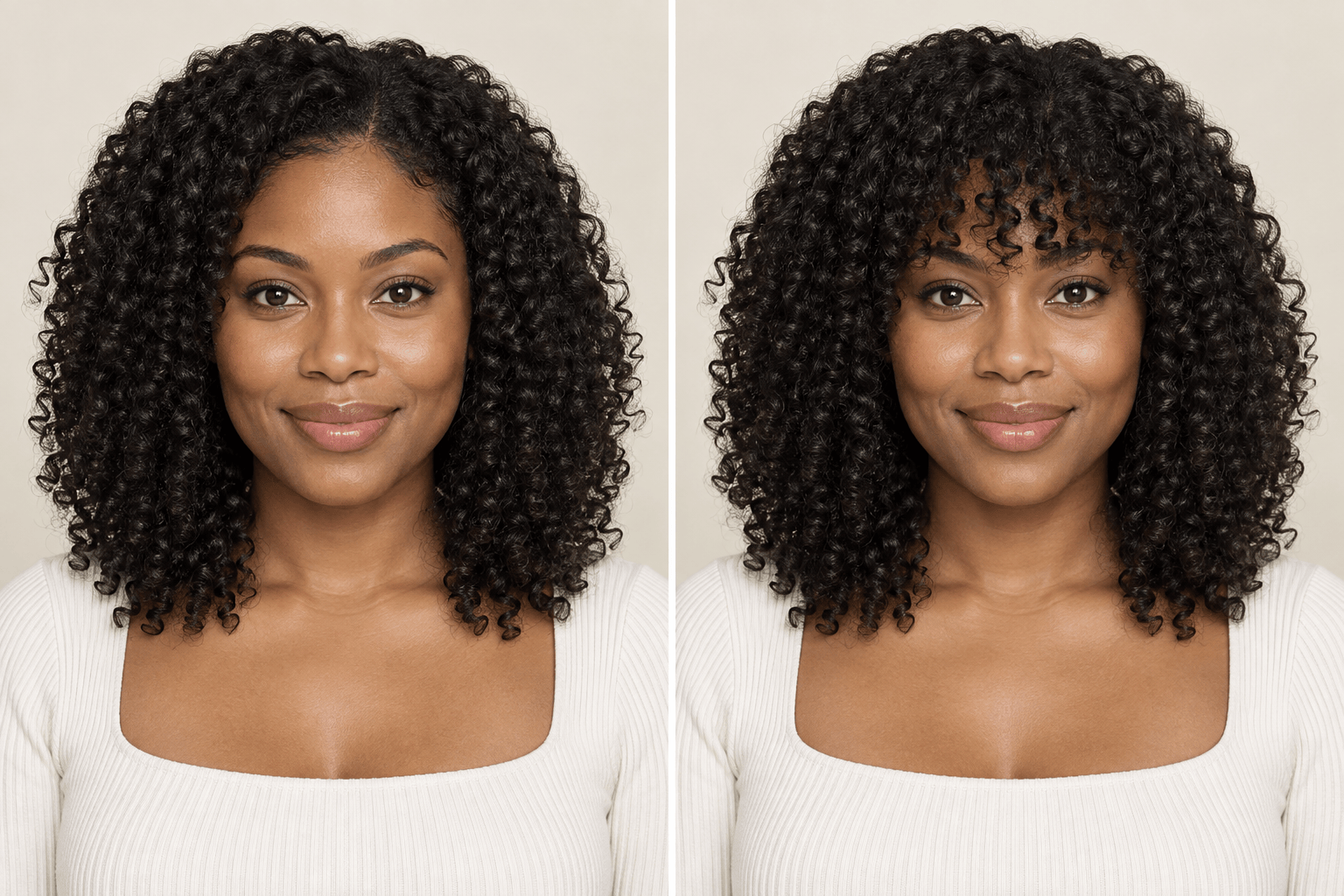
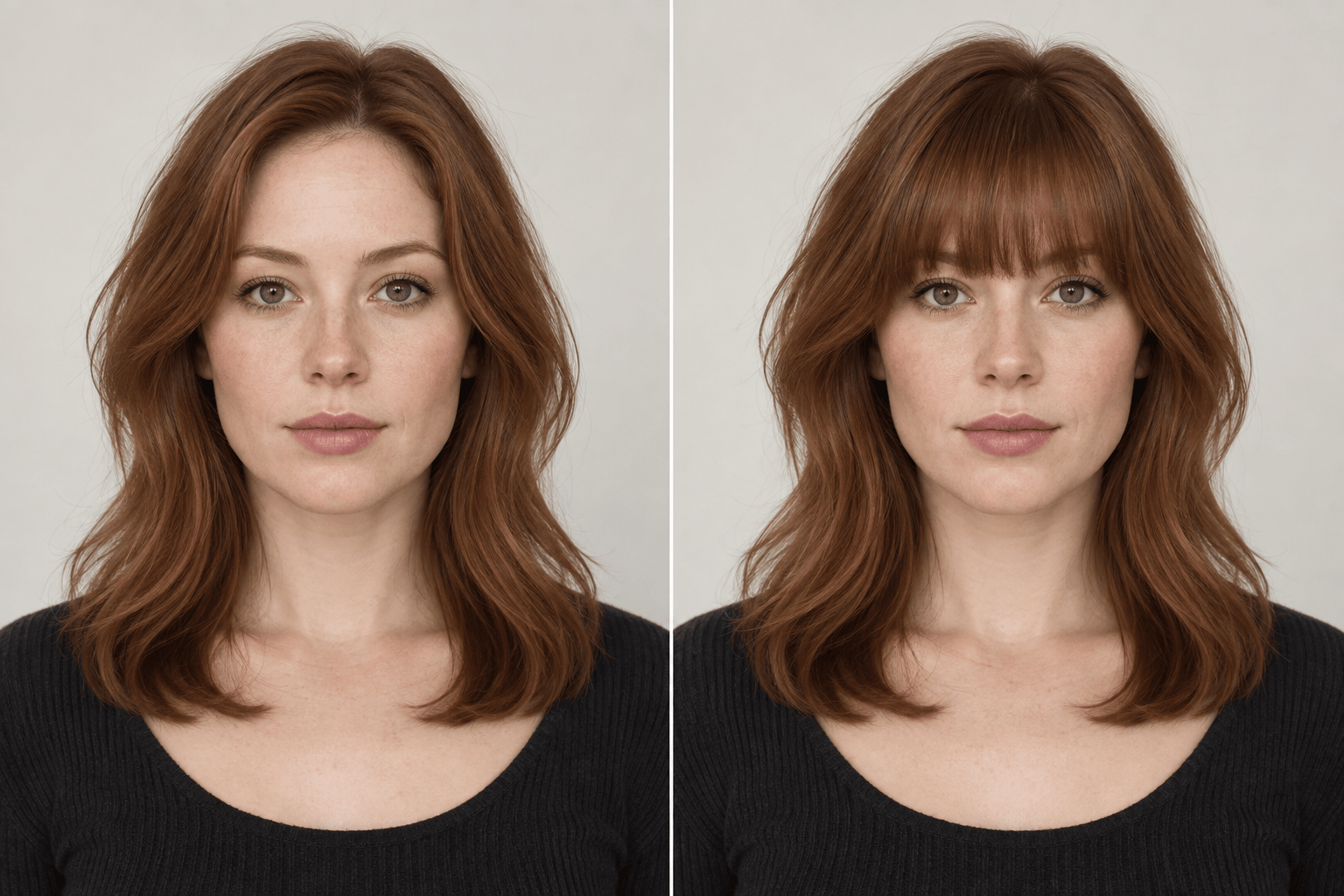
How to Try Bangs on Your Photo With AI
Upload a Clear Photo
Describe the Bangs
Compare and Refine
Save Your Reference

Preview Bangs on Your Own Face With Mew Design
Start With Your Photo
This online bangs simulator uses your uploaded portrait as the visual starting point, so you can judge a fringe against your own features instead of a model photo.
Request the Exact Cut
Describe a middle part, eyebrow-length wisps, a straight edge, or curl-matched fringe in ordinary language. Our AI bangs maker can explore details that preset filters miss.
Keep the Rest of the Look
Ask Mew Design to preserve your face, hair color, length, and background as it adds bangs. Check each preview for any unintended change and refine it in Chat Edit.
Compare Several Styles
Try light and full versions of the same fringe, or compare curtain, blunt, and curly bangs before deciding which look deserves a salon conversation.
Use a Style Reference
Upload a hairstyle reference along with your portrait when you want a specific shape. Explain which fringe details to borrow and which parts of your photo to keep.
Try It With Free Credits
New users can test the AI bangs generator with free AI credits after signup. Save a watermark-free image of a result you want to keep.
Get a More Useful Virtual Bangs Try-On
- Name the shape: Say curtain, wispy, blunt, side-swept, or curly, then specify the part and where the shortest strands should fall.
- Set the density: Ask for airy or full bangs rather than relying on a style name alone.
- Protect what matters: Tell the editor to keep your face, original hair color, length, expression, and background the same.
- Check real-life limits: A preview cannot predict cowlicks, daily styling, shrinkage, or exactly how a stylist will cut your hair.
Try the Bangs Style You Are Considering
Use my uploaded photo to add soft curtain bangs with a center part and cheekbone-length sides. Keep my face, hair color, and the rest of the image unchanged.
Add light wispy bangs that skim my eyebrows, with space between the strands. Match my existing hair texture and preserve my face and background.
Show me full blunt bangs cut straight across just above my eyebrows. Keep the rest of my hairstyle, color, and facial features unchanged.
Add side-swept bangs that blend into the layers on one side of my face. Preserve my original hair length, color, expression, and background.
Try curly bangs that match my natural curl pattern and sit above my eyes when dry. Keep my face and the rest of my curls unchanged.
Make the bangs in this photo longer and less dense. Keep the part, my face, hair color, and all other details exactly as they are.





