Free OnlineAI Ball-Jointed Doll Generator
How to Create a Ball-Jointed Doll with AI
Describe Your Doll
Generate the First Look
Refine the BJD Details
Export Your Artwork

Shape a BJD Concept Around Your Details
Start with a Doll, Not a Filter
Describe an original character and our online ball-jointed doll maker can build a new image without requiring a portrait upload.
Show the Articulation
Specify visible shoulder, elbow, wrist or knee joints so the result reads as a BJD rather than a smooth-skinned anime character.
Explore Faceups and Materials
Compare inset-eye colors, painted lashes, resin finishes and sculpted facial features before settling on a direction.
Use Your Own Reference
Upload a portrait or character sketch to guide the look, then ask for a new doll interpretation. Exact likeness and details may need refinement.
Change Styling Through Chat
Keep the doll concept while trying a different wig, lace dress, streetwear outfit, pose or backdrop with Chat Edit.
Build a Cohesive Character Series
Use related prompts or reference images to explore several outfits and views of the same BJD concept for a character sheet.
What Makes a BJD Look Like a BJD?
- Show the joints: Request a pose and framing that reveal the articulation; a face-only crop cannot show knee or elbow joints.
- Choose a material: Specify matte or satin resin, glass-like eyes and a hand-painted faceup to avoid a generic plastic-toy finish.
- Design the character: Add wig, clothes, accessories and a coherent style such as gothic, woodland fantasy or modern fashion.
- Control the framing: Use a full-body product shot for sculpt and outfit review, or a close portrait for eyes and faceup.
BJD Doll Ideas to Try
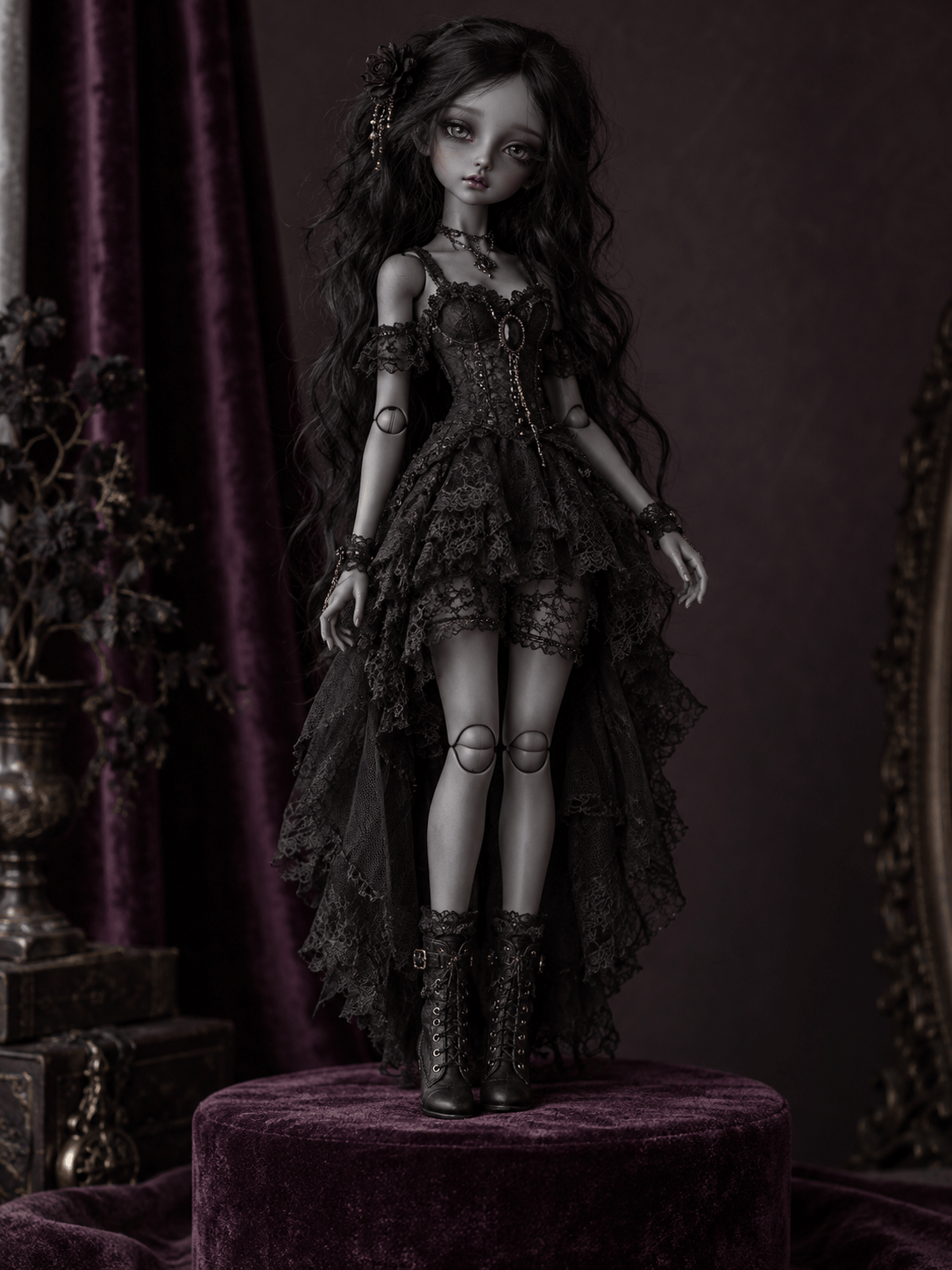
Create a full-body gothic ball-jointed doll with charcoal resin, visible elbow and knee joints, silver inset eyes, a black lace dress and a velvet display backdrop. Make it look like a photographed collectible.
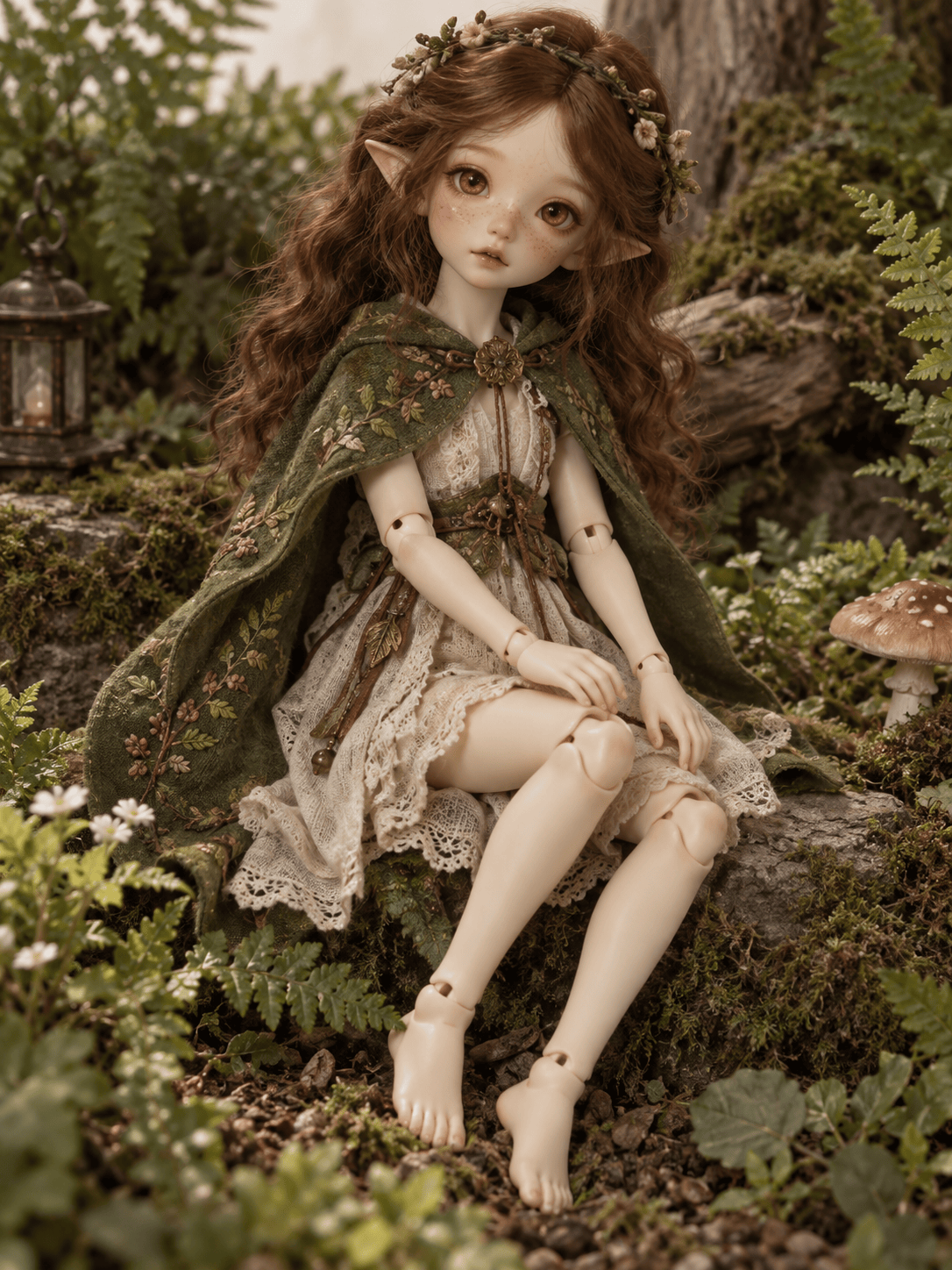
Create a woodland fantasy BJD with warm ivory resin, delicate pointed ears, amber glass eyes, a moss-green embroidered cape, visible arm joints and a seated pose among miniature ferns.
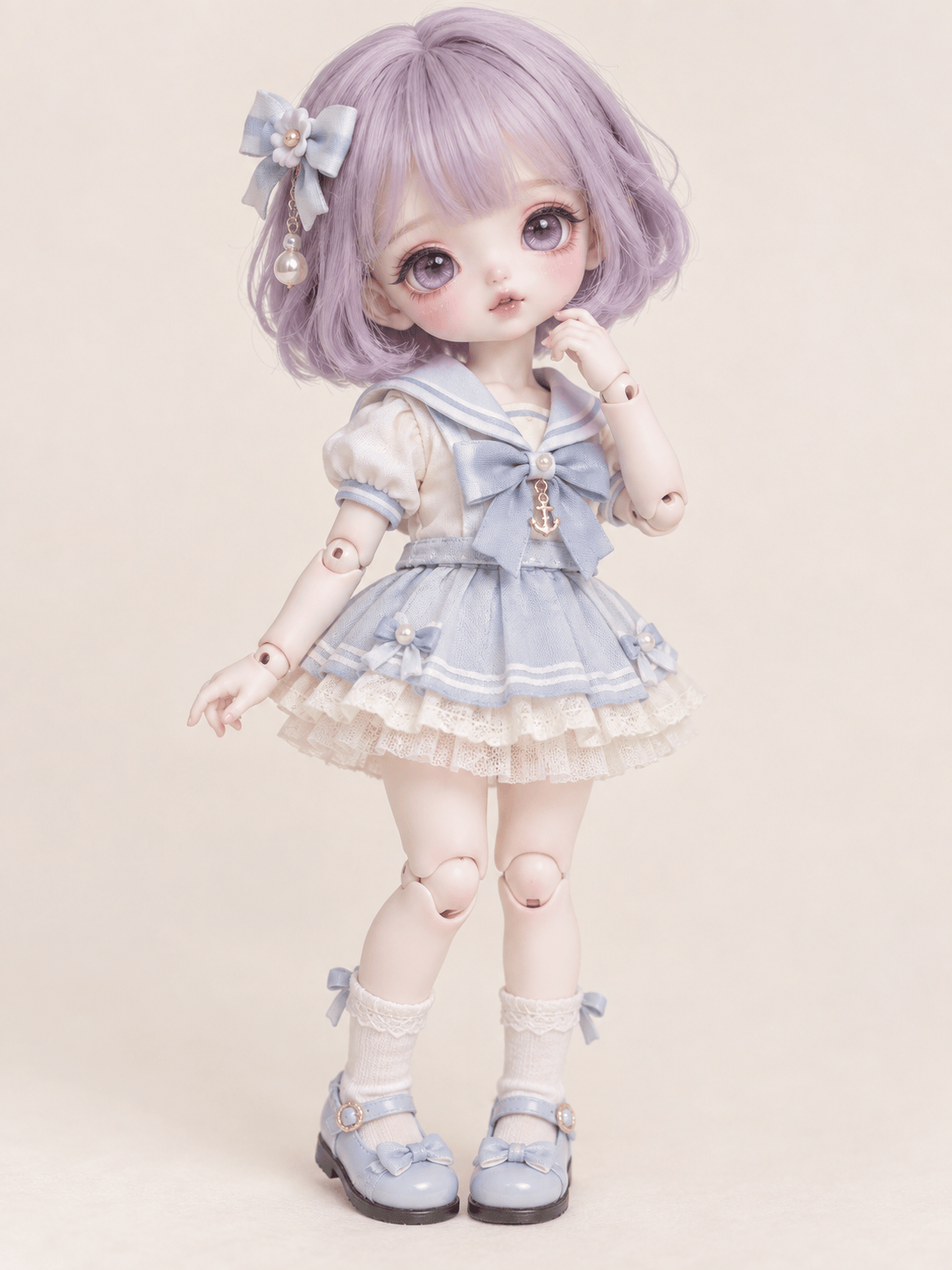
Create a pastel chibi BJD with short proportions, clearly articulated limbs, a lavender bob wig, pearly pink faceup and a layered sailor outfit on a clean studio background.
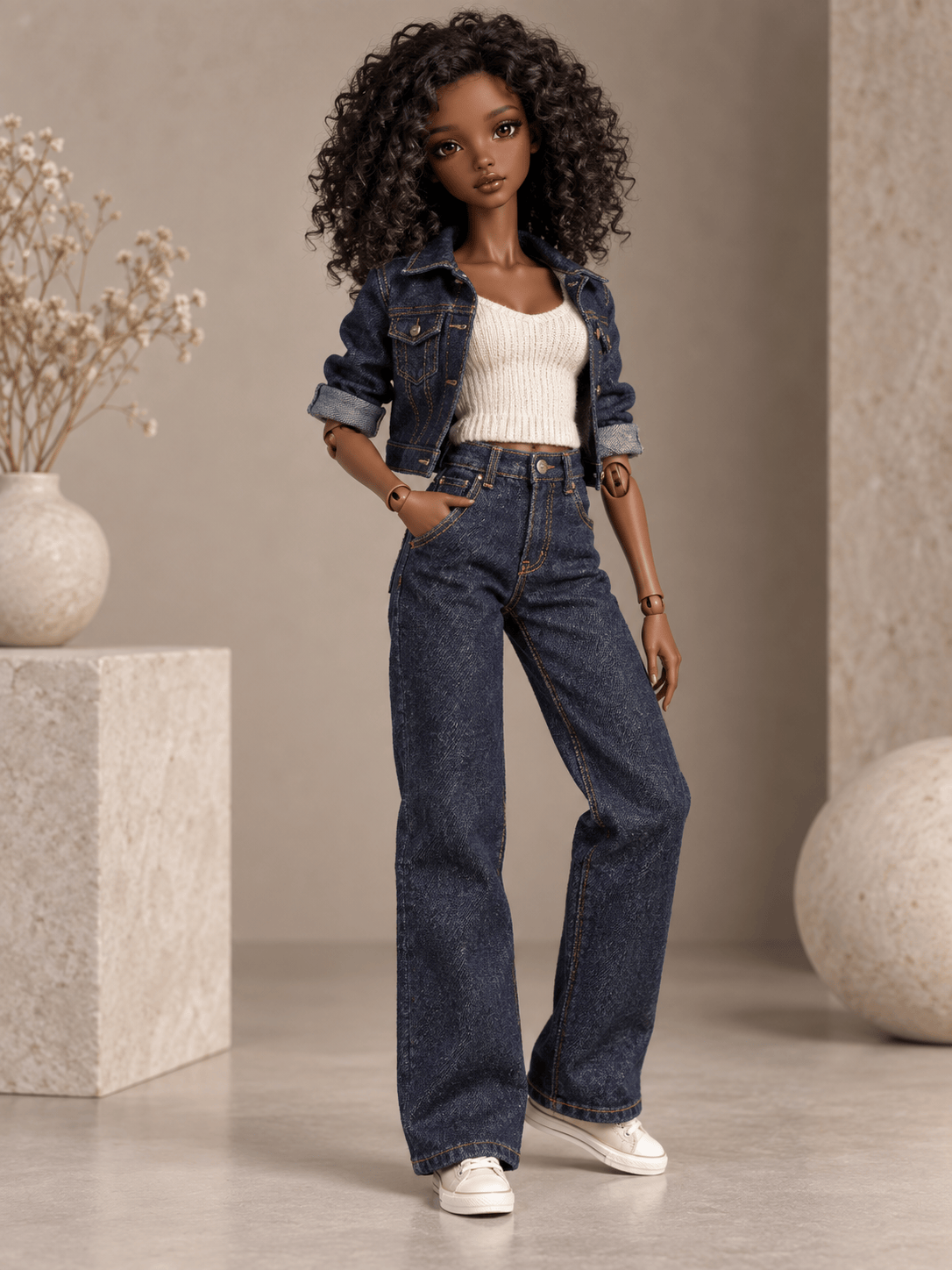
Create an original modern fashion BJD as a full-body studio product photo: realistic resin sculpt, visible wrist and knee joints, dark curly wig, denim layers and a confident standing pose.
Use my uploaded portrait only as a reference for hairstyle and facial features. Create a new physical-looking BJD image with visible joints, resin texture and a custom outfit; do not simply apply a beauty filter.
Create a two-view concept sheet of the same original BJD: a full-body front view and a close portrait. Keep the faceup, wig, eye color and outfit consistent across both views.





