Try a New Look with OurAI Bald Filter
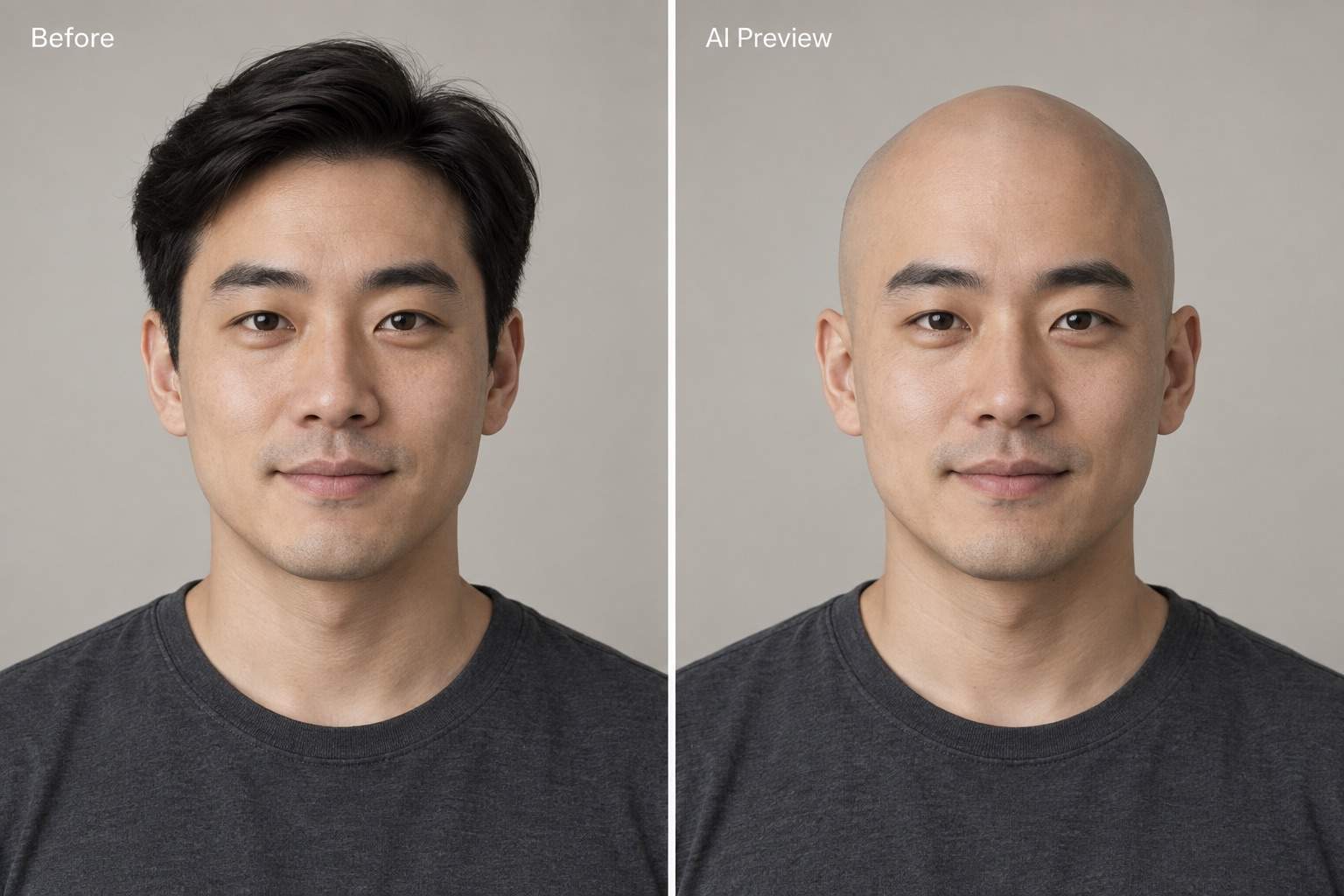
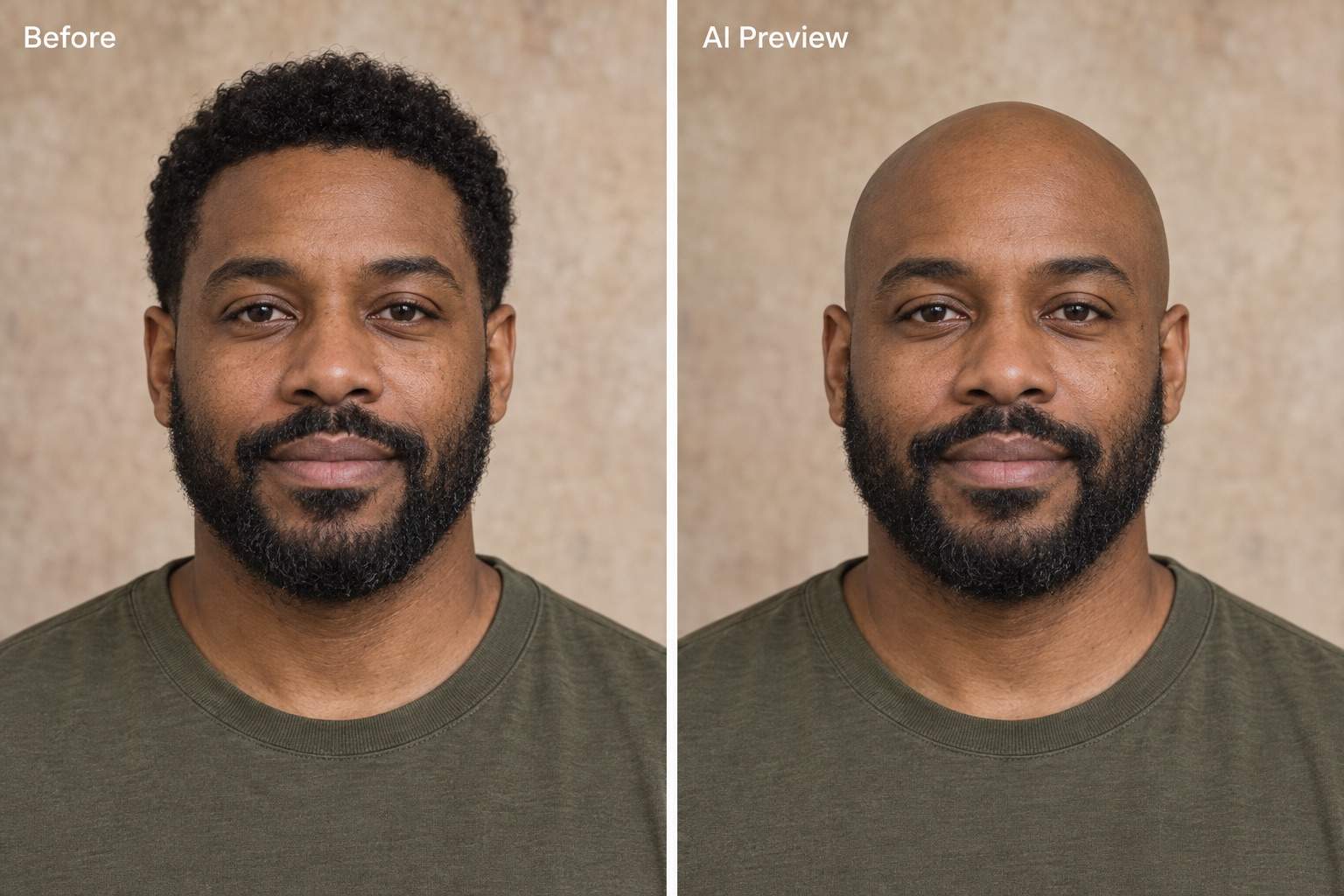
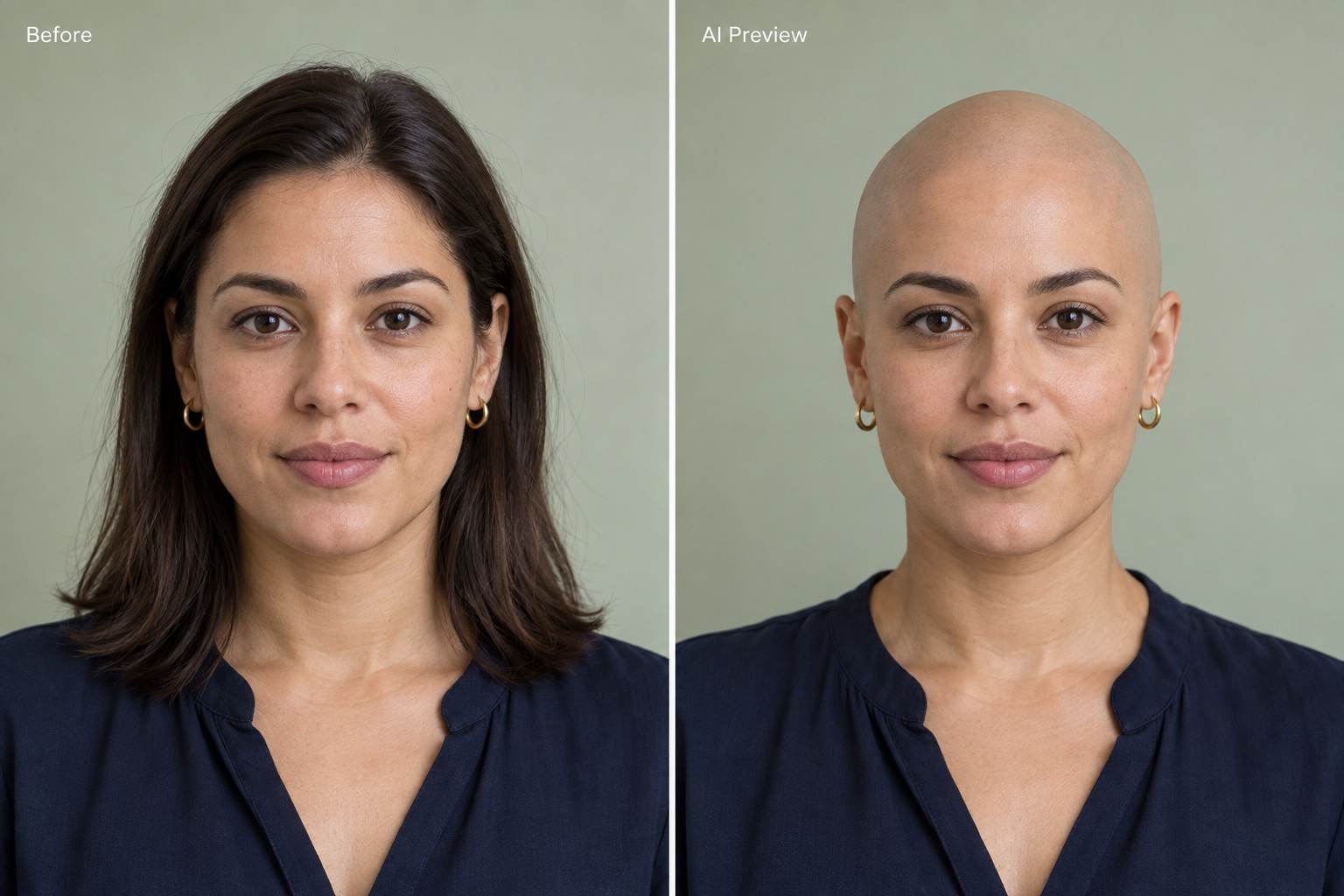
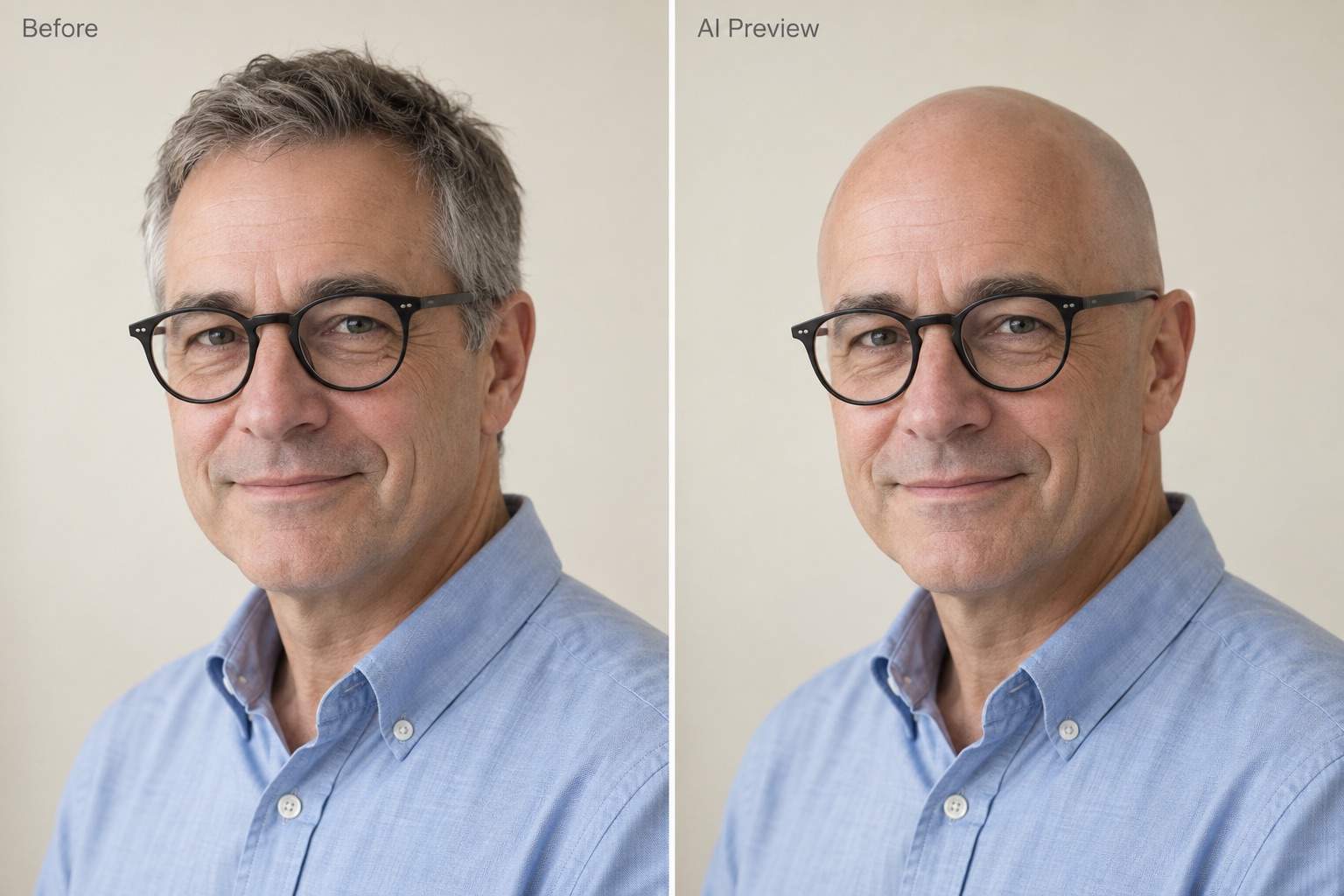
How to Create a Bald Photo with AI
Upload a Clear Portrait
Ask for a Shaved Head
Check and Refine the Scalp
Save Your Comparison

More Control over Your Shaved-Head Preview
Start with Your Own Face
Use an uploaded portrait as the basis for your bald look. This bald head simulator edits a photo you choose, so you can compare it with the original.
Keep the Beard You Like
Want a bald filter with a beard? Specify that only scalp hair should change, and ask to retain facial hair, eyebrows, and glasses.
Fix Details in Conversation
Point out a pale scalp, stray strands, or a distorted head outline. Chat Edit lets you request a focused correction without manually painting over hair.
Compare Bald and Buzzed
Ask for a fully shaved version and a separate short-stubble version from the same photo. Matching the pose and lighting makes the difference easier to judge.
Build a Shareable Comparison
Place your original and AI preview side by side in one design. Keep both faces at the same scale and label the edit before sharing.
Try It with Free Credits
Sign up for free AI credits to try the bald filter online. You can export without watermarks; further generation depends on your available credits.
What Makes a Bald Preview Look Believable?
- Leave Room Above the Head: Use an uncropped portrait with the full hair outline visible. Bulky hair can hide the actual skull shape.
- Separate Bald from Buzzed: A shaved head has no visible hair length. If you want short stubble, ask for that explicitly instead of a smooth scalp.
- Inspect Newly Revealed Areas: Check the ears, neck, shoulders, and background where long hair was removed. Look for leftover strands or invented accessories.
- Treat It as a Preview: AI estimates areas hidden by hair. It cannot reveal your exact skull shape or promise how a real shave will look.
Fix Common Bald Filter Problems
Use my original portrait to restore the beard and eyebrows in my bald preview. Remove only scalp hair and keep my facial features unchanged.
Correct the oversized crown in my bald preview. Use my original face proportions, reduce the stretched outline, and keep the pose and expression.
Remove the remaining long strands around my ears and shoulders. Rebuild the revealed background naturally without changing my clothes or earrings.
Match the scalp color and shadows to my forehead in this shaved-head photo. Reduce the plastic shine and keep natural skin texture.
Create a separate version with very short, even stubble from my original photo. Keep the smooth bald preview unchanged so I can compare bald versus buzz cut.
Make a side-by-side comparison using my original photo and bald preview. Align the faces at the same size, preserve both expressions, and clearly label the AI edit.





