Own the Look with a FreeAI Baddie Generator
How to Create a Baddie Portrait with AI
Start With a Clear Adult Selfie
Direct the Full Baddie Look
Retouch Through Conversation
Build a Social-Ready Set

Why Choose Mew Design as Your AI Baddie Generator
Your Face Leads the Styling
Upload a reference photo and name the identity anchors—face shape, eyes, brows, nose, lips, hairline, freckles, or beauty marks—that should stay consistent.
Looks Beyond One Trend Preset
Move between Y2K glam, bodega street style, clean luxury, cyber nightlife, festival makeup, or soft editorial beauty without losing the subject’s core identity.
Real Skin, Intentional Makeup
Ask the AI baddie generator for visible skin texture, precise liner, glossy lips, sculpted brows, blush placement, and controlled highlight instead of an over-smoothed filter.
Wardrobe and Location in One Brief
Coordinate hair, nails, jewelry, streetwear, evening looks, studio color, car interiors, rooftops, or neon streets as parts of one coherent fashion image.
Targeted Fixes for Hands and Details
Chat Edit can correct fingers, manicure color, earrings, bag straps, fabric, lighting, or crop while preserving the face and pose you selected.
Consistent Content Variations
Create a portrait series with matching identity and aesthetic but varied framing, expressions, and poses for a profile refresh or creator campaign.
How to Write an Effective AI Baddie Prompt
- Lock the likeness: List the facial proportions, skin tone, hair, marks, and expression that must remain from the uploaded selfie.
- Name the glam details: Specify liner shape, lip finish, blush, highlight, nails, jewelry, and hairstyle instead of asking only for “baddie makeup.”
- Choose a camera language: Use direct flash, beauty dish, golden-hour car portrait, phone selfie, editorial 85mm, close-up, or full-length framing.
- Keep it authentic: Ask for realistic skin texture, plausible hands, age-appropriate adult styling, and no face reshaping when identity matters.
AI Baddie Prompts You Can Customize and Reuse
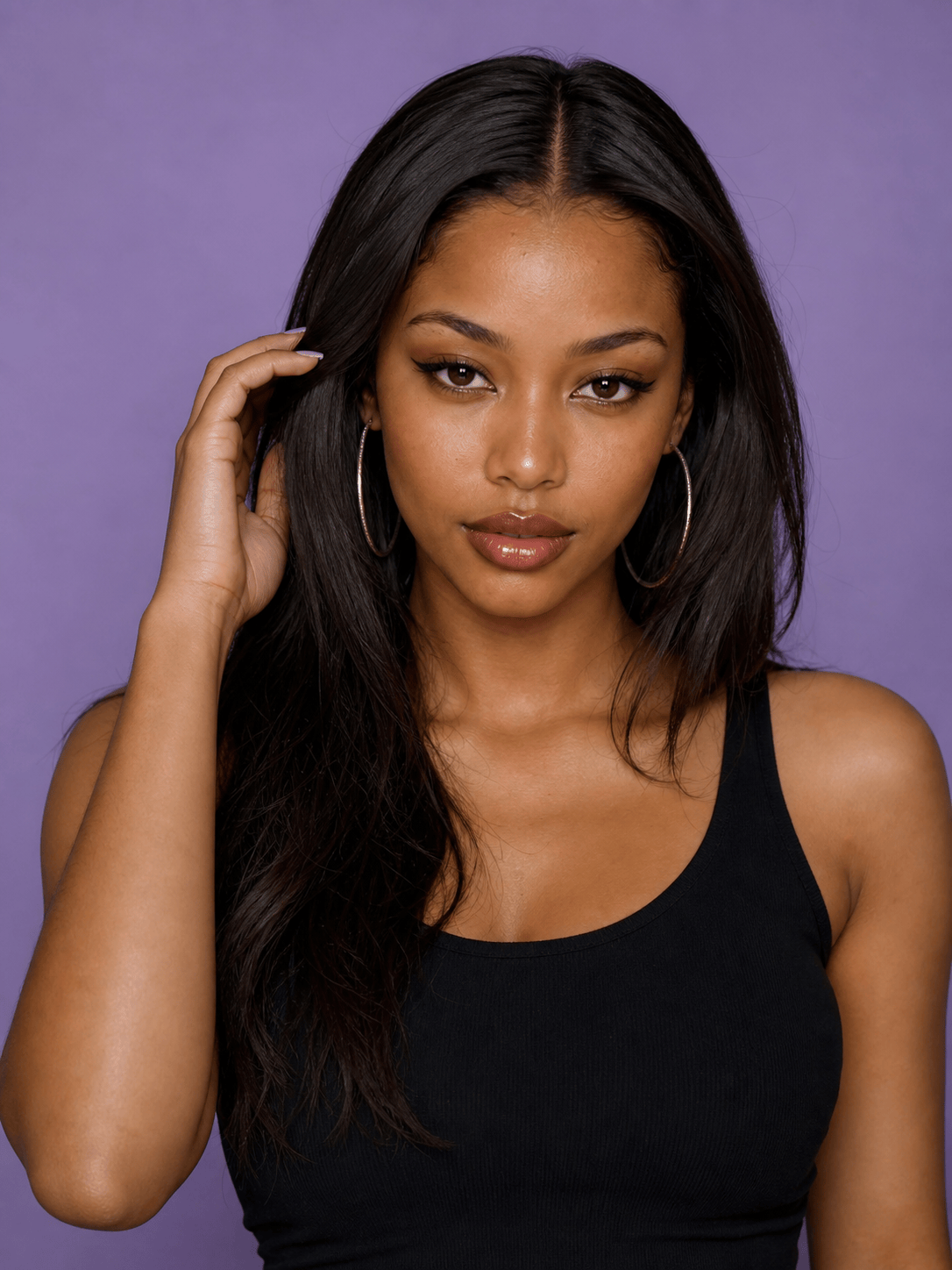
Create a Y2K baddie studio portrait of an adult woman, glossy nude lips, thin arched brows, silver hoops, long dark hair, fitted black top, lavender backdrop, direct flash, realistic skin texture.
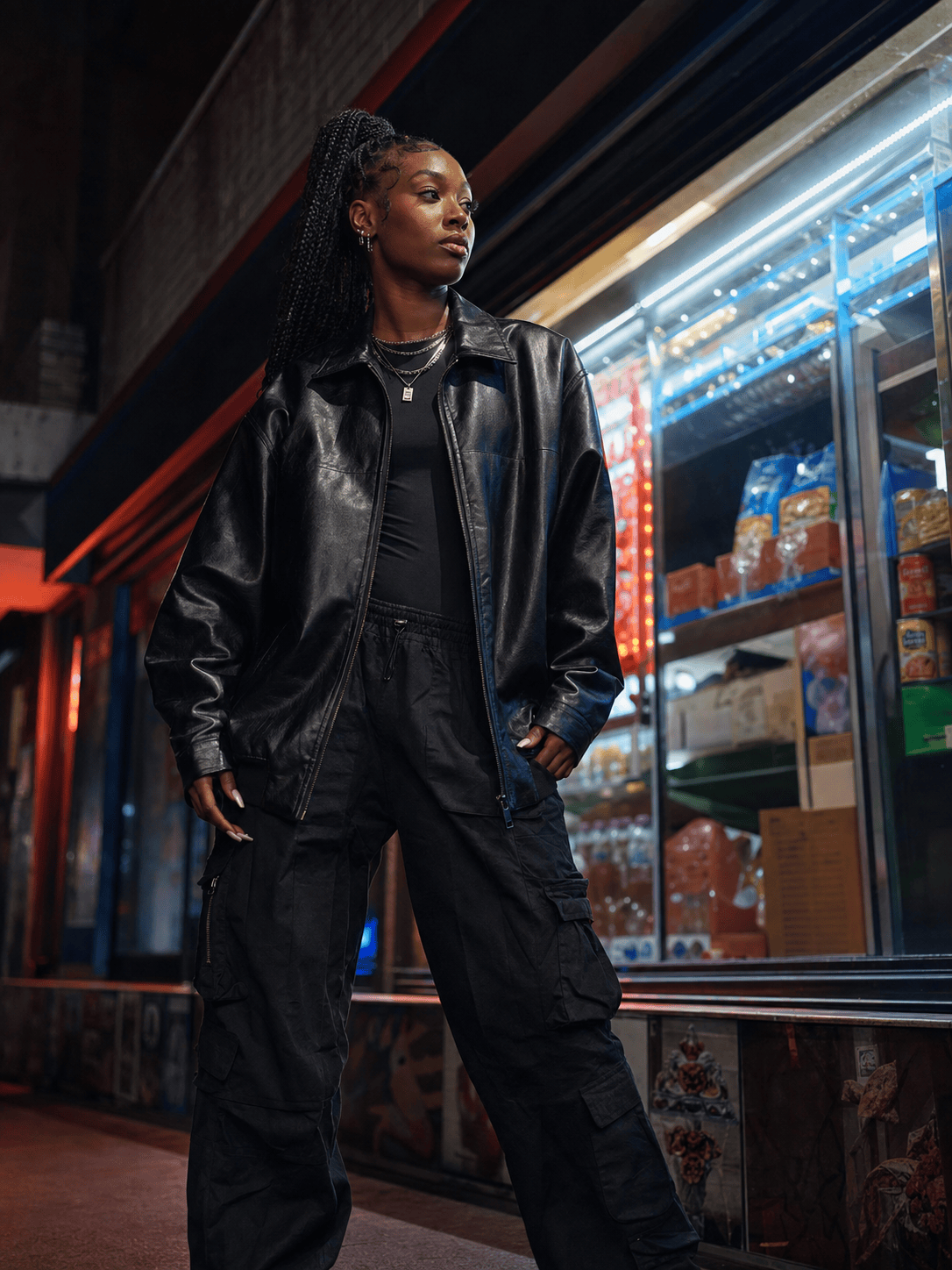
Generate an adult streetwear baddie portrait outside a city bodega at night, oversized leather jacket, cargo pants, layered chains, long manicure, neon reflections, confident low-angle fashion photo.
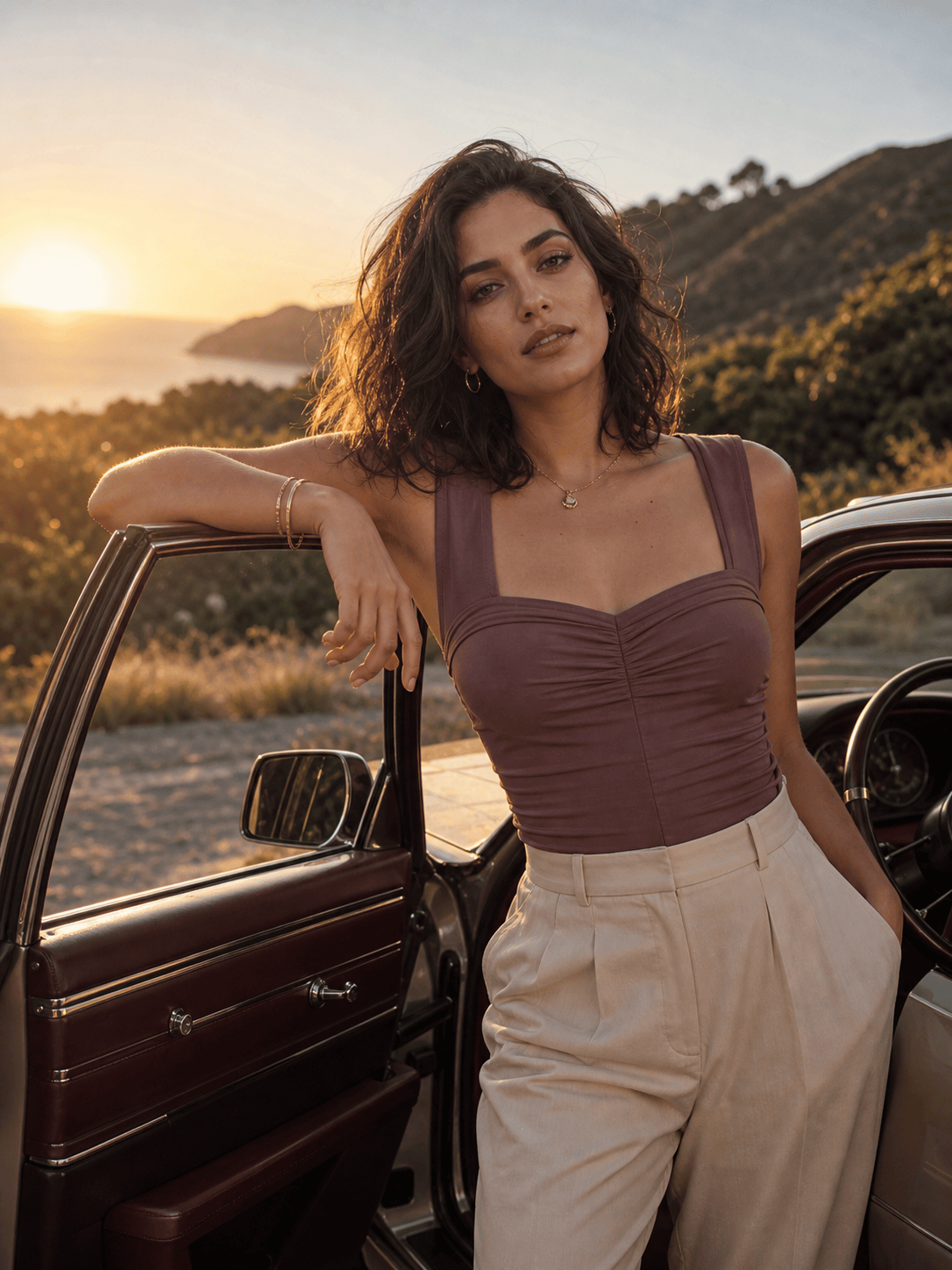
Create a warm golden-hour glam photo of an adult woman leaning beside an open car door, mauve top, delicate jewelry, luminous natural makeup, realistic skin, editorial lifestyle photography.
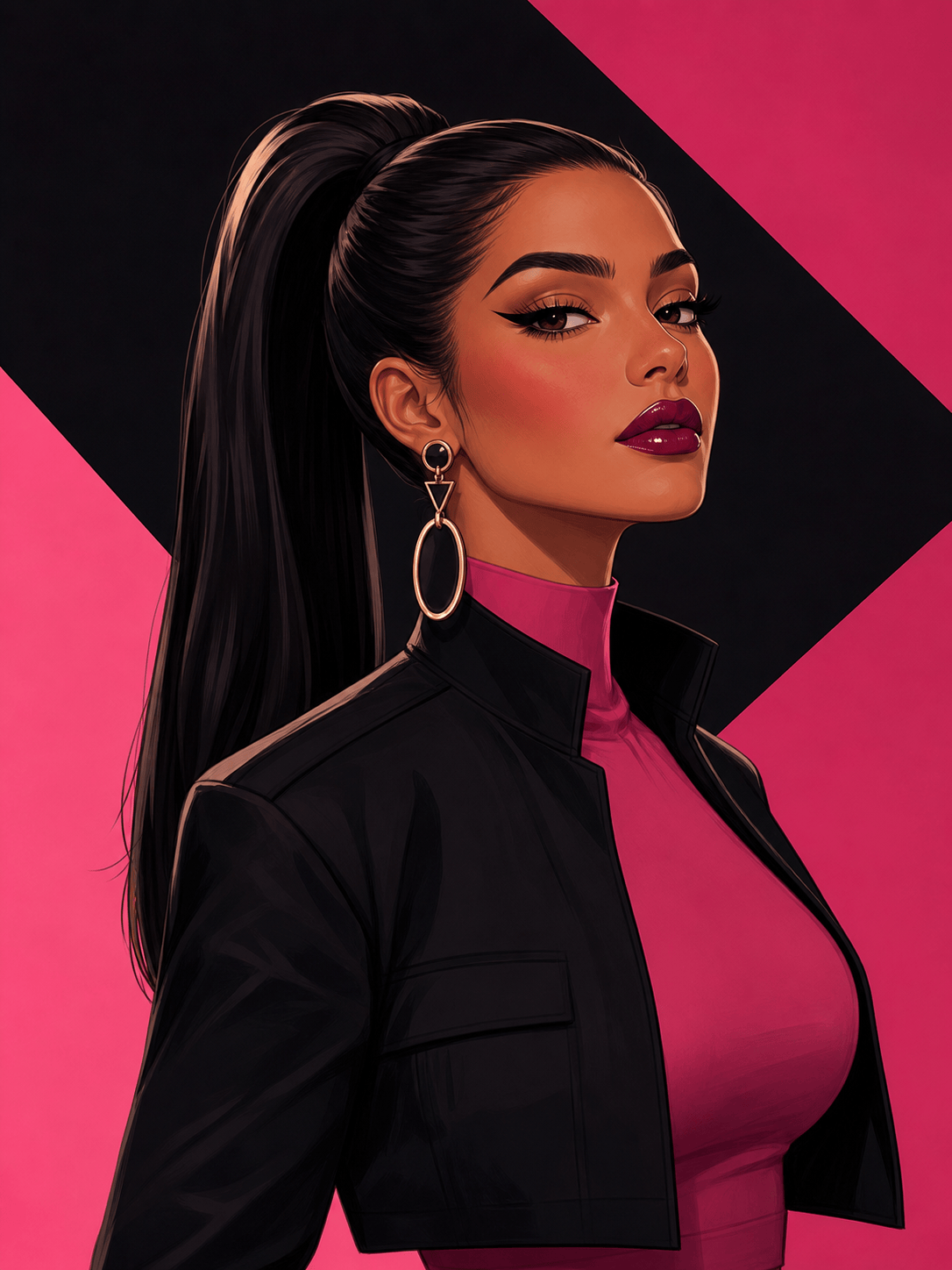
Design a square illustrated baddie avatar of an adult character with bold winged liner, glossy lips, statement earrings, sleek ponytail, pink-and-black graphic background, clean digital art.
Create an adult festival baddie portrait with metallic eye accents, braided ponytail, mesh layers over a fitted outfit, colorful sunset lights, energetic candid pose, no brand logos.
Generate a clean-luxury adult baddie headshot in a cream studio, sculpted brows, soft brown smoky eye, neutral manicure, gold jewelry, elegant black blazer, restrained retouching.





