Free OnlineAI Backpack Design
How to Create a Backpack Design with AI
Define the Carry Job
Specify Form and Construction
Generate and Refine the Concept
Export for the Next Design Step

Built for Faster Backpack Concept Exploration
From Carry Problem to Product Form
Describe a commuter pack, school bag, trail daypack, or travel carry-on in ordinary language. The AI backpack designer turns the job, user, and storage priorities into a concrete visual direction.
Sketch and Reference-Guided Design
Upload a rough sketch, existing bag photo, material sample, or mood-board image. Mew Design can use it as a visual reference while developing a related silhouette or surface treatment.
Materials That Read Clearly
Compare ripstop nylon, waxed canvas, recycled polyester, molded shells, mesh, webbing, and metal hardware in polished product renders. Review every detail before treating it as buildable.
Coherent Colorway Variations
Use the online AI backpack maker to test restrained commuter palettes, bright school colors, outdoor safety accents, or brand-led combinations without redrawing the concept from scratch.
Precise Follow-Up Edits in Chat
Keep the direction you like and change one decision at a time. Ask Chat Edit to adjust pocket placement, simplify seam lines, change the closure, or show a cleaner studio view.
Free Credits and Watermark-Free Exports
Try the free AI backpack design generator with credits after signup. Export selected concepts without a watermark, ready for presentations, early feedback, and further development.
What Makes a Strong AI Backpack Design Prompt
- Set the Silhouette: Choose a roll-top, clamshell, panel-loader, drawstring, compact daypack, boxy school bag, or another recognizable form.
- Name Functional Details: List the opening, laptop sleeve, bottle pockets, organizer, straps, back panel, attachment points, and access priorities that should be visible.
- Describe Materials and Hardware: Specify fabric, finish, reinforcement, zipper style, buckles, webbing, stitching, and color accents instead of relying on vague words like premium or futuristic.
- Direct the Product View: Ask for a front, side, rear, open-compartment, three-quarter, or lifestyle view. Add a clean background and request no logos or text when you want an original concept.
Backpack Design Prompts for Real Use Cases
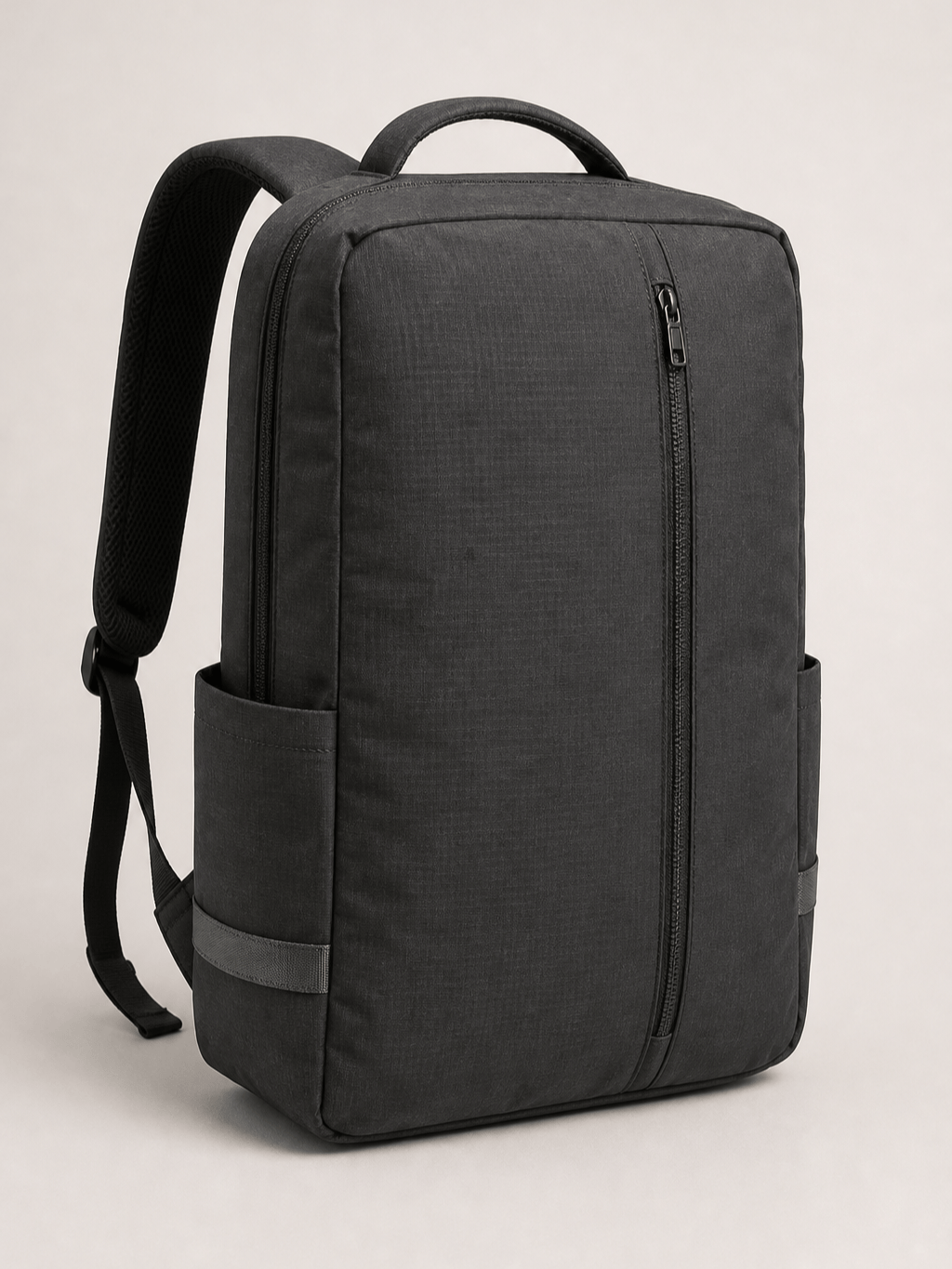
Urban Laptop Backpack: Design a minimalist 20-liter commuter backpack for a creative professional. Slim clamshell silhouette, recycled black nylon, padded 16-inch laptop sleeve, hidden passport pocket, one vertical front zipper, breathable back panel, soft gray lining, matte hardware, three-quarter studio product render, no logo or text.
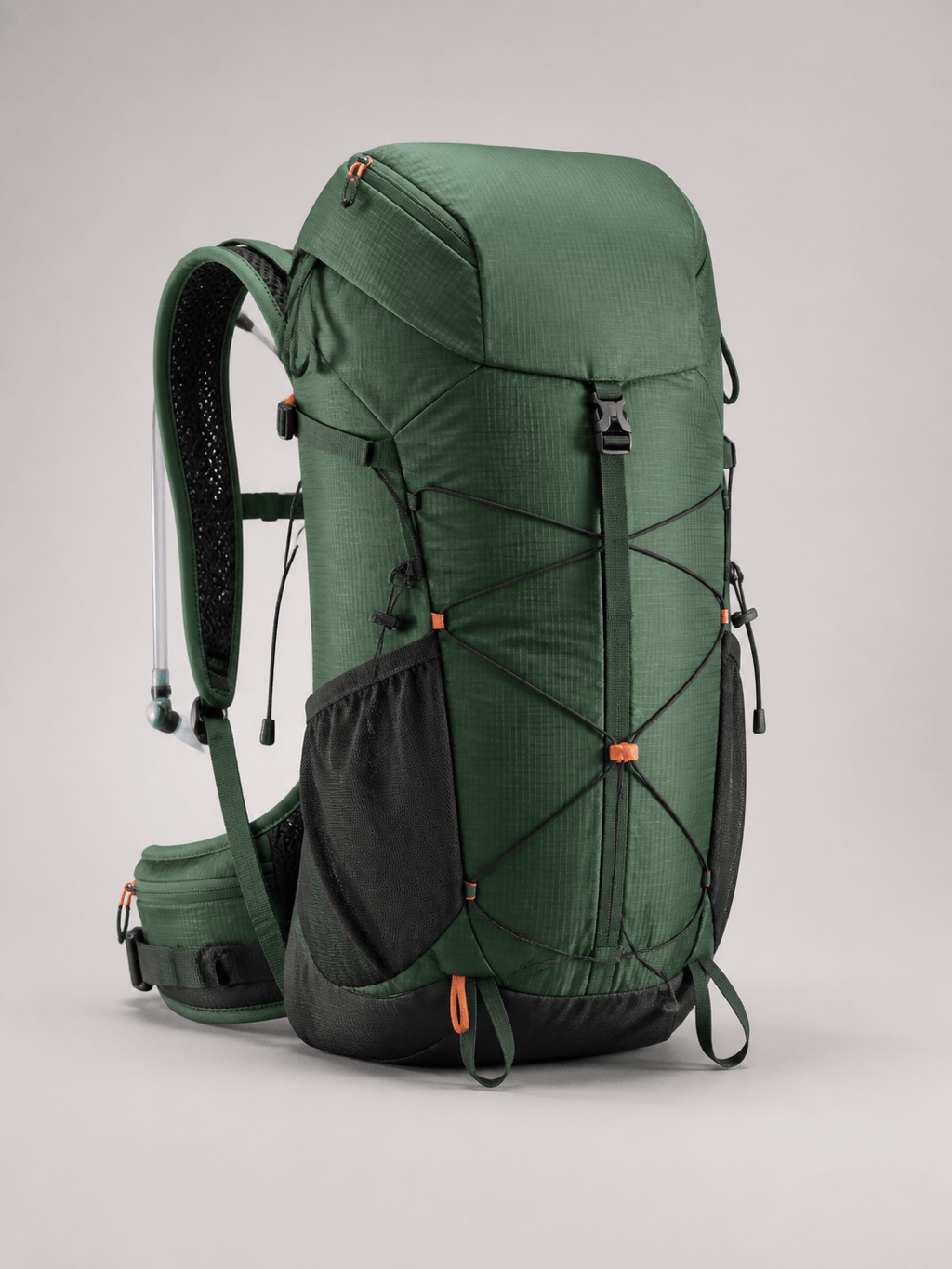
Technical Hiking Daypack: Create a 28-liter outdoor daypack for fast day hikes. Tapered profile, durable forest-green ripstop, ventilated back panel, contoured shoulder straps, removable hip belt, hydration sleeve, stretch bottle pockets, trekking-pole loops, orange safety accents, realistic front three-quarter render.
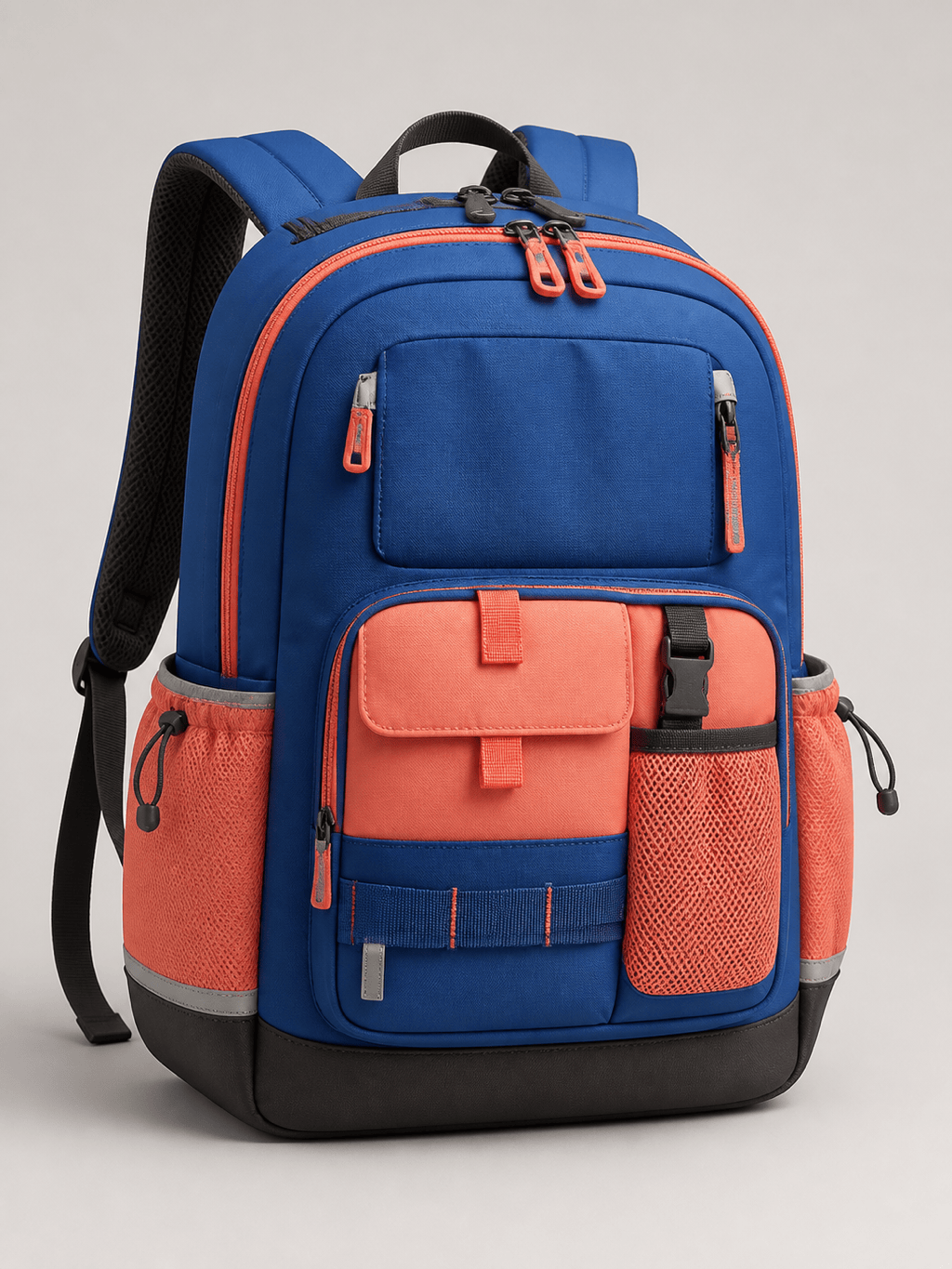
School Backpack: Generate a playful but durable school backpack for ages 9-12. Rounded boxy shape, cobalt and coral recycled polyester, wide zip opening, padded tablet sleeve, labeled visual zones without printed words, two bottle pockets, reflective tabs, reinforced base, clean studio product view.
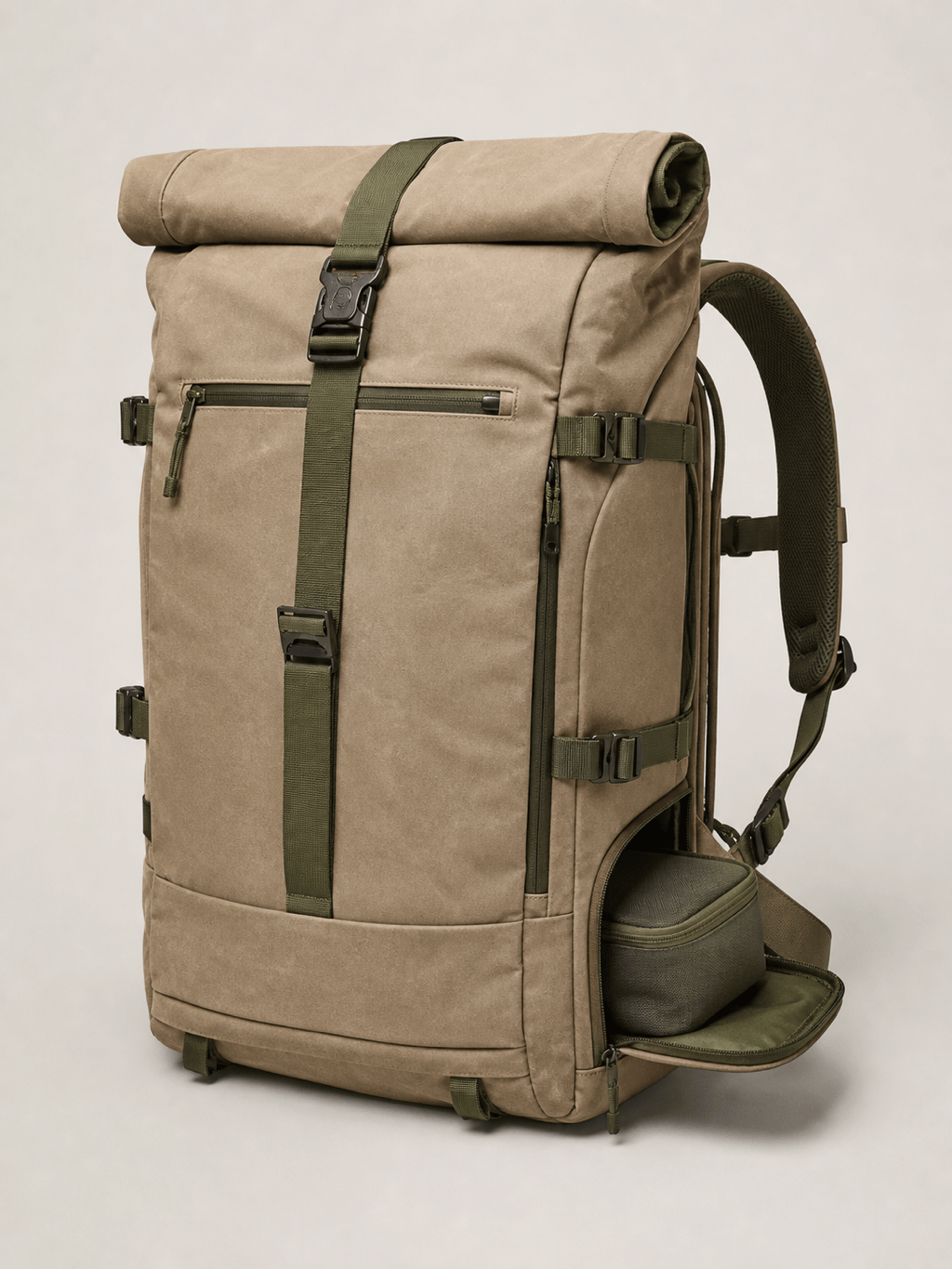
Sustainable Travel Roll-Top: Create a 35-liter carry-on travel backpack with a roll-top extension and side clamshell access. Sand-colored waxed canvas, recycled lining, removable organization pouches, luggage pass-through, hidden security pocket, olive webbing, brushed metal buckles, premium editorial product render.
Backpack Design from Sketch: Use my uploaded [backpack_sketch.png] as the shape reference. Preserve the angular front panel and top handle, refine the proportions, add plausible zipper paths, padded shoulder straps, a structured back panel, dark navy ballistic nylon, and a clean front-and-side concept presentation.
Branded Backpack Mockup: Apply my uploaded [logo.png] and geometric artwork to a simple white commuter backpack while keeping the bag construction realistic. Place the logo on the front pocket, wrap the pattern only across the main panel, use natural fabric distortion, soft daylight, and a clean e-commerce background.





