Free OnlineAI Baby Generator
How to Generate a Baby Portrait with AI
Add Two Clear Adult Photos
Describe Your Future Baby Portrait
Review and Refine the Result
Download Your Favorite Image

Why Use Mew Design to Imagine a Future Baby?
Use Both Faces as References
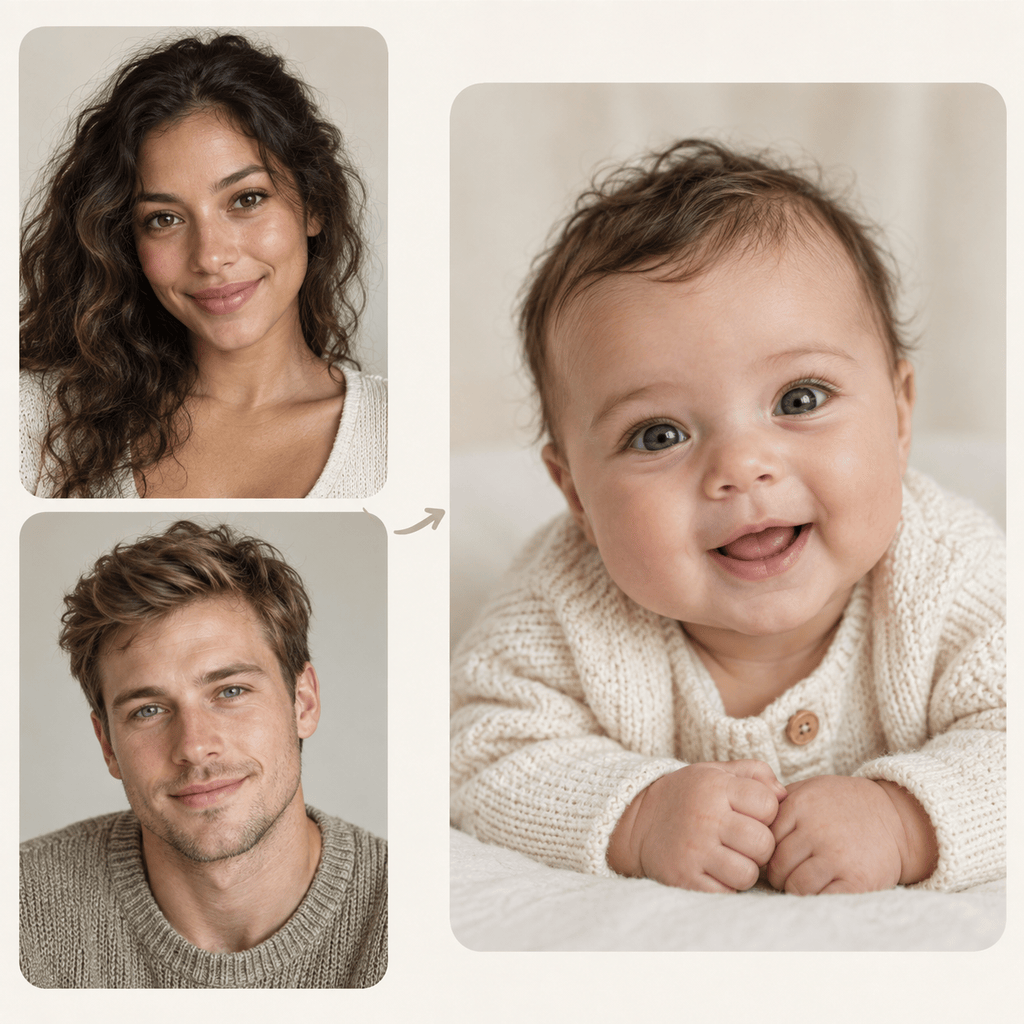
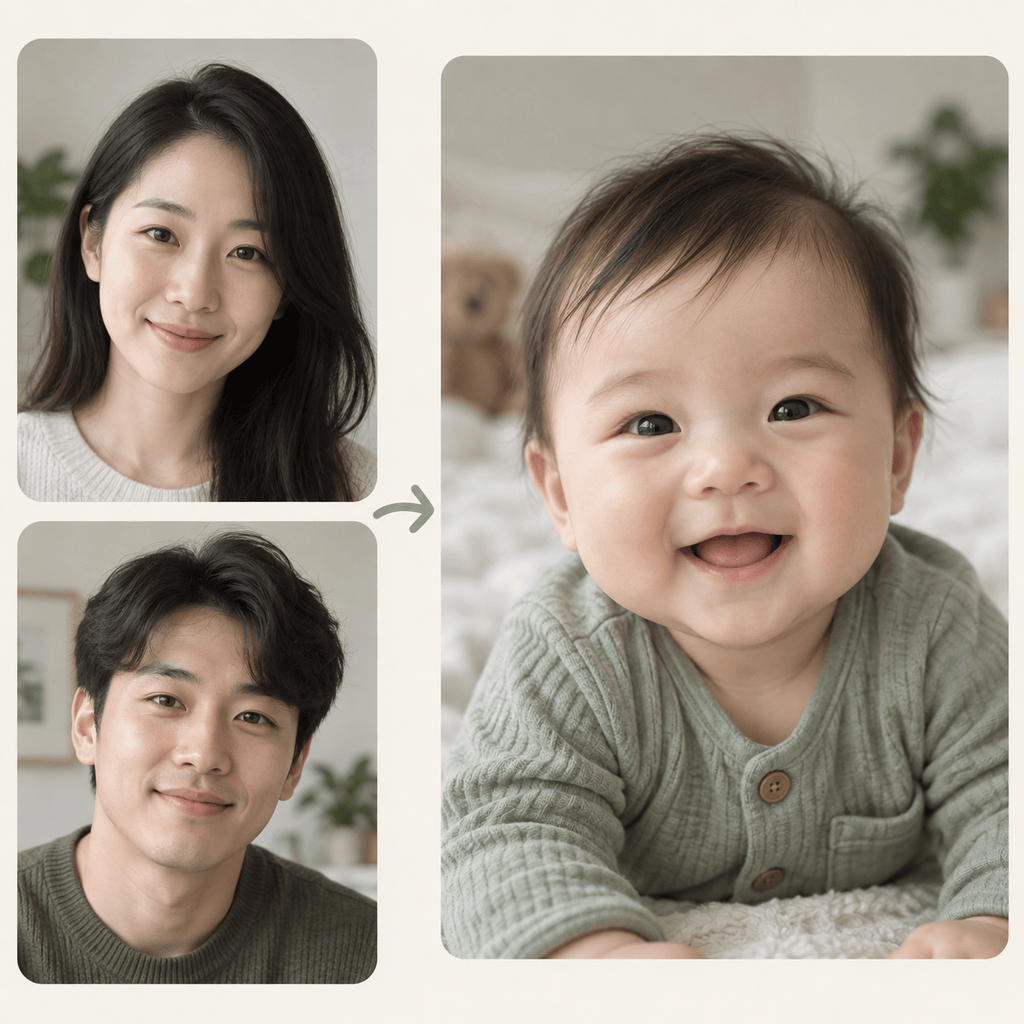
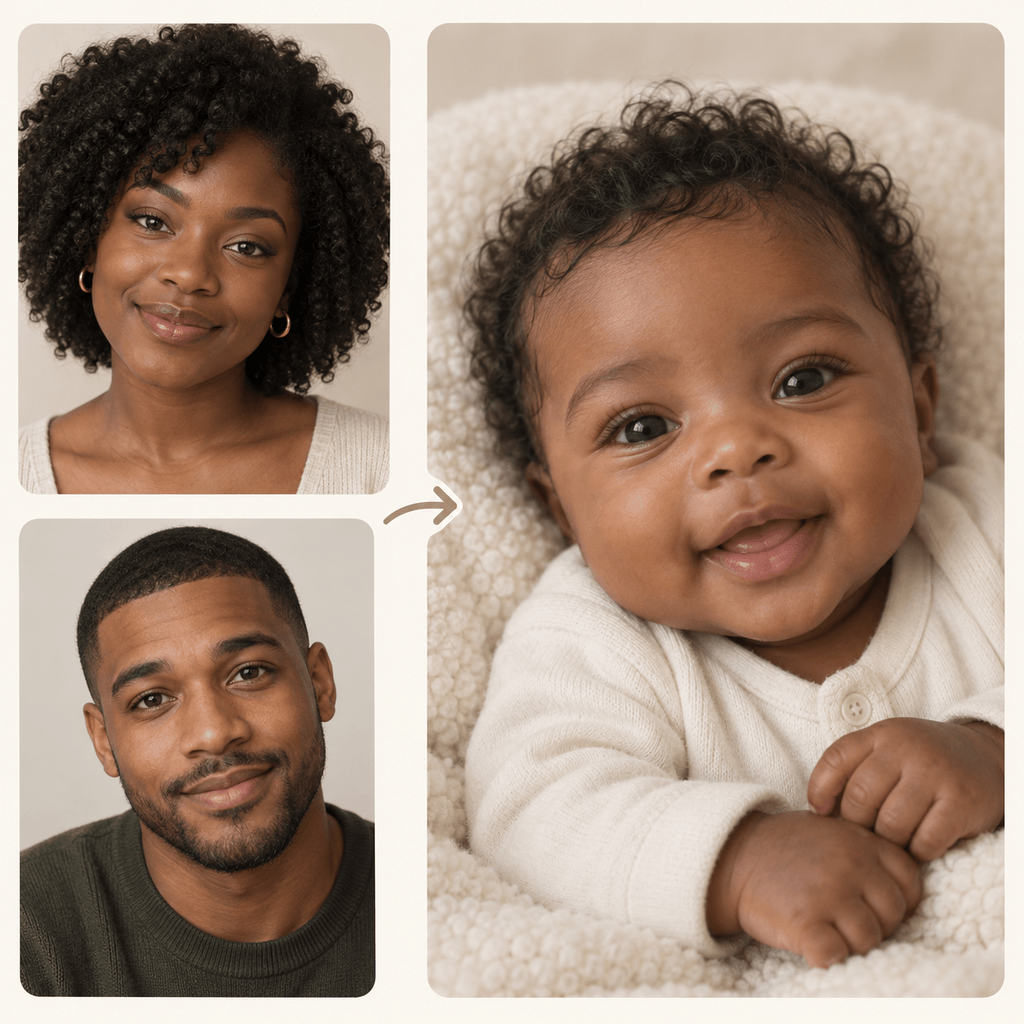
Upload two adult portraits and explain which visible details matter to you. This online baby face maker turns them into a creative visual starting point.
Explore More Than One Possibility
A future baby generator can make different interpretations from the same photos. Try a soft studio look, a candid smile, or another age-appropriate portrait style.
Refine Through Chat
Ask Chat Edit to soften the lighting, change the backdrop, or adjust the expression without restarting your whole idea.
Start with Free Credits
Sign up to try the free AI baby generator with available AI credits, then review the credit cost shown before generating more variations.
Keep the Portrait Shareable
Export a clear PNG or JPG for a personal keepsake, family chat, or baby shower game. Review the image before sharing it.
Stay Clear About the Result
The image is an artistic guess based on photo references. It cannot tell you a future child’s actual facial features, sex, or genetics.
Choose Better Photos for a Future Baby Face
- Match the angles: Choose front-facing or slight three-quarter portraits with both faces at a similar size.
- Keep faces visible: Avoid sunglasses, heavy filters, harsh shadows, and crowded group shots.
- Set the visual goal: Specify newborn or older baby, realistic photo or illustration, and a simple setting.
- Judge it as art: Look for a pleasing, believable portrait rather than a scientifically accurate prediction.
Try a Future Baby Portrait Style
Using my two uploaded adult photos as visual references, imagine one realistic newborn portrait with natural skin texture, a cream blanket, and soft window light.
Create an imagined six-month-old baby portrait inspired by both uploaded adult faces, with a candid smile and a simple home background.
Use these two consenting adults’ photos to imagine a baby girl portrait in a neutral studio setting. Keep the expression natural and avoid exaggerated facial features.
Use these two adult portraits to imagine a baby boy portrait with soft daylight, a plain outfit, and a believable infant face.
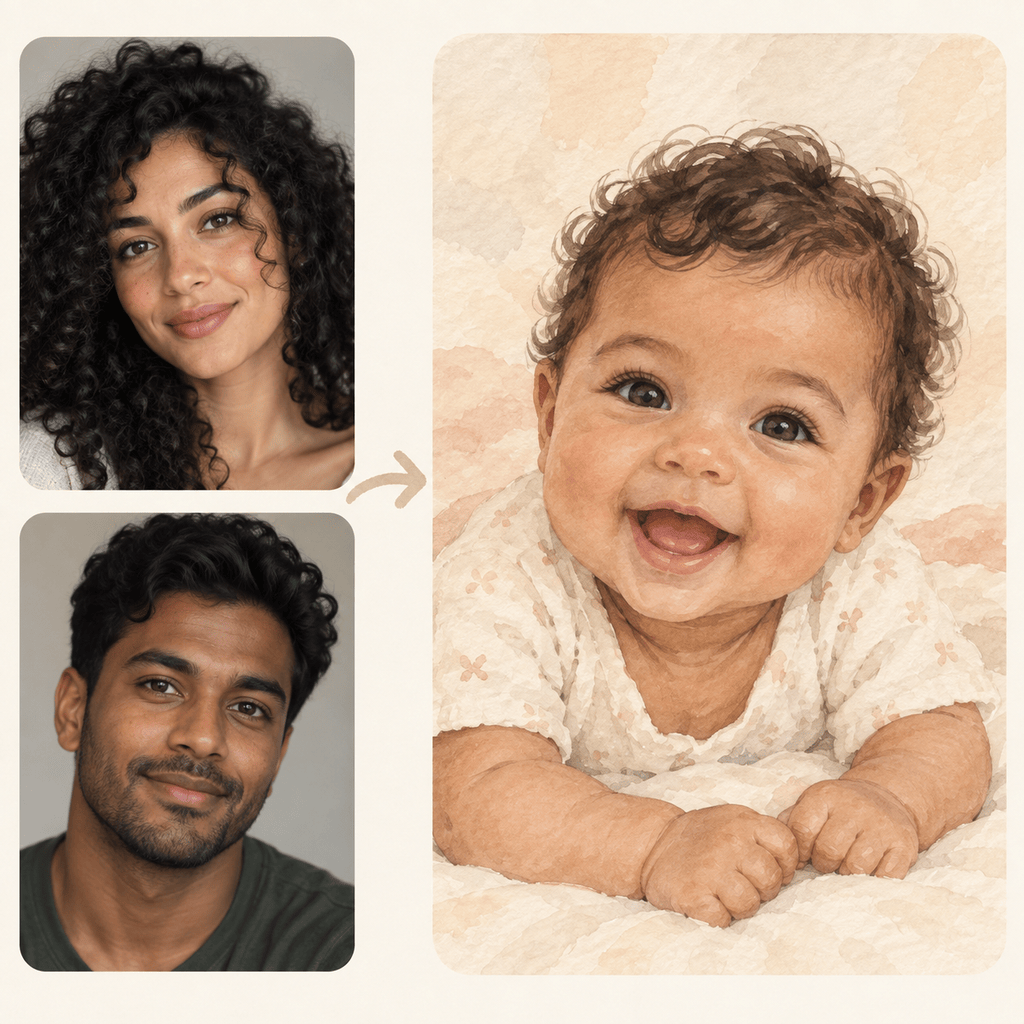
Create a gentle watercolor illustration of an imagined future baby inspired by the two uploaded adult photos. Use a warm nursery palette and no text.
Make a second version of this imagined baby portrait. Keep the age and general facial character, but change the expression to a small smile and use a clean, uncluttered background.





