Free OnlineAI Art Style Changer
How to Change an Image's Art Style with AI
Upload a Clear Source Image
Define the Style and Boundaries
Generate and Compare Directions
Correct Drift and Export

A More Controllable Way to Restyle Images with AI
Direct the Restyle in Plain Language
Skip rigid filter menus. Tell Mew Design what to change and what to protect, then refine the same image through a natural conversation.
Use Both Source and Style References
Upload the image whose content matters and, when useful, add a separate visual reference for palette, brushwork, line quality, or rendering direction.
Go Beyond One-Click Presets
Our AI art style changer can combine a medium, era, color system, texture, lighting treatment, and mood instead of limiting every result to a fixed preset.
Explore Several Art Directions
Generate coherent variations of one image to compare watercolor, anime, oil-painting, pixel-art, comic, or 3D interpretations before choosing a direction.
Fix the Part That Drifted
Use Chat Edit to ask for a closer face, the original framing, a quieter palette, or less texture without rebuilding the entire concept from scratch.
Reuse a Successful Style Workflow
Turn a proven art direction and preservation method into a Mew Skill, then call that reusable design capability for related campaign images, character art, or content series.
How to Change Art Style Without Losing the Subject
- Lock the important details: List the identity, pose, framing, object geometry, text placement, or spatial relationships that should remain recognizable.
- Describe visual ingredients: Specify medium, line quality, brushwork, texture, palette, contrast, lighting, and mood instead of relying only on one broad style label.
- Set the change strength: Ask for a subtle treatment, a balanced reinterpretation, or a bold transformation so the image does not drift farther than intended.
- Refine one issue at a time: If the result changes a face, shape, or layout, correct that single issue while explicitly preserving the parts that already work.
AI Art Style Change Prompts for Real Projects
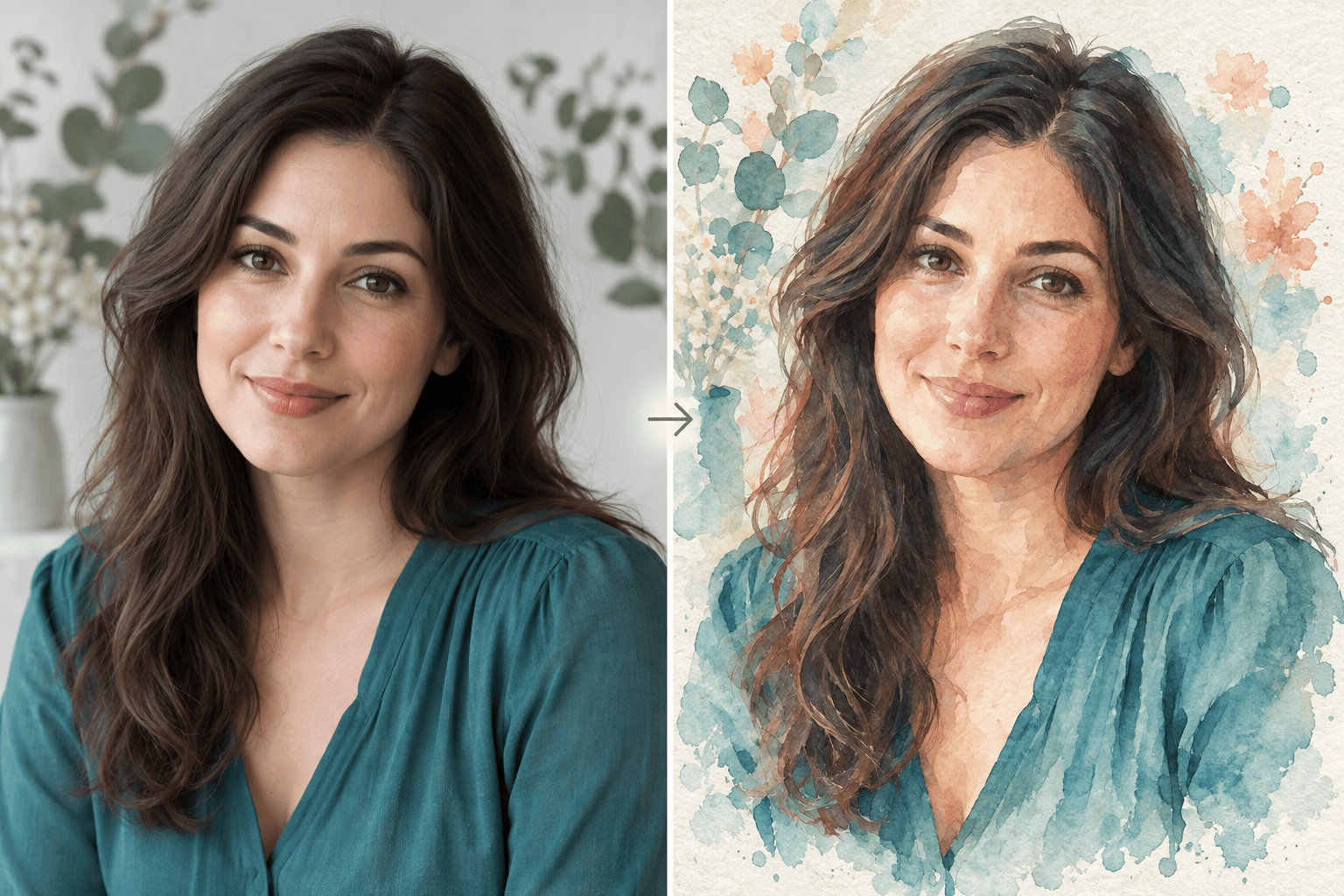
Watercolor portrait: Restyle my uploaded portrait as a delicate watercolor illustration with translucent pigment, cold-pressed paper grain, soft edges, and muted botanical colors. Preserve the person's identity, expression, pose, clothing, crop, and background layout.
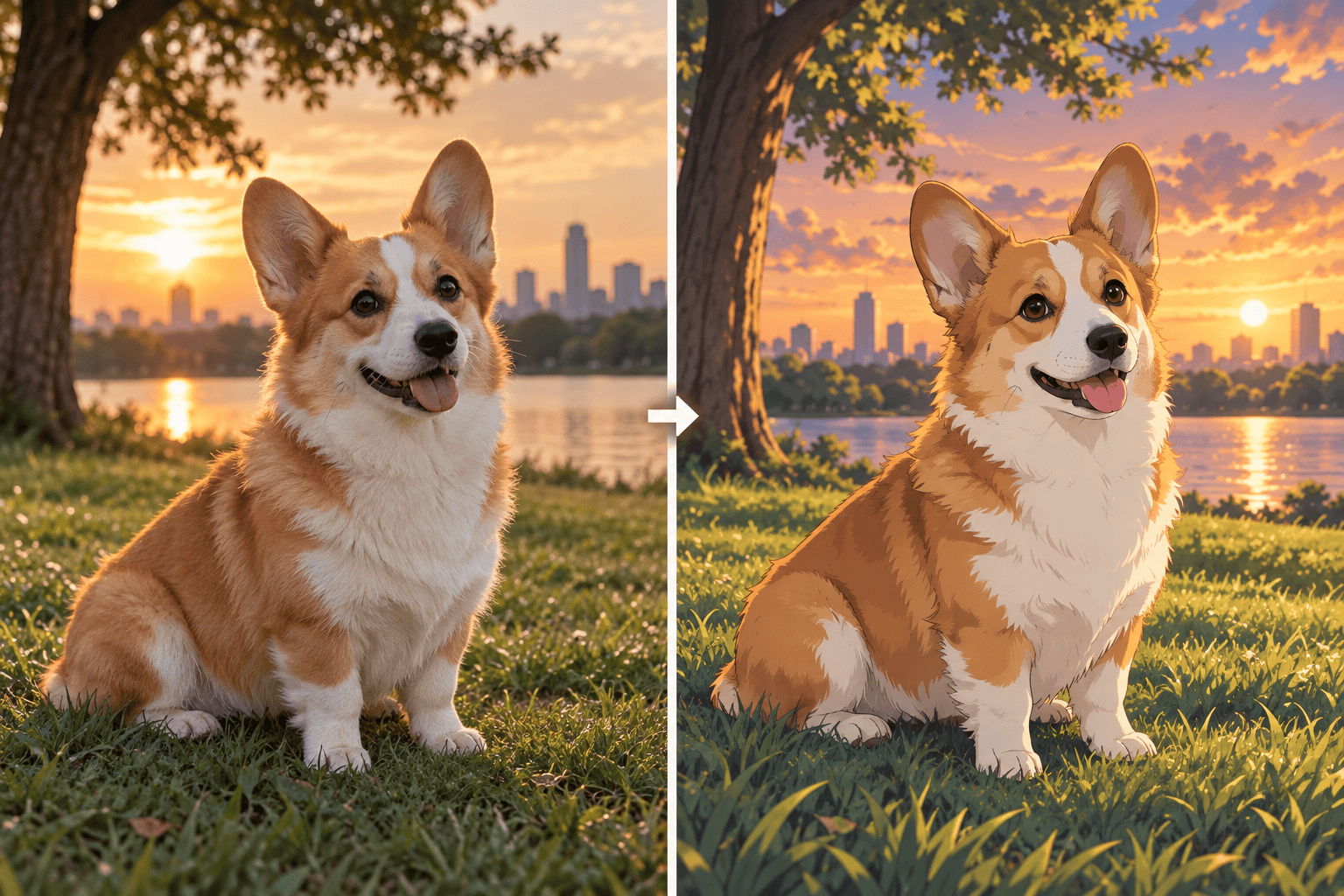
Anime pet portrait: Turn my uploaded pet photo into polished anime key art with clean expressive linework, soft cel shading, bright natural eyes, and a warm cinematic background. Keep the same animal, markings, face shape, pose, and framing.
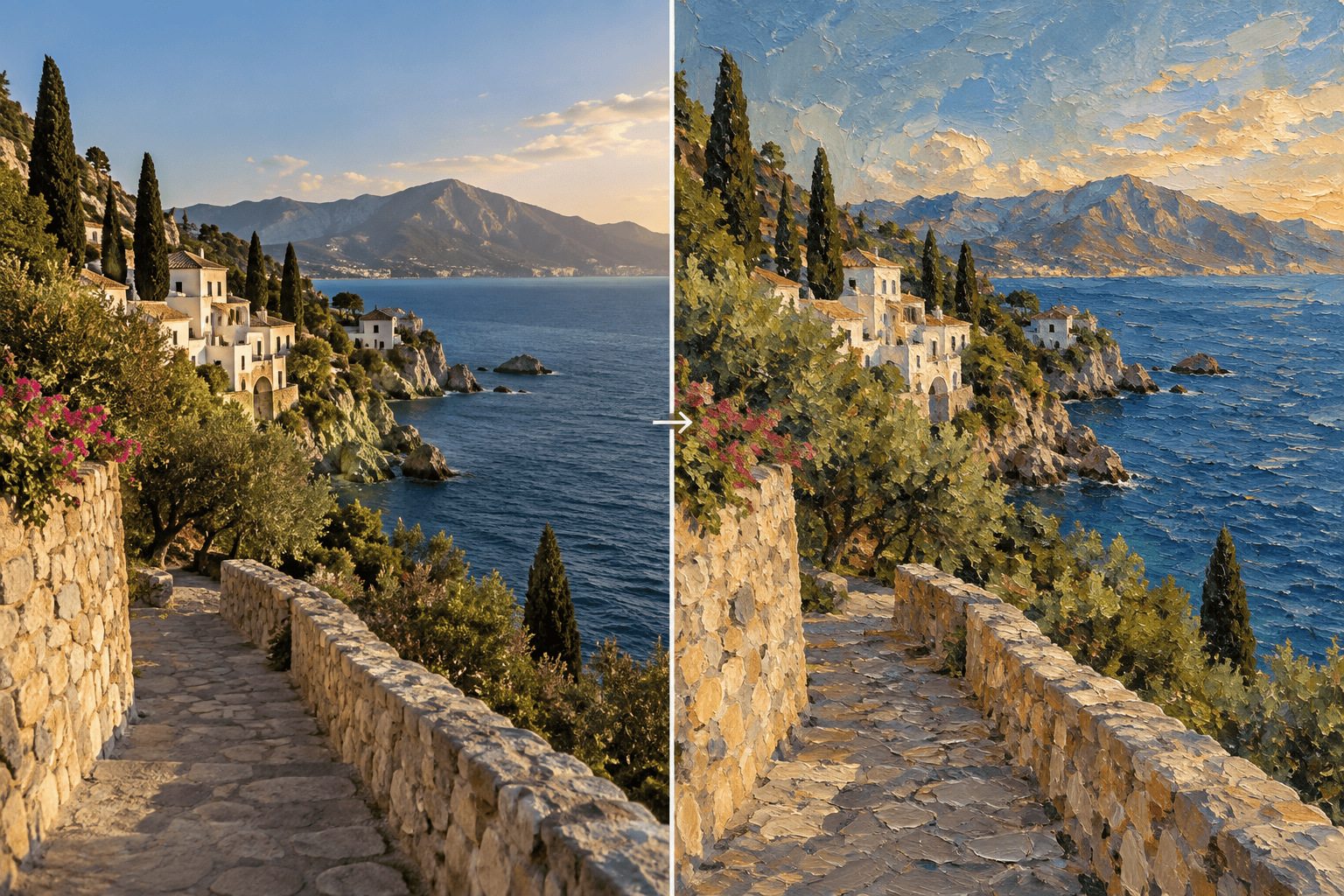
Oil-painted landscape: Transform my travel photo into a textured oil painting with visible impasto, atmospheric depth, rich earth colors, and late-afternoon light. Preserve the horizon, architecture, path, major trees, and original composition.
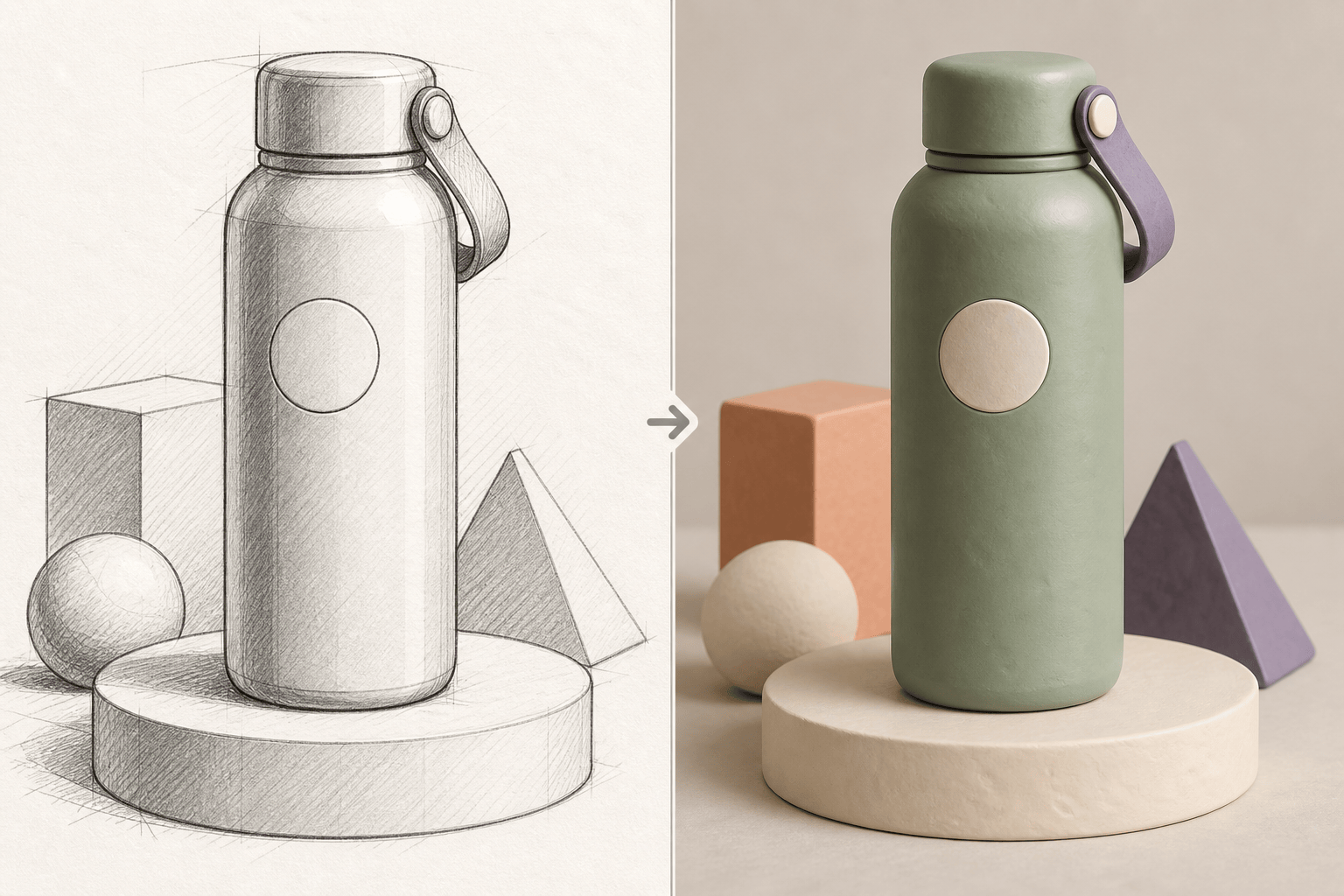
3D clay product concept: Restyle my product image as a tactile clay-rendered 3D scene with rounded handmade forms, soft studio shadows, and a playful pastel palette. Keep the product silhouette, proportions, logo placement, camera angle, and negative space unchanged.
Graphic-novel social image: Convert my uploaded street photo into graphic-novel art with bold ink contours, limited red-black-cream colors, halftone texture, and dramatic shadows. Keep every person's identity, body position, focal point, and vertical crop.
Consistent campaign series: Apply the same editorial collage style to all uploaded campaign images using torn-paper edges, flat geometric color blocks, subtle grain, and one consistent navy-lime palette. Preserve each product and headline area, and keep the style coherent across the full set.





