Free to Try OnlineAI Art Selfie Generator
How to Turn a Selfie into Art with AI
Upload a Clear Selfie
Create Your Artistic Portrait
Refine the Resemblance
Download Your Favorite

Your Face, Your Choice of Art Style
Start with Your Own Photo
Use a real selfie as the visual reference. Our AI selfie art maker gives your portrait a personal starting point instead of relying on a text description alone.
Explore More Than One Look
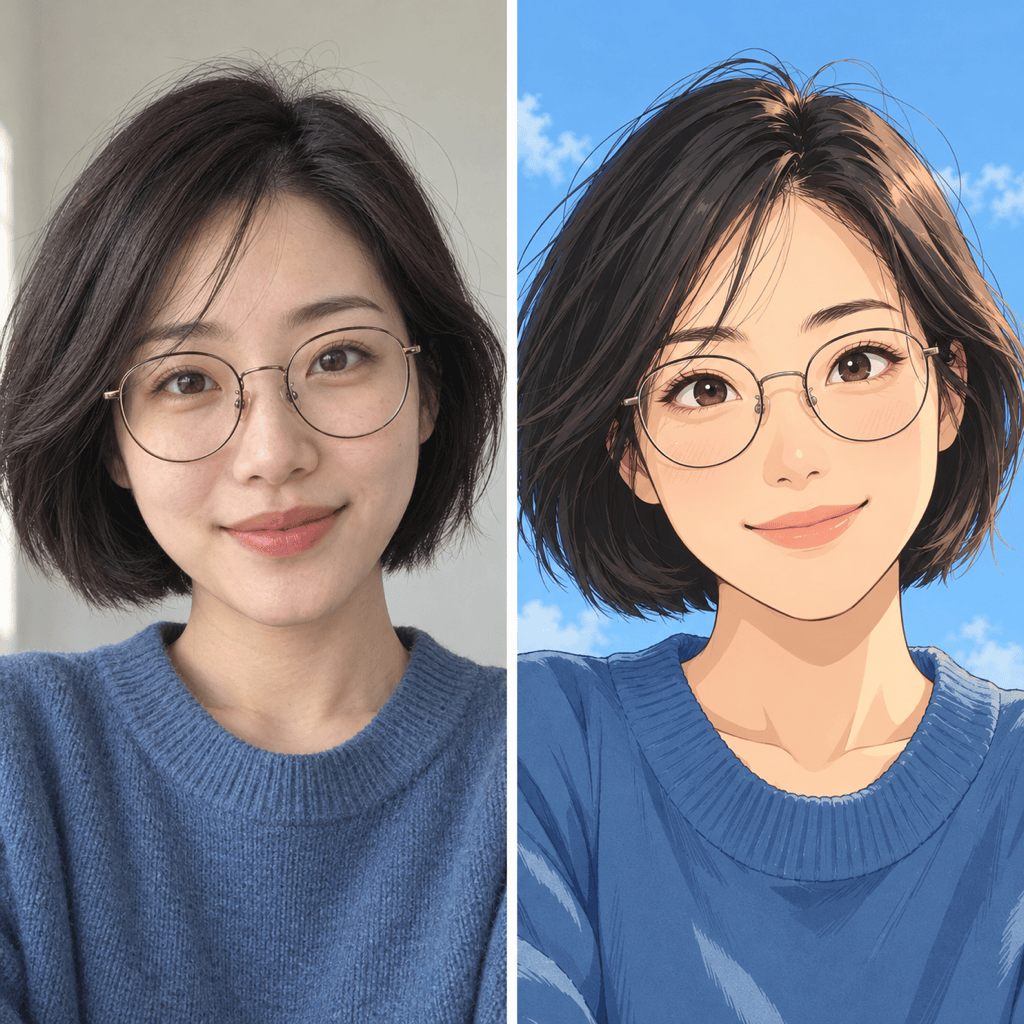
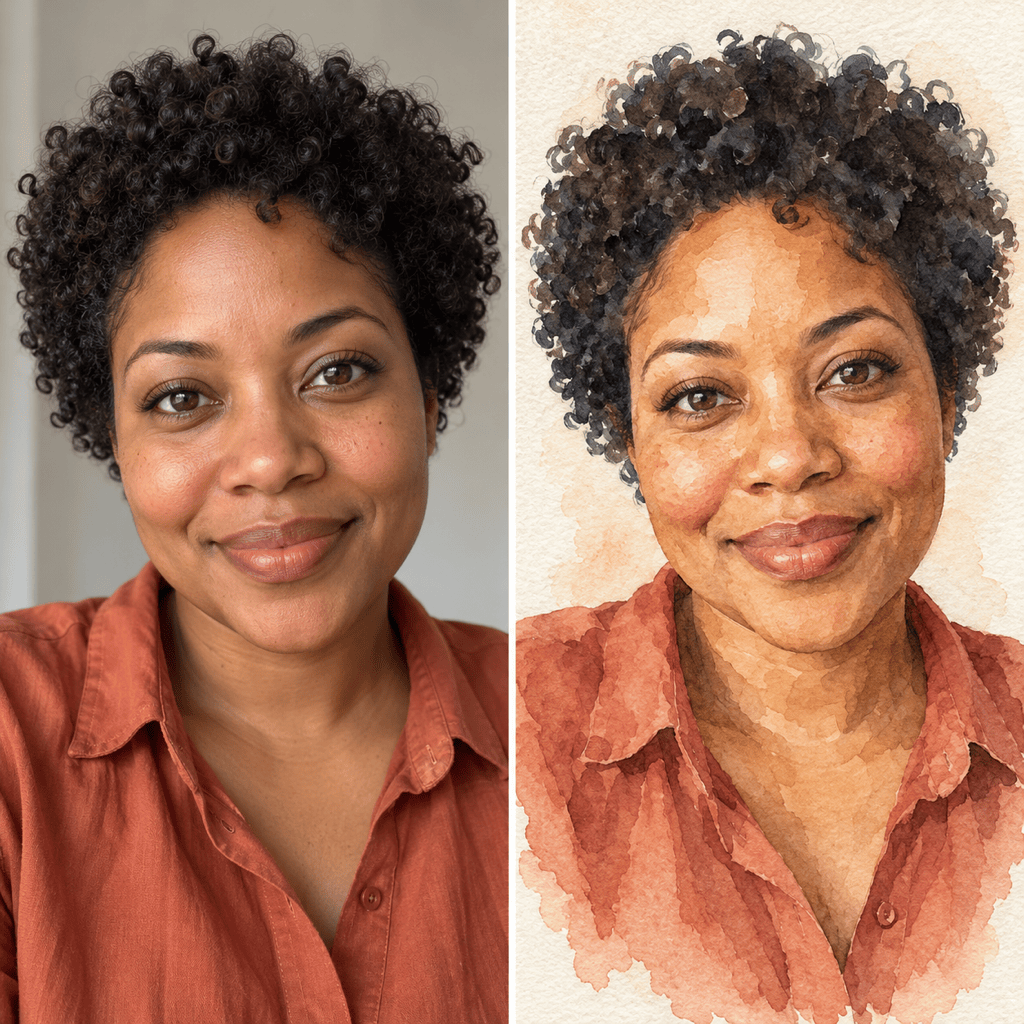
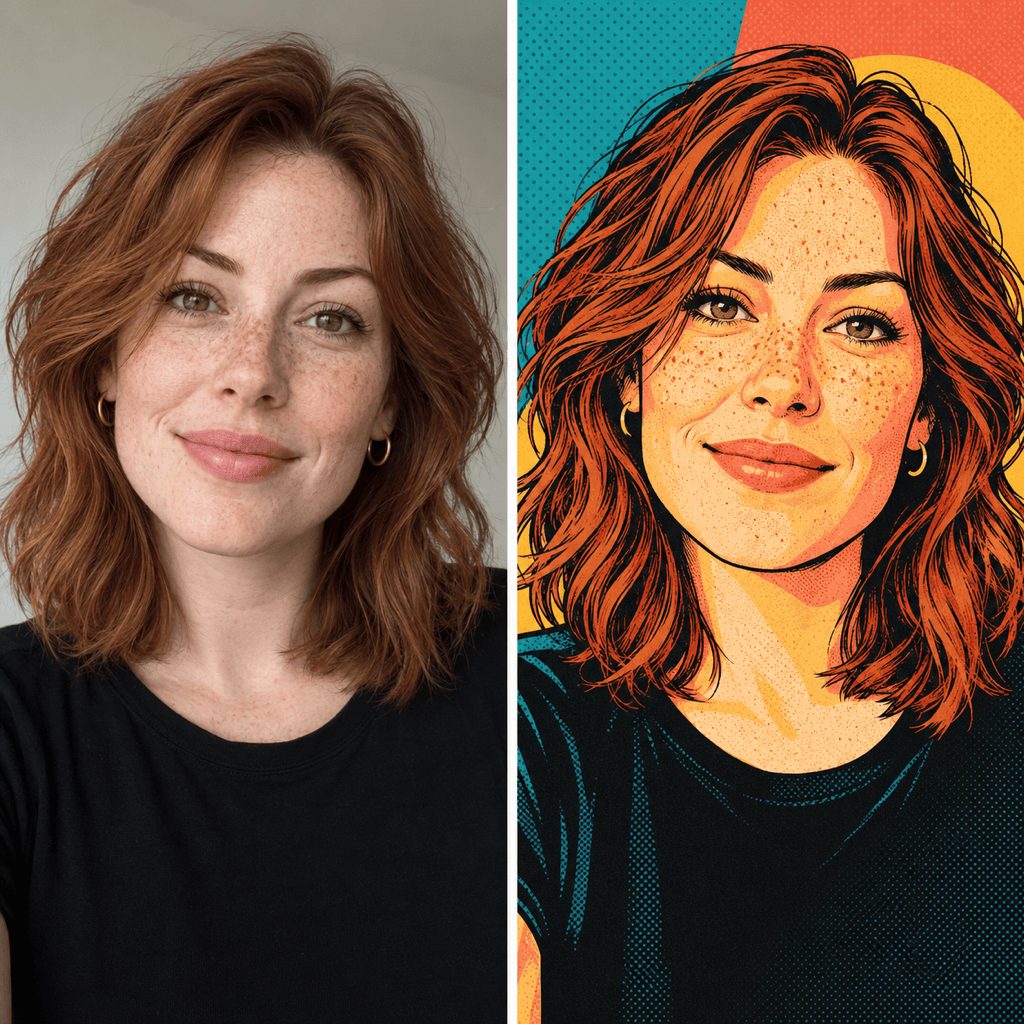
Try an anime selfie, a soft watercolor portrait, or a bold pop art treatment. Compare different versions of the same photo to find a style you like.
Adjust Details in Conversation
Ask for softer brushwork, a quieter background, or glasses closer to your original. Chat Edit lets you explain what needs changing without using drawing tools.
Bring a Style Reference
Upload an artwork reference alongside your selfie. Explain which image supplies your face and which supplies the colors or texture.
Compose a Clear Profile Picture
Create an AI art profile picture with a centered face and space around your hair. Ask for a simple background that remains clear at avatar size.
Take Your Portrait Beyond the Gallery
Download watermark-free PNG or JPG artwork to share. For a character cutout, try our AI sticker generator with your finished portrait.
Help Your Selfie Art Look Like You
- Show Your Face Clearly: Choose even lighting, visible eyes, and a sharp face. Avoid sunglasses, heavy filters, or hair covering key features.
- Name What Should Stay: Mention distinctive details such as freckles, glasses, or your natural hairline. AI can still change features, so review the likeness.
- Choose One Main Style: Start with anime, watercolor, oil painting, or pop art. Mixing several styles can make the result harder to control.
- Separate Face and Background: Describe the background separately so a new setting does not become a request for a different person.
Try a Style or Fix Your Selfie Art
Turn my uploaded selfie into an anime profile picture. Keep my hairstyle, eye color, and glasses. Use clean lines, gentle shading, and a simple sky-blue background.
Convert my selfie into a watercolor portrait with soft pigment edges and visible paper texture. Keep my expression and facial proportions, with an uncluttered cream background.
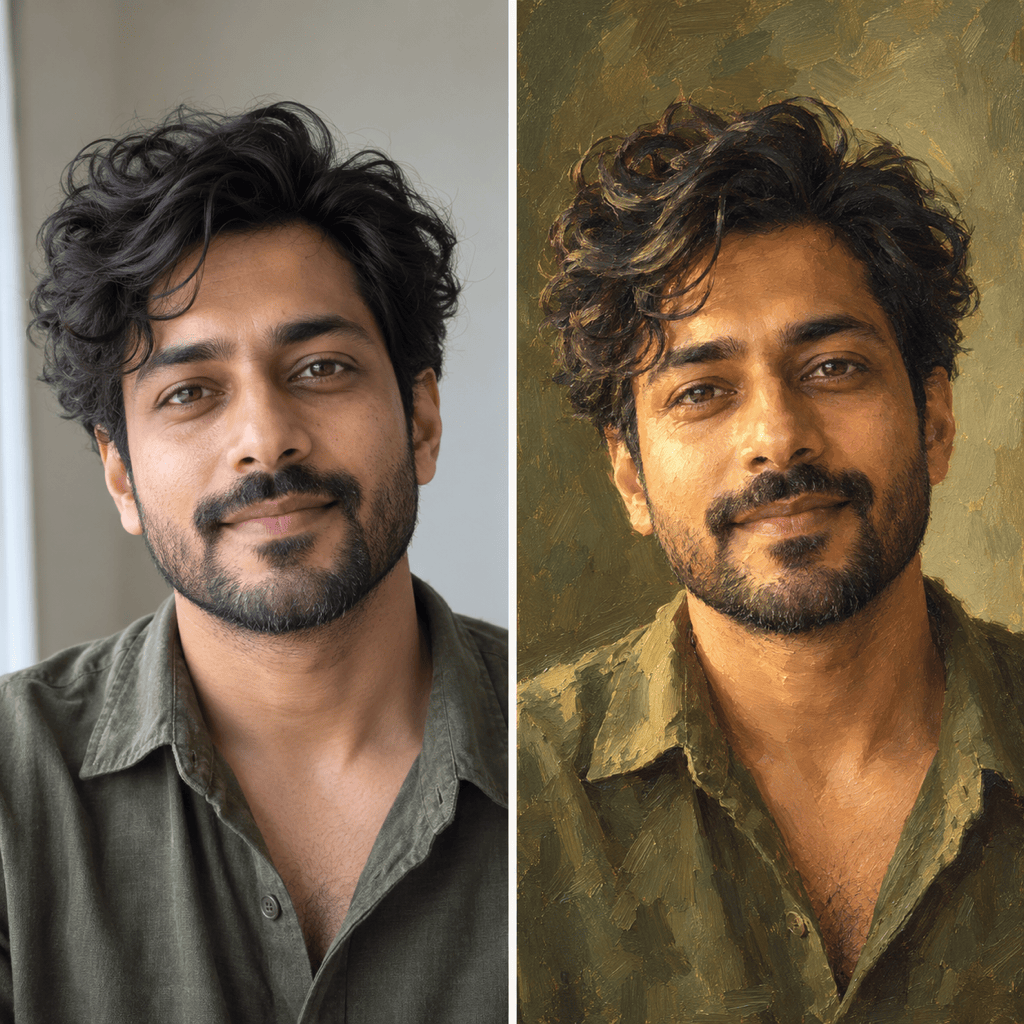
Turn my selfie into an oil painting with visible brushstrokes and warm side lighting. Keep my natural features and clothing, using a muted olive background.
Make a pop art portrait from my selfie with bold outlines and teal, coral, and yellow color blocks. Keep my face shape recognizable and leave out text.
Revise this portrait to look closer to my original selfie. Match the eye spacing, jawline, and glasses more closely while keeping the current art style and background.
Adapt this selfie artwork for a square profile picture. Center my face and leave room around my hair for a circular crop. Simplify the background without changing my expression.





