Free to Try OnlineAI Animation Character Generator
How to Create Animation Characters with AI
Define the Character
Choose Your First Design
Refine the Defining Details
Export Your Character Art

Build a Character Worth Bringing Back
Explore a Clear Visual Style
Use our AI cartoon character generator to compare bold 2D shapes with softly shaded 3D-style character designs. Choose the look that fits your story.
Start from Your Own Reference
Upload a sketch or character image to guide the AI character creator. Describe which facial features, proportions, and outfit details should stay recognizable.
Develop Views and Expressions
Request a character turnaround sheet or a set of expressions from your chosen design. Review the views together to catch changing proportions or missing accessories.
Direct Specific Revisions
Use Chat Edit to simplify a silhouette, adjust a sleeve, or soften an expression. Give focused feedback while keeping the approved character as your reference.
Reuse Your Character Design Method
Turn your preferred palette, style rules, and review process into a reusable Mew Skill. Reduce repeated briefing for a series while checking each new result for continuity.
Prepare Artwork for Compositing
Ask to remove the background and export a transparent PNG. Place the character in a storyboard or scene layout, then inspect the edges before handoff.
Keep Your Character Recognizable Across Views
- Set an Anchor: Choose one approved image before requesting other poses. Reuse it as the visual reference.
- Fix the Identity: Name the face shape, body proportions, palette, outfit, and signature accessory that should remain unchanged.
- Compare the Views: Check head size, eye spacing, clothing seams, and accessories across front, side, and back views.
- Correct One Drift at a Time: If a feature changes, identify it and request a focused edit. Reference images help continuity but do not guarantee identical results.
Character Design Tasks to Try
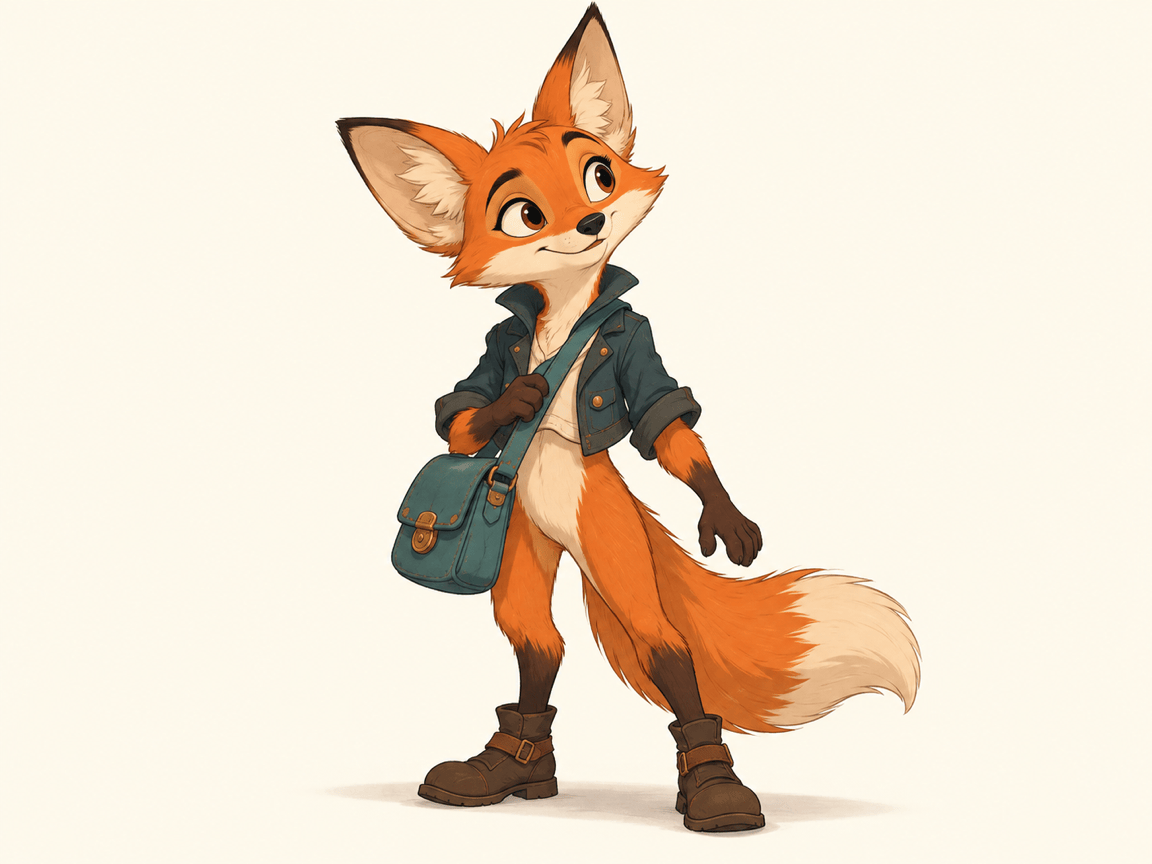
Create a full-body 2D cartoon character for a forest adventure: a curious fox courier with a teal satchel and oversized ears. Use clean outlines, simple shapes, and an uncluttered background.
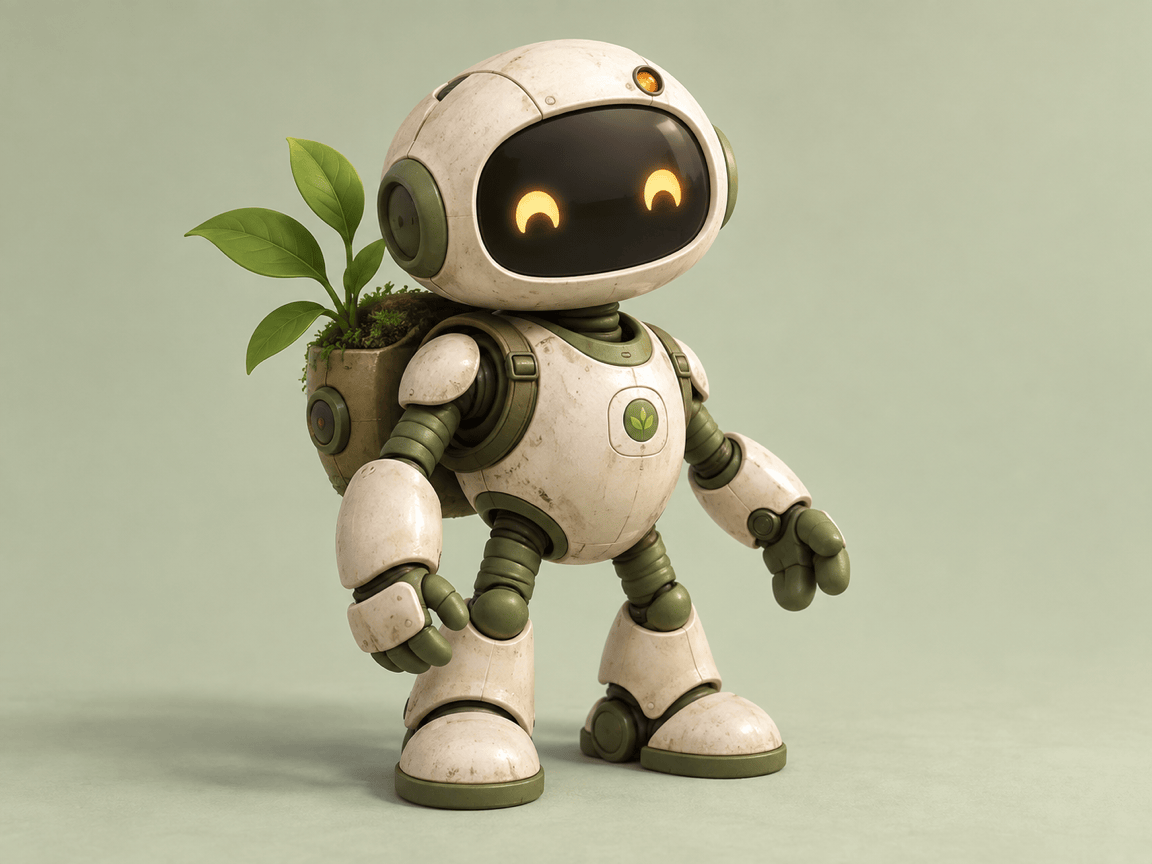
Create a 3D-style animation character concept: a friendly little robot gardener with a cream shell, moss-green joints, and a tiny plant backpack. Show the whole body with soft studio lighting. Produce a still image.
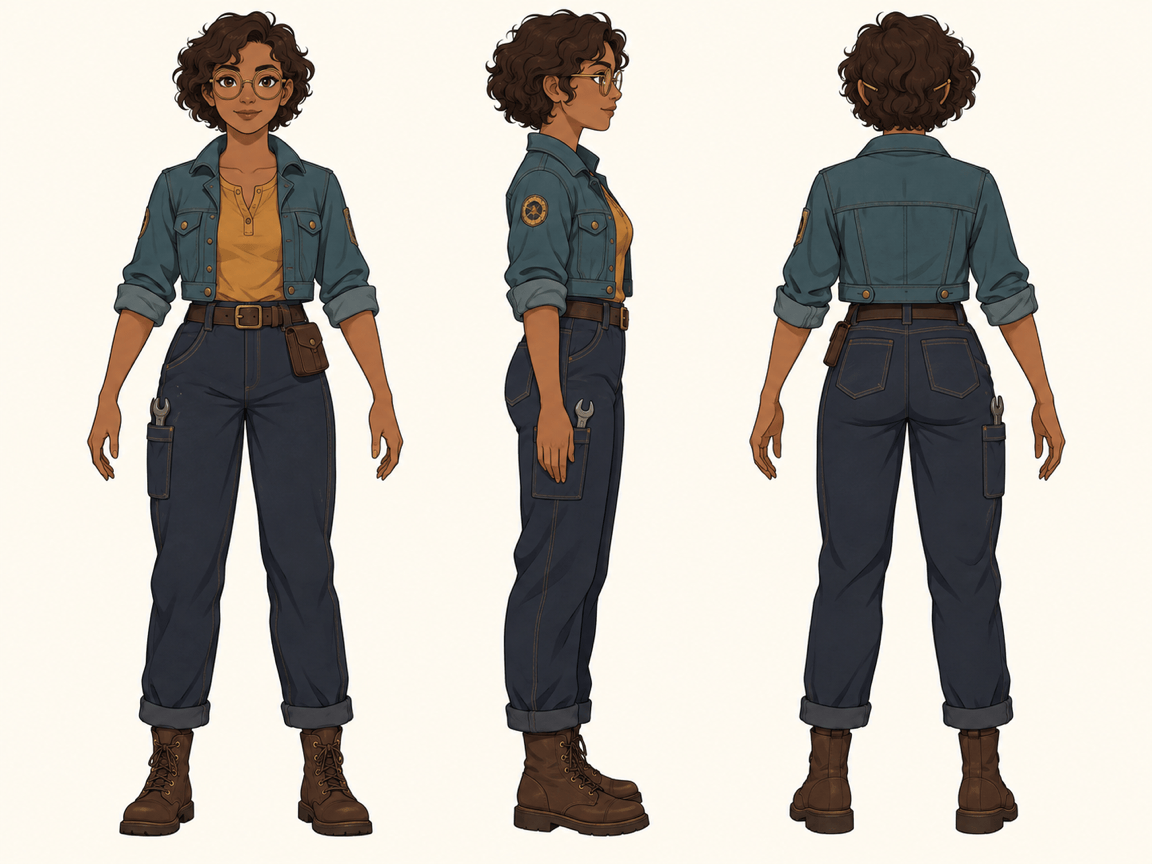
Use my approved character image to create a turnaround sheet with front, side, and back views. Keep the same scale, neutral stance, outfit, and colors across all three views on a plain background.
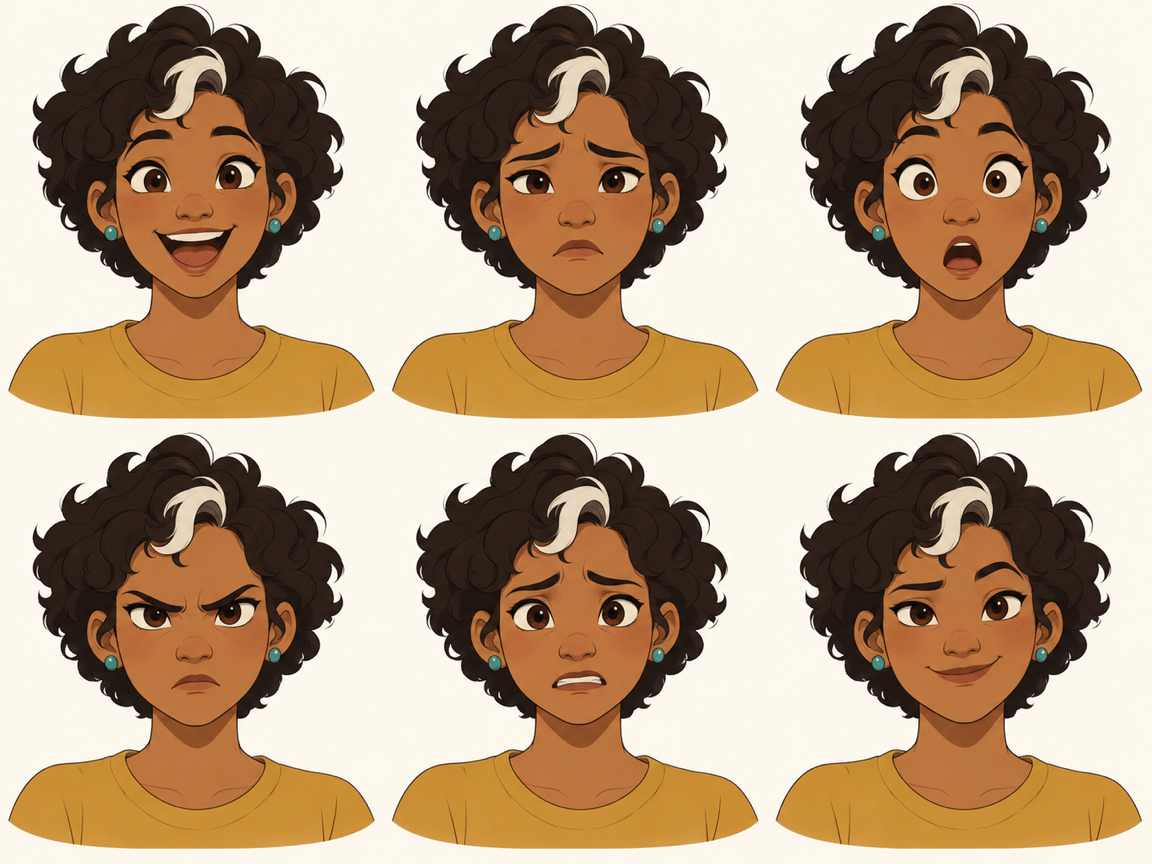
Use my character reference to create an expression sheet with joy, sadness, surprise, anger, worry, and confidence. Keep the same face, hairstyle, and camera angle in six evenly spaced head studies.
Refine my character for a clearer silhouette. Separate the arms from the torso, simplify small costume details, and keep the face, palette, and signature accessory unchanged.
Remove the background from my chosen character image for a transparent PNG. Keep the complete silhouette, including hair tips and accessories, and clean up any visible edge halo.





