Free OnlineAI Animal Generator
How to Create Animal Images With AI
Define the Animal’s Identity
Stage the Pose and Habitat
Generate, Then Check Anatomy
Lock the Look for Its Destination

Why Choose Mew Design as Your AI Animal Generator
Traits You Can Describe Precisely
Direct breed, age, proportions, horn shape, feather pattern, coat length, scars, or color markings so the animal has an identity beyond its species label.
Realistic and Stylized Directions
Move between wildlife photography, watercolor, ink, editorial collage, 3D character art, animation-inspired illustration, or painterly fantasy without changing tools.
References for Likeness and Markings
Upload a pet photo, field image, sketch, pose, or style reference to guide the result. References help preserve important traits while you change the scene or medium.
Anatomy Fixes Through Conversation
Call out an extra paw, weak wing joint, incorrect tail, floating foot, or mismatched markings and request a focused correction with Chat Edit.
Characters Built for a Purpose
Specify whether the animal is a quiet wildlife subject, a readable book character, an expressive mascot concept, a game companion, or an editorial illustration.
A Separate Path for Mythical Worldbuilding
Need lore, powers, scale sheets, dragons, or griffins? Use the AI Mythical Creature Generator for a worldbuilding-first workflow.
How to Write Prompts for an AI Animal Generator
- Direct the body: State full body or portrait, action, head direction, visible limbs, weight distribution, and camera angle.
- Build a believable habitat: Connect terrain, vegetation, weather, season, and light to the species instead of adding a generic forest.
- Name the medium and audience: Ask for wildlife photography, a board-book watercolor, a 3D mascot, or game concept art and explain where it will appear.
- Repeat identity anchors: For related images, reuse the same reference and restate stable markings, proportions, accessories, and palette in every prompt.
AI Animal Prompt Examples You Can Adapt and Use
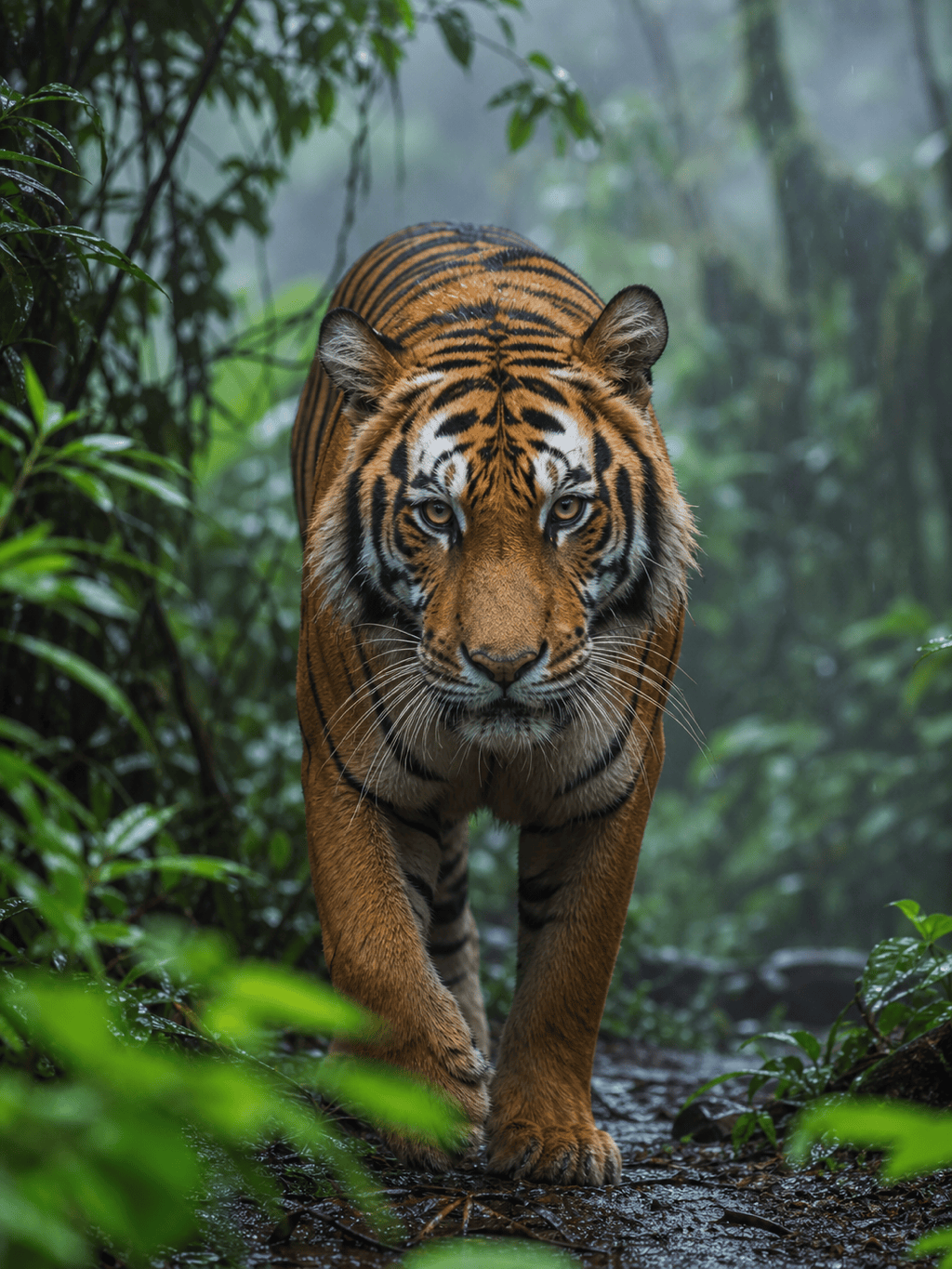
Wildlife Photography: Create a vertical photograph of a snow leopard standing on a Himalayan scree ridge at first light. Thick pale coat with accurate rosettes, long heavy tail, four grounded paws, cold breath, distant blue mountains, 200 mm wildlife lens, natural documentary color, no people.
Pet Portrait From a Reference: Transform @[pet photo] into a formal studio portrait while preserving the animal’s face shape, eye color, ear position, coat markings, and collar. Warm gray seamless background, soft key light, chest-up crop, realistic fur, no text.
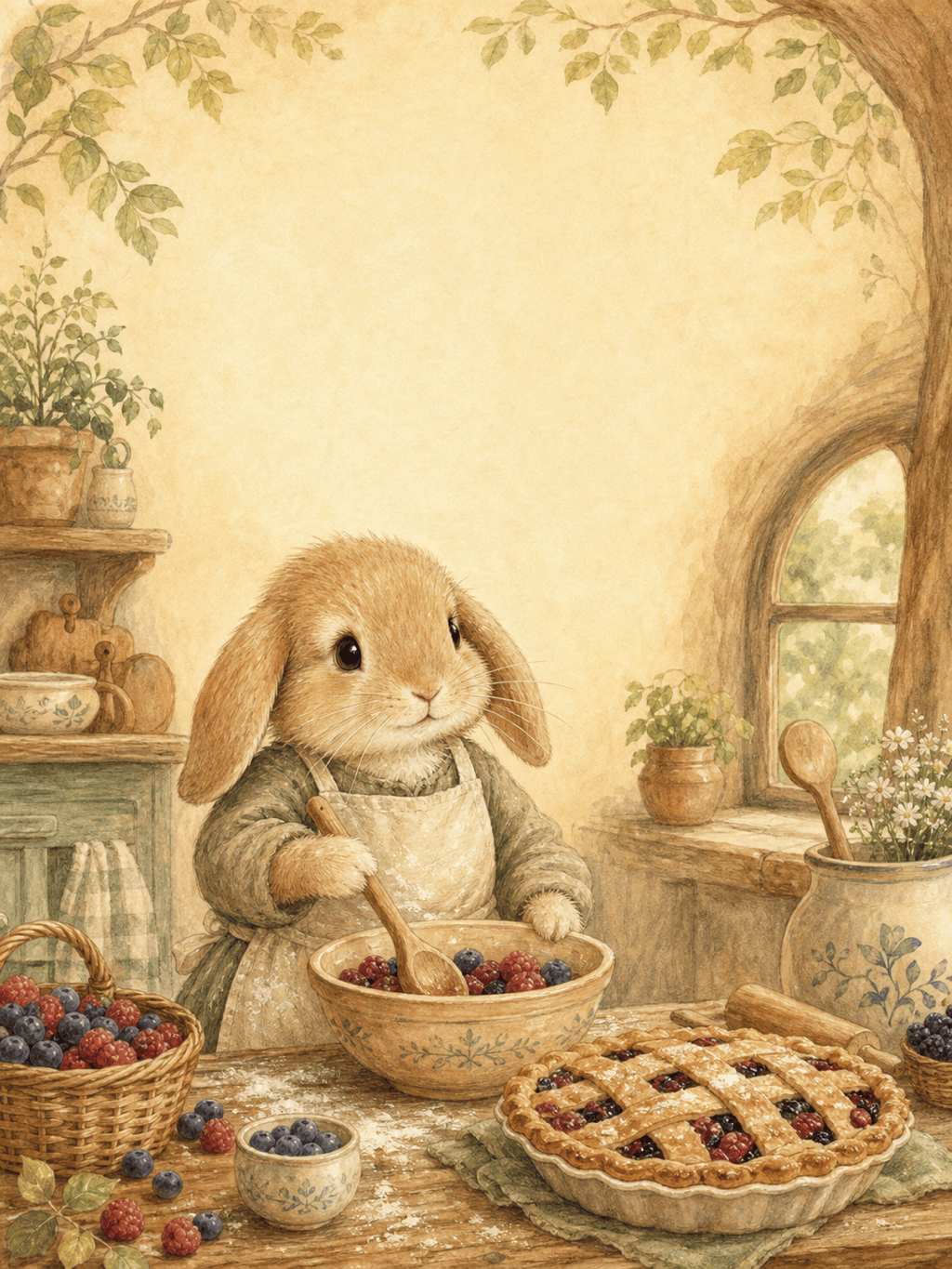
Children’s Book Animal: Illustrate a small lop-eared rabbit baking berry pies in a cozy woodland kitchen. Flour on its apron, readable paws holding a wooden spoon, warm watercolor and pencil texture, gentle expressions, portrait page with space for story text at the top.
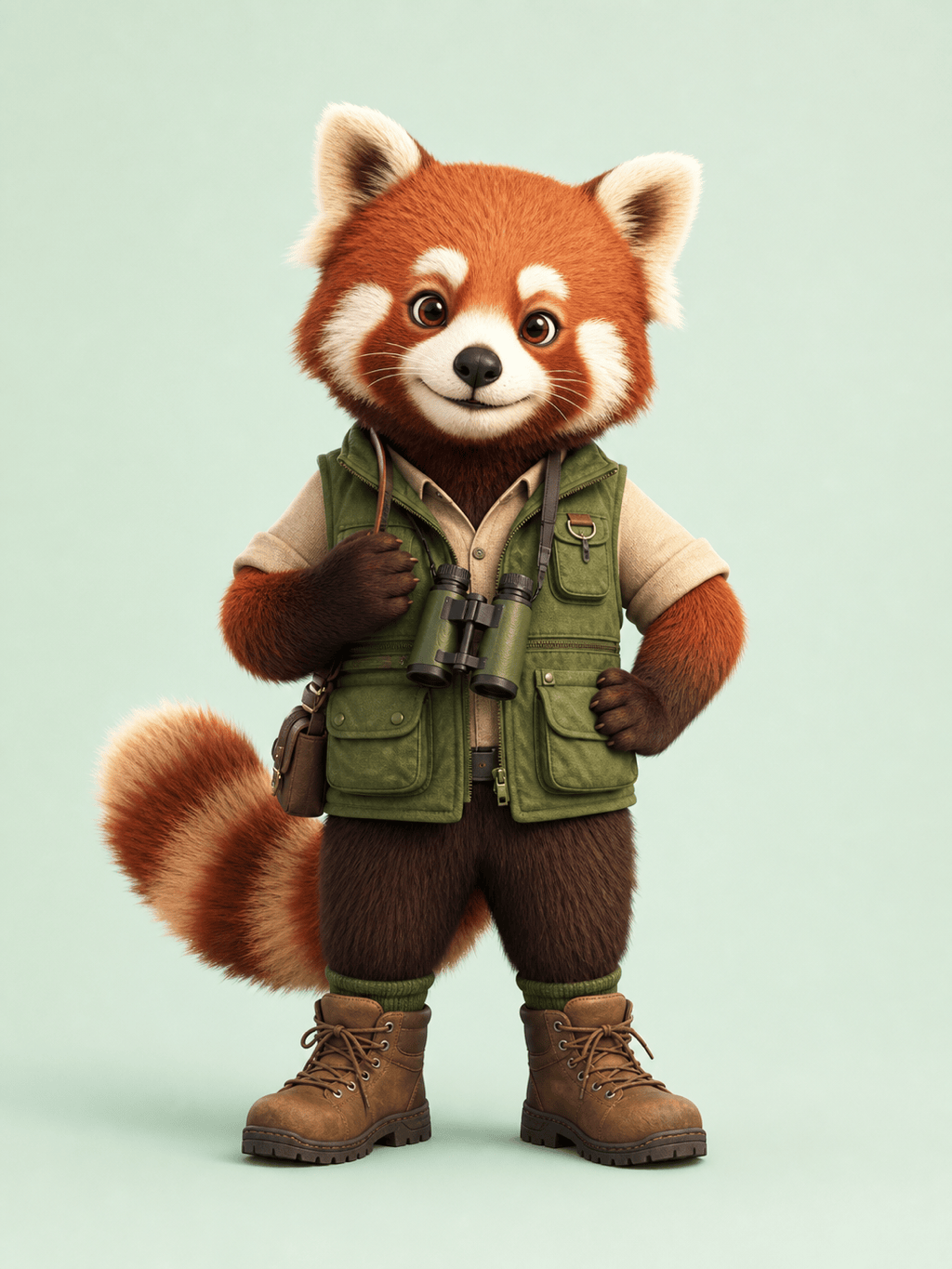
3D Animal Character: Design a friendly red panda explorer for a nature-learning app. Rust-red and cream fur, compact proportions, green field vest, small binoculars, confident standing pose, polished stylized 3D render, simple pale background, no logo.
Bird Field Illustration: Create a detailed kingfisher perched above a clear stream. Accurate cobalt and orange plumage, correct beak and feet, side view, fine ink and watercolor on ivory paper, isolated botanical accents, no labels.
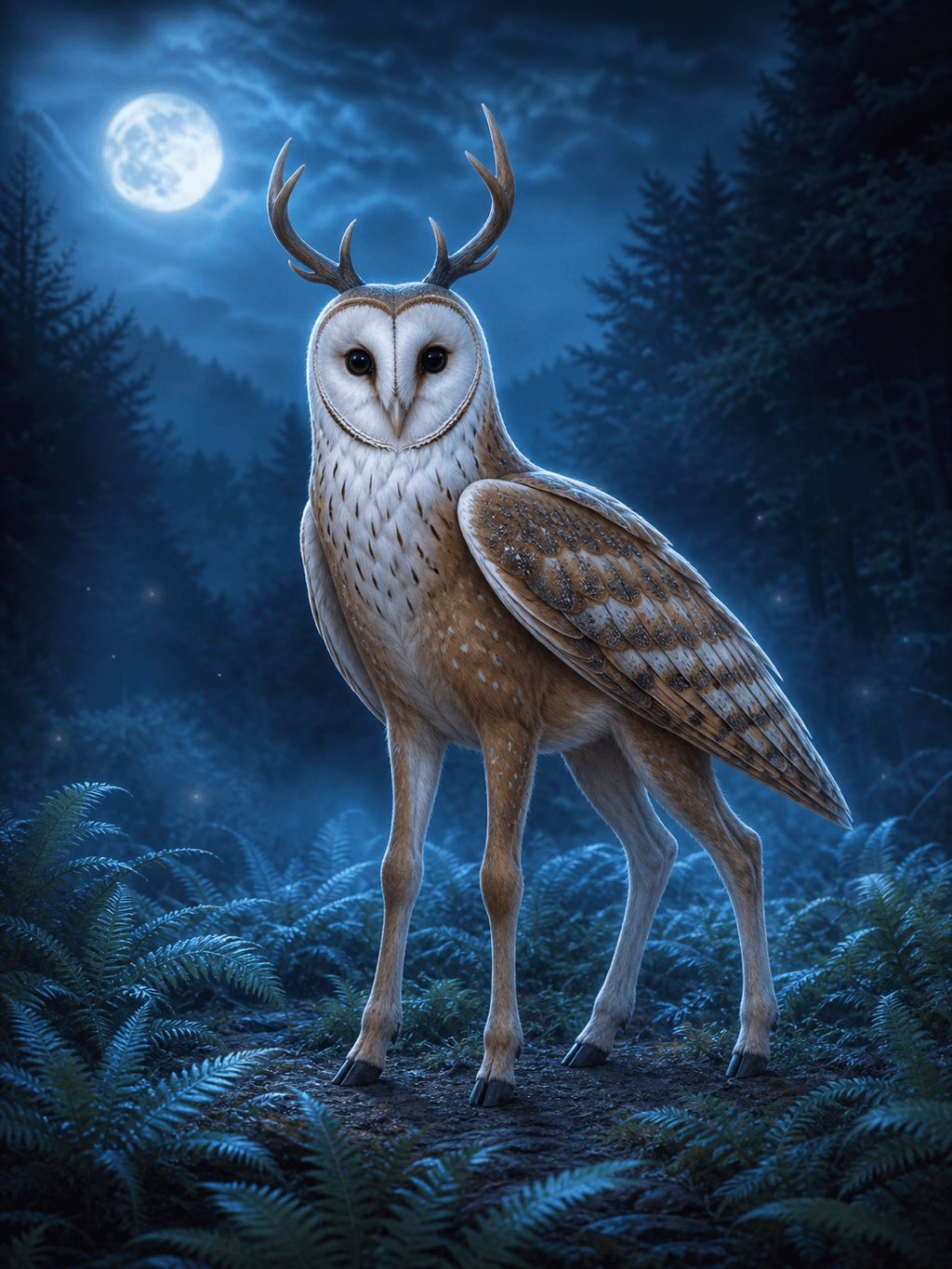
Original Hybrid Animal: Create a quiet forest guardian that combines the body and hooves of a small deer with the facial disk, feather texture, and wings of a barn owl. Believable joint transitions, moonlit fern clearing, full-body concept art, no armor or text.





