Free OnlineAI Ambigram Generator

Turn a name, word pair, or short phrase into an original ambigram lettering concept. Mew Design - AI Design Agent works as an online AI ambigram maker for rotational logos, two-name tattoos, mirror word art, band marks, wedding details, and personal lettering studies.

How to Create Ambigram Lettering with AI

Choose the words, define the symmetry, generate a letterform direction, test both readings, and prepare the concept for refinement.
1

Choose the Words and Rule

Enter one word for a rotational ambigram, or two compatible words for a word-pair concept. State whether the design should read after a 180° turn, in a mirror, or as a visual transformation.
2

Set the Lettering Direction

Describe the mood, weight, and setting: bold gothic for a tattoo, clean geometry for an ambigram logo, engraved lettering for jewelry, or a softer script for wedding stationery. Short words and clear letter pairs are easier to read.
3

Generate and Test Both Views

Ask the AI ambigram generator for several custom letterform concepts, then rotate the canvas or preview the mirror reading. Use Chat Edit to simplify a difficult letter, balance the counterforms, tighten spacing, or improve the silhouette.
4

Refine, Verify, and Export

Compare the normal and transformed readings at the intended size. Export a PNG or JPG concept for a tattoo artist, logo designer, engraver, or print review; rebuild final vector artwork in professional lettering software when production precision matters.
Create ambigram lettering with AI

Make Both Readings Belong to One Design

Rotational and Mirror Briefs

Explain whether the word should survive a 180° rotation or a reflective flip. The AI design agent can turn that rule into a visual direction instead of treating the result as ordinary decorative text.

One Word or Two-Name Concepts

Explore a single-word ambigram, a two-name tattoo, or a paired phrase such as LOVE / HATE. Matching word length and compatible letter shapes usually produce clearer early concepts.

Letterforms With a Readability Check

Ask for strong silhouettes, open counters, controlled stroke weight, and spacing that survives both orientations. Test the design at tattoo, logo, jewelry, or social-avatar size before choosing a direction.

Styles for Tattoos, Logos, and Keepsakes

Generate gothic, blackletter, geometric, monoline, engraved, modern wordmark, or ornamental directions for a tattoo sketch, ambigram logo, band mark, wedding detail, or gift.

Targeted Changes With Chat Edit

Request a cleaner A-to-V transition, a heavier outer silhouette, less ornament, more negative space, or a different border without starting the lettering brief again.

A Concept With Honest Production Limits

Use the free AI ambigram generator online to explore ideas and compare readings. Generated lettering is a concept until you verify every character, licensing concern, and final vector path for the intended tattoo or commercial logo.

How to Prompt an AI Ambigram Generator

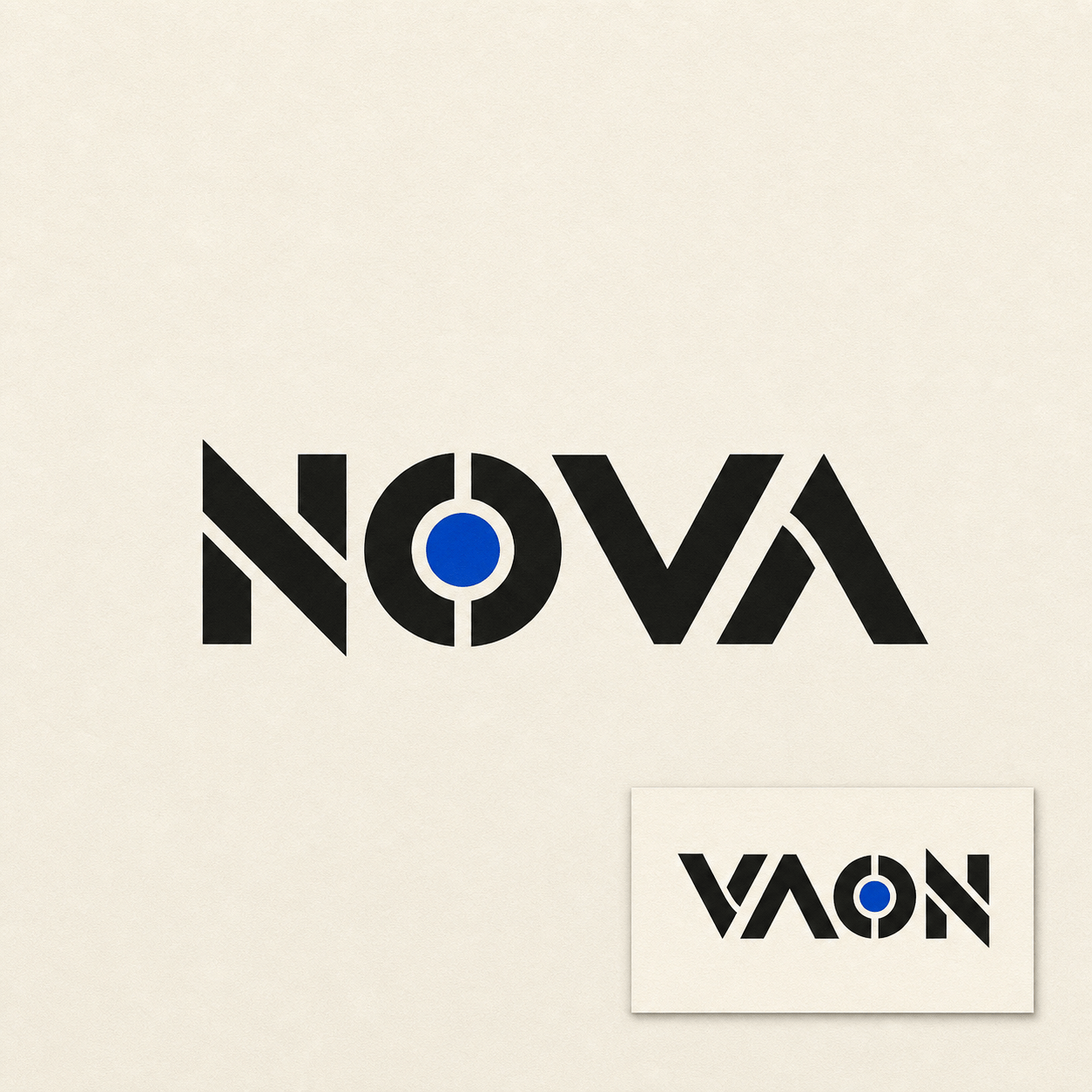
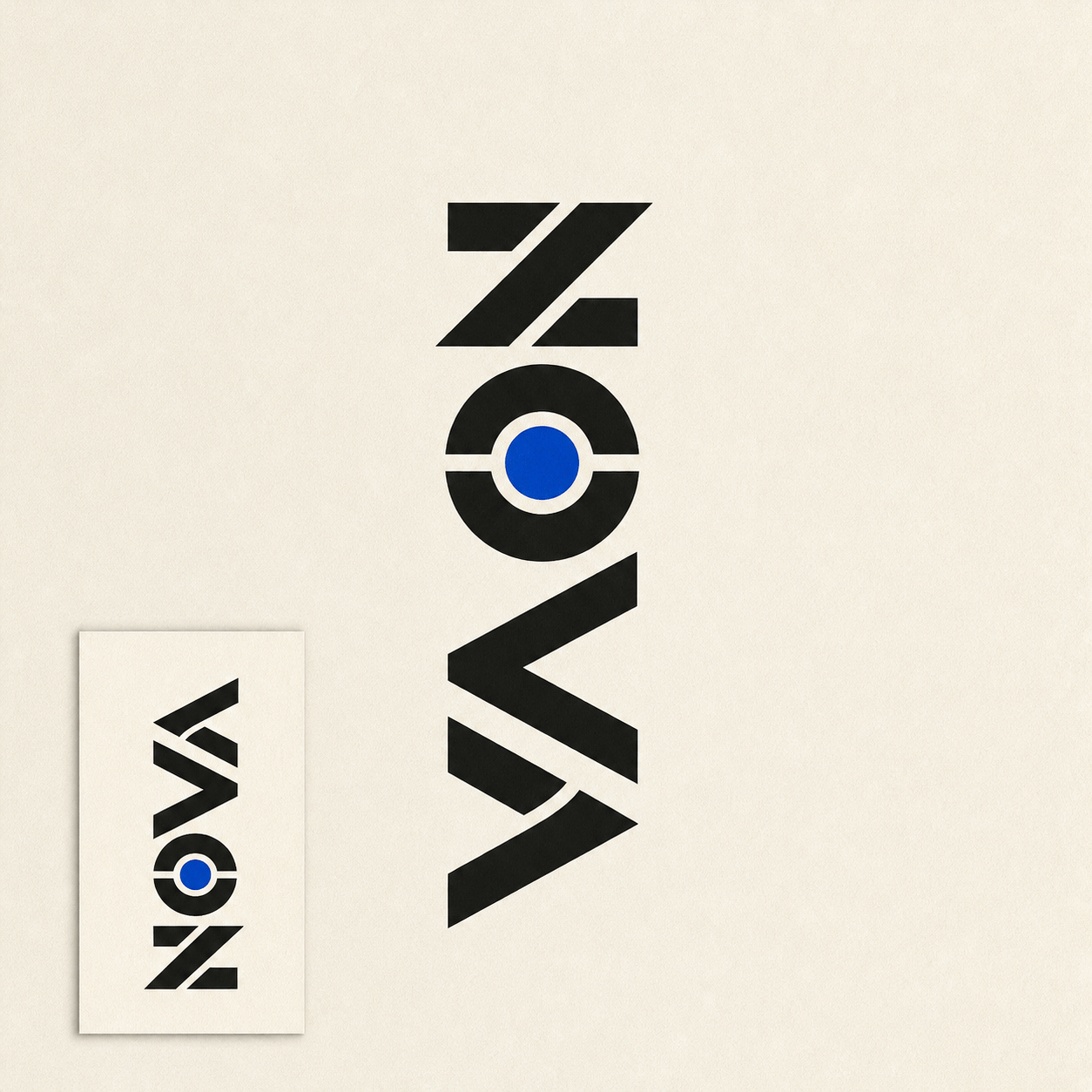
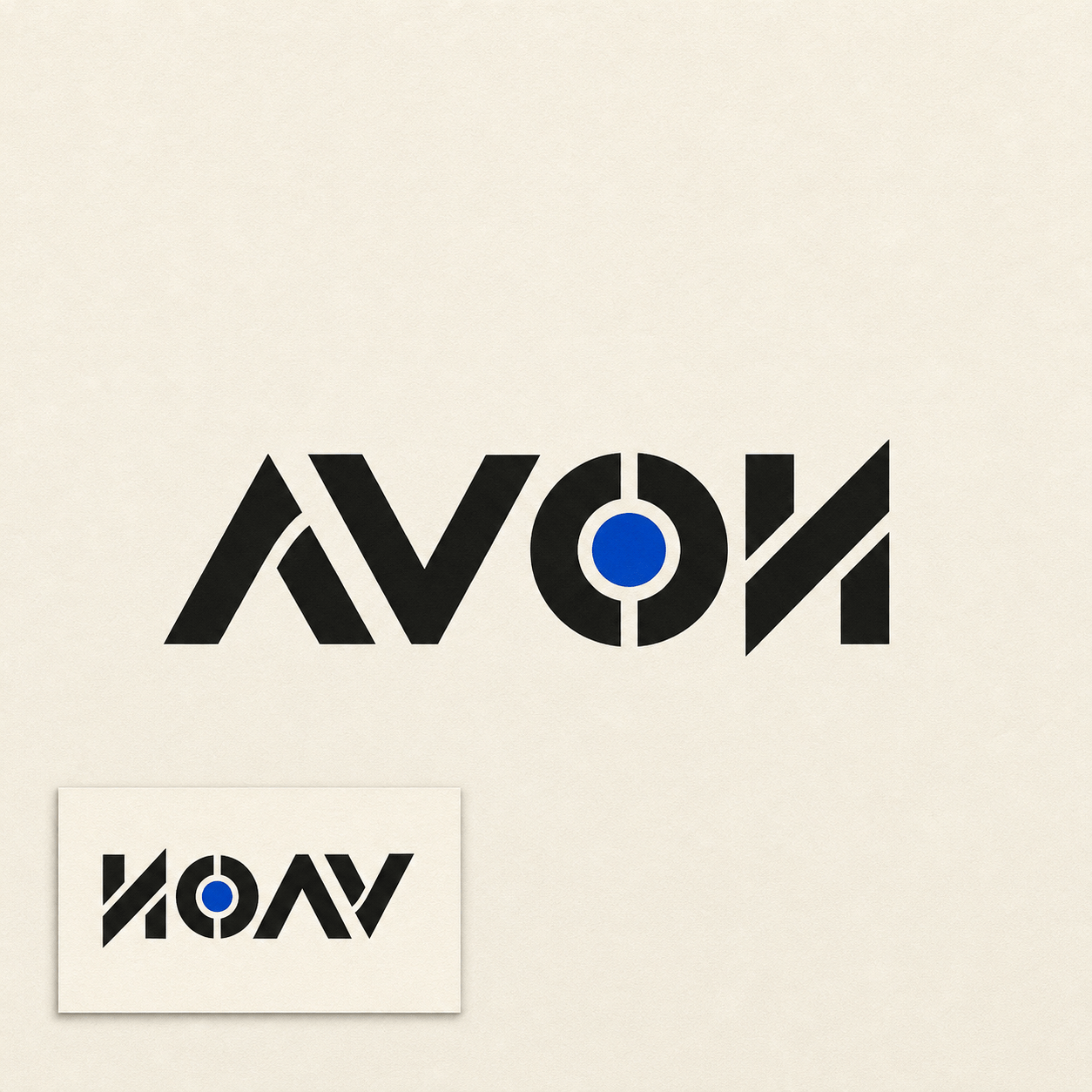
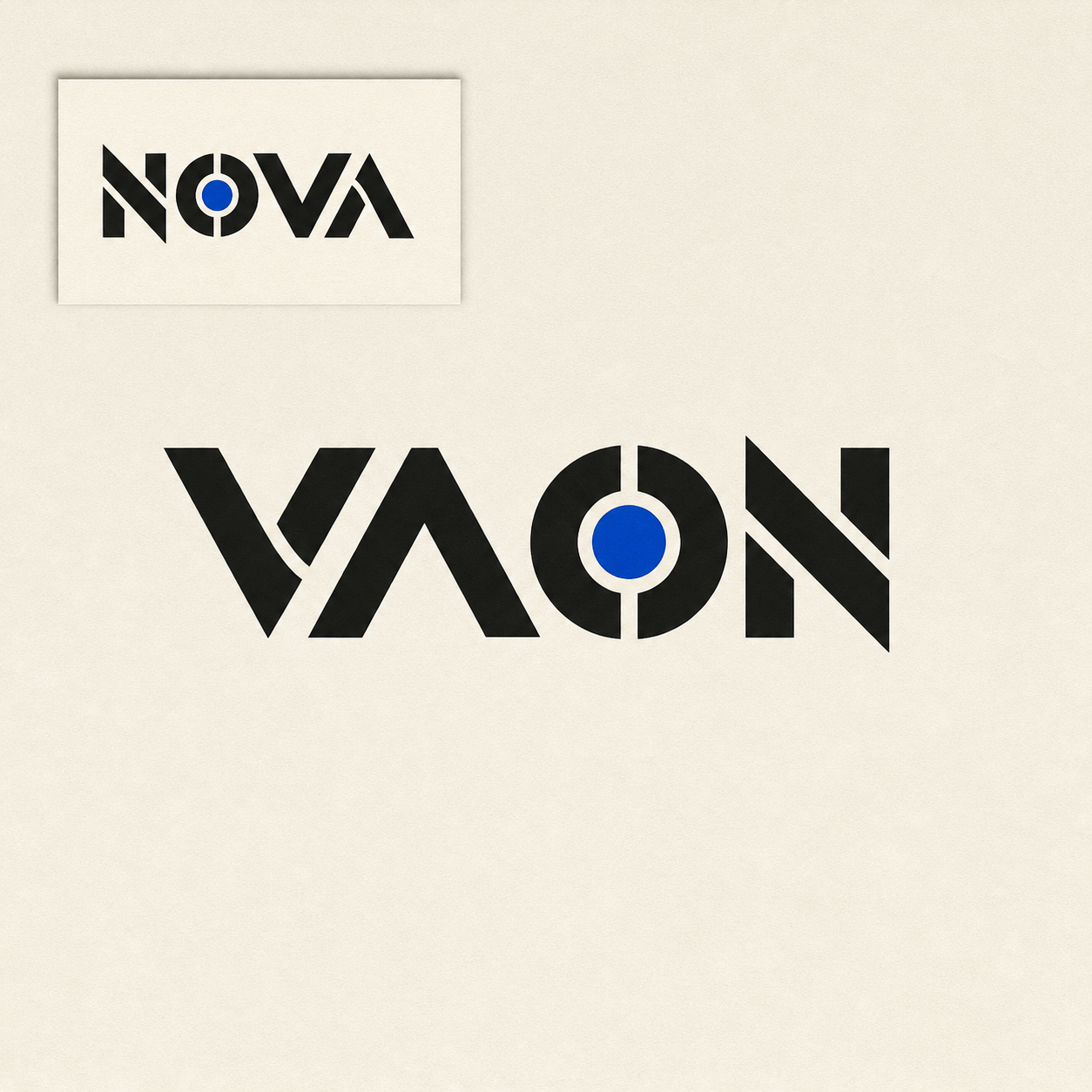
Create a square black-and-cream rotational ambigram logo concept for the word "NOVA". It should read as NOVA after a 180° rotation, using bold geometric letterforms, balanced outer weight, open counters, and a compact centered silhouette. Show the normal view and a small rotated preview on a clean paper background. No extra words, mockup, trademark, or claim that the lettering is final vector artwork.
When using an AI ambigram generator for a tattoo or logo, provide the exact word or pair, the transformation rule, style, intended size, and how the normal and rotated readings should be checked.
  • Start with workable words: Short words, similar word lengths, and compatible letter shapes give the model more room to build a readable transformation. Test difficult pairs as concepts before promising a final design.
  • Name the symmetry: Say rotational 180°, mirror, half-turn, or a different-word pair. Do not assume an upside-down Unicode converter creates a custom ambigram letterform.
  • Protect the silhouette: Request open counters, controlled stroke weight, intentional negative space, and a clean outline that remains legible when the art is small or inked.
  • Plan the handoff: Mention tattoo placement, logo lockup, engraving, apparel, or print. Treat the AI output as a reference and ask a qualified artist or designer to verify the final paths and rights.

AI Ambigram Prompt Examples for Real Use Cases

Create a bold rotational ambigram logo concept for "NOVA" that reads NOVA after a 180° turn. Use black geometric lettering, balanced weight, open counters, a compact square silhouette, normal and rotated previews, and no extra text.

Design a gothic two-name ambigram tattoo concept for "MAYA" and "NOAH". Explore a vertical composition with mirrored letter connections, restrained ornamental flourishes, strong black ink shapes, and enough negative space for a forearm placement. Concept only; no claim of tattoo-ready stencil.

Create an engraved ambigram monogram for a wedding keepsake using the initials "A" and "M". Build a symmetrical mark with fine but durable lines, a circular medallion frame, subtle laurel geometry, and a clean black-on-ivory presentation.

Generate a modern band logo concept for "ECHO" that remains readable when rotated 180°. Use a custom monoline wordmark, high contrast, balanced negative space, a simple single-color version, and a small rotated proof beside the main mark.

Create a mirror ambigram word-art poster for "REFLECT". Use a vertical mirror axis, elegant high-contrast serif lettering, a centered composition, generous margins, and a faint reflection guide. Keep the design monochrome and do not add unrelated copy.

Design a playful two-word ambigram concept for a gift print reading "LOVE" and "LIFE". Explore friendly rounded lettering, a clear half-turn relationship, coral and navy accents, a square print layout, and normal plus rotated readability checks.

AI Ambigram Generator FAQ

It is an AI design tool for exploring lettering that can be read in more than one orientation. You provide a word, word pair, or phrase and define a 180° rotation, mirror, or related transformation before refining the visual concept.
Yes. Sign up for free AI credits and use the online generator to explore ambigram directions. Credit use depends on the model and the number of variations or edits you request.
A rotational ambigram is read after turning the design, commonly 180°. A mirror ambigram is read through a reflective flip. State the rule in your prompt so the composition is designed around the correct axis or rotation.
You can explore a two-name tattoo concept with a word pair, placement, ink style, and size. Shorter words with compatible shapes are easier to develop, and a tattoo artist should verify the final stencil and how it will age on skin.
Yes, it can generate logo directions with a one-color silhouette, brand mood, and normal or rotated previews. Check trademarks, distinctiveness, licensing, and editable vector paths before commercial launch.
Ambigrams require custom letterform construction, and image models can distort spelling, counters, or symmetry. Use short inputs, request a readable proof, edit one letter relationship at a time, and verify every character at the final size.
You can upload a permitted reference and explain which style, stroke, border, or composition should guide a new concept. Do not copy a protected logo or another artist’s lettering without permission.
It creates visual concepts that you can export as PNG or JPG. It does not guarantee clean SVG, EPS, or production-ready vector paths, so rebuild and proof the final lettering in professional software before manufacturing or publishing.

Ready to Generate Designs With AI?

Get Started - 50 Free Credits
No credit card required
© 2025 - 2026 Mew Design, MAGOAI LTD.All rights reserved.
Mew Design - Your AI design partner, now with full control. | Product Hunt